Best Digital Planners for ADHD Adults Who Can’t Stick to Paper
Five digital planners for ADHD adults that actually replaced my abandoned paper ones, and what each one does that a notebook never could.
Best Digital Planners for ADHD Adults Who Can’t Stick to Paper
Five digital planners for ADHD adults that actually replaced my abandoned paper ones, and what each one does that a notebook never could.
I have four paper planners in a drawer, two from this year. The nicest one lasted exactly 11 days before becoming a Post-it surface and a grocery list I never used. The problem isn’t paper. A paper planner doesn’t ping me when my 2pm brain has forgotten everything my 9am brain planned. These five digital planners do.
The short version
Structured — visual timeline daily planner. Best for iPhone users who need to see their day as a map, not a list. Free; Pro ~$6.99/mo.
Lifestack — energy-aware daily planner that schedules tasks around your cognitive peaks. Best for wearable users with predictable energy patterns. $7/mo or $50/yr.
Sunsama — intentional daily planner that pulls tasks from your other tools into one focused view. Best for people with scattered projects across multiple apps. $20/mo.
TickTick — task manager and calendar combined, with a built-in Pomodoro timer. Best for budget-conscious planners who don’t want to switch apps. Free; Premium $2.99/mo.
Notion — flexible workspace you build into your own planner system. Best for the type who liked bullet journaling but wants it digital. Free; Plus $10/mo.
1. Structured: Best Visual Digital Planner for ADHD Adults
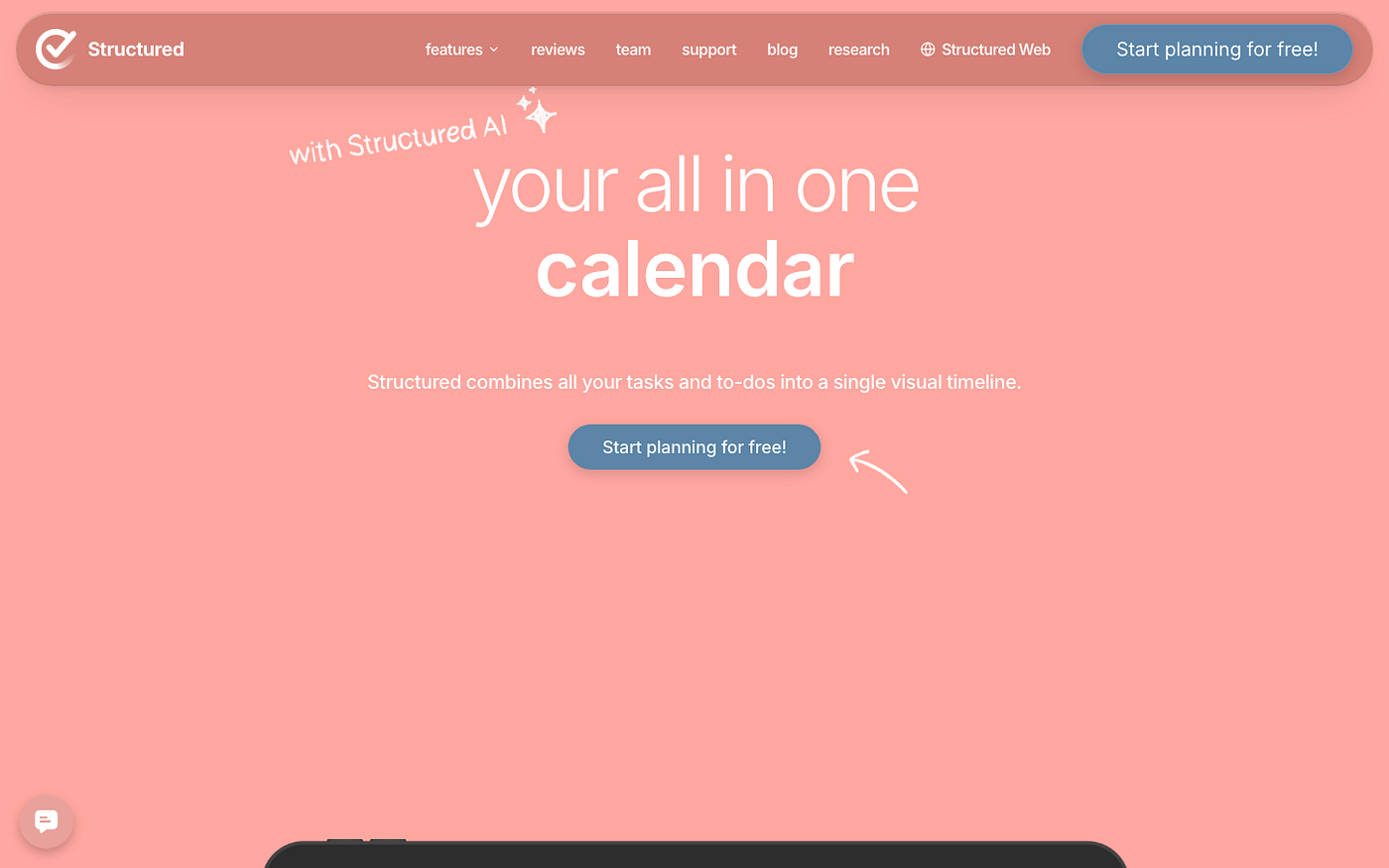
Structured is a visual timeline planner that puts your entire day on a scrollable strip. Instead of a task list, you see color-coded time blocks laid out chronologically, draggable, with a live progress indicator showing where you are in the day. Available on iPhone, iPad, and Mac.
What I actually use it for is making time visible in a way a list never does. When I try to schedule something at 10am and can see I’ve already blocked 9 to 10:30 for a call, there’s no room to fool myself. On a list, that task would just sit there looking reasonable until I missed it. The visual override is the whole point.
Structured doesn’t handle recurring tasks or calendar integration without Pro. The free version is good for building daily plans from scratch, but pulling in existing Google Calendar events on the same timeline is a Pro feature. Also iOS and Mac only. If you’re on Android, this one’s not for you.
Pricing: Free; Pro ~$6.99/mo or ~$29.99/yr (regional pricing varies). Best for: visual thinkers on Apple devices who need to see the shape of their day, not just a list of things to do.
2. Lifestack: Daily Planner for ADHD That Schedules Around Your Energy
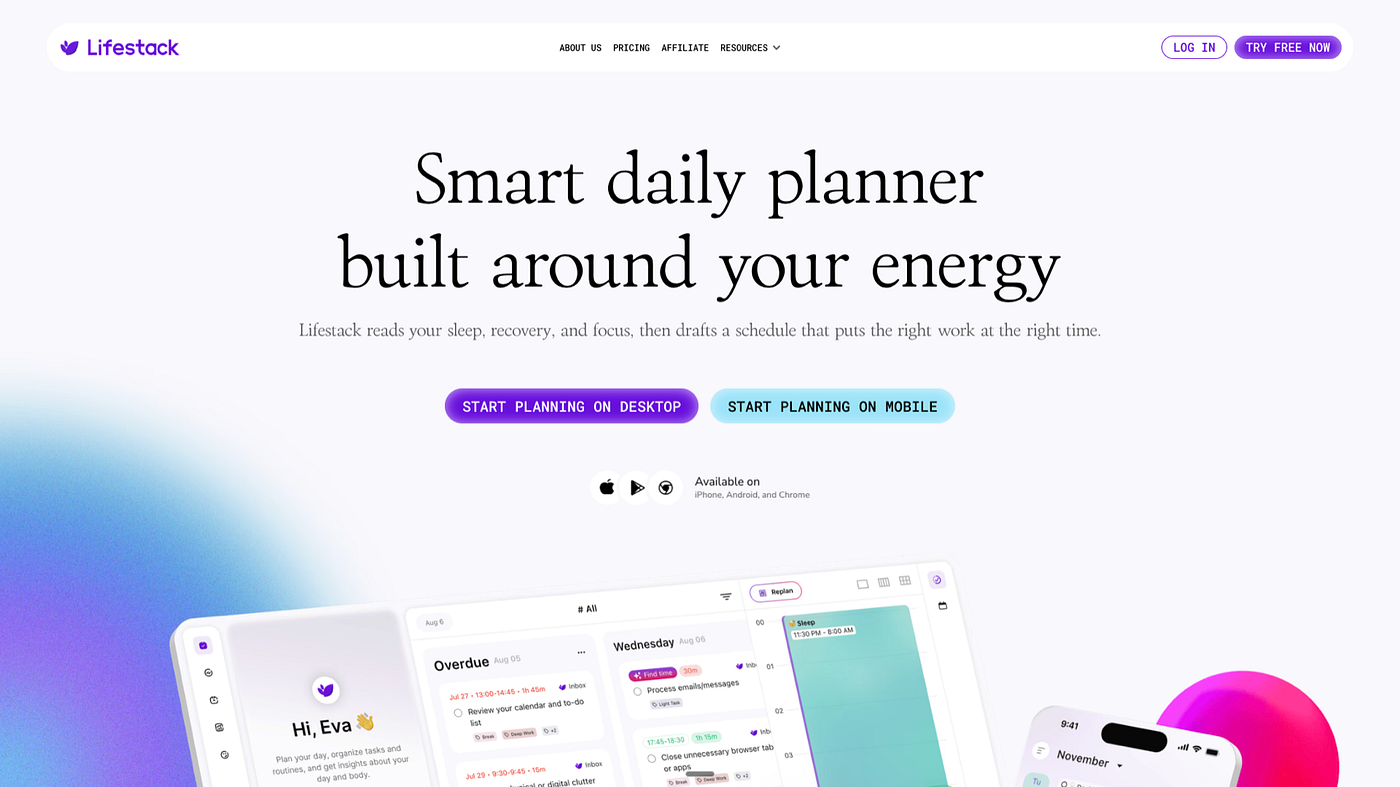
Lifestack is a daily planner that reads energy data from a wearable (Oura, Apple Health, WHOOP, Garmin, or Fitbit) and uses it to schedule your tasks. Deep-focus work goes at your cognitive peaks. Lighter tasks go in the crash windows. That’s the whole idea, and it’s a better idea than any paper planner I’ve tried.
What sold me was the medication window feature. I can mark the window when my focus meds are active and Lifestack stops scheduling cognitive work for 5pm. It’s an embarrassingly simple thing to want from a planner and almost nothing else does it. The energy curve it generates is also useful just for awareness. Seeing that my 4pm is reliably worse than my 10am helped me stop scheduling deep work there and then wondering why it never got done.
The first week is frustrating. Lifestack needs enough health data to build an accurate picture, so if you set it up on Monday it won’t feel smart until Thursday. If you don’t have a wearable, you’re working from manual energy check-ins, which is fine but loses half the value. The setup has a learning curve that doesn’t match how simple the promise sounds.
Pricing: $7/mo, $50/yr (7-day free trial on annual), or $120 lifetime. Best for: ADHD adults with a wearable who’ve noticed their energy follows a pattern and want a planner that actually accounts for it.
3. Sunsama: Digital Planner for Scattered ADHD Projects
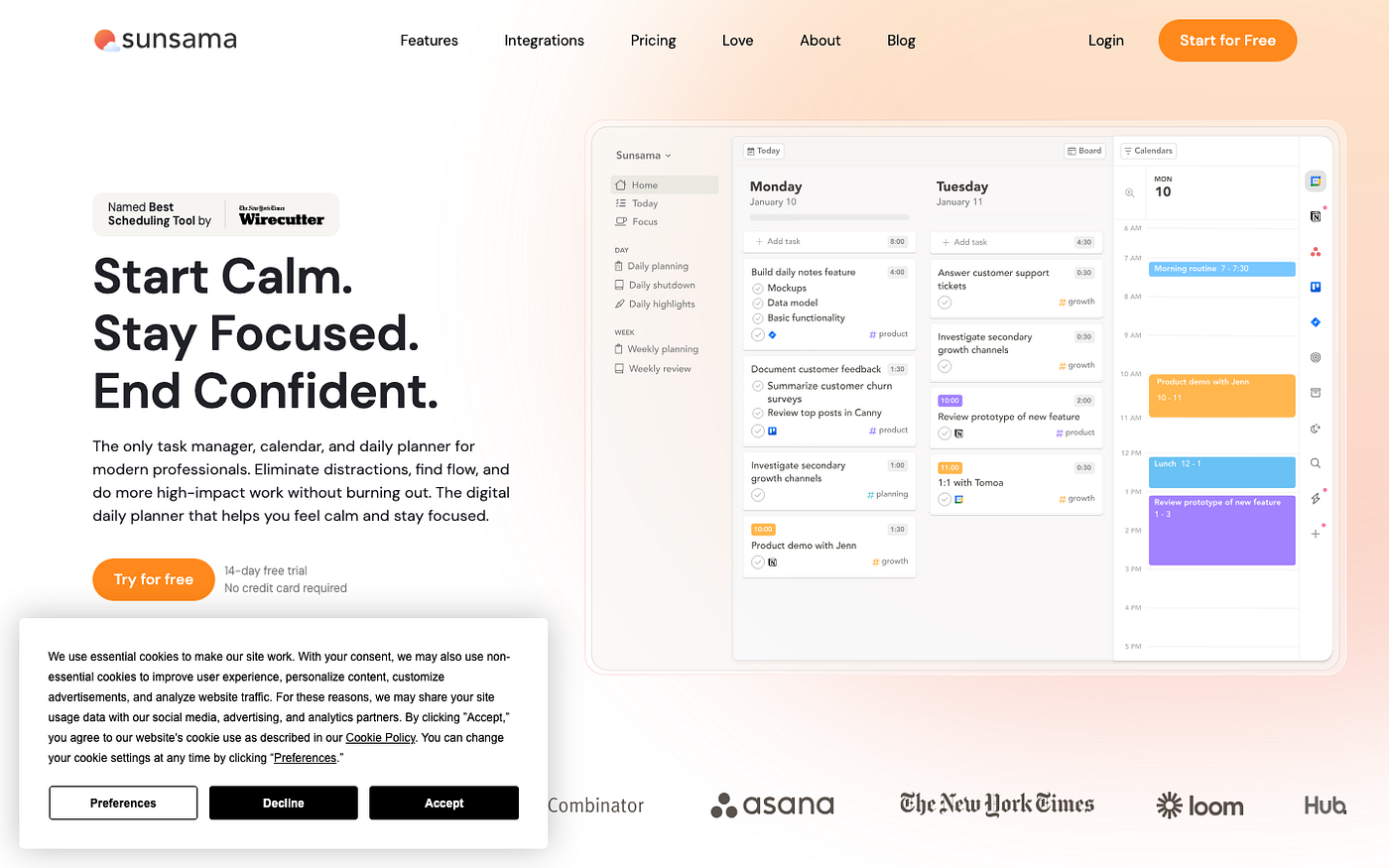
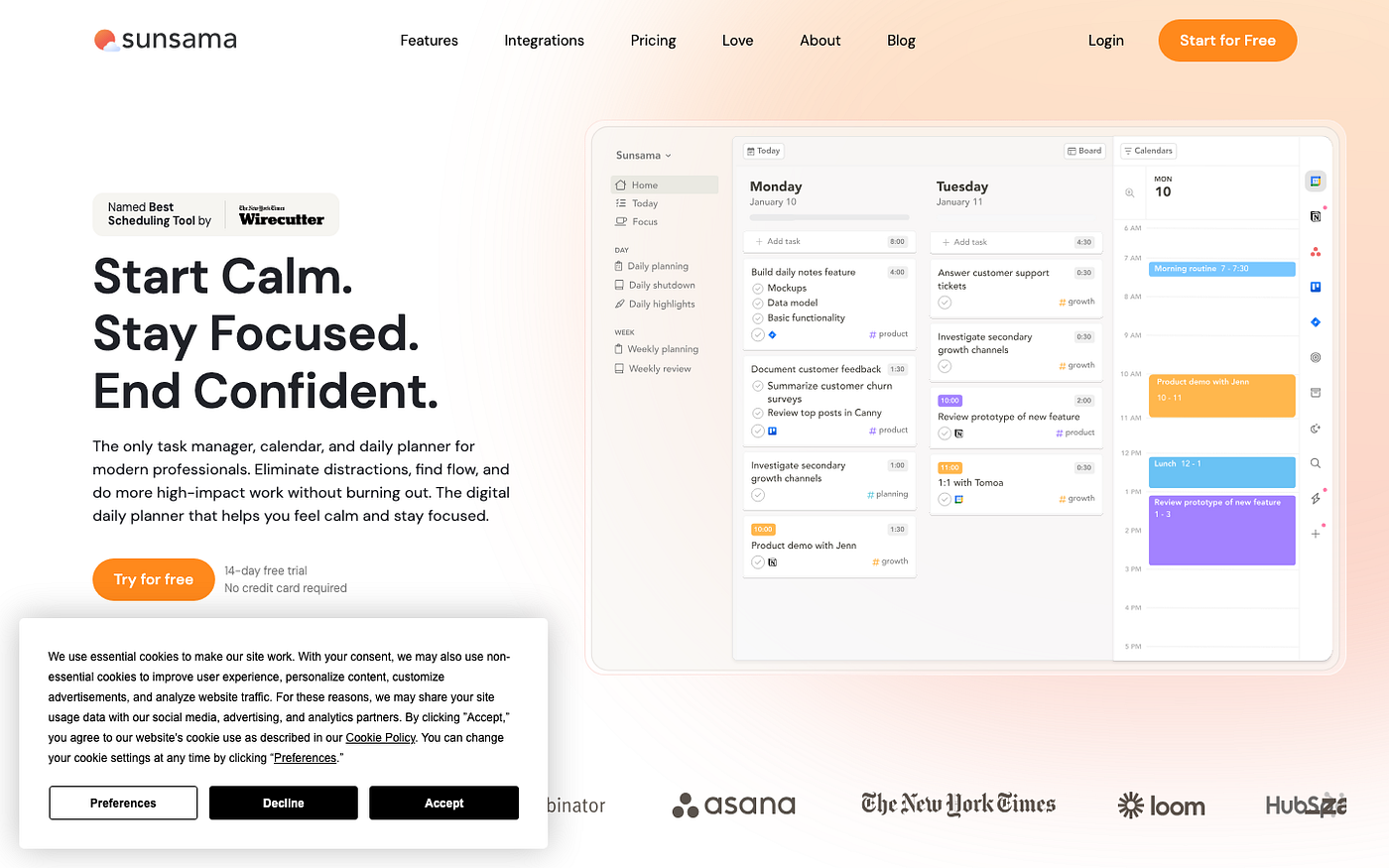
Sunsama is a daily planner built around one idea: choosing, deliberately, what you’ll actually do today. It integrates with Asana, Trello, Linear, Notion, Slack, Gmail, and your calendar, then pulls tasks from all of them so you can pick the day’s work from one screen instead of cycling through six apps.
What I get from Sunsama is the morning planning session. Takes about 10 minutes. You pick what’s real for today out of the full backlog, time-block it, and close the planner. For a brain that opens 11 tabs in 11 apps every morning, this is the most useful 10 minutes in my day. The daily review prompt at end-of-day is also good when I actually do it, which is not every day.
Sunsama is $20/mo, which is steep. If you don’t have tools to pull tasks from, the main selling point disappears and you’ve paid $20 for a calendar you type into manually. It also stings during crash weeks when you barely open it. Sunsama rewards consistent planners. If your planning is itself inconsistent, you’ll feel that gap in your bank account.
Pricing: $20/mo or $16/mo billed annually. Best for: people with tasks scattered across multiple project tools who need a single daily view to make sense of it all.
4. TickTick: Budget Digital Planner for ADHD Adults
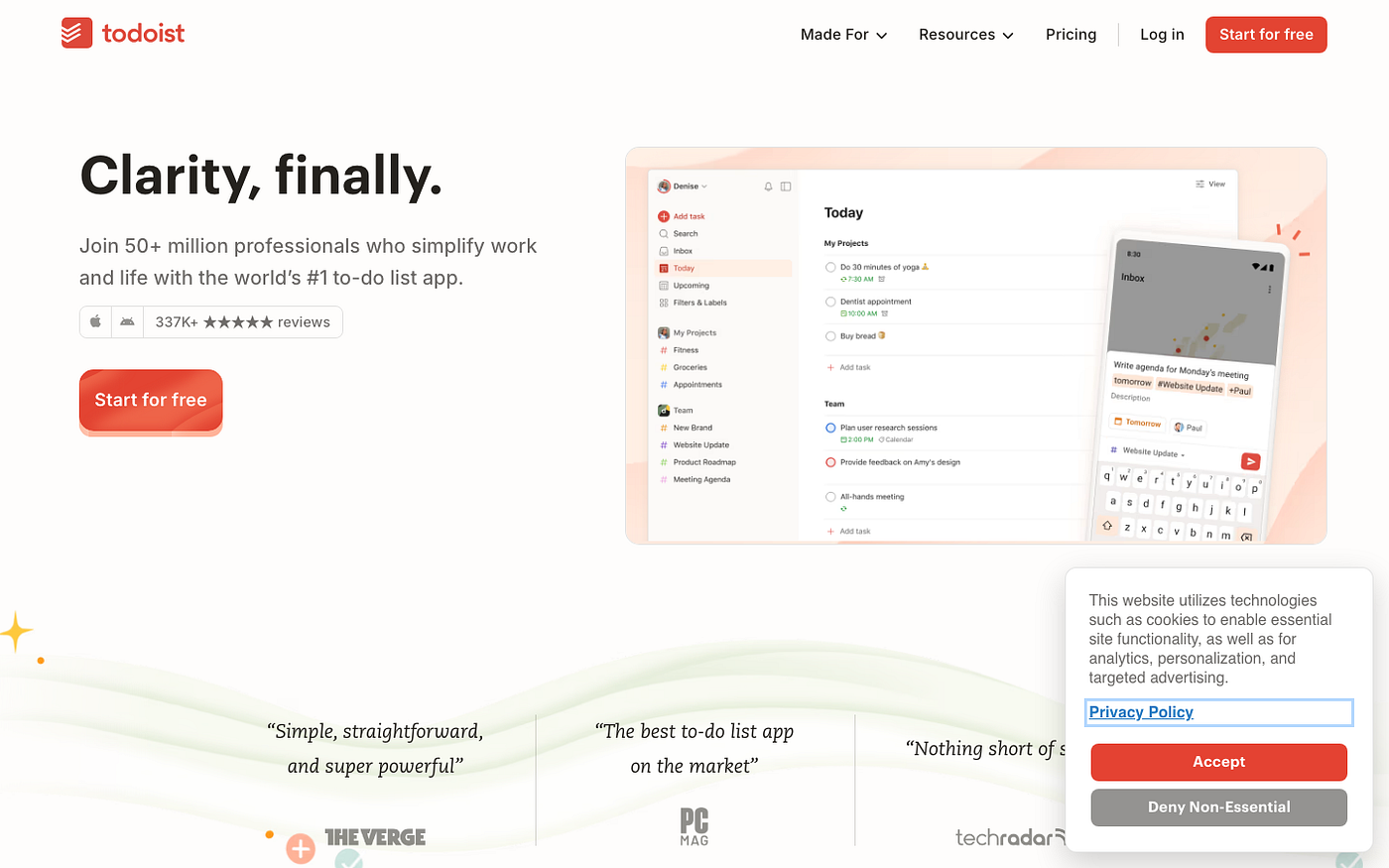
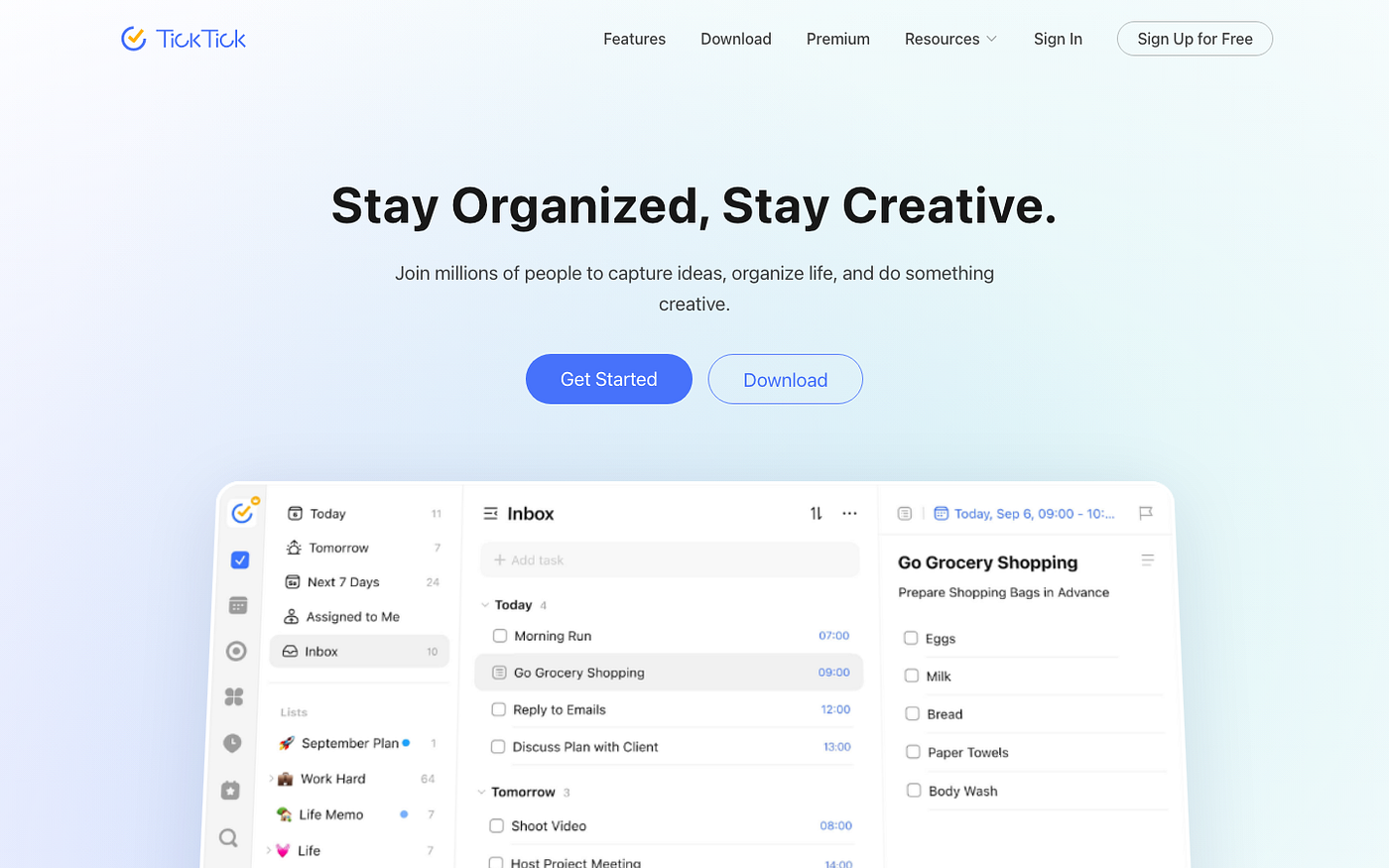
TickTick is a task manager and calendar combined, with a Pomodoro timer built in. The calendar view shows tasks alongside your scheduled events on a single timeline, which means it functions as a daily planner without requiring a separate app for tasks and a separate app for your schedule.
What keeps me in TickTick is the timeline view. I add a task, give it a duration, and it drops into my day at the right slot. I can see immediately whether I’m overscheduled. For a brain that routinely plans nine hours of work into a six-hour window, this reality check is useful to have built in rather than something I have to calculate separately every morning.
The free version undersells what the app actually does. Calendar sync, multi-view, and the Pomodoro timer are all Premium. At $2.99/mo it’s the cheapest option on this list, but the gap between free and paid is bigger than the download page suggests. The UI also gets dense fast. TickTick is trying to do a lot and the feature count shows on a bad focus day.
Pricing: Free; Premium $2.99/mo or $27.99/yr. Best for: budget-conscious planners who want tasks and calendar in one place without managing two separate apps.
5. Notion: DIY Digital Planner for ADHD System Builders
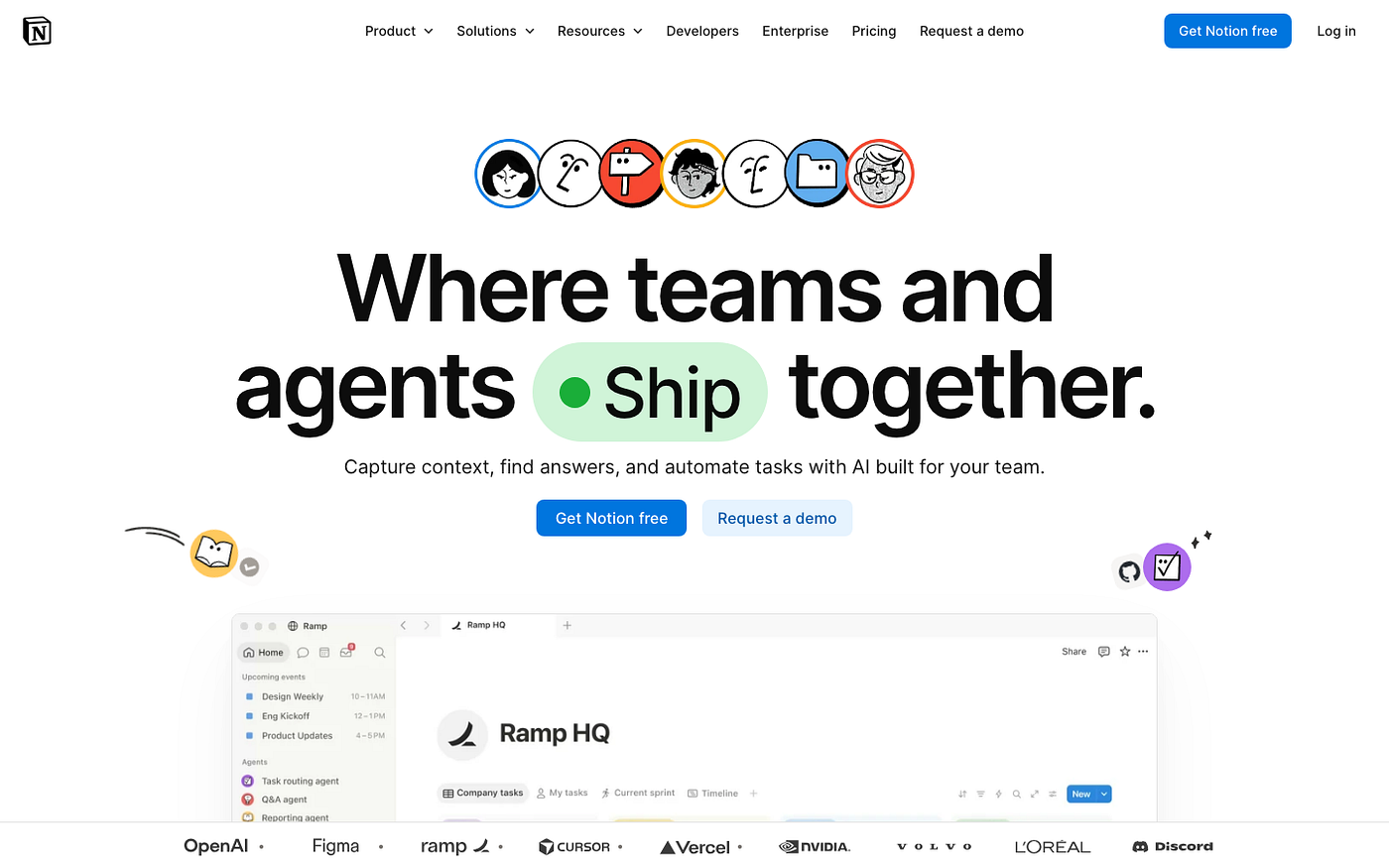
Notion is a workspace app that lets you build whatever you want, including a daily planner. There’s no planner built in, but the free template gallery has weekly planners, task boards, and daily logs. The closest thing to a paper planner I’ve found in digital form is a Notion page I set up myself.
I use a weekly planner template in Notion that looks almost exactly like a paper planner: a column for each day, a priority slot, a running task list, a notes area. Two hours to build once, used the same layout for six months. The difference from paper is that I can paste in links, access it on my phone, and duplicate it every week in one click without rewriting anything.
Notion is only as good as the system you build in it. Open it with no template and you have a blank page and a lot of decisions. The ADHD failure mode here is spending an afternoon building the perfect planner in Notion and then never actually using it because the building was more engaging than the planning. Notion also doesn’t send reminders in any meaningful way. If you need the app to find you, Notion won’t.
Pricing: Free (with storage and guest limits); Plus $10/mo billed annually. Best for: people who liked the customizability of bullet journaling and want a digital version they can search and access anywhere.
FAQ
What’s the best digital planner for ADHD adults?
Depends what’s breaking for you. If you lose tasks across multiple apps, try Sunsama. If time blindness is the main issue, Structured — or the calendar-specific roundup I wrote on calendar apps for ADHD time blindness goes deeper on that. If you crash every afternoon and can’t predict when you’ll be functional, Lifestack. There’s no single answer because ADHD is not one problem.
Is Lifestack worth it if I already use Google Calendar?
It depends on what you use Google Calendar for. If you block time and mostly stick to it, Lifestack might not add enough to justify the cost. The difference is the energy layer. Google Calendar doesn’t know that the 3pm slot you blocked for focused writing is your worst cognitive window of the day. Lifestack does, once it has your data. If that specific gap is familiar, the $7/mo is worth a trial.
Which of these digital planners works without a subscription?
Structured and Notion both have genuinely functional free tiers. Structured’s free version handles single-day planning without calendar sync. Notion’s free tier works well for solo use. TickTick’s free tier exists but is more limited than either. Sunsama and Lifestack are subscription-only. If you’re not ready to pay, start with Structured or Notion and see which approach fits.
Which digital planner is closest to a paper planner?
Notion, by a lot. You can build a page that looks exactly like a paper planner, with a week-at-a-glance layout, a priority column, and whatever sections you’d put in a notebook. The tradeoff: Notion doesn’t remind you it exists. If you needed the planner sitting on your desk to remember to open it, a Notion page has the same problem. Structured gets closest on the visual side while still having actual notifications.
Can I use Structured and Lifestack together?
Yes. Some people do. Lifestack tells you when to schedule deep work based on your energy data. Structured shows what the full day looks like visually. They don’t sync directly, so you’d manage them separately, but they’re not redundant. Think of it as an energy map plus a time map. If two-app overhead sounds annoying, pick one. Most people find one does enough.
What if I’ve tried digital planners before and kept bouncing off them?
The bounce usually happens in week two when the novelty fades and the app is still asking you to do work. That’s not a Structured problem or a TickTick problem. It’s the dopamine cliff. The apps with the best week-two retention in my experience are ones that reduce the friction of opening them: Sunsama’s daily planning ritual, Lifestack’s energy-based nudges, Structured’s visual pull. Starting with a free option gives you less to lose when the shiny fades.
Does TickTick sync with Google Calendar?
TickTick Premium syncs with Google Calendar and Apple Calendar. Your calendar events appear in TickTick’s timeline view alongside your tasks, so you get the full picture in one place. The sync is bi-directional for tasks you create in TickTick, though events created in Google Calendar show as read-only. It works well enough once it’s set up, which takes maybe five minutes.
Paper planners fail me for one reason: they can’t find me when my brain has moved somewhere else. At 4pm, when my ability to remember what I planned at 9am is close to zero, I need something that comes to me. All five of these apps do that, in different ways. The right one depends on which part of the planning cycle is where things fall apart for you. Start there, not with whichever one has the cleanest aesthetic.
메타데이터
- post_id
- 0eefc99353b3
- slug
- best-digital-planners-for-adhd-adults-who-cant-stick-to-paper-0eefc99353b3
- url
- https://medium.com/@maya.benson334/best-digital-planners-for-adhd-adults-who-cant-stick-to-paper-0eefc99353b3
- canonical_url
- https://medium.com/@maya.benson334/best-digital-planners-for-adhd-adults-who-cant-stick-to-paper-0eefc99353b3
- author_url
- https://medium.com/@maya.benson334
- status
- ok
- fetched_at
- 2026-08-01 22:35:01