Building an OpenShift AI Lab-Part 2
Getting OpenShift Running
Building an OpenShift AI Lab-Part 2
Getting OpenShift Running
At the end of Part 1, I had three laptops connected together, a network switch on the desk, and a rough idea of where I wanted the project to go.
What I didn’t have was a platform.
The next step was getting OpenShift installed and turning the hardware into something I could actually build on.
At a high level, this phase was fairly simple:
- Get the machines talking to each other
- Configure networking and DNS
- Deploy OpenShift
- Verify the cluster was healthy
Like most infrastructure work, the individual tasks weren’t particularly complicated. There were just a lot of moving pieces that all needed to line up.
Why OpenShift?
A few people have already asked why I chose OpenShift rather than one of the lighter Kubernetes distributions available.
Part of the answer is familiarity. I work with OpenShift regularly, so it made sense to build on a platform I already understood.
The other reason is that OpenShift was always part of the end goal.
The plan from the start was to eventually explore:
- OpenShift AI
- GPU Operator
- vLLM
- llm-d
- Multimodal inference workloads
- Benchmarking and observability
Starting with OpenShift meant I could build towards those goals from day one.
Getting the Basics in Place
Before I could even think about AI workloads, I needed to get the infrastructure side of things sorted.
That meant:
- Preparing the laptops
- Configuring networking
- Assigning addresses
- Setting up DNS
- Making sure everything could actually communicate
This is probably the least exciting part of any project, but it’s also the part that tends to determine how smoothly everything else goes later.
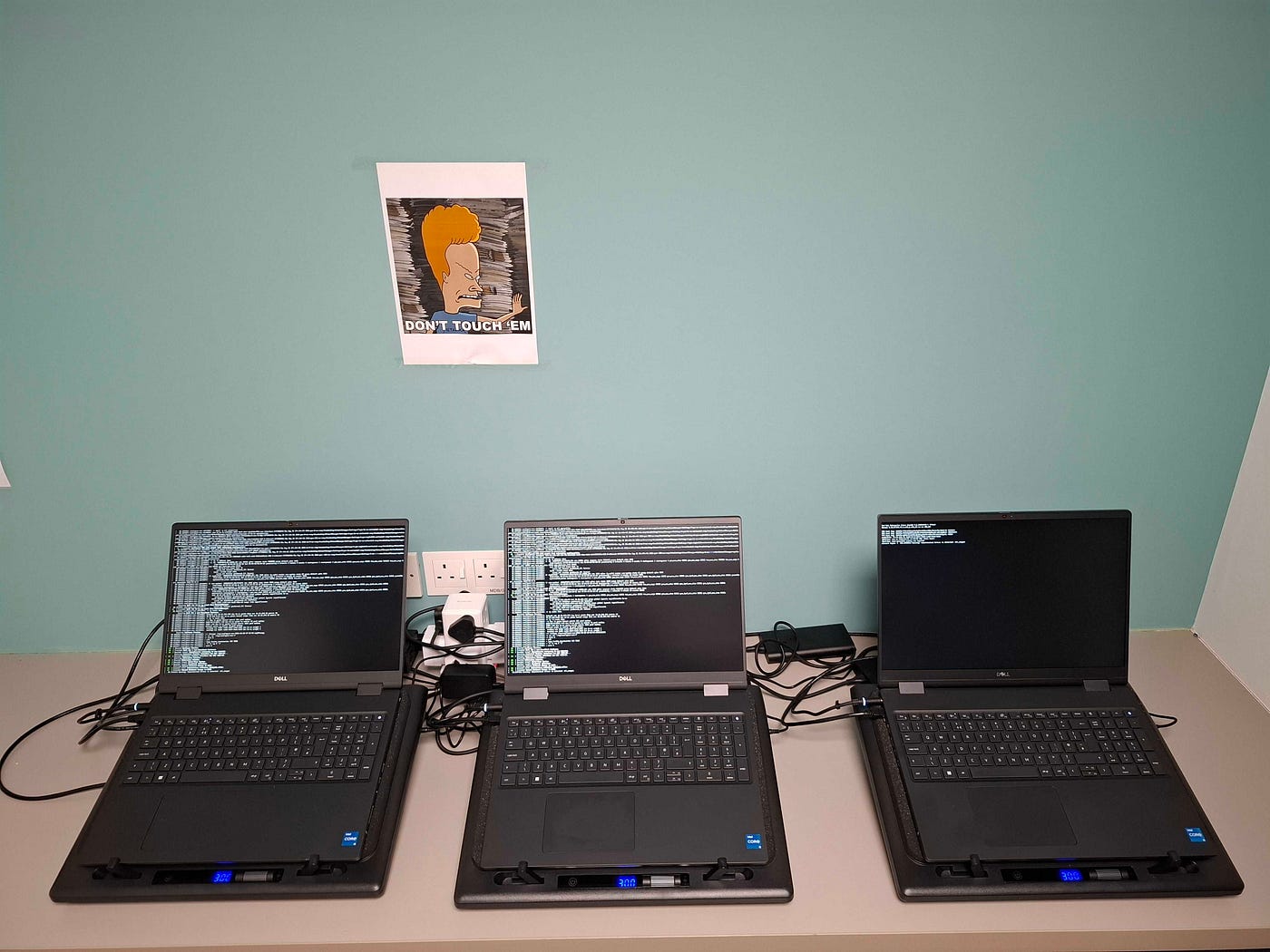
One thing I noticed fairly quickly was that the project was already starting to drift away from being “an AI project” and towards being “an infrastructure project.”
Most of my time wasn’t spent thinking about models.
It was spent thinking about networking.
DNS, DNS, and More DNS
One area that took longer than expected was DNS.
Not because there was anything particularly unusual about the setup, but because DNS tends to sit quietly in the background until something isn’t configured correctly.
A small configuration issue delayed the initial cluster bring-up and took a bit of time to track down.
Once fixed, things started moving forward again.
There wasn’t really a dramatic breakthrough moment.
Mostly a lot of checking configuration, reading logs, making changes, and trying again.
Which is a fairly accurate description of infrastructure work in general.
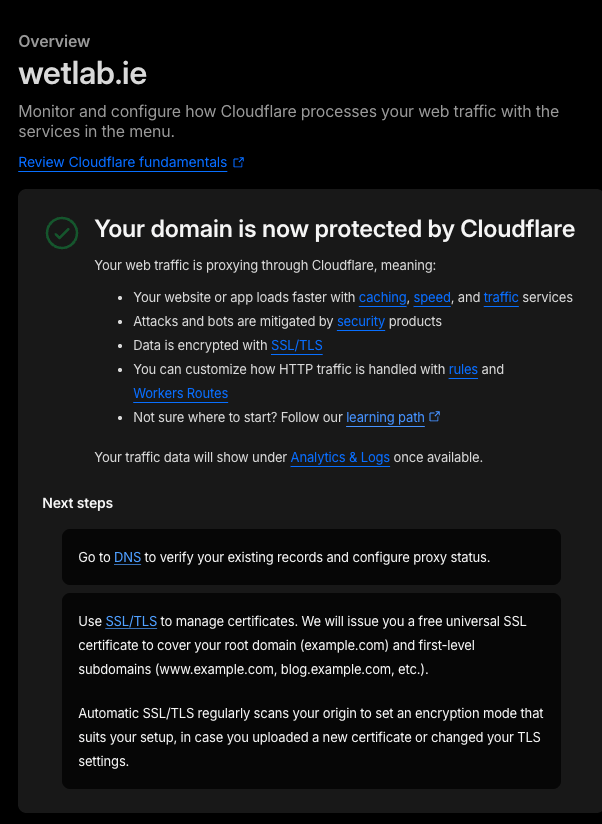
Free tier of Cloudflare is amazing for experimenting
Waiting for the Installer
The OpenShift installation itself was surprisingly uneventful.
There was a lot of waiting.
A lot of checking status.
A lot of refreshing dashboards and logs.
And occasionally wondering whether something was actually broken or whether I simply needed to be more patient.
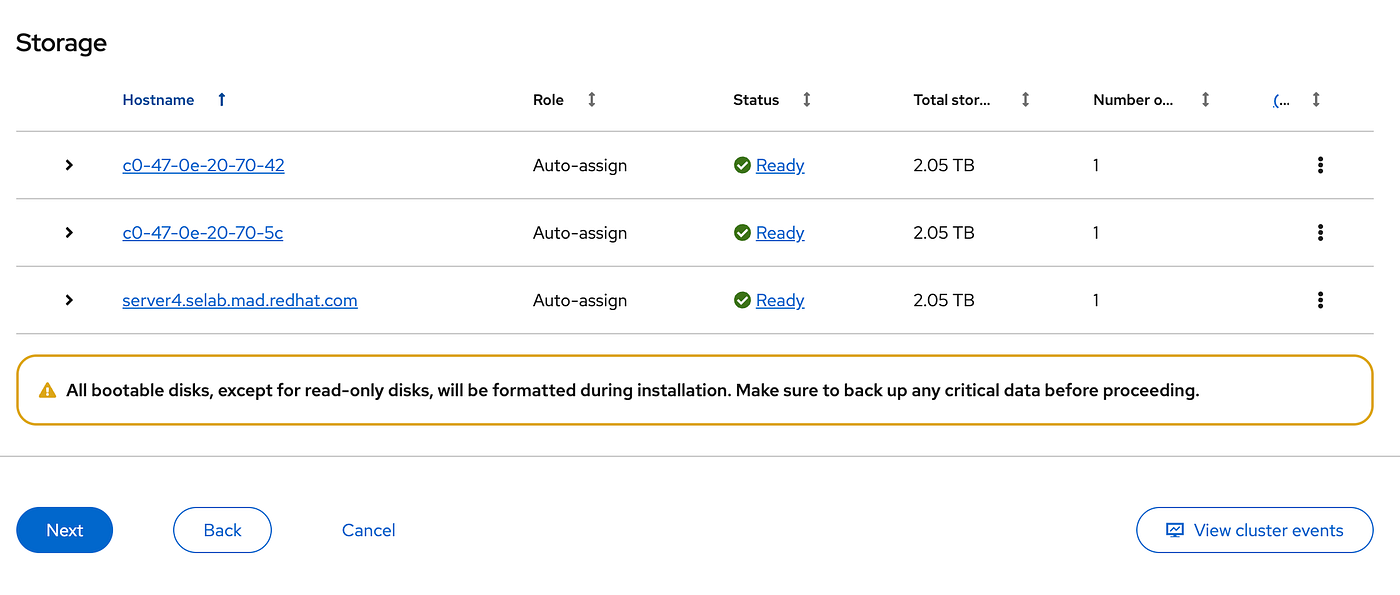
If you’ve worked with infrastructure before, you’ll know that patience is sometimes a technical skill.
Eventually the cluster started to come together.
Nodes joined successfully. Services became reachable.
The console appeared and things generally started looking healthier.
The First Cluster
One of the nicer moments in the process was seeing the environment transition from a collection of individual machines into something that actually felt like a cluster.
A few days earlier the setup looked like this:
- Three laptops
- Ubuntu
- A switch
- A collection of cables
Now it looked more like this:
- Three-node OpenShift cluster
- External DNS
- Bare-metal deployment
- A platform my team could build on
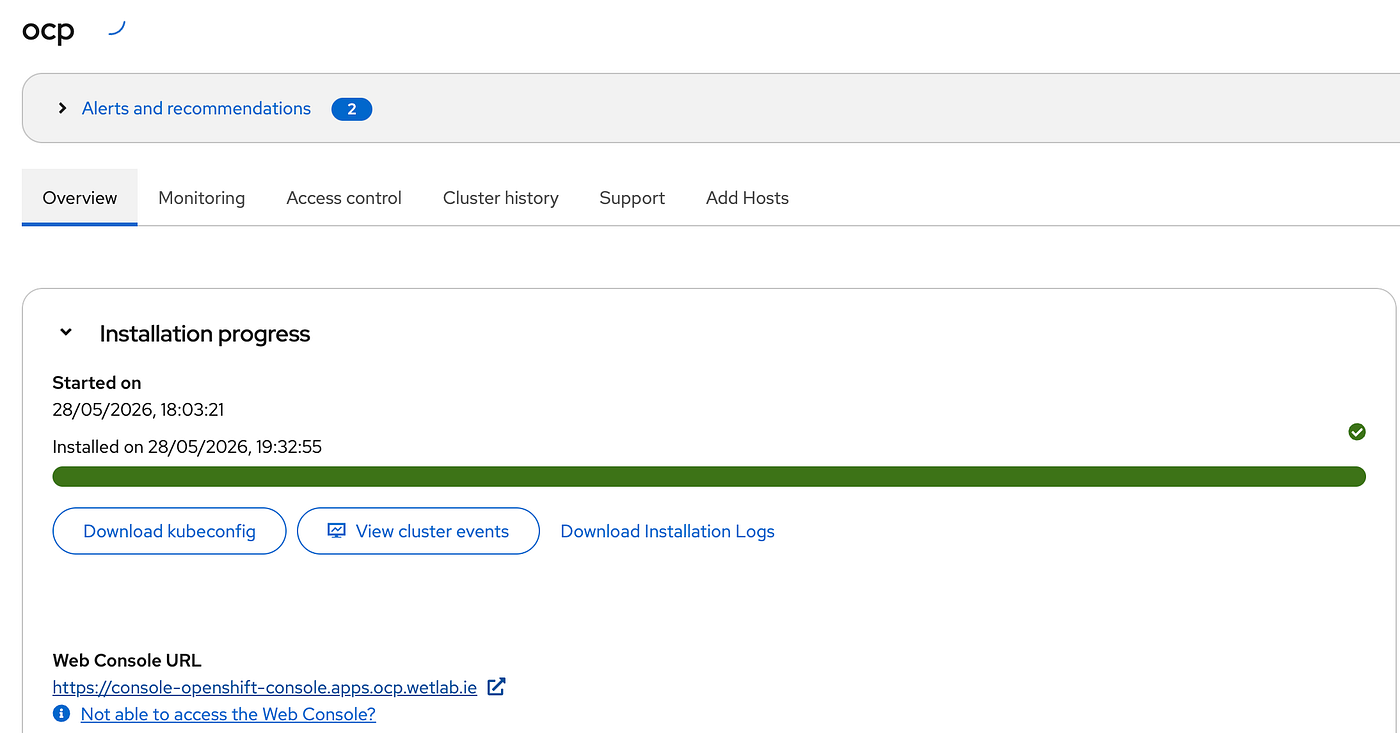
It’s not the most exciting milestone in the world, but it’s an important one.
Without it, none of the AI-specific work that comes later is possible.
What Comes Next?
At this point I had reached the stage where I could start deploying things onto the platform.
Before doing that, though, I wanted to spend some time on observability.
I could see that the cluster was running.
What I couldn’t see was how it was behaving.
How busy were the nodes?
What were the GPUs doing?
How much memory was being consumed?
What happened when workloads were deployed?
How hot would the laptops get under load and should I adjust the RPM on the coolers to compensate?
Answering those questions meant building out telemetry and monitoring before introducing AI workloads into the mix.
That became the focus of the next stage of the project.
메타데이터
- post_id
- 2f96755cbfe9
- slug
- building-an-openshift-ai-lab-part-2-2f96755cbfe9
- url
- https://medium.com/@ppower_72583/building-an-openshift-ai-lab-part-2-2f96755cbfe9
- canonical_url
- https://medium.com/@ppower_72583/building-an-openshift-ai-lab-part-2-2f96755cbfe9
- author_url
- https://medium.com/@ppower_72583
- status
- ok
- fetched_at
- 2026-06-25 07:00:49


