Swiper.js: ทำไม Library นี้ถึงครองใจสาย Frontend
ถ้าพูดถึง Slider / Carousel บนเว็บ หลายคนคงเคยลองใช้หลาย ๆ ตัวมาแล้ว แต่ถ้าให้เลือก หนึ่ง library ที่ทั้งเบา ใช้ง่าย และ customizable สุด ๆ…
web
Swiper.js: ทำไม Library นี้ถึงครองใจสาย Frontend
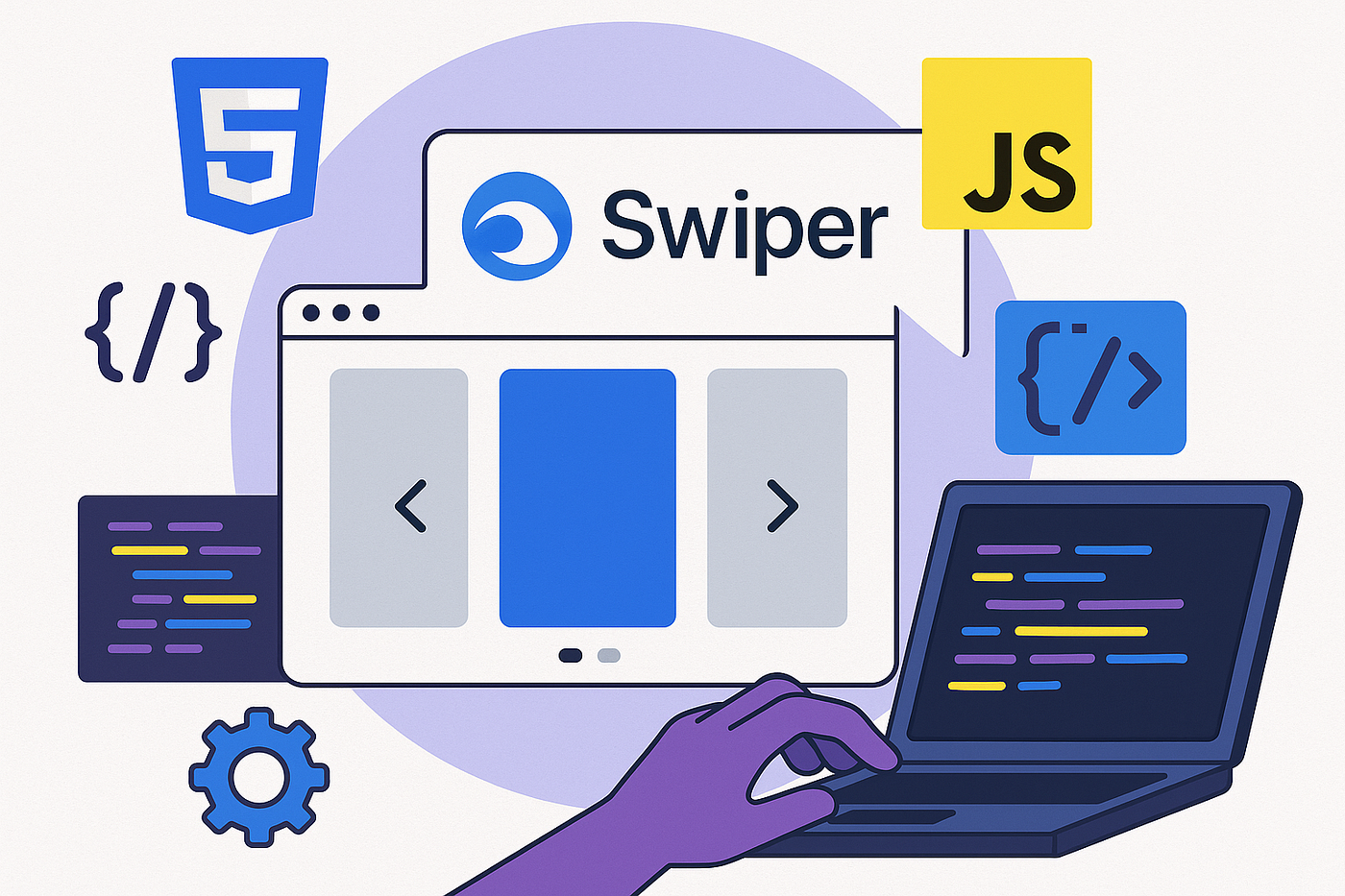
ถ้าพูดถึง Slider / Carousel บนเว็บ หลายคนคงเคยลองใช้หลาย ๆ ตัวมาแล้ว แต่ถ้าให้เลือก หนึ่ง library ที่ทั้งเบา ใช้ง่าย และ customizable สุด ๆ ชื่อที่โผล่มาในหัวแทบจะทุกคนคือ **Swiper.js**
บทความนี้จะพาไปรู้จัก Swiper แบบครบ ๆ: ทำไมมันถึงฮิต, ใช้ทำอะไรได้บ้าง และจุดเด่นที่ทำให้ dev ทั่วโลกเลือกใช้
🚀 Swiper คืออะไร?
- เป็น Modern JavaScript library สำหรับสร้าง Slider, Carousel, Touch Swiping UI
- รองรับทั้ง Mobile และ Desktop
- ไม่ต้องพึ่ง jQuery
- ใช้ได้กับ Vanilla JS, React, Vue, Angular, Svelte
เรียกได้ว่าถ้าอยากทำเว็บที่มี slide content สวย ๆ ลื่น ๆ → Swiper คือ first choice
🎯 จุดเด่นของ Swiper
1. Touch-friendly & Smooth
- รองรับ touch gesture (swipe, drag) เหมือนแอปมือถือ
- Motion ลื่นมาก เหมือน native app
2. Customization ขั้นสูง
- ปรับได้เกือบทุกอย่าง: จำนวน slides ต่อ view, space ระหว่าง slides, breakpoints สำหรับ responsive
- Theme-friendly: ใส่ CSS เองได้ตามใจ
3. Rich Features
- Loop, Autoplay, Navigation arrows, Pagination
- Effect สวย ๆ เช่น Fade, Cube, Coverflow, Flip
- รองรับ Lazy loading, Virtual slides (ประหยัด performance), และ Dynamic data
4. ใช้งานง่าย
- API และ config options ชัดเจน
- Docs ครอบคลุม พร้อม example เยอะ
5. ใช้ได้ทุก Framework
- มี package แยกให้ React, Vue, Angular, Svelte
- ใช้ Vanilla JS ก็ได้ ไม่ต้องติดตั้งอะไรเยอะ
🛠️ ตัวอย่างโค้ดพื้นฐาน
<!-- HTML -->
<div class="swiper">
  <div class="swiper-wrapper">
    <div class="swiper-slide">Slide 1</div>
    <div class="swiper-slide">Slide 2</div>
    <div class="swiper-slide">Slide 3</div>
  </div>
  <!-- Add Pagination -->
  <div class="swiper-pagination"></div>
</div>

<!-- JavaScript -->
<script type="module">
  import Swiper from 'https://cdn.jsdelivr.net/npm/swiper@11/swiper-bundle.min.mjs';

  const swiper = new Swiper('.swiper', {
    loop: true,
    autoplay: { delay: 3000 },
    pagination: { el: '.swiper-pagination' },
  });
</script>
📱 Responsive Design ง่ายสุด ๆ
คุณสามารถใช้ breakpoints ปรับจำนวน slides ตามขนาดหน้าจอ
const swiper = new Swiper('.swiper', {
  slidesPerView: 1,
  breakpoints: {
    768: { slidesPerView: 2 },
    1024: { slidesPerView: 3 },
  }
});
🌟 ใช้ Swiper ในโปรเจกต์อะไรได้บ้าง?
- Landing Page: ทำ Hero banner slide
- E-commerce: Carousel สำหรับสินค้า
- Portfolio: Showcase งานแบบ swipe
- Mobile Web: Gesture UI ลื่น ๆ
✨ สรุป
Swiper = best choice สำหรับใครที่อยากทำ Slider/Carousel ในเว็บ
- ลื่น
- customizable
- รองรับทุก framework
ถ้าอยากให้ UI ของคุณ ดู modern และ mobile-first → ห้ามพลาด Swiper.js
📌 แนะนำสำหรับ Dev ที่อยากอัปสกิล Frontend + Modern UI
메타데이터
- post_id
- 6d6799fd0aa8
- slug
- swiper-js-ทำไม-library-นี้ถึงครองใจสาย-frontend-6d6799fd0aa8
- url
- https://medium.com/@thiraphat-ps-dev/swiper-js-%E0%B8%97%E0%B8%B3%E0%B9%84%E0%B8%A1-library-%E0%B8%99%E0%B8%B5%E0%B9%89%E0%B8%96%E0%B8%B6%E0%B8%87%E0%B8%84%E0%B8%A3%E0%B8%AD%E0%B8%87%E0%B9%83%E0%B8%88%E0%B8%AA%E0%B8%B2%E0%B8%A2-frontend-6d6799fd0aa8
- canonical_url
- https://medium.com/@thiraphat-ps-dev/swiper-js-%E0%B8%97%E0%B8%B3%E0%B9%84%E0%B8%A1-library-%E0%B8%99%E0%B8%B5%E0%B9%89%E0%B8%96%E0%B8%B6%E0%B8%87%E0%B8%84%E0%B8%A3%E0%B8%AD%E0%B8%87%E0%B9%83%E0%B8%88%E0%B8%AA%E0%B8%B2%E0%B8%A2-frontend-6d6799fd0aa8
- author_url
- https://medium.com/@thiraphat-ps-dev
- status
- ok
- fetched_at
- 2026-07-17 14:26:28