How to Check If a Modem Is Compatible With Optimum Internet
Stop renting. Start saving. Here’s exactly how to find a modem Optimum will actually work with — without the guesswork.
How to Check If a Modem Is Compatible With Optimum Internet
Stop renting. Start saving. Here’s exactly how to find a modem Optimum will actually work with — without the guesswork.
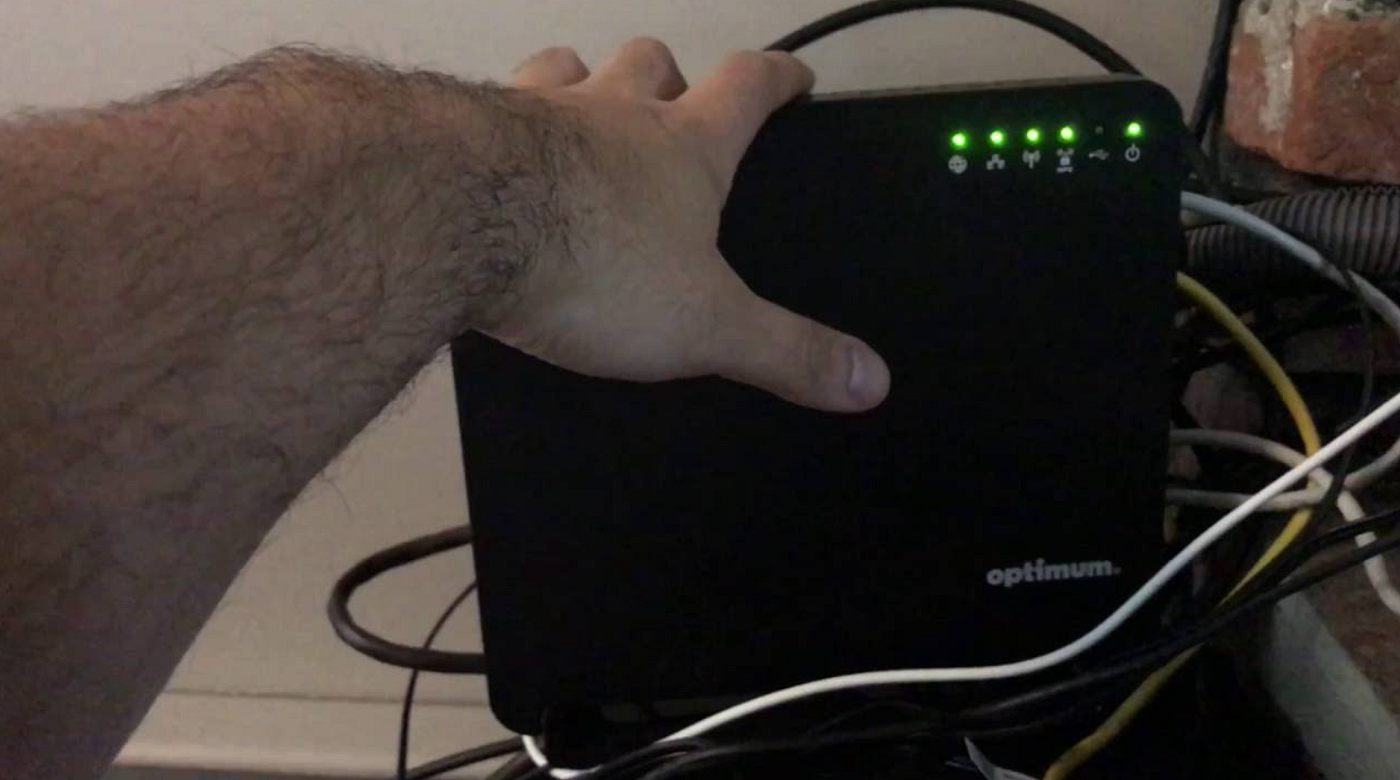
A few years back, a friend of mine excitedly ordered a shiny new DOCSIS 3.1 modem off Amazon after hours of research — convinced she’d finally cut the cord on that $15/month equipment rental fee. Two days later, UPS delivered it. She plugged it in. Nothing. Silence. Not even a blinking light of hope.
She called Optimum support. After 45 minutes on hold, a representative cheerfully informed her that her brand-new modem wasn’t on their approved list. Back to the box it went.
If that story sounds familiar, or you’re trying to avoid living it — you’re in exactly the right place. In this guide, I’ll walk you through every method I’ve personally used to verify modem compatibility with Optimum Internet, so you don’t waste a single dollar or afternoon.
Why Modem Compatibility Matters With Optimum
Here’s the thing about Optimum (now operating under the Altice USA umbrella in the Northeast): they run a hybrid fiber-coaxial (HFC) network that requires DOCSIS-compliant modems. But not just any DOCSIS modem. Optimum maintains a specific approved device list, and connecting an unapproved modem — even a technically capable one — will get you exactly zero internet.
The stakes are real. As of 2024, Optimum charges anywhere from $10 to $15 per month for modem rental. Over two years, that’s $360 you could have kept in your pocket by using your own compatible hardware.
Buying your own compatible modem can save you $120–$180 per year compared to renting from Optimum. Most modems cost $60–$150 upfront, meaning they pay for themselves within a year.
Step 1 — Check Optimum’s Official Approved Modem List
This is the single most reliable method, and it should always be your first stop. Optimum publishes an official list of approved modems on their website. Here’s how to find it:
- Go to optimum.net and navigate to the support or equipment section.
- Search for “approved modems” or “compatible equipment.”
- Filter by your service tier (e.g., 300 Mbps, 1 Gig).
- Cross-reference the model number on the modem’s box or label.
In my experience, the approved list is updated periodically — sometimes without announcement. A modem that was approved six months ago could be removed today. Always check the current list before buying, not the one cached in a Reddit thread from 2022.
Real experience
When I was setting up service for a family member in Long Island, I almost bought a Motorola MB8600 based on an old forum post. I checked Optimum’s live list the morning of purchase — the MB8600 had been quietly removed. Saved myself a return trip to Best Buy.
Step 2 — Decode the DOCSIS Version Requirements
DOCSIS (Data Over Cable Service Interface Specification) is the technology standard that allows your modem to communicate with Optimum’s network, making it an important factor to consider before purchasing a modem. DOCSIS 2.0, which supports speeds up to about 38 Mbps, is no longer supported by Optimum and should be avoided. DOCSIS 3.0 supports speeds up to roughly 1 Gbps and is suitable for internet plans below 500 Mbps.
DOCSIS 3.1, capable of delivering speeds up to 10 Gbps, is fully supported and recommended for most users because it offers better performance and future-proofing. DOCSIS 4.0, which supports speeds exceeding 10 Gbps, is gradually being deployed, so compatibility should be verified against Optimum’s current approved modem list. If you subscribe to Optimum’s gigabit internet plan, a DOCSIS 3.1 modem is essential, as a DOCSIS 3.0 modem will limit your connection speed regardless of the plan you pay for.
Step 3 — Match the Modem to Your Specific Internet Plan
This is a step most people skip, and it’s a costly mistake. Not all compatible modems support all of Optimum’s speed tiers. A modem listed as “approved” might only be approved for their 300 Mbps plan — not the 500 Mbps or gigabit tiers.
How to match correctly:
- Log into your Optimum account and confirm your current plan speed.
- On the approved list, look for plan-tier annotations next to each modem.
- For 1 Gig plans, look specifically for modems with OFDM channels (a DOCSIS 3.1 feature) — these handle high-frequency downstream efficiently.
Step 4 — Use These Trusted Modem Brands (and Which to Avoid)
Through personal testing and community consensus, certain brands consistently appear on Optimum’s approved list and have strong track records:
- Motorola
MB7621, MB8600 — reliable DOCSIS 3.0/3.1 workhorses. Widely recommended.
2. ARRIS / Surfboard
SB8200 is a fan favorite for gig plans. Solid firmware support.
3. Netgear
CM700, CM1000 series — consistent approval history with Optimum.
4. Zoom Telephonics
Budget-friendly option that’s frequently on Optimum’s approved list.
Brands I’d approach with caution: generic no-name brands from third-party Amazon sellers, and combo modem-routers marketed as “universal” without explicitly listing Optimum compatibility. Combo units deserve special attention — see below.
Step 5 — The Modem-Router Combo Trap
Here’s a nuance that trips up a lot of people: Optimum is selective about combo gateway devices (modem + router in one unit). Even if the modem component would otherwise be approved, the full gateway unit might not be on the list — or might only be partially supported.
My personal recommendation? Keep them separate. Buy a standalone approved modem and pair it with the router of your choice. You’ll get better performance, easier troubleshooting, and the flexibility to upgrade each independently.
Tip: If you want the simplicity of a combo unit, call Optimum support directly (1–866–200–7273) and ask a rep to confirm the specific model is fully approved for your address and plan tier before purchasing.
Step 6 — Verify by Calling Optimum or Using Live Chat
When in doubt, go straight to the source. Optimum’s customer support can confirm compatibility in real time — and importantly, they can verify it for your specific account, location, and plan. The same modem approved in New Jersey might have quirks in Connecticut due to node configurations.
When you call or chat, have the following ready:
- The modem’s exact model number (e.g., “Motorola MB8600”)
- The modem’s MAC address (usually printed on the bottom label)
- Your current account number and service address
- Your current internet plan speed
I’ve found live chat to be faster than phone for this specific question — reps can cross-reference their internal database and give you a definitive yes or no within minutes.
Step 7 — Check Third-Party Compatibility Tools and Community Resources
While Optimum’s own list is the gold standard, a few third-party resources are genuinely useful for cross-referencing:
- Modem compatibility checkers on sites like CableModemInfo.com provide aggregated ISP compatibility data updated by users and ISPs alike.
- Reddit communities like r/Optimum and r/HomeNetworking contain real-world reports from users who’ve recently activated specific modems on Optimum — valuable for catching recently-removed models.
- Amazon product Q&A sections often include current Optimum users confirming or denying compatibility in the last 30–90 days.
Use these as secondary validation, not primary. Community forums are great for anecdotal confirmation but can contain outdated information.
Quick Compatibility Checklist
Check official list
Verify model on Optimum’s current approved device page.
Match DOCSIS version
DOCSIS 3.1 for gig plans; 3.0 for 300 Mbps and under.
Confirm plan tier
Approved doesn’t mean approved for all plans.
Call to confirm
Verify with a live rep using your specific model + MAC address.
Frequently Asked Questions
Can I use any DOCSIS 3.1 modem with Optimum?
No. Even though DOCSIS 3.1 is technically compatible with Optimum’s network, the specific modem model must appear on Optimum’s approved list. A DOCSIS 3.1 modem not on their list will not be provisioned — meaning it won’t connect to the internet regardless of its specs.
What happens if I activate an unapproved modem with Optimum?
In most cases, the modem simply won’t get provisioned when you call to activate. You’ll be told the MAC address isn’t recognized or isn’t approved for service. In rare cases it may partially connect but drop frequently or fail to reach full plan speeds. Either way, Optimum won’t provide support for unapproved equipment.
How often does Optimum update their approved modem list?
Optimum doesn’t publish a change log, but the list is updated periodically — sometimes monthly. Models get added as new hardware is certified and removed as older ones are discontinued or reach end-of-life. This is why checking the live list right before purchasing is essential, even if you’ve researched the same modem months earlier.
Will buying my own modem void my Optimum warranty or service agreement?
No. Using your own approved modem is explicitly permitted by Optimum and the FCC’s rules on customer-owned equipment. You simply stop paying the monthly rental fee. Optimum is still responsible for the network connection up to your modem; you’re responsible for the modem and everything behind it.
Conclusion
Checking modem compatibility with Optimum isn’t complicated — but it does require a few deliberate steps: consult the official list, match your DOCSIS version to your plan tier, and when in doubt, call to confirm before you buy. The payoff is real: eliminating that rental fee can save you well over $300 over two years.
Have you recently switched to your own modem with Optimum? Hit a compatibility issue I didn’t cover? Drop your experience in the comments — I read every one, and your real-world data helps the next person avoid the same headaches.
메타데이터
- post_id
- 7aeb6de50a3e
- slug
- how-to-check-if-a-modem-is-compatible-with-optimum-internet-7aeb6de50a3e
- url
- https://medium.com/@bestrouters/how-to-check-if-a-modem-is-compatible-with-optimum-internet-7aeb6de50a3e
- canonical_url
- https://medium.com/@bestrouters/how-to-check-if-a-modem-is-compatible-with-optimum-internet-7aeb6de50a3e
- author_url
- https://medium.com/@bestrouters
- status
- ok
- fetched_at
- 2026-06-09 15:37:30