Convert Your Laravel Website into a Mobile App
Discover the easiest way to convert your Laravel website into a high-performance mobile app for Android and iOS
Laravel Mobile App
Convert Your Laravel Website into a Mobile App
Discover the easiest way to convert your Laravel website into a high-performance mobile app for Android and iOS
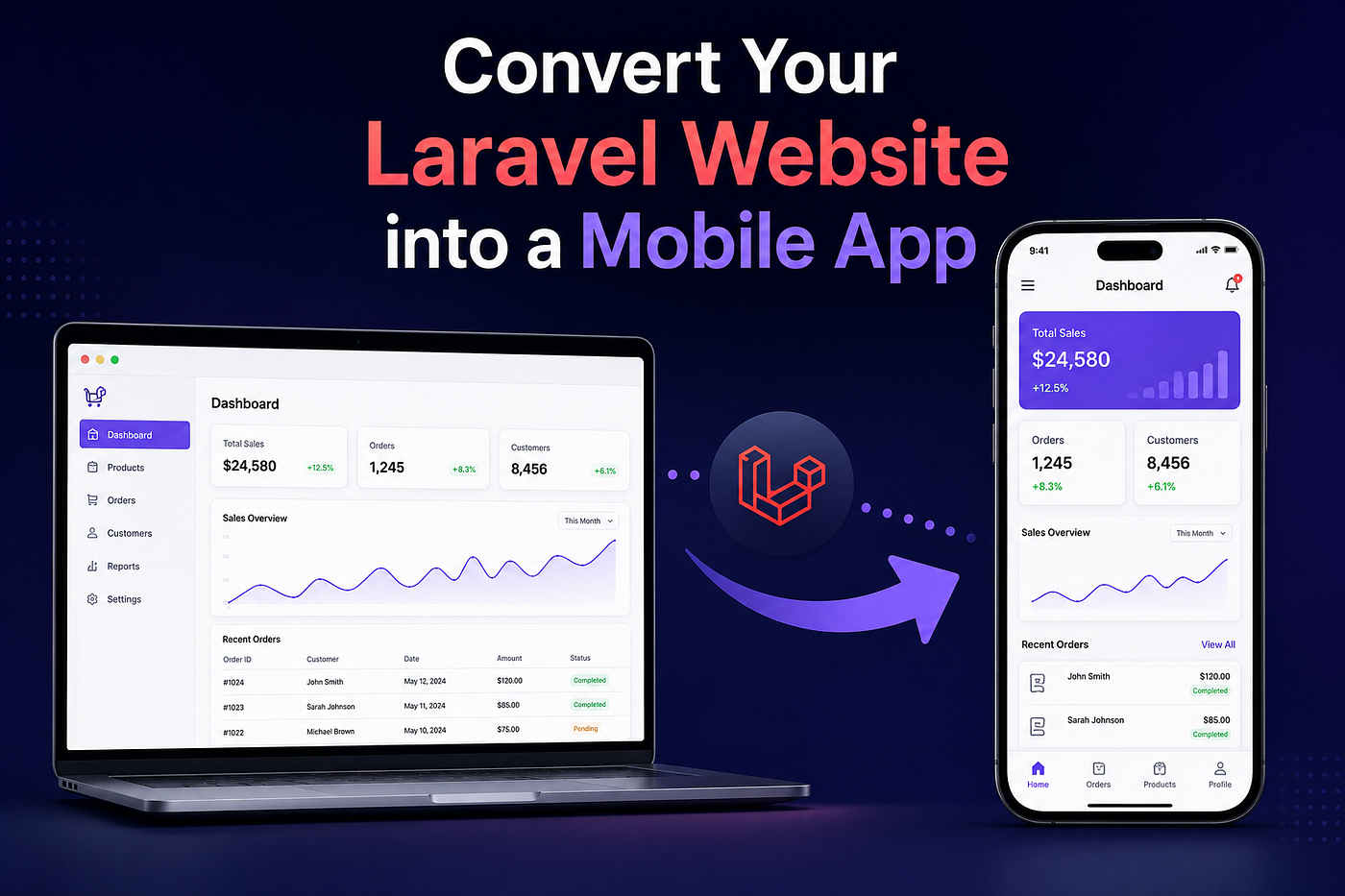
Image created by AI
If your business already has a Laravel website, you might be wondering whether you need to build a completely new mobile application.
In most cases, you can convert your existing Laravel mobile app backend into a fully functional mobile application by reusing your business logic, APIs, and database.
This approach saves development time, reduces costs, and allows you to launch on Android and iOS much faster.
Whether you’re planning a custom solution or exploring a Laravel mobile app builder, understanding the conversion process will help you make the right decision.
Why Convert Your Laravel Website into a Mobile App?
Modern users prefer mobile apps because they’re faster, more convenient, and provide a better overall experience than mobile websites.
Features like push notifications, biometric login, offline access, and smoother navigation simply work better inside a dedicated application.
Instead of maintaining separate systems, you can use your existing Laravel backend as the foundation for your mobile app.
Step 1: Check if Your Laravel Website is Mobile-App Ready
Before starting development, review your current Laravel project.
Make sure your website has:
- A well-structured database
- Clean business logic
- Secure authentication
- Organized routes
- Optimized performance
If your project is already following Laravel best practices, converting it into a mobile application becomes much easier.
Step 2: Build REST APIs
A mobile application doesn’t communicate directly with website pages it communicates with APIs.
If your Laravel project already uses REST APIs, you’re one step ahead. Otherwise, create endpoints for features like:
- User registration
- Login
- Profile management
- Products or services
- Orders
- Notifications
- Payments
Well-designed APIs make your application faster, easier to maintain, and ready for future updates.
Step 3: Choose Your Mobile Development Approach
There are several ways to convert a Laravel website into a mobile application.
You can build:
- A native Android application
- A native iOS application
- A cross-platform application using Flutter or React Native
If performance and device integration are your top priorities, Laravel native mobile app combined with a Laravel backend delivers an excellent user experience with better hardware access and smoother performance.
Step 4: Secure User Authentication
Authentication is one of the most important parts of any mobile application.
Use secure token-based authentication such as Laravel Sanctum or JWT to protect user accounts.
This allows users to stay logged in without repeatedly entering their credentials while maintaining strong security standards.
Step 5: Optimize APIs for Mobile Devices
Website APIs often return more data than a mobile application actually needs.
Reduce response size by:
- Returning only required fields
- Compressing JSON responses
- Using pagination
- Loading relationships efficiently
Smaller API responses improve loading speed and reduce mobile data usage.
Step 6: Design a Mobile-Friendly User Experience
Copying your website design directly into a mobile app rarely produces the best results.
Instead, redesign the interface for smaller screens by focusing on:
- Simple navigation
- Large touch targets
- Fast-loading screens
- Clean layouts
- Easy-to-read typography
A mobile-first design significantly improves user engagement.
Step 7: Add Mobile-Only Features
One of the biggest advantages of mobile applications is access to device features.
Consider adding:
- Push notifications
- Camera integration
- GPS location
- QR code scanning
- Biometric login
- Offline mode
- File uploads
These features create a better experience than a traditional mobile website.
Step 8: Improve Performance Before Launch
Performance directly impacts user retention.
Before publishing your app:
- Enable caching
- Optimize database queries
- Compress images
- Minimize API response time
- Remove unnecessary requests
A fast application receives better ratings and keeps users engaged.
Step 9: Test on Real Devices
Testing only in an emulator isn’t enough.
Check your application on multiple Android and iPhone devices to verify:
- Screen responsiveness
- Login flow
- API performance
- Internet connectivity
- Navigation
- Notifications
Real-device testing helps identify issues that may not appear during development.
Step 10: Should You Use a Laravel Mobile App Builder?
If your goal is to launch quickly with a limited budget, Laravel mobile app builder can simplify the development process.
Many builders connect directly to your existing Laravel APIs, allowing you to generate Android and iOS applications without rebuilding your backend from scratch.
However, if your project requires advanced customization, unique UI/UX, or complex business logic, custom mobile development is usually the better long-term investment.
Common Mistakes to Avoid
Many developers make avoidable mistakes while converting a Laravel website into a mobile app.
Avoid these common issues:
- Using website APIs without optimization
- Returning unnecessary data
- Ignoring application security
- Skipping performance testing
- Designing the app exactly like the website
- Forgetting offline support
- Not testing on different devices
Avoiding these mistakes helps deliver a faster and more reliable application.
Final Thoughts
Converting your Laravel website into Laravel mobile app is one of the smartest ways to expand your digital presence without rebuilding your entire system.
By reusing your existing backend, creating optimized APIs, improving performance, and designing a mobile-first interface, you can launch a high-quality application in less time and at a lower cost.
Whether you decide to build a custom solution or start with Laravel mobile app builder, investing in a well-optimized mobile experience will help you reach more users, improve engagement, and support your business as it grows.
Support writers. All our non-profit’s offerings here.
Click for Wordsmith, Mystery Writing, Write Like Stephen King, more

By the EIC Susan Brearley with Ideogram
메타데이터
- post_id
- 9990e42b3cbf
- slug
- convert-your-laravel-website-into-a-mobile-app-9990e42b3cbf
- url
- https://medium.com/it-chronicles/convert-your-laravel-website-into-a-mobile-app-9990e42b3cbf
- canonical_url
- https://medium.com/it-chronicles/convert-your-laravel-website-into-a-mobile-app-9990e42b3cbf
- author_url
- https://medium.com/@kuldeep_thakur
- status
- ok
- fetched_at
- 2026-07-08 23:38:59