Publish Subscribe with RabbitMQ Fanout Exchange
Publish-subscribe pattern allows multiple consumers to...
Publish Subscribe with RabbitMQ Fanout Exchange
Publish-subscribe pattern allows multiple consumers to consume the same message.
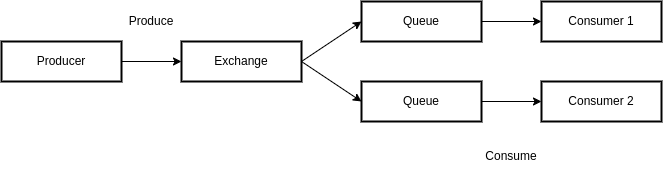
Lets evaluate the Fanout exchange of the RabbitMQ for the Publish-Subscribe pattern.
RabbitMQ
RabbitMQ is an open source message broker software.

Originally implemented the AMQP and supports other protocols such as Streaming Text Oriented Messaging Protocol (STOMP), Message Queuing Telemetry Transport (MQTT). Message broker queue oriented RabbitMQ consumer receives the message.
Installation of RabbitMQ
The documentation explains several approaches to install the RabbitMQ.
Below examples experimented with the Linux/Unix, Debian and Ubuntu distributions installation of the RabbitMQ.
Management Plugin
The RabbitMQ documentation provides an overview of the management plugin and explains steps to enable the plugin.
Once enable the plugin, visit http://localhost:15672/ from the web browser to access the Management UI.
Publish-Subscribe Messages
- Create Queues
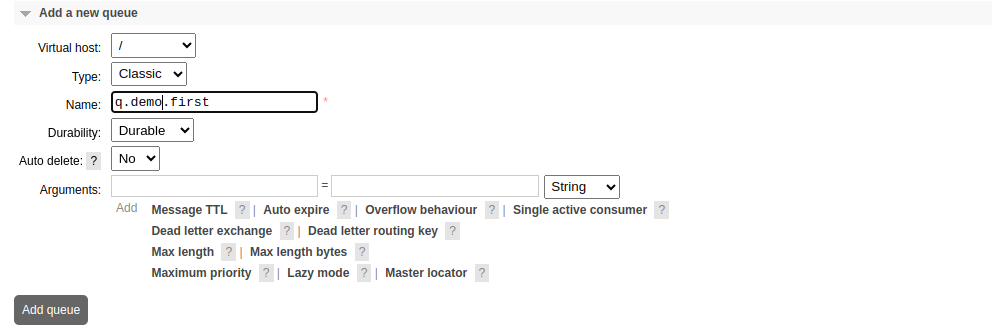
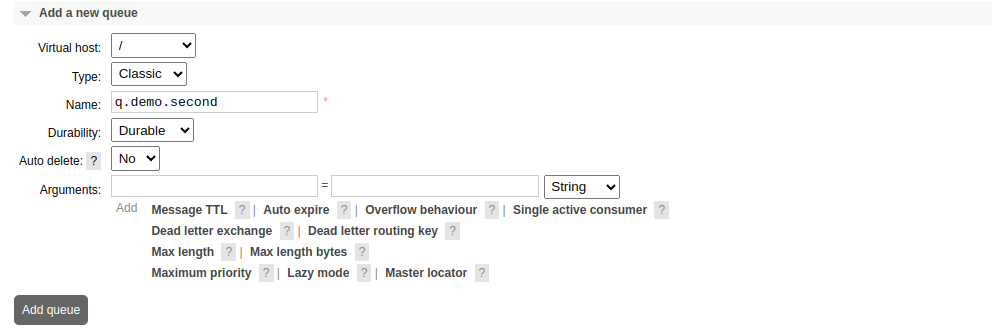
- Create an Exchange
Navigate to the Exchanges tab of the RabbitMQ Management UI.
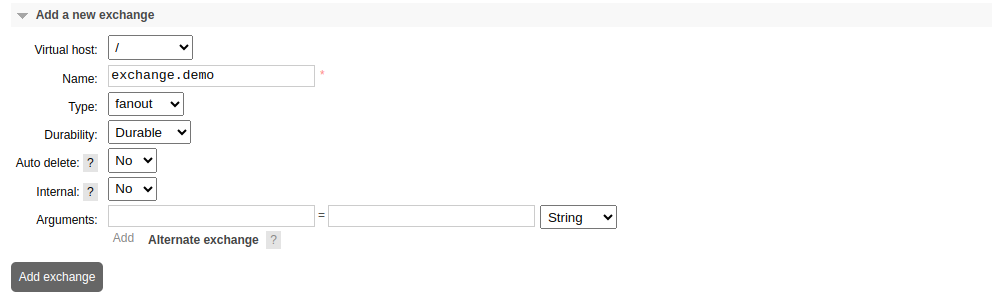
Let’s Publish a message to the Exchange. Click on the Exchange name and expand the publish message section.
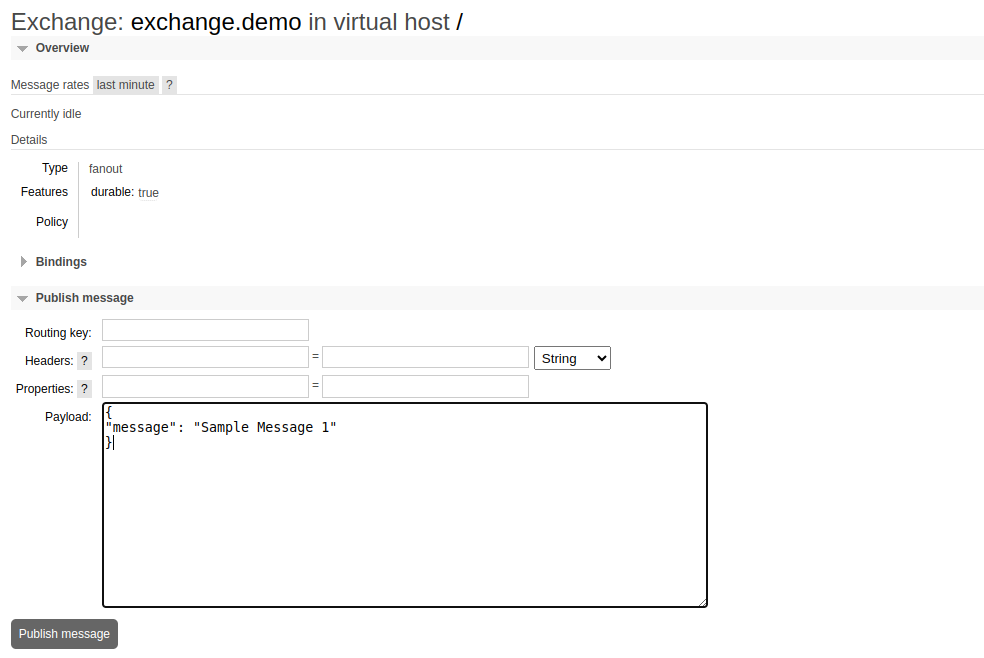
RabbitMQ notifies the status “Message published, but not routed.” and according to the notification, even the exchange got the message, it do not routed to any of queues.
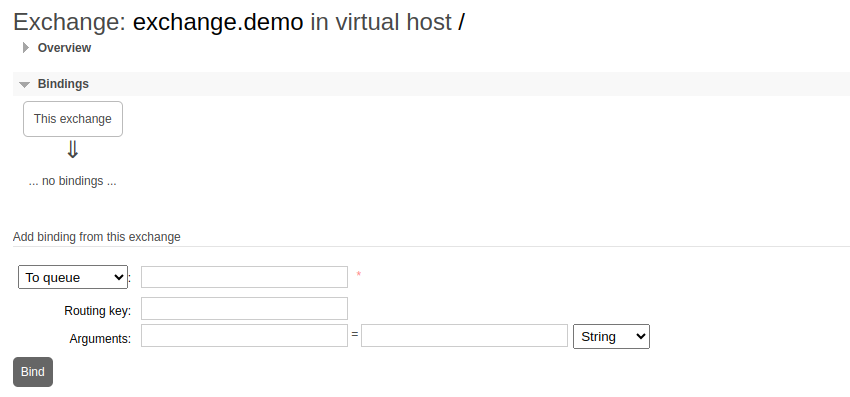
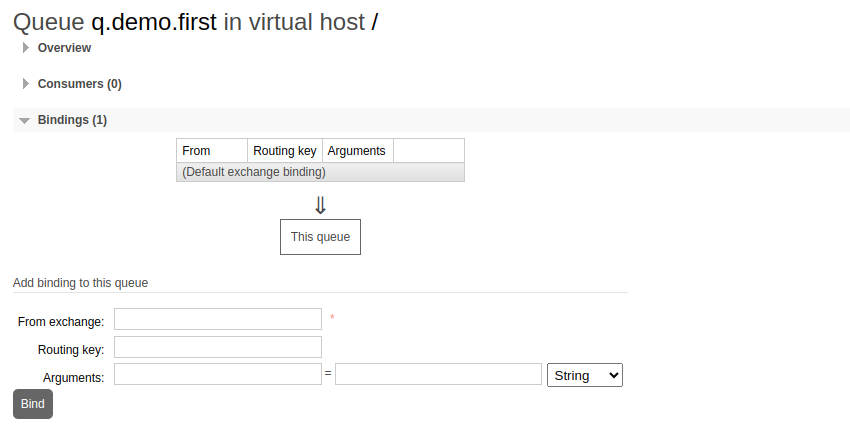
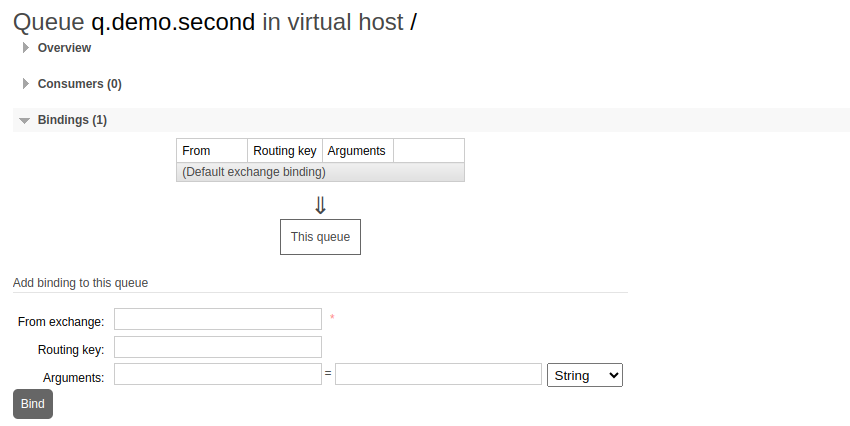
It should use bindings to bind the queues with the exchanges. Queue and exchange bindings can be created from the exchange interface as well as from the queue interface.
Current Bindings of the Exchange
Current Bindings of the Queues
- Create Binding
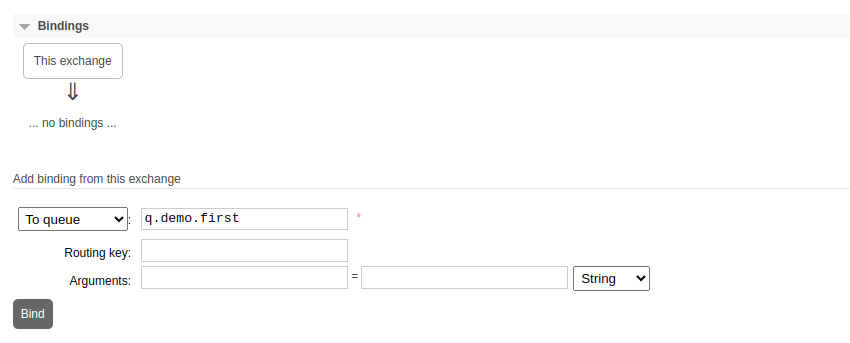
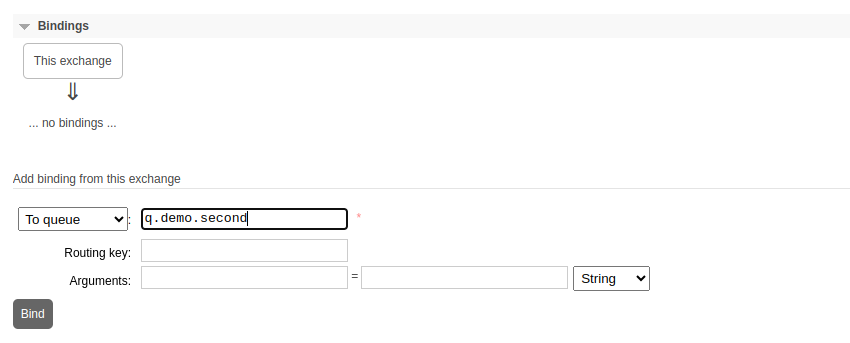
Navigate to the Exchanges tab of the RabbitMQ Management UI and click on the Exchange name and expand the Bindings section.
Create Bindings with both queues
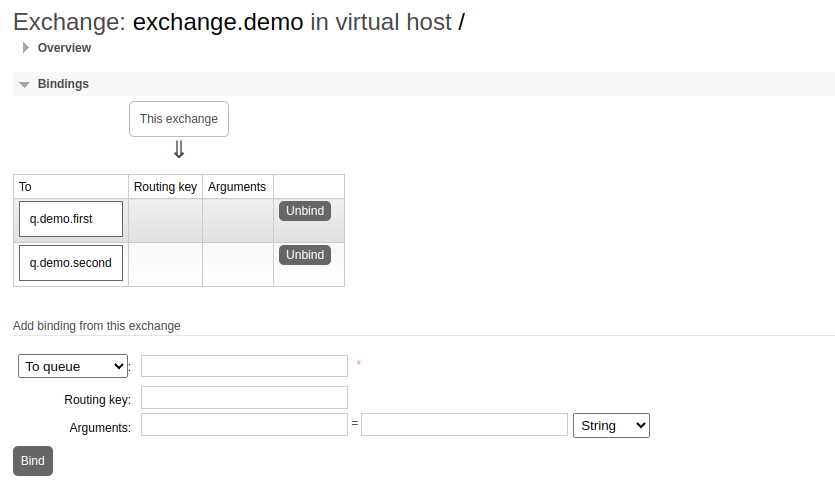
Exchange should be updated with the bindings
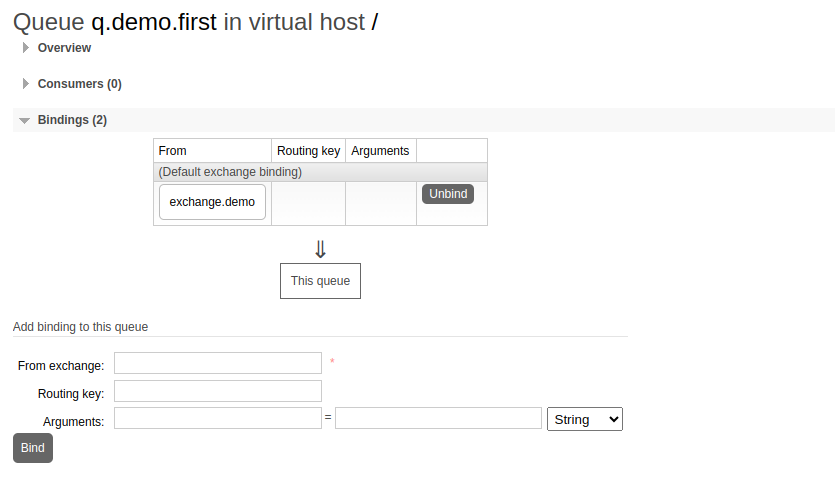
Also Queues should be updated with the bindings
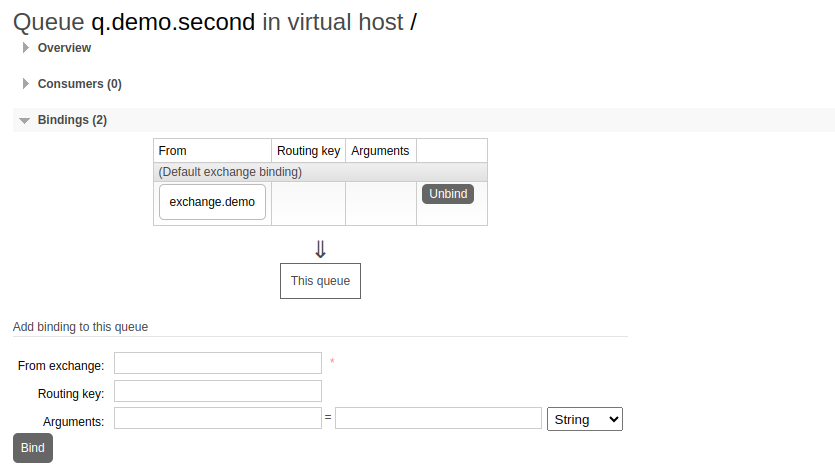
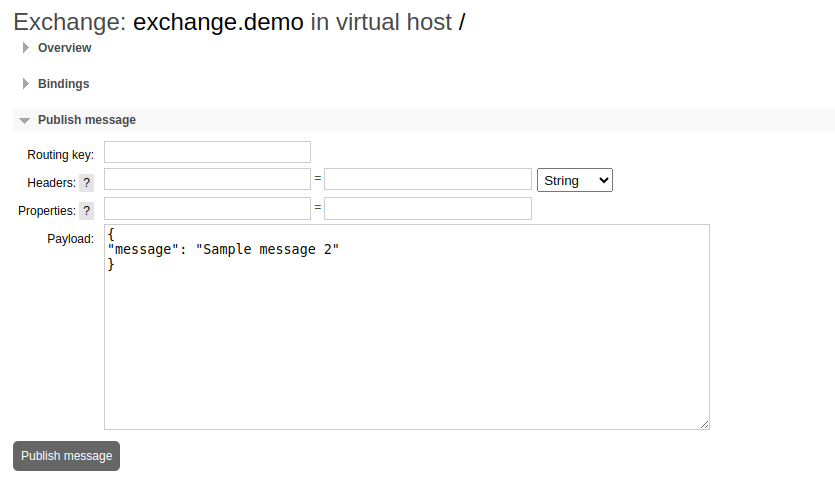
- Publish message
Let’s navigate to the exchange and publish a message.
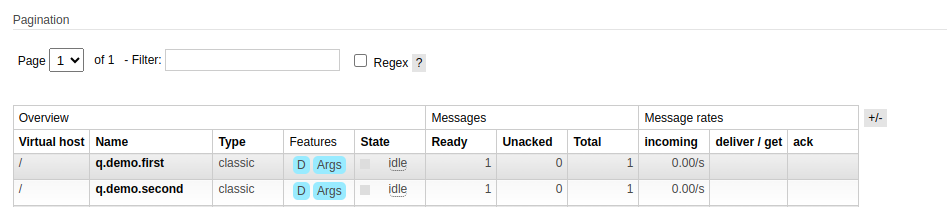
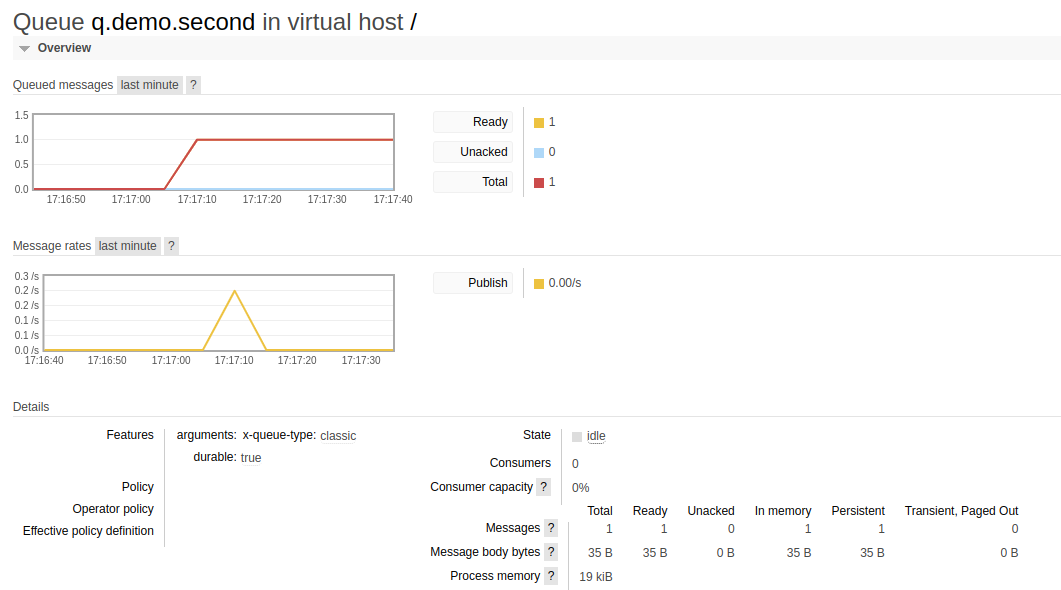
Messages sections of both Queues should be updated with the new message.
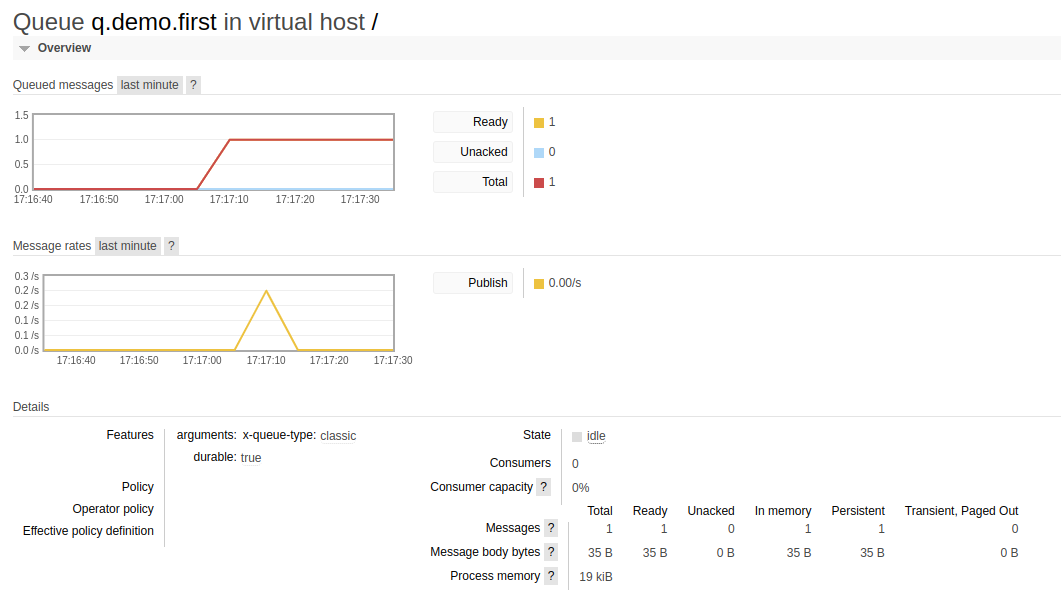
Each Queue should illustrates the same status.
- Consume Message
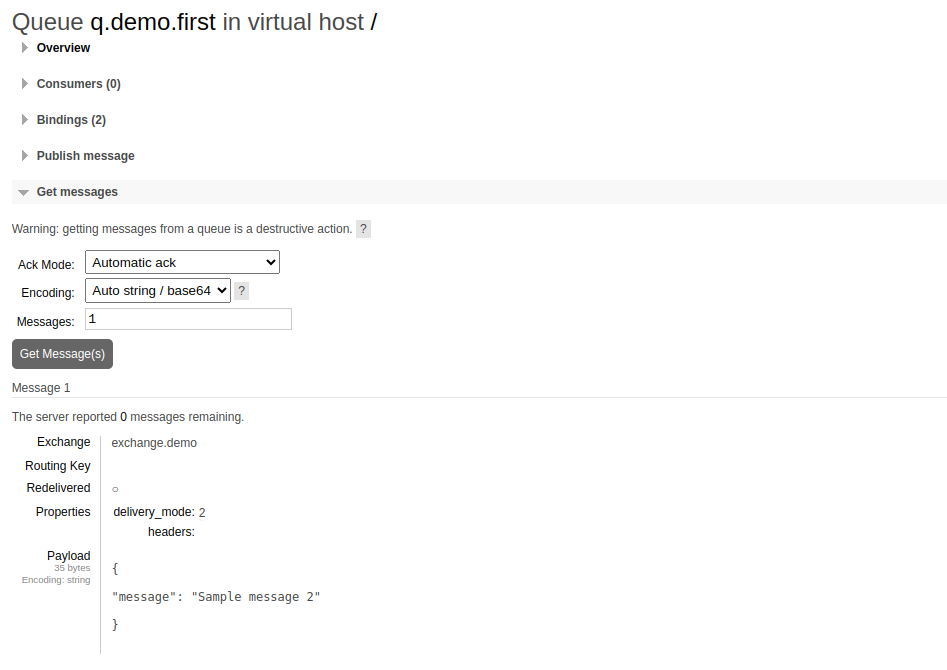
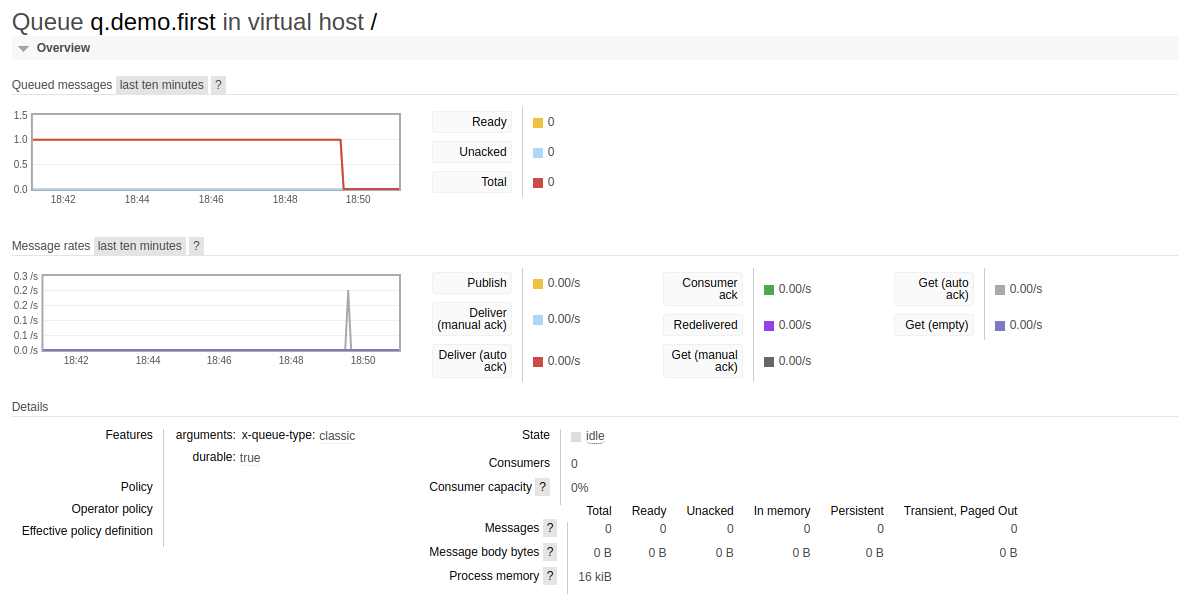
Click on the first queue and expand the Get Messages section. Update the Ack Mode value and click on the Get Message(s).
Similarly click on the second queue and expand the Get Messages section. Update the Ack Mode value and click on the Get Message(s).
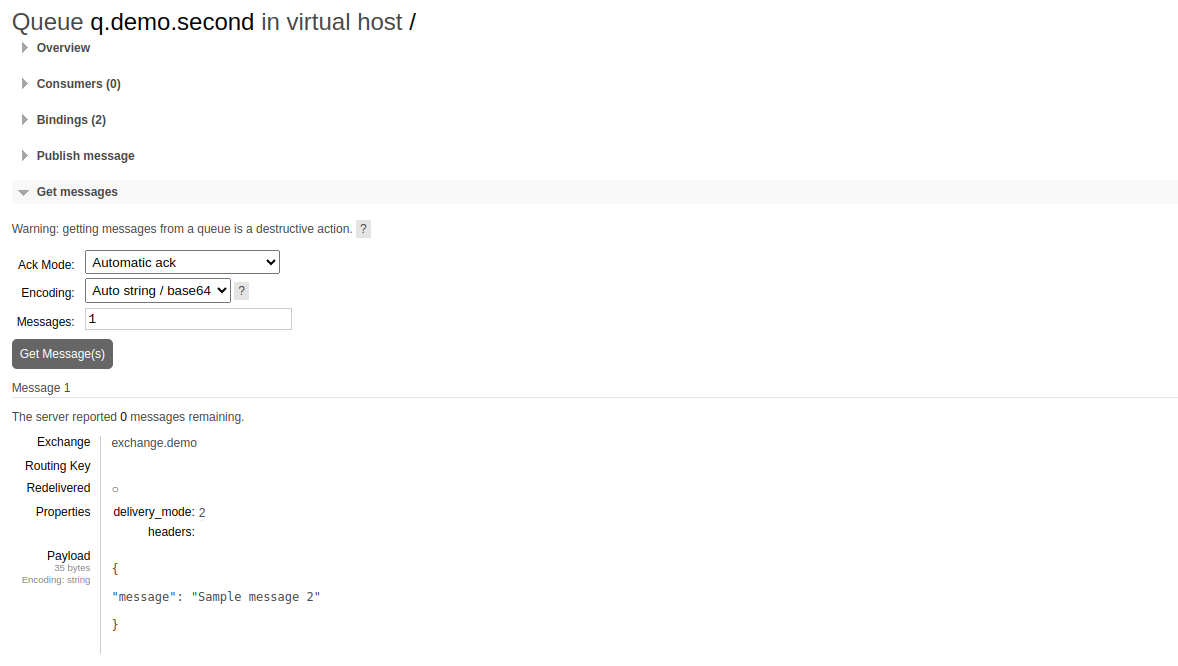
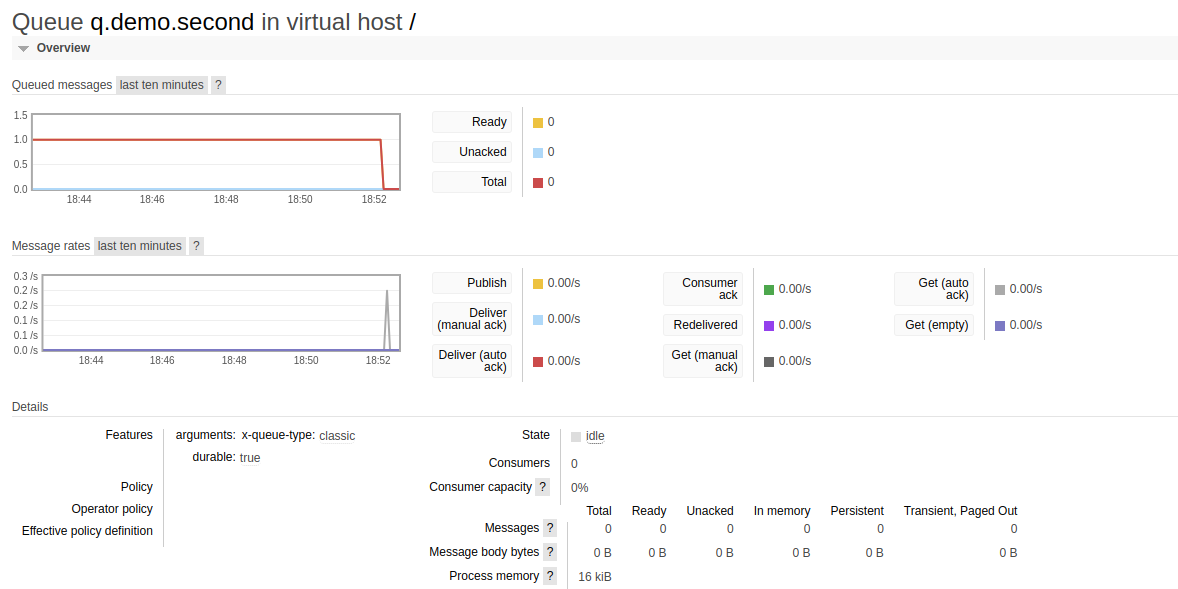
As demonstrated in the above examples, it ignores the routing key and broadcasts all the receiving messages to all the queues that bound to the exchange.
메타데이터
- post_id
- f32951583ee8
- slug
- publish-subscribe-with-rabbitmq-fanout-exchange-f32951583ee8
- url
- https://medium.com/@pawara/publish-subscribe-with-rabbitmq-fanout-exchange-f32951583ee8
- canonical_url
- https://medium.com/@pawara/publish-subscribe-with-rabbitmq-fanout-exchange-f32951583ee8
- author_url
- https://medium.com/@pawara
- status
- ok
- fetched_at
- 2026-06-23 17:05:31

