How to Generate Stunning Images with AI — For Free
You don’t need Photoshop skills, a design degree, or a paid subscription to create professional-quality images with AI. Here’s exactly how.
How to Generate Stunning Images with AI — For Free
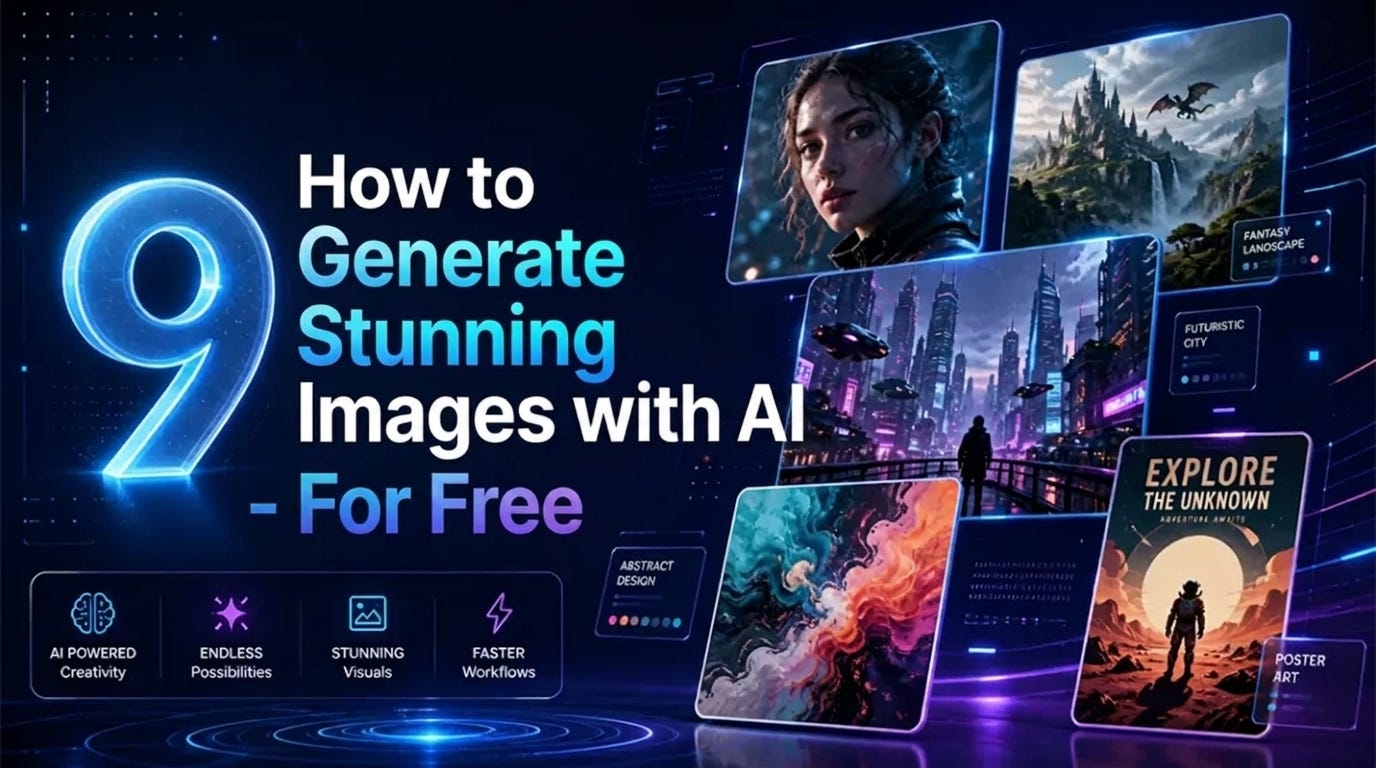
This banner was generated by gemini-3-pro-image
You don’t need Photoshop skills, a design degree, or a paid subscription to create professional-quality images with AI. Here’s exactly how.
A year ago, generating a photorealistic image from a text description required either expensive software or a waitlist. Today, you can type a sentence and get a gallery-quality image in under ten seconds — for free.
The tools have gotten dramatically better. But most people are still using them wrong, getting mediocre results, and concluding that “AI images look fake.” The difference between a generic output and something genuinely striking almost always comes down to the prompt.
This guide covers the best free tools available right now and, more importantly, the prompt formulas that make them produce exceptional results.
The Best Free AI Image Generators in 2026
1. Microsoft Copilot (DALL-E 3) — Best Overall Free Option
Microsoft’s Copilot gives you access to DALL-E 3 — the same image model behind ChatGPT Plus — completely free through the web interface. No account required for casual use, though you get more generations with a Microsoft account.
Why it’s the top free pick: DALL-E 3 follows complex instructions better than any other model. It handles text in images (historically a weakness of AI generators), complex compositions, and specific stylistic instructions reliably.
How to access: bing.com/images/create or copilot.microsoft.com
Limitation: 15 “boosted” (fast) generations per day, then slower generation speed.
2. Adobe Firefly — Best for Commercial Use
Adobe’s Firefly is trained entirely on licensed content, which means you can use generated images commercially without copyright concerns. This matters if you’re creating images for a business, client work, or products you sell.
The image quality has improved dramatically in 2024–2025 and now rivals Midjourney for photorealistic output.
Why it stands out: Generative Fill (editing existing images) and style matching are best-in-class.
How to access: firefly.adobe.com — free tier with 25 credits/month
Limitation: Free tier is modest; commercial use requires paid plan confirmation.
3. Stable Diffusion (via DreamStudio or local) — Most Powerful Free Option
Stable Diffusion is open-source, which means it’s free to run on your own computer or through various free interfaces. The quality ceiling is the highest of any free model, and you have complete control over every parameter.
Why it’s worth the learning curve: No usage limits if you run it locally. Thousands of community fine-tuned models for specific styles (anime, architectural renders, product photography, etc.).
How to access: stability.ai/dreamstudio (free credits on signup) or install Automatic1111 locally
Limitation: Steeper learning curve; running locally requires a decent GPU.
4. Ideogram — Best for Text in Images
If you need images that include readable text — posters, logos, t-shirt designs, social media graphics — Ideogram is the tool to use. Most AI generators still struggle with text; Ideogram specifically trains for it.
Why it’s unique: Generates clean, stylized text as part of the image, not an afterthought.
How to access: ideogram.ai — free tier with daily credits
5. Canva AI (Magic Media) — Best for Non-Designers
If you’re already using Canva for design work, its built-in AI image generator integrates directly into your workflow. Generate, place, resize, and edit images without leaving Canva.
Why designers and marketers love it: Seamless integration with your existing design templates. No context-switching between tools.
How to access: canva.com — free with Canva account (limited generations)
The Prompt Formulas That Actually Work
Most people write prompts like search queries: “a dog in the park.” That’s not how to get great results.
AI image generators respond to structured, detailed prompts that describe subject, style, lighting, composition, and technical parameters. Here’s the framework:
The Core Formula
[Subject] + [Action/Pose] + [Setting] + [Lighting] + [Style/Medium] + [Technical specs]Basic: a dog in the park
Using the formula: a golden retriever running through a sunlit autumn park, warm afternoon backlight, captured with shallow depth of field, National Geographic photography style, 85mm lens
Same subject. Completely different result.
Prompt Modifiers That Dramatically Improve Quality
For photorealistic images:
photorealistic, 8K, shot on Sony A7IIIhyperrealistic, award-winning photographycinematic lighting, film grain
For illustrated/artistic styles:
digital illustration, trending on ArtStationoil painting, impressionist style, painterly textureflat design, minimal, vector art
For product/commercial photography:
product photography, white background, studio lighting, commerciallifestyle product shot, natural light, editorial
For portraits:
professional headshot, soft studio lighting, sharp focus on eyescandid portrait, golden hour, bokeh background
The Negative Prompt Trick
Most generators let you specify what you don’t want. Use this aggressively:
Standard negatives for better quality:
blurry, low quality, distorted, ugly, watermark, text, extra fingers, bad anatomy, duplicate, out of frame
For portraits specifically:
bad eyes, misaligned eyes, extra limbs, deformed hands, asymmetric face
Style Reference Prompts That Always Work
These are tested prompts that reliably produce high-quality results across any subject:
Cinematic: [subject], cinematic composition, moody lighting, movie still, Kodak film
Editorial fashion: [subject], editorial fashion photography, Vogue magazine, dramatic lighting
Architectural/interior: [subject], interior design photography, natural light, minimalist, architectural digest
Nature/wildlife: [subject], wildlife photography, National Geographic, golden hour, telephoto lens
Tech/product: [subject], sleek product photography, dark background, subtle lighting, Apple-style
Common Mistakes and How to Fix Them
Problem: Images look generic
Fix: Add specific artistic references. Instead of “digital art,” try “digital illustration in the style of James Gurney” or “concept art, Artstation trending.”
Problem: Faces look wrong
Fix: Add sharp focus on face, detailed facial features, professional portrait and use negative prompts for face distortion.
Problem: The composition is off
Fix: Specify composition explicitly: rule of thirds, centered composition, close-up portrait, wide angle shot, bird's eye view.
Problem: Text in images is garbled
Fix: Use Ideogram instead of other tools for any image requiring readable text.
Problem: Not getting what you described
Fix: Put the most important elements first. AI generators weight earlier words more heavily.
A Practical Workflow for Regular Use
- Start with Microsoft Copilot for quick generation and testing ideas
- Refine your prompt based on what you get — most people need 3–5 iterations
- Move to Stable Diffusion if you need a specific style or more control
- Use Ideogram if your image needs text
- Use Adobe Firefly if the image will be used commercially
The best results usually come from 10 minutes of prompt refinement, not from the first generation.
Ready to skip the trial and error? The **500 AI Image Prompts Pack** includes tested, ready-to-use prompts for every category — social media, product photography, portraits, logos, illustrations, and more. Copy, paste, generate.
Found this useful? Every week I send one email with practical AI tools and tips — no hype.
→ **Join the newsletter** — free, weekly, unsubscribe anytime.
메타데이터
- post_id
- 0f30cbce190e
- slug
- how-to-generate-stunning-images-with-ai-for-free-0f30cbce190e
- url
- https://medium.com/@alexwithai/how-to-generate-stunning-images-with-ai-for-free-0f30cbce190e
- canonical_url
- https://medium.com/@alexwithai/how-to-generate-stunning-images-with-ai-for-free-0f30cbce190e
- author_url
- https://medium.com/@alexwithai
- status
- ok
- fetched_at
- 2026-06-11 05:11:55