Reflection Probes in Unity
With so many ways to create a beautiful game, the use of a reflection probe, especially without a skybox in the scene, can help enhance the…
Reflection Probes in Unity
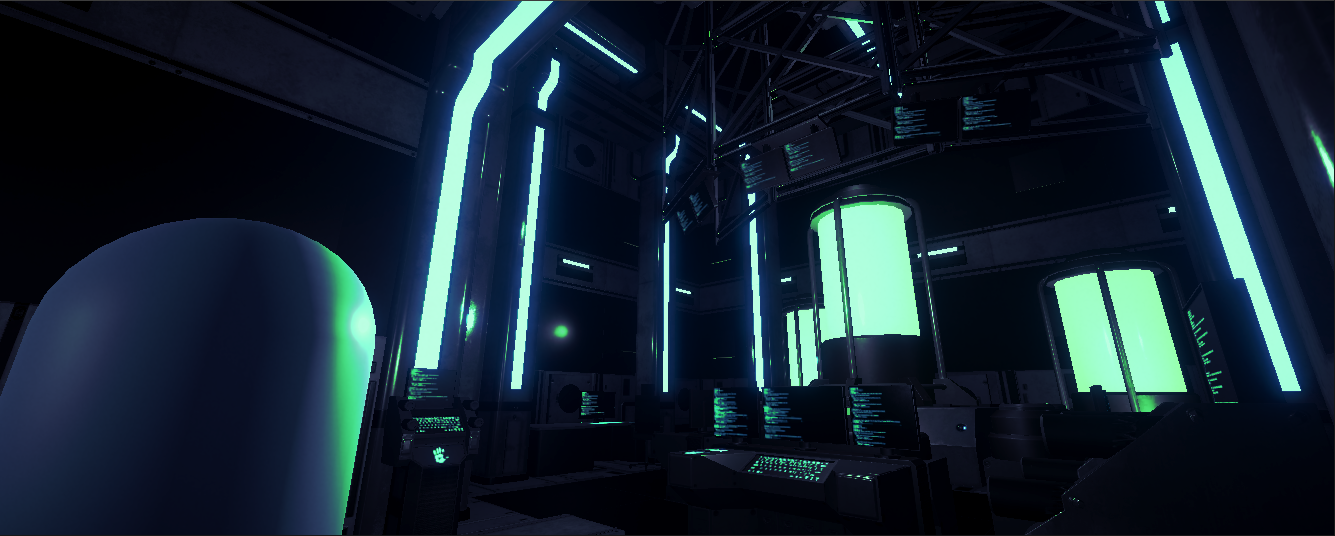
With so many ways to create a beautiful game, the use of a reflection probe, especially without a skybox in the scene, can help enhance the look of your game. But what is a reflection probe? A reflection probe is a type of game object that casts reflections, and thankfully, it’s really easy to use. Let me quickly show you how!

Note: Reflection Probes in HDRP use Screen Space Reflection while in URP they are primarily Box Reflections. Today, we’ll be in URP using reflection probes to demonstrate their use.
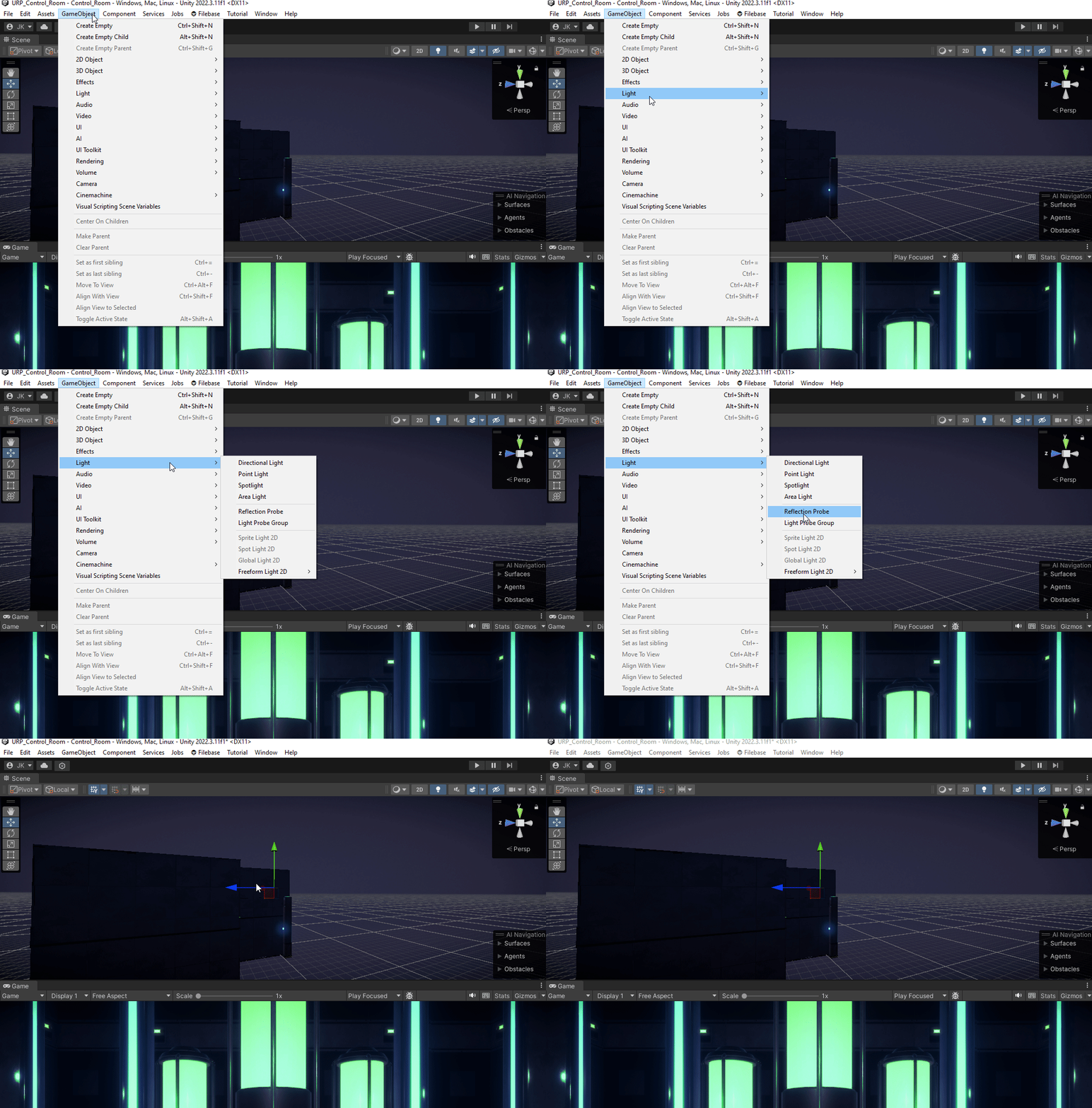
To add a reflection probe into your scene, you have to go to GameObjects at the top of the Editor, go to Lights then select Reflection Probe.
As you move this probe around you can notice that it is updating as you do so and rebaking the reflections it makes within the box.
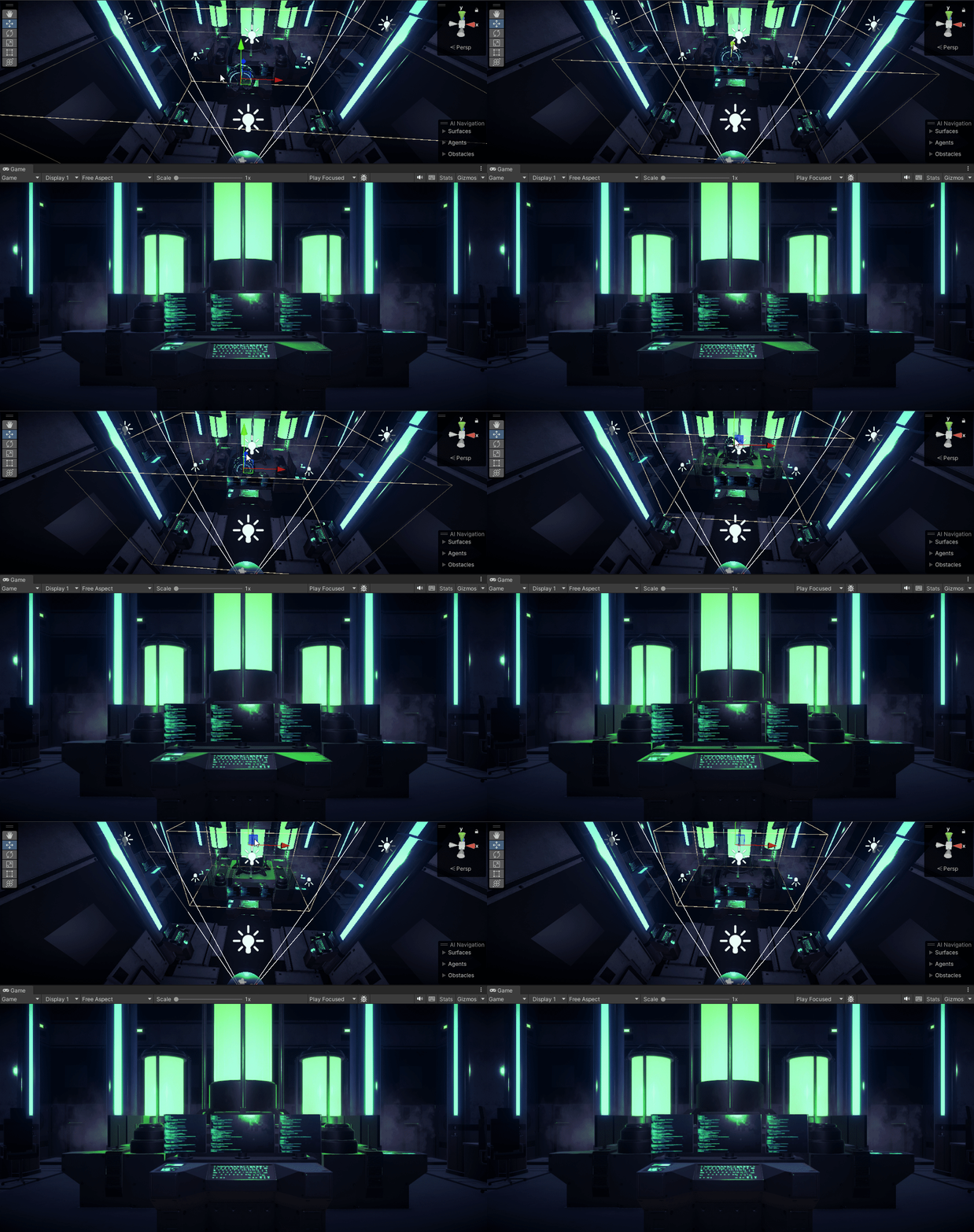
Notice how the reflections change based on where the probe is.
Keep in mind when building a level, you would want to use a Reflection Probe per segment of your level. So, in my project’s case I wouldn’t want the Probe’s cast to extend out into another part of the level as that would reflect this Control Room you see are seeing.
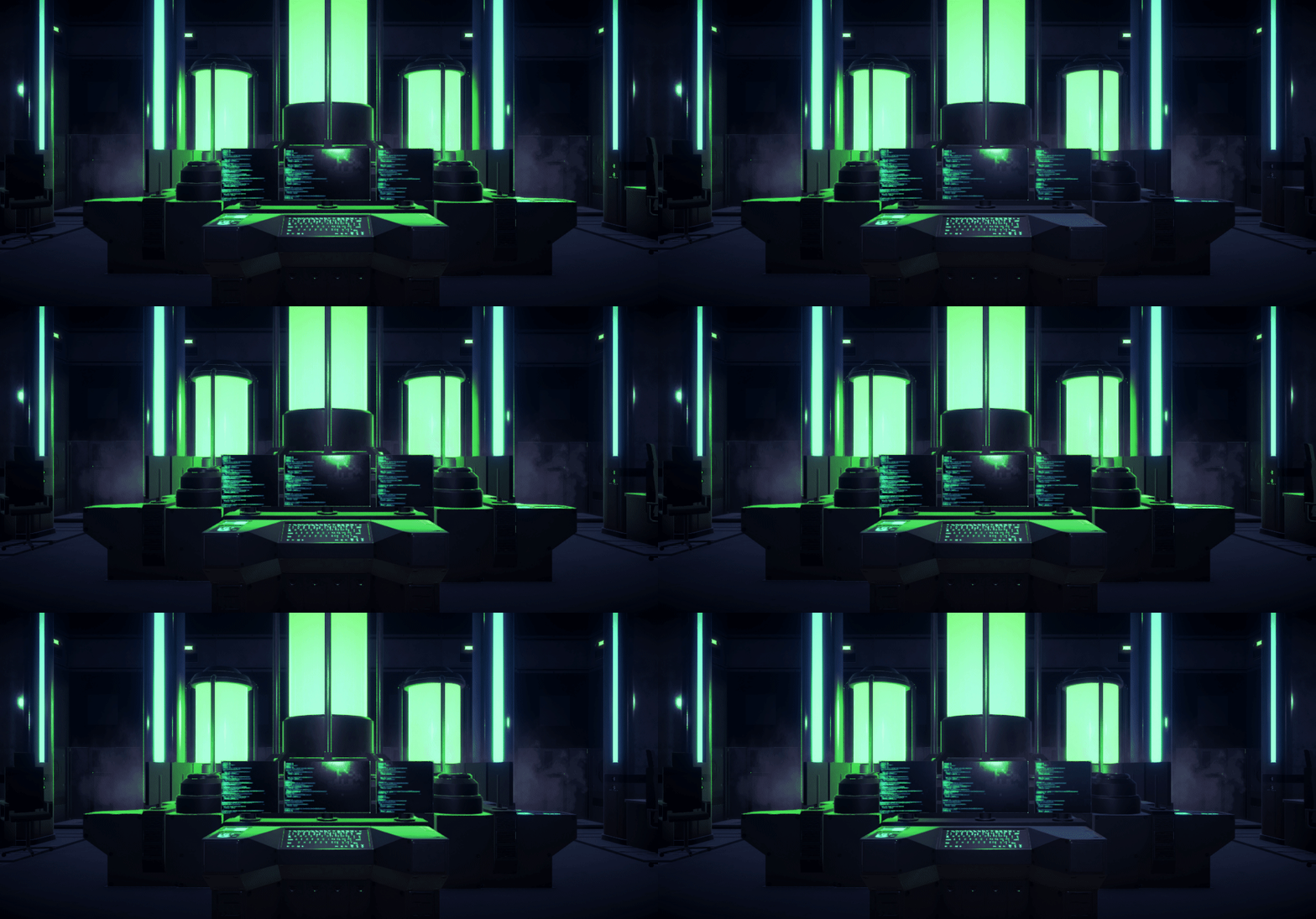
And as I’m sure you’re aware, not only can you toggle a setting to manipulate the reflection of the box cast, but you can also adjust the values of Intensity that you might find helpful.
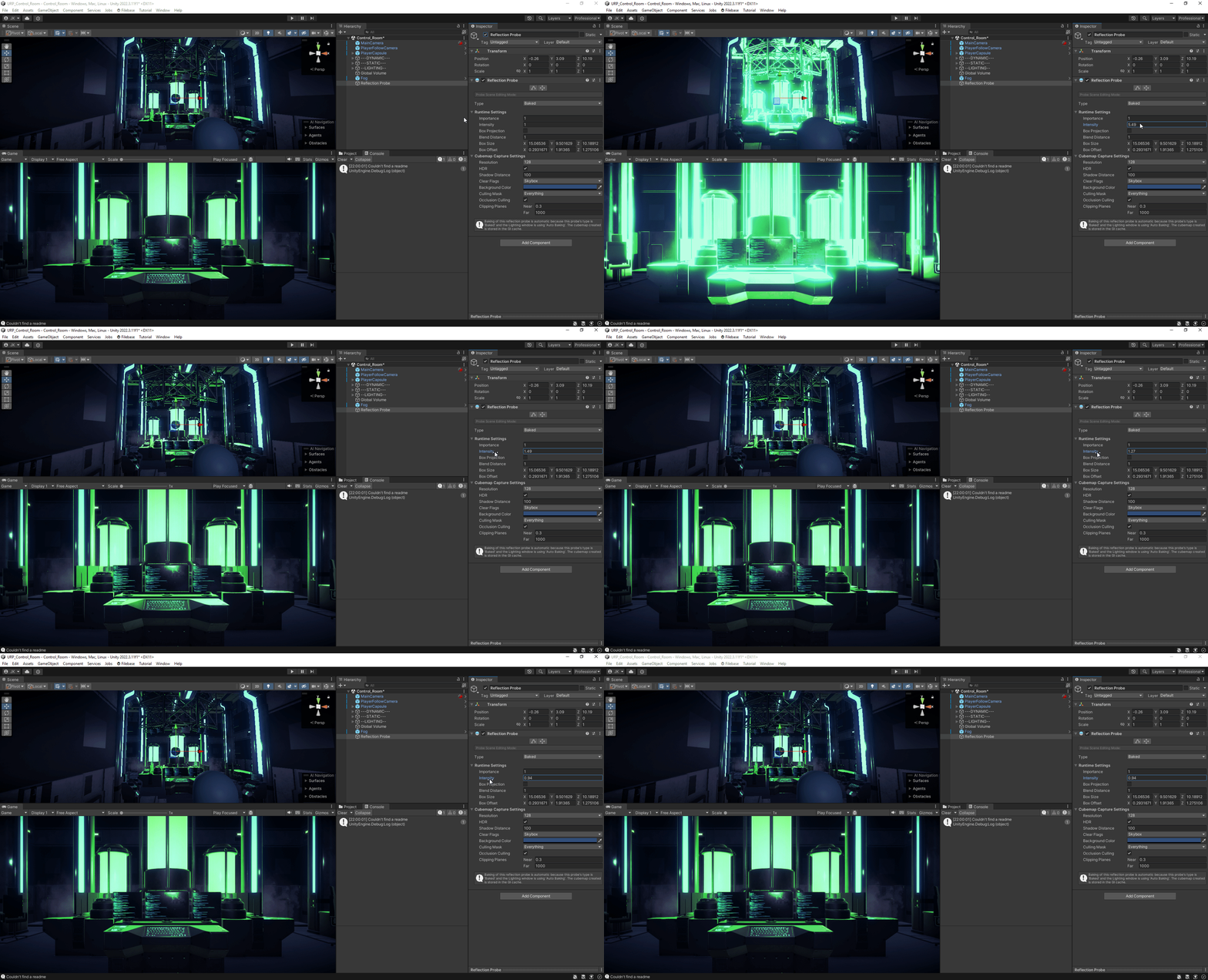
Overall, the use of the reflection probe in your game is ultimately up to you. Just keep in mind that the way it works slightly differs between HDRP and URP, but the concept remains the same. You can also still have a very nice looking game without one but sometimes it can enhance the look of your game when used properly. Anyways, I hope you enjoyed this quick guide on reflection probes and happy dev-ing!
메타데이터
- post_id
- 2dfd3051b17f
- slug
- reflection-probes-in-unity-2dfd3051b17f
- url
- https://medium.com/@jokrockx/reflection-probes-in-unity-2dfd3051b17f
- canonical_url
- https://medium.com/@jokrockx/reflection-probes-in-unity-2dfd3051b17f
- author_url
- https://medium.com/@jokrockx
- status
- ok
- fetched_at
- 2026-07-24 18:52:03