Claude Skills, Explained for People Who Don’t Code.
What a Skill actually is, the one I built in 20 minutes, and the small mistake that finally made it click.
Claude Skills, Explained for People Who Don’t Code.
What a Skill actually is, the one I built in 20 minutes, and the small mistake that finally made it click.
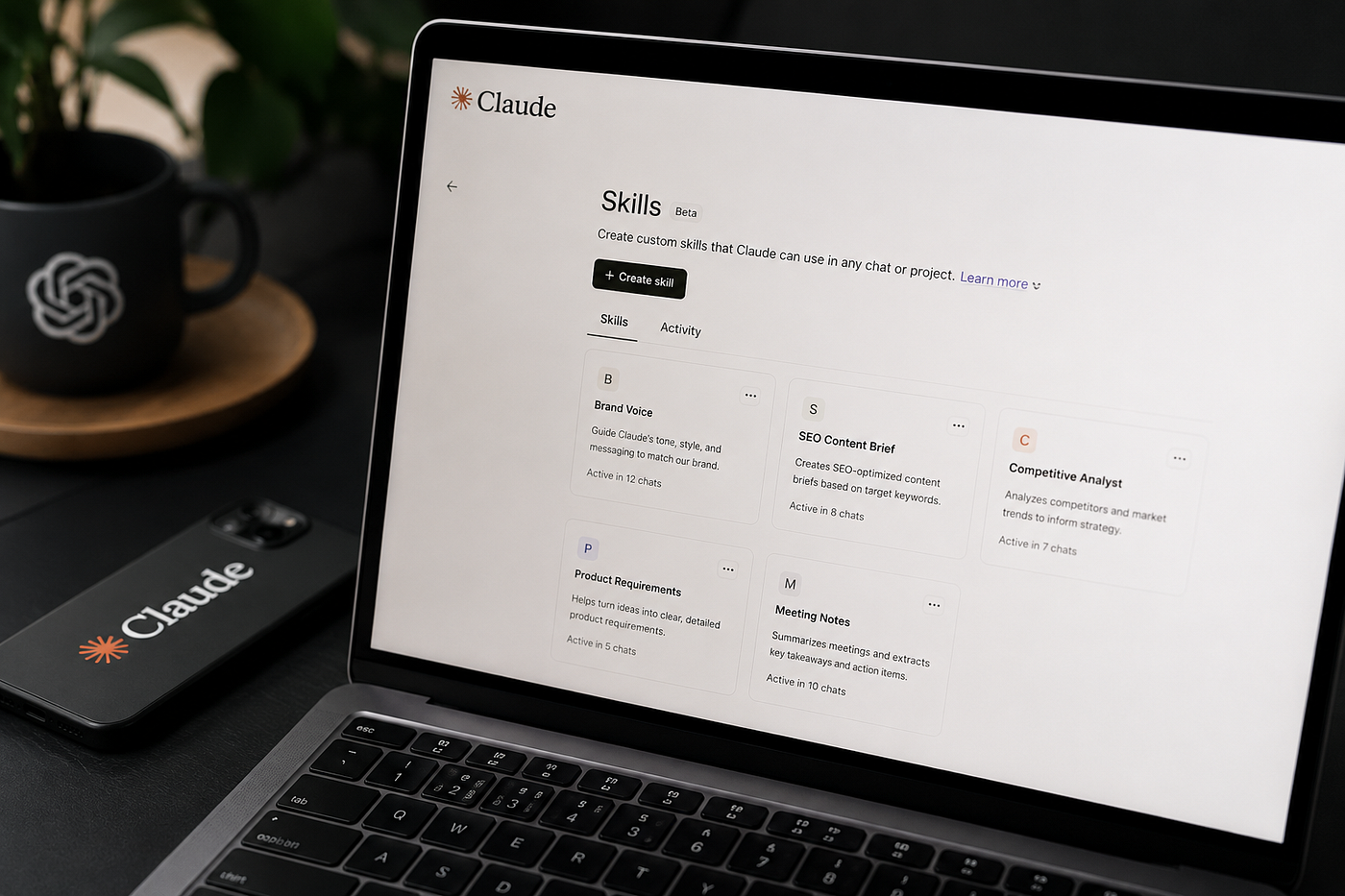
Claude Skills — AI Generated Media
For about three months I started every Claude conversation the same way. I pasted the same six lines telling it how I write. Short sentences. No em dashes. No hype words. Examples before theory. British spelling. I counted it one Tuesday in April. Forty-one times in a single week.
Then I did the same thing the next week. And the week after that.
The instructions were never the work. Pasting them was the tax I paid before the work started.
Here is the part I do not want to admit. Claude has had a feature that kills this exact problem since October last year, and I ignored it for months because the name sounded technical. The name was “Skills.” It sounded like something for developers. It is not.
If you would rather skip the explanation and start dropping ready-made instructions into a Skill today, my Claude prompt library is here: https://joshdubowsky.gumroad.com/l/claudepromptlibrary. Every prompt in it is already written to paste straight into one. Otherwise, read on.
What a Skill actually is, in plain English
A Skill is a set of instructions you write once that Claude reads automatically, every time, without you pasting anything.
That is the whole idea. You stop repeating yourself. Claude already knows.
The cleanest way to picture it is hiring someone. The first day a new person joins, you explain how you like things done. You do it once. You do not re-explain it every morning for the rest of the year. A Skill is that one explanation, written down, so you never give it again.
Technically a Skill is a small folder with one main file inside it called SKILL.md. That file is plain text. It has a short label at the top (a name and a one-line description of when to use it) and your instructions underneath. That is it. There is no code in it. If you can write a text message, you can write a SKILL.md.
You also do not need a terminal or anything that looks like programming. In the Claude app you create a Skill by writing those instructions into the SKILL.md file and adding it in the Skills section. The first time I did it, the writing took fifteen minutes and the actual adding took about thirty seconds.
The six lines that started it
Here is the first Skill I built, almost exactly as it sits in my account now. This is the real file.
---
name: my-writing-voice
description: How I write. Apply this whenever drafting or editing any text for me.
---
Write in my voice:
- Short, plain sentences. One idea each.
- No em dashes. Use full stops or commas.
- No hype words (powerful, game-changing, revolutionary, ultimate).
- Examples before theory. Show, then explain.
- British spelling.
- If a sentence works with fewer words, cut the words.That is the entire thing. Now I do not paste those six lines anymore. Claude applies them on its own when I am drafting. The forty-one-times-a-week tax went to zero.
The label at the top is the only part people get wrong, so it matters. The description line is what tells Claude when to reach for the Skill. "How I write. Apply this whenever drafting or editing any text for me" is specific about the trigger. A vague description like "writing stuff" leaves Claude guessing about when it applies.
The mistake that made it click
My first version of this Skill was four times longer. I poured in everything I could think of. Tone notes, formatting rules, a list of words I dislike, three example paragraphs, instructions for emails, instructions for articles, instructions for replies to my mum.
It worked worse, not better. Claude tried to apply article rules to a two-line text message. The Skill was doing five jobs badly instead of one job well.
The fix was not adding more. It was deleting. I cut it back to the one thing I repeated most often, which was my writing voice, and I built separate, smaller Skills for the other jobs.
The Skill did not save me time. Cutting it down to one job did.
That is the rule I would tattoo on a new person’s hand: a Skill is not a place to store everything you know. It is a place to put the one instruction you keep repeating. One Skill, one job.
A Skill is only as good as the instructions inside it, and writing good instructions from a blank page is the slow part. That is the actual reason I built my prompt library: 200+ instruction blocks, already tested, already formatted to paste straight into a SKILL.md. The voice Skill above started as one of them. It is a one-time $6.75, no subscription. https://joshdubowsky.gumroad.com/l/claudepromptlibrary. Think of it as the ingredients. The Skill is the recipe you put them in.
Three Skills worth building first
If you build these three, you will understand the whole feature better than 90 percent of the people writing threads about it. Each one is small. Each one does a single job.
1. The voice Skill
When you use it: every time Claude writes anything that other people will read.
Why it matters: this is the highest-leverage Skill for a non-coder, because the thing most people hate about AI writing is that it does not sound like them. A voice Skill fixes that once.
It is the file above. Build yours by writing down the five or six corrections you find yourself making to Claude’s drafts over and over. Those corrections are your voice.
The line that does the work is the trigger description. Be specific about when it applies, or Claude will use your article voice on a text to a friend.
2. The “make this sound like me” email Skill
When you use it: any email you would normally stare at for ten minutes before sending.
Why it matters: email is where re-explaining yourself costs the most. You want short, you want polite, you want it to not sound like a robot.
---
name: my-email-style
description: Apply when writing or rewriting an email for me.
---
Rewrite as a short email in my voice:
- Get to the point in the first line.
- Warm but not gushing. No "I hope this email finds you well."
- Three short paragraphs maximum.
- End with a clear, single next step.
- Match the formality of the message I am replying to.The unlock here is the last line. “Match the formality of the message I am replying to” stops Claude from being stiff with friends and casual with your accountant.
3. The weekly-review Skill
When you use it: once a week, Friday afternoon, twenty minutes.
Why it matters: most people never review their week because the setup feels like work. A Skill removes the setup. You type “run my weekly review” and the structure is already there.
---
name: weekly-review
description: Apply when I say "run my weekly review."
---
Walk me through my week with these questions, one at a time:
1. What actually moved forward this week?
2. What did I avoid, and why?
3. What is the one thing that, if done, makes next week easier?
Wait for my answer before asking the next question.The line that makes this one work is the last one. “Wait for my answer before asking the next question” turns a wall of text into an actual conversation. Without it, Claude dumps all three questions at once and you answer none of them properly.
Skip this if
I would rather you not waste twenty minutes, so here is who this is not for.
Skip Skills if you only use Claude once a week for one-off questions. The whole payoff is removing repetition, and if you do not repeat yourself, there is nothing to remove.
Skip building a Skill for something you have done twice. Build it for the thing you have done forty times. The repetition is the signal.
Skip the long, do-everything Skill. I already paid that tax for you. One Skill, one job.
And skip this entirely if you genuinely enjoy re-typing your instructions every morning. Some people find it grounding. No judgement. This is for the rest of us.
The one thing to take from this
The feature is not the point. The point is that you have been telling Claude the same things over and over, and you do not have to anymore.
Find the instruction you have repeated the most this month. Write it down once. That is your first Skill.
Stop paying the tax.
Get one Claude workflow per week
I run a short newsletter with one practical Claude prompt or workflow every Sunday. Not daily. Not generic AI news. Not a “five AI trends” listicle. Just one thing I have actually tested in my own week, with a note on why it works and where it does not.
Sign up at joshdubowsky.beehiiv.com.
The welcome email includes the free 10-prompt sample of the library, so you have something useful to drop into your first Skill before the first newsletter even arrives. One click to unsubscribe.
P.S. If you build the voice Skill and want 200 more instruction blocks already formatted to paste into one, the full library is a one-time $6.75 here: https://joshdubowsky.gumroad.com/l/claudepromptlibrary. The newsletter is at joshdubowsky.beehiiv.com.
메타데이터
- post_id
- 3ff52ae26c5d
- slug
- claude-skills-explained-for-people-who-dont-code-3ff52ae26c5d
- url
- https://medium.com/@dubowskywebsolutions/claude-skills-explained-for-people-who-dont-code-3ff52ae26c5d
- canonical_url
- https://medium.com/@dubowskywebsolutions/claude-skills-explained-for-people-who-dont-code-3ff52ae26c5d
- author_url
- https://medium.com/@dubowskywebsolutions
- status
- ok
- fetched_at
- 2026-06-09 15:37:30






