Optimize Your E-commerce Category Pages for Better SEO and User Experience
Optimize Your E-commerce Category Pages
Optimize Your E-commerce Category Pages for Better SEO and User Experience
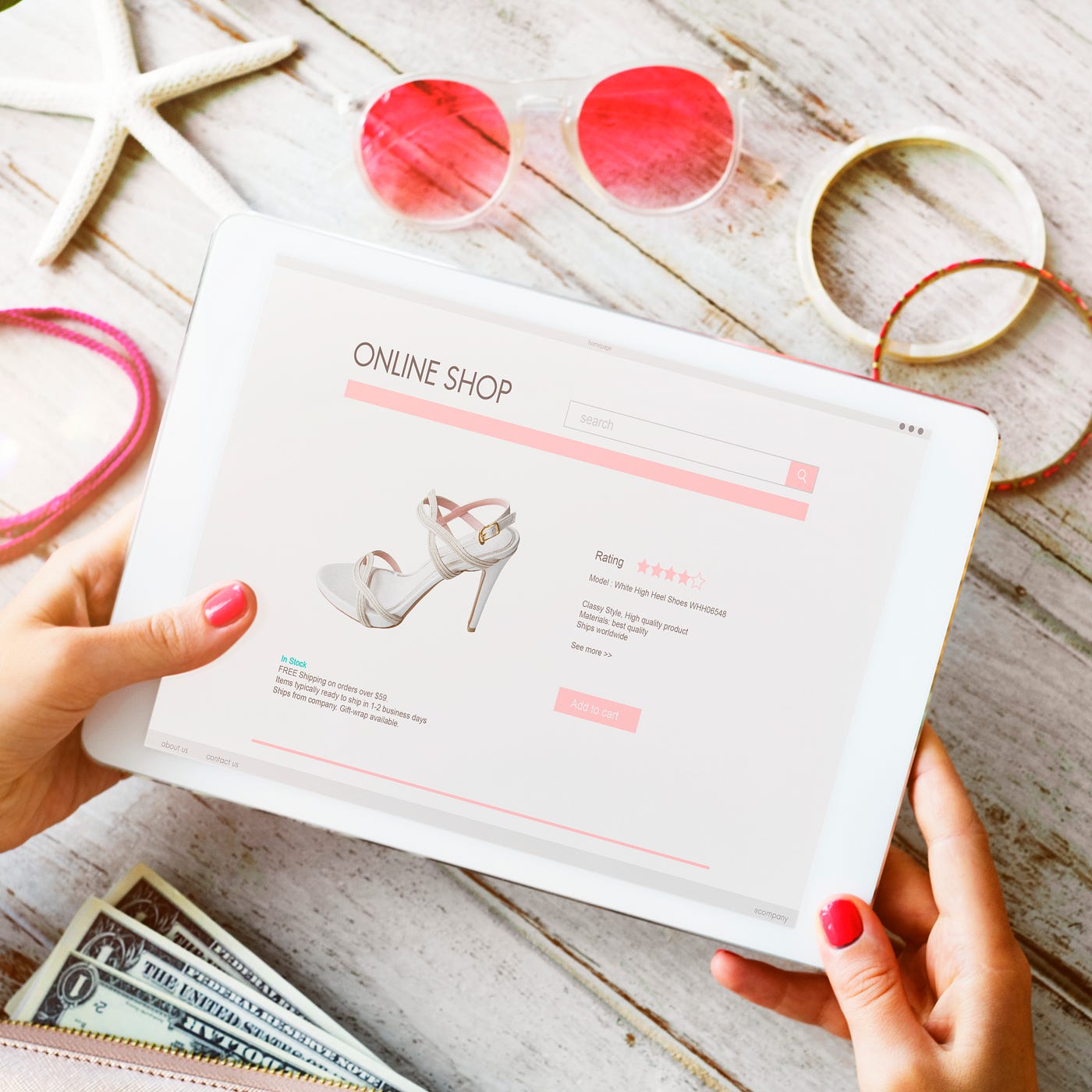
free pic
Optimize Your E-commerce Category Pages
When it comes to e-commerce websites, the importance of category pages needs no emphasis. They are a lynchpin between your homepage and individual product listings. A category page is like your shop, so it should be well structured. It must be helpful for search engines to understand what you are offering and guide customers towards the right section of your store, thus enhancing user experience and converting them into buyers.
This article covers the maximum essential key points that should be kept in mind while designing a category page. It will be helpful to rank on Google and increase the conversion rate.
1. A Clear Title and Meta Description
The first step in optimization is getting your title and meta description right.
- Title tags must mention the main keyword (e.g., “Men’s Running Shoes — Buy Online | Up to 40% Off”). Should be kept up to 60–70 characters besides a call-to-action or brand mention.
- Meta descriptions are very important to influence click-through rates. A good meta description should sum up the category. For best results, it should highlight additional features such as free shipping or discounts, offers that encourage users to click.
Example: “Shop the latest men’s running shoes online. Enjoy free shipping, 30-day returns, buy one get one free, and discounts up to 40%. Find your perfect pair today!”
2. Concise Descriptive Text at the Top
Content with the primary keyword makes a category page for Google to understand your product.
Displaying only products without context is a common but highly paid mistake. Adding a short description that covers all essential points that cover buyer intent can make a big difference, but keep in mind that all keywords that show the same searches on Google should be included on the same page.
This section should:
- Introduce the category briefly.
- Highlight what makes your collection unique.
- Include the primary keyword naturally.
Example: on a “Women’s Summer Dresses” page, you might add: Enjoy our new women’s summer collection, where comfort meets style. Our wide range of dresses covers everything from casual to formal, sharp to subtle colors, and floral prints to plain dresses.”
This gives both search engines and users clarity about the page.
3. Internal Links to Subcategories or Related Content
Internal linking is important from an SEO point of view it helps to distribute authority across your site. It guides users to other relevant sections of your website.
- Add links to subcategories such as “casual dress,” “semi-formal dress,” or “Formal dress.”
- Include links to related content, like blog posts, buyer’s guides, or styling tips.
This improves crawlability and keeps users engaged on your website longer.
4. Product Images and Details
High-quality product images are non-negotiable. Every product in the category should:
- Have clear, professional images.
- Display important details with a clear image, such as price, size, and available colors.
- Offer quick-view or hover-over features to enhance usability.
Don’t forget the importance of visuals, which play a major role in purchase decisions. Clear and attractive images with exact details can improve conversion rate.
5. User Reviews and Ratings
Reviews build trust. Featuring average ratings and snippets of user feedback directly on category pages can:
- Boost credibility.
- Help customers make faster decisions.
- Improve click-through rates to product pages.
For instance, a shoe category page showing “4.5 ★ (2,300 reviews)” below each product instantly reassures buyers.
6. Filters and Sorting Options
Everyone loves convenience. Filters and sorting tools help to refine results without feeling overwhelmed and save time.
Include options to filter by:
- Price range
- Size
- Color
- Brand
- Customer ratings
Also, let users sort products by best-selling, newest arrivals, price from low to high, or top-rated. A smooth browsing experience often leads to higher conversions and saves user time.
7. Buyer’s Guides or FAQs
Category pages with user guides and FAQs tend to perform better.
- A buyer’s guide helps first-time users to understand what to look for in a product. Example: A “sports Shoes Guide” could explain cushioning types, sole materials, and best choices for beginners vs. professionals.
- An FAQ section answers common questions and queries like shipping policies, size charts, and return process, etc.
This additional information provides value, reduces customer doubts, and makes the page more keyword-rich.
Final Thoughts
Optimizing e-commerce store category pages is important for both Google ranking as well as user experience. A well-structured page must have, clear title, description, internal links, product details, reviews, filters, and supporting guides can dramatically improve both rankings and sales.
Treat your category pages like a shop. Make it more inviting, informative, and easy to navigate it which increases the chances that visitors will not only browse but also buy.
메타데이터
- post_id
- 438e3d83f0fb
- slug
- optimize-your-e-commerce-category-pages-for-better-seo-and-user-experience-438e3d83f0fb
- url
- https://medium.com/@asmafarhan2000/optimize-your-e-commerce-category-pages-for-better-seo-and-user-experience-438e3d83f0fb
- canonical_url
- https://medium.com/@asmafarhan2000/optimize-your-e-commerce-category-pages-for-better-seo-and-user-experience-438e3d83f0fb
- author_url
- https://medium.com/@asmafarhan2000
- status
- ok
- fetched_at
- 2026-07-23 16:08:28