I Made a Hollywood-Style Short Film with VEO 3 in 24 Hours: Here’s My Exact Workflow
Every prompt, every tool, every LUT setting. The full director’s package, not a recap.
I Made a Hollywood-Style Short Film with VEO 3 in 24 Hours: Here’s My Exact Workflow
Every prompt, every tool, every LUT setting. The full director’s package, not a recap.
Saturday 9 a.m. I opened a blank document with one line of premise: a woman receives a strange phone call at dusk and drives to an abandoned warehouse. Sunday 9 a.m. I exported a 7-minute neo-noir short with proper coverage, continuity, and a finished soundtrack.
No crew. No location scouting. No camera rentals.
The output looks closer to a Vimeo Staff Pick than to a typical AI generation. The reason: I didn’t treat VEO 3 like a slot machine. I treated it like a camera department, with every tool in the workflow assigned a specific job and a specific input.
Below is the exact 24-hour workflow, with the real prompts I gave each tool.
Hour 0 to 3: Break the Script Into a Shot List
Tool: Claude (Opus 4.7 class model) Input: 2-page script + the breakdown prompt below
The biggest reason VEO 3 outputs look like demos is that creators prompt at the scene level. A real director works at the shot level.
I wrote the script in 90 minutes. Then I handed it to Claude 4.7 with this exact prompt:
You are a film director's assistant. Take the following script and break it
down into a structured shot list of 18-25 shots for a short film intended
for AI video generation (VEO 3).
For each shot, output one row of a markdown table with these columns:
- Shot # (integer)
- Location (INT/EXT, place name)
- Characters (in frame)
- Action (one sentence, verb-first, specific)
- Shot type (wide / medium / close-up / insert / OTS)
- Camera movement (static / push-in / pull-out / dolly / tracking / handheld)
- Lighting (practical / natural / stylized + one descriptor)
- Mood (1-2 words)
- Duration in seconds (max 8)Constraints:
- No shot longer than 8 seconds
- Each scene gets at least 1 wide, 1 medium, 1 close-up for coverage
- Match shot type to emotional beat
- Avoid camera movement clichés (no spinning, no zooms)Script:
[paste script here]Claude returned a table of 22 shots. I trimmed it to 18. This phase is non-negotiable. A 7-minute short averages 18 to 25 shots. Without the shot list, you generate the same establishing wide angle three times and call it a movie.
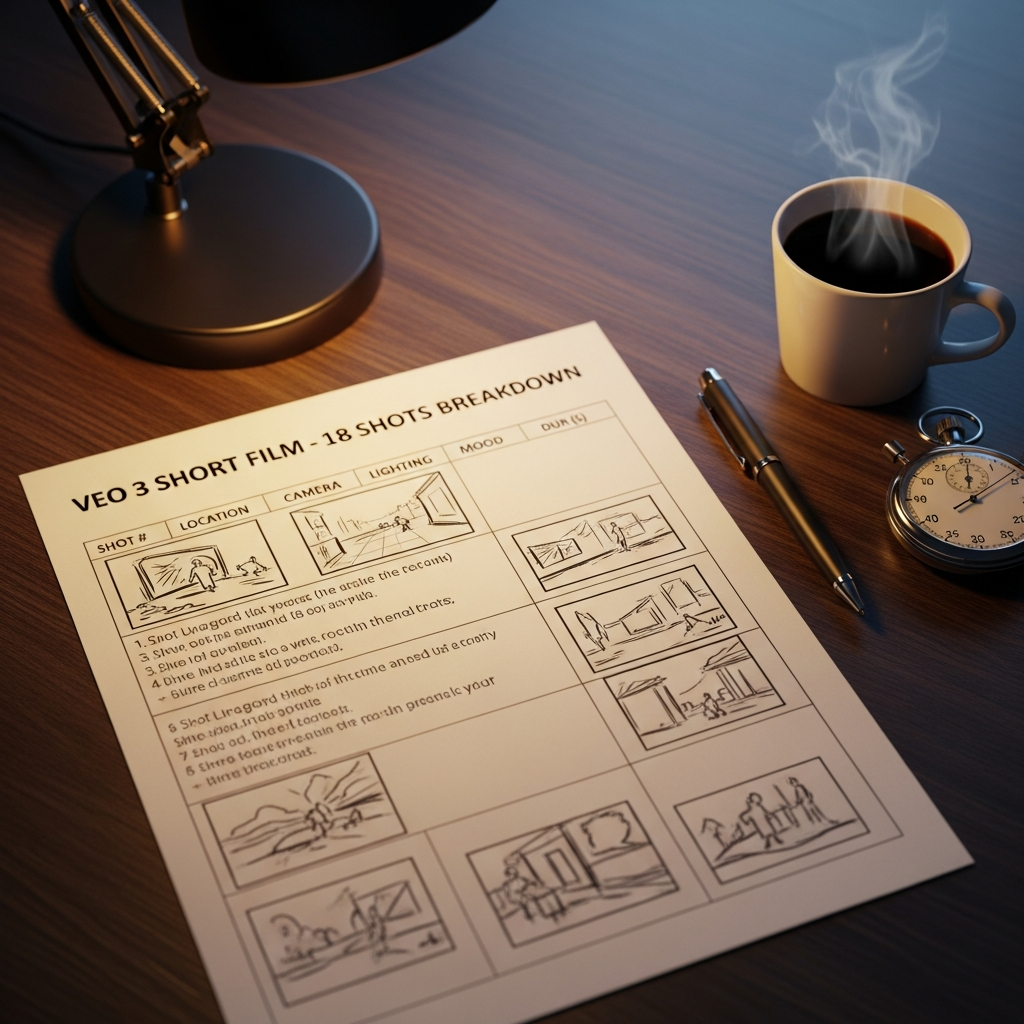
Three columns mattered most:
- Camera: specific shot types (wide, medium, close-up, insert, OTS)
- Movement: static, push-in, pull-out, dolly, tracking, handheld
- Lighting motivation: practical (lamp, screen), natural (window, sun), or stylized (rim light, hard key)
Each shot had a clear visual identity before VEO 3 ever opened.
Hour 3 to 6: Build the Master Prompt Template
Tool: VEO 3 Input: Structured JSON-style prompt (8 fields per shot)
VEO 3 responds to structure. I built one master template I could fill out for every shot. Empty form:
json
{
  "subject": "",
  "action": "",
  "camera": "",
  "lens": "",
  "lighting": "",
  "color_grade": "",
  "mood": "",
  "negative": ""
}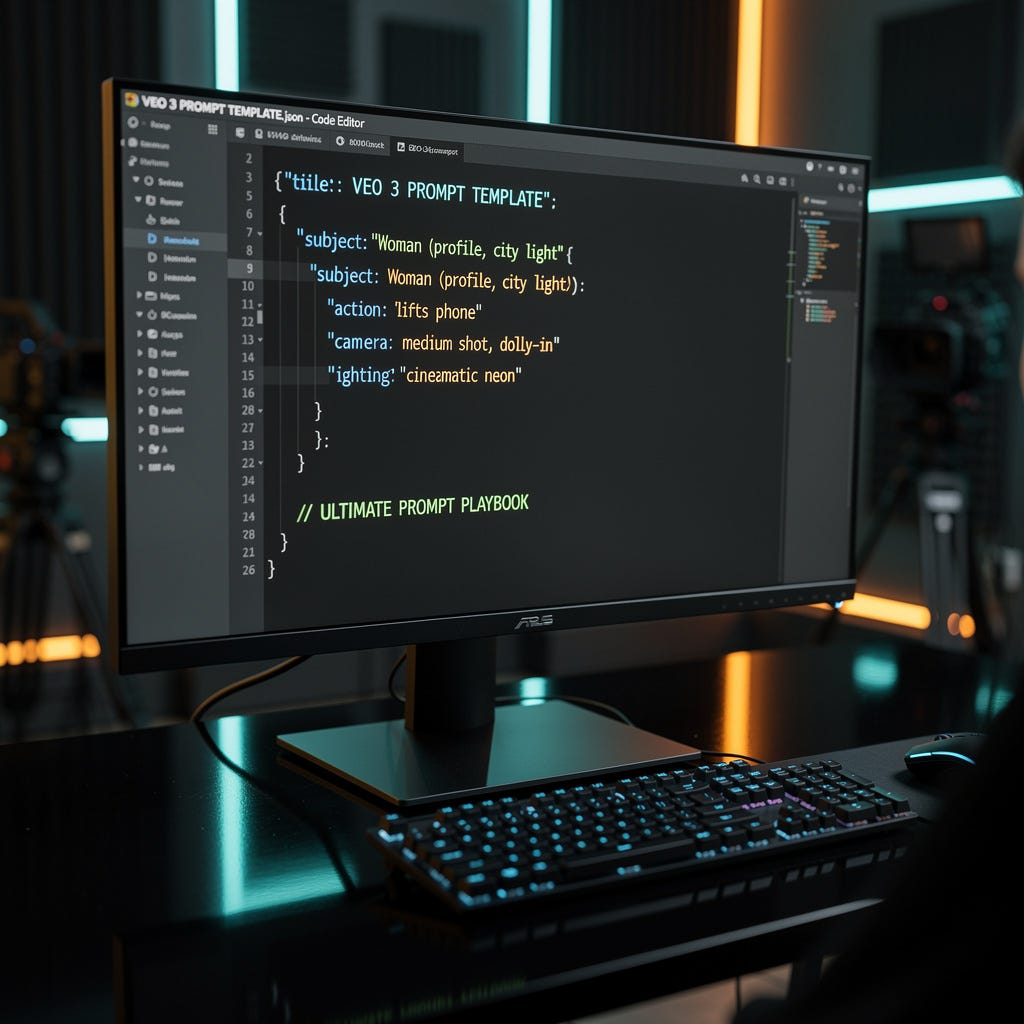
The eight fields aren’t random. They map 1:1 to how a DP (director of photography) thinks on set. Filling out the template takes 90 seconds per shot once the shot list is locked.
Two slots carry most of the cinematic weight: camera and color_grade.
The camera slot is where you stop writing “the character walks” and start writing “35mm medium shot, slow dolly-in, eye-level, subject framed left-of-center.” The color_grade slot is where you stop writing “moody” and start writing “low-contrast warm shadows, teal highlights, slight halation on practicals, fine 35mm grain.”
VEO 3 understands cinematography references. Use them by name.
💡 If you want the full JSON template prompt library I used for this short (drama, action, horror, surreal, documentary), it’s all inside **the Ultimate VEO 3 Prompt Playbook →**. Built for creators who want to skip the slot-machine phase entirely.
Hour 6 to 14: Generate Shots in Sequence
Tool: VEO 3 Input: Filled JSON prompts (one per shot, generated in story order)
The temptation is to fire off 18 prompts in parallel. Don’t.
Generate shots in story order. After every 3 to 4 shots, watch them back-to-back. You catch continuity issues early: a character’s shirt color drifting, a lighting direction flipping, a location subtly changing.
Below are three of the actual prompts that produced the keepers in the short. Notice how the same JSON skeleton flexes across shot types.
Shot 1 : Establishing wide (apartment window at dusk)
json
{
  "subject": "A 30-year-old woman, dark hair pulled back, standing at her apartment window in profile, silhouetted against the city outside",
  "action": "she lifts a phone slowly to her ear, then lowers it without speaking",
  "camera": "wide establishing shot, slow push-in, low angle, subject framed right-of-center against window light",
  "lens": "anamorphic 35mm, T2.8, shallow depth of field on the foreground curtain",
  "lighting": "single hard practical from the window (city signs, neon), warm orange and magenta wash, deep shadow on her face, low-contrast fill from a lamp off-frame",
  "color_grade": "low-contrast warm shadows, teal highlights, slight film halation around practicals, fine 35mm grain",
  "mood": "tense, watchful, urban dusk",
  "negative": "no zoom, no fast motion, no daylight, no smiling"
}
Shot 8 : Medium dialogue (woman on phone, mid-room)
json
{
  "subject": "Same woman, leather jacket, seated at a small kitchen table, phone pressed to her right ear",
  "action": "she nods once slowly, exhales through her nose, then sets the phone face-down on the table",
  "camera": "medium shot, locked off, eye-level, subject framed left-of-center, kitchen interior visible behind her",
  "lens": "50mm, T2.0, focus locked on her eyes, soft background bokeh",
  "lighting": "soft natural daylight from a kitchen window camera-right, low practical fill from a hanging pendant lamp, warm key with cool fill",
  "color_grade": "soft contrast, desaturated greens in the background, skin tones true, slight warm cast",
  "mood": "controlled, decisive, quiet tension",
  "negative": "no camera movement, no background characters, no music cue visual"
}
Shot 14 : Close-up insert (hand on warehouse door)
json
{
  "subject": "A woman's hand, ringless, hovering over a heavy industrial steel door handle",
  "action": "fingers tighten around the handle, then pull it slowly downward",
  "camera": "extreme close-up, static, slight low angle on the handle, hand entering from frame right",
  "lens": "100mm macro, T2.8, razor-thin depth of field on the knuckles",
  "lighting": "single hard top light from a fluorescent strip overhead, harsh shadow under the hand, cool blue-green color temperature, slight flicker",
  "color_grade": "high contrast, cool teal shadows, desaturated overall, industrial fluorescent look",
  "mood": "decisive, threshold moment",
  "negative": "no face visible, no other hand, no warm tones"
}
I averaged 3 generations per shot before keeping one. That’s 54 generations across 8 hours. Most rejections came from the same problem. VEO 3 added a camera move I didn’t ask for, or interpreted “medium shot” as “medium-wide.” Re-prompt with explicit framing language and it locks in.
The VEO 3 camera movement vocabulary carried most of the cinematic look here. A 3-inch push-in on a close-up changes the emotional read of a scene more than any color grade ever will.
Hour 14 to 18: Fix Continuity in Post (Not in Prompt)
Tool: DaVinci Resolve (free version) Input: 18 raw VEO 3 clips + one master LUT recipe
This is the part everyone skips.
Even with a tight prompt template, VEO 3 outputs drift in color temperature, contrast, and saturation across 18 shots. Trying to fix this in the prompt is a losing battle. Fix it in DaVinci Resolve.
I built one master LUT based on the hero shot (Shot 1). Here is the exact recipe, applied as a base node on every clip in the timeline:
PRIMARY WHEELS
- Lift  (shadows down):     -0.04
- Gamma (mids slight up):   +0.05
- Gain  (highlights pulled): -0.08
COLOR BALANCE
- Shadows pushed toward teal: RGB ≈ (200, 220, 240)
- Highlights pushed toward orange: RGB ≈ (255, 220, 180)
- Midtones: neutralCURVES
- Luminance: gentle S-curve
- Blue channel: reduce -5 in highlightsSATURATION & CONTRAST
- Saturation: 85 (slight desaturation)
- Contrast: 1.05OVERLAY
- Film grain: 35mm preset, 8% strength
- No halation overlay (already in prompt)From the base node, each shot got 30 seconds of secondary correction: lift the shadows 5 points, pull the saturation 3 points, match skin tones across cuts.
Continuity stops being an AI problem and becomes a colorist problem. Colorists have solved this for 60 years.
Sound continuity matters too. I layered a single room-tone bed across every interior scene and a wind-and-distance ambience across every exterior. The audience reads continuity through their ears before their eyes.
Hour 18 to 22: Edit Like a Film, Not a Reel
Tool: DaVinci Resolve (edit page) Input: Graded clips, pacing rules
VEO 3 clips average 8 seconds. A 7-minute film at 8-second clips is 52 cuts. Too many.
I cut some shots down to 2 seconds and let others breathe for 12. The pacing rule I followed: cut on action, motion, or sound. Never cut on a static frame unless the silence carries meaning.
If you’ve only edited Reels, this is the unlearn moment. Reels-pacing inside a short film makes the film feel like a montage. Short-film pacing inside a Reel makes the Reel feel slow. Different mediums, different rhythms.
Hour 22 to 24: Score and Final Mix
Tools: Suno AI (score) + DaVinci Resolve Fairlight (mix) Inputs: Suno prompt + mix levels below
Suno AI handled the score. The exact prompt I used:
slow cello-driven cinematic underscore, sparse, Hans Zimmer minimalism,
60 BPM, no vocals, no drums, melancholic sustained low strings,
occasional piano single-note drops, builds tension in the final 30
seconds, neo-noir drama
I generated three takes. The third fit the runtime almost exactly. Exported as WAV, dropped it into DaVinci’s audio timeline, ducked under dialogue automatically using a sidechain on the Fairlight panel.
For dialogue, VEO 3 generated the on-screen audio directly. Lip-sync is close enough for narrative work at this scale.
Final mix levels (Fairlight master):
- Dialogue:   -12 dB
- Score:      -22 dB
- Ambience:   -28 dB
- Foley / FX: -18 dB
The reference is always the same question: can you hear the dialogue clearly with the score playing? If not, pull the score.
What the 24-Hour Window Actually Proves
The barrier to making short films just collapsed. What used to require a $50K crew, three weekends of pre-production, and another two weekends of post can now happen in a single day, by one person, with a clear shot list.
The skill that matters now is gear-independent. Think in shots. Frame stories visually. Build structured prompts that a DP would recognize on first read.
Twenty-four hours. One creator. Eighteen shots. That’s the new baseline for indie filmmaking.
If you want the full shot-by-shot prompt library I used for this short, tested JSON templates across genres (drama, action, documentary), it’s all inside **the Ultimate VEO 3 Prompt Playbook**. Treat it like a director’s bible.
Ready For This Game?
Found this helpful? **My Ultimate VEO 3 Prompt Library has tested JSON templates** used by creators producing cinematic AI videos across every genre!
Get additional VEO 3 tips and workflows by joining **my monthly AI newsletter.**
👉 **Discover the prompt structures that make VEO 3 outputs feel cinematic.**
VEO 3 isn’t a video generator. It’s a camera department waiting for a director with a shot list.
메타데이터
- post_id
- 71d923f3eb9a
- slug
- i-made-a-hollywood-style-short-film-with-veo-3-in-24-hours-heres-my-exact-workflow-71d923f3eb9a
- url
- https://medium.com/@james-palm/i-made-a-hollywood-style-short-film-with-veo-3-in-24-hours-heres-my-exact-workflow-71d923f3eb9a
- canonical_url
- https://medium.com/@james-palm/i-made-a-hollywood-style-short-film-with-veo-3-in-24-hours-heres-my-exact-workflow-71d923f3eb9a
- author_url
- https://medium.com/@james-palm
- status
- ok
- fetched_at
- 2026-06-09 15:37:30






