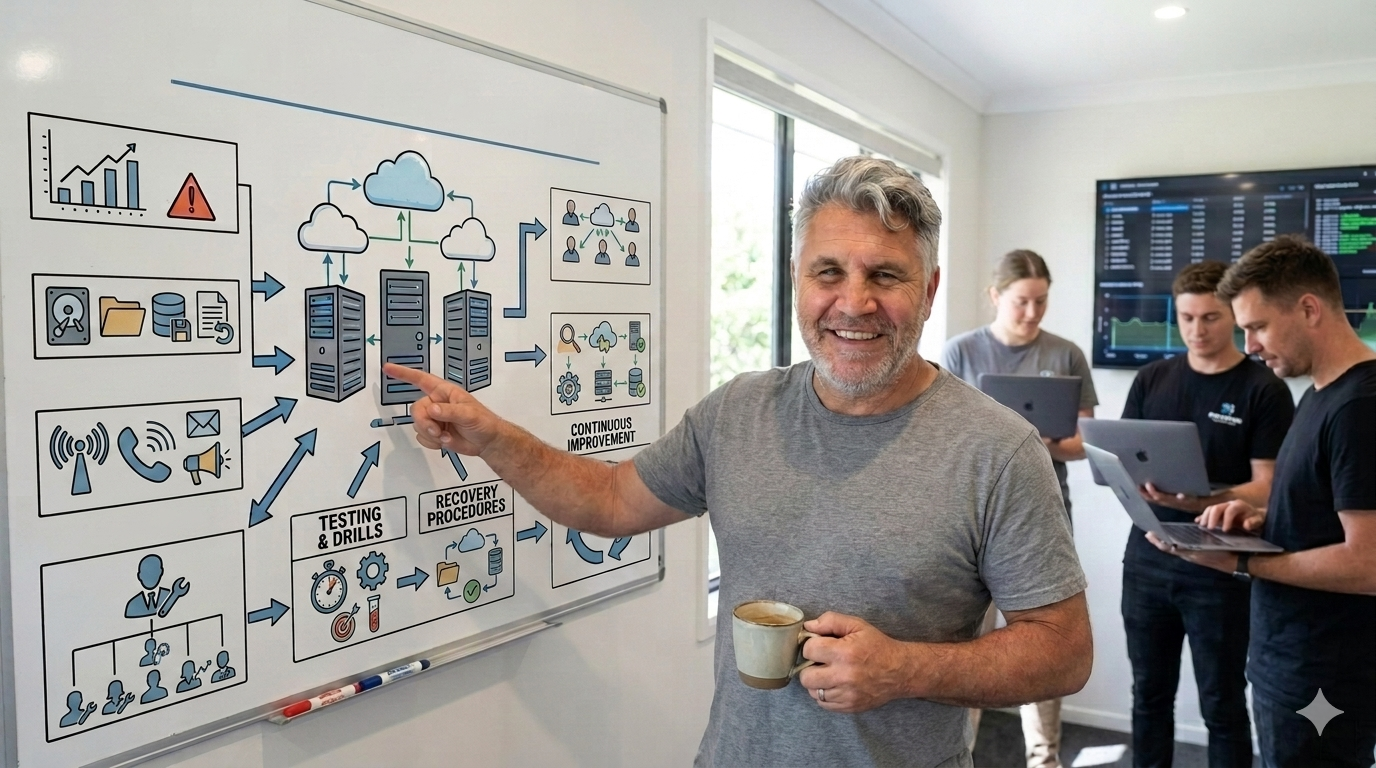
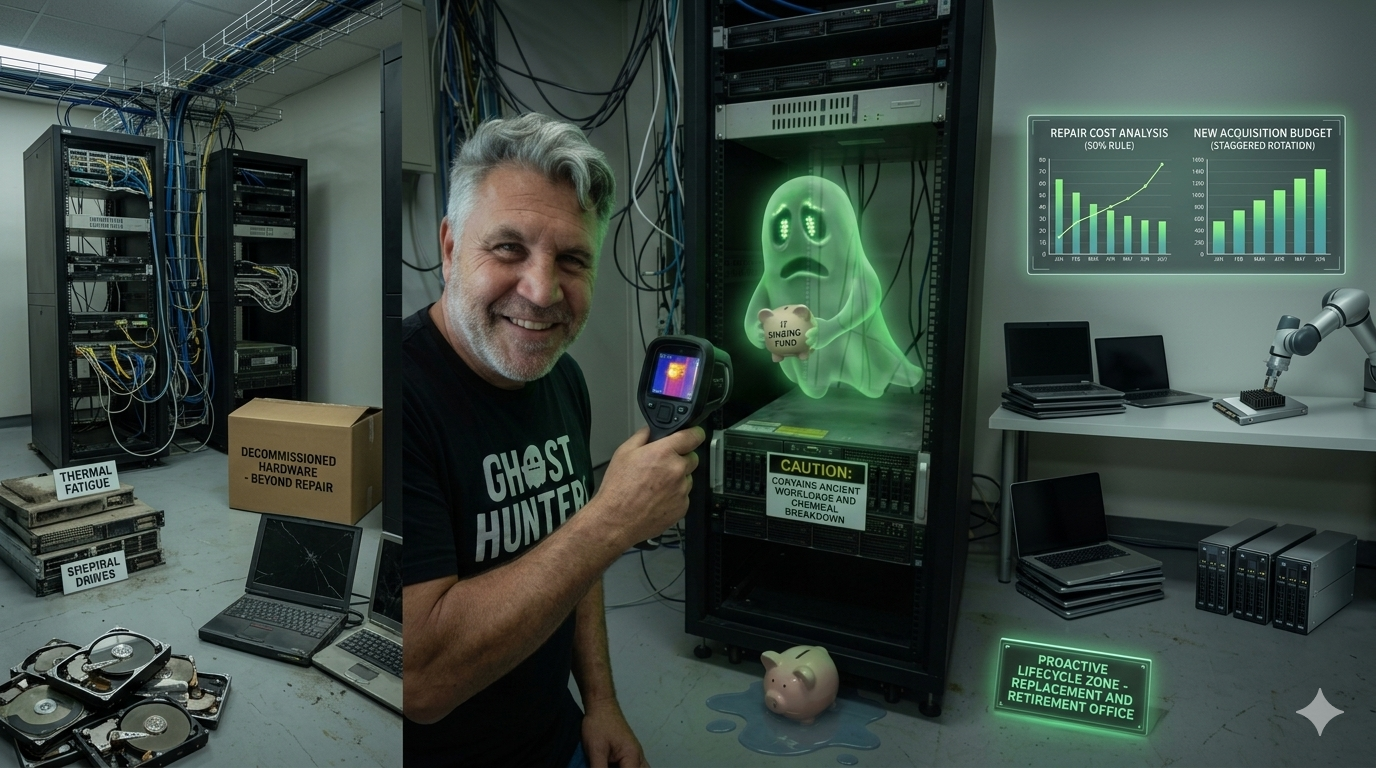
The IT Archaeology Guide to Legacy System Migration: Moving to Modern Software Without Burning the…
Every business has a digital ghost in the closet. It usually lives on a dusty black box under a desk, or in a “cloud” environment that…
The IT Archaeology Guide to Legacy System Migration: Moving to Modern Software Without Burning the Business Down
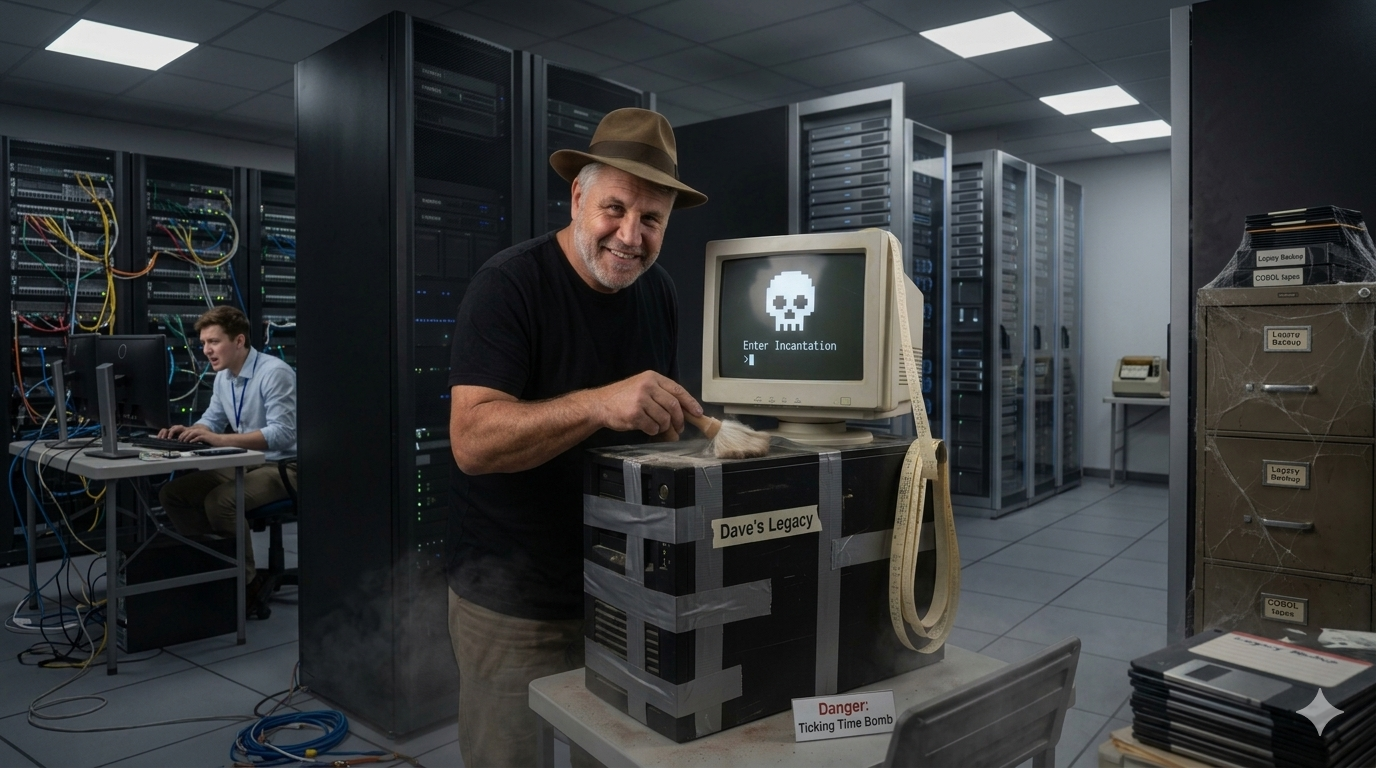
Meet Dave. He’s your only IT guy, he’s retiring next year, and he’s the only human alive who knows the login incantation for your core business software. 🧙♂️💻
Every business has a digital ghost in the closet. It usually lives on a dusty black box under a desk, or in a “cloud” environment that looks suspiciously like a virtual server running Windows Server 2003. This is your legacy system.
It is the software that runs your entire core operation. It processes your invoices, tracks your inventory, or manages your customer data. It is also twenty years old, requires a special incantation to log into, and is currently held together by digital duct tape, prayers, and the institutional memory of a single IT administrator named Dave, who is planning to retire next year.
Deep down, you know you need to replace it. But the mere thought of a software migration induces the kind of existential dread usually reserved for root canals and tax audits.
Fear not. Moving to modern software does not have to be a corporate tragedy. Here is your completely non-technical, stress-free guide to surviving a legacy system migration with your business, your sanity, and your operational budget intact.
1. What Exactly is a “Legacy System”? (And Why Do We Keep Them?)
To understand how to replace a legacy system, we must first understand why it is still there. In the tech world, “legacy” is a polite euphemism for “ancient, terrifying, but entirely indispensable.”
If a piece of software is outdated but doesn’t do anything important, you just delete it. If it is outdated but keeps the entire company from going bankrupt every Tuesday, it becomes a legacy system.
The Archeological Layers of Business Tech
Most corporate software landscapes resemble the ruins of Rome. You have:
- The Colosseum (The Core): Built decades ago. Nobody knows how the plumbing works, but it holds up the heavy lifting.
- The Renaissance (The Mid-2000s Layer): Web portals that only work perfectly in Internet Explorer 6.
- The Modern Suburb (The SaaS Layer): Shiny new tools like Slack, Zoom, or modern CRM tools tacked onto the outside.
Why Do We Suffer in Silence?
Businesses keep legacy systems because of the “If it ain’t broke, don’t touch it” doctrine. The system is stable. It works. The staff have developed muscle memory for its bizarre, counter-intuitive keyboard shortcuts.
The problem is that “not broken” is not the same as “safe.” Legacy systems are digital ticking time bombs. They do not integrate with modern tools. They are highly vulnerable to security threats. Worst of all, finding a programmer who still speaks the code it was written in (like COBOL or Fortran) is becoming as difficult and expensive as hiring a professional treasure hunter.
2. The Migration Archetypes: Choosing Your Adventure
When it comes to moving your data and operations to a shiny, modern platform, you generally have three strategic options. Think of this as choosing how to renovate an old house.
Strategy A: The “Big Bang” (The Reckless Explosion)
- The Plan: You turn off the old system on Friday night. You turn on the new system on Monday morning. You cross your fingers.
- The Reality: This is the tech equivalent of jumping out of an airplane and attempting to knit a parachute on the way down. If everything goes perfectly, you look like a genius. If one single thing goes wrong, your customer service team spent Monday morning crying in the breakroom while the phones ring off the hook.
- Verdict: Best avoided unless you have an incredibly simple business or a profound love for high-stakes adrenaline rushes.
Strategy B: The “Parallel Run” (The Double Lifeline)
- The Plan: You run both the old system and the new system at the same time for a few weeks or months.
- The Reality: Your staff will have to enter every single piece of data twice. Once into the old machine, and once into the new machine. They will hate this. However, if the new system experiences a catastrophic glitch, you simply look at the old system and keep trading.
- Verdict: Highly secure, incredibly boring, and very expensive. It is the seatbelt-and-airbag approach to IT.
Strategy C: The “Phased Rollout” (The Salami Method)
- The Plan: You slice the migration up into tiny, manageable pieces. First, you move the accounting department. Two weeks later, you move HR. A month later, you move inventory management.
- The Reality: This is usually the most practical approach for medium-to-large businesses. It keeps the chaos contained. If the accounting module breaks, the inventory team can still ship orders while the developers fix the leak.
- Verdict: Highly recommended for preserving corporate sanity.
3. The Secret Sauce: Data Migration (Garbage In, Garbage Out)
Imagine you are moving from a house you have lived in for thirty years into a minimalist, modern apartment. Do you pack up every single broken toaster, old magazine, and mystery cord from the garage and move it into the new place?
Of course not. You throw things away. You clean.
Data migration is exactly the same. Over twenty years, your legacy system has accumulated a staggering amount of digital hoarding. You have duplicate customer profiles, addresses formatted in six different ways, and test accounts created by an intern in 2012 named “Testy McTesterson.”
The Three Steps of Data Hygiene
- Extract (The Packing): Pulling the data out of the old machine. This often requires an IT specialist to gently coax the data out using specialized scripts.
- Cleanse (The Garage Sale): This is where non-technical managers shine. Go through the records. Delete the clients who haven’t ordered since the Clinton administration. Fix the spelling errors. Standardize the phone numbers.
- Load (The Unpacking): Putting the shiny, clean data into the new system.
If you skip the cleansing step, you are simply paying a lot of money to have your old, messy problems look prettier in a modern user interface.
4. The Human Factor: Defeating “Change Fatigue”
Here is a universal truth of corporate psychology: Humans despise new software.
Your staff do not care that the new cloud-based software has AI-driven analytics, a beautiful dark mode, and seamless API integrations. What they care about is that the button they used to click to print a shipping label has moved from the top-left corner to a hidden submenu on the bottom right.
To prevent an internal mutiny, you must manage the cultural side of technology just as closely as the technical side.
Identifying Your Stakeholders
- The Champions: These are your tech-savvy staff members who are excited about the change. Weaponize their enthusiasm. Make them super-users early in the process so they can train and reassure their peers.
- The Traditionalists: These are the folks who have used the old system for fifteen years. They can operate it with their eyes closed. They will resist the new system because it makes them feel like beginners again. Do not dismiss their complaints; listen to them. They know where the operational landmines are buried.
Training Over Triumphalism
Do not throw a three-hour PowerPoint presentation at your team the day before launch and expect them to be experts. Provide hands-on sandbox environments where they can play with the new software, break things without consequences, and get comfortable with the new workflows well before the official launch date.
5. The Golden Rules of Minimal Disruption
If you want to pull off a legacy migration with zero downtime and minimal customer complaints, write these rules on a whiteboard and look at them every day.
Rule 1: Never Launch on a Friday
If you launch a new system on a Friday, you are guaranteeing that your IT team will spend the weekend working on cold pizza and coffee, and your customers will experience disruption over the weekend when nobody is around to answer the phones. Launch on a Tuesday morning. Everyone is alert, the full team is available, and you have the whole week ahead to smooth out the bumps.
Rule 2: Define “Good Enough”
The new system does not need to be 100% perfect on Day One. It needs to be operational. If you can take orders, process payments, and ship goods, you are winning. The minor cosmetic bugs, missing nice-to-have features, and custom report formats can be sorted out in the weeks following the launch.
Rule 3: Have a Clear Rollback Plan
Before you flip the switch, know exactly what criteria will trigger a retreat. For example: “If we cannot process a payment within two hours of going live, we abort the launch and turn the old system back on.” Knowing you have a safe exit route reduces panic and keeps everyone focused.
Conclusion: The View from the Other Side
Migrating a legacy system is undeniably a massive undertaking. It requires time, budget, and a significant amount of emotional maturity from the leadership team.
But once the dust settles, the rewards are transformative. Suddenly, your business is agile. You can onboard new staff in days rather than months because the software actually makes sense. You can connect your system to modern tools, automate tedious manual tasks, and access your business data from a mobile phone instead of a dedicated terminal.
The digital ghost in the closet can finally be laid to rest. Your business is no longer trapped in the past — it is officially ready for the future.
메타데이터
- post_id
- 757b9cc9f697
- slug
- the-it-archaeology-guide-to-legacy-system-migration-moving-to-modern-software-without-burning-the-757b9cc9f697
- url
- https://medium.com/@tania_51061/the-it-archaeology-guide-to-legacy-system-migration-moving-to-modern-software-without-burning-the-757b9cc9f697
- canonical_url
- https://medium.com/@tania_51061/the-it-archaeology-guide-to-legacy-system-migration-moving-to-modern-software-without-burning-the-757b9cc9f697
- author_url
- https://medium.com/@tania_51061
- status
- ok
- fetched_at
- 2026-07-10 05:19:05