Why and When We Need to Use [CustomAuthorize] in ASP.NET
Authorization is one of the most critical aspects of web application security. Building a feature is important, but ensuring that only the…
Why and When We Need to Use [CustomAuthorize] in ASP.NET
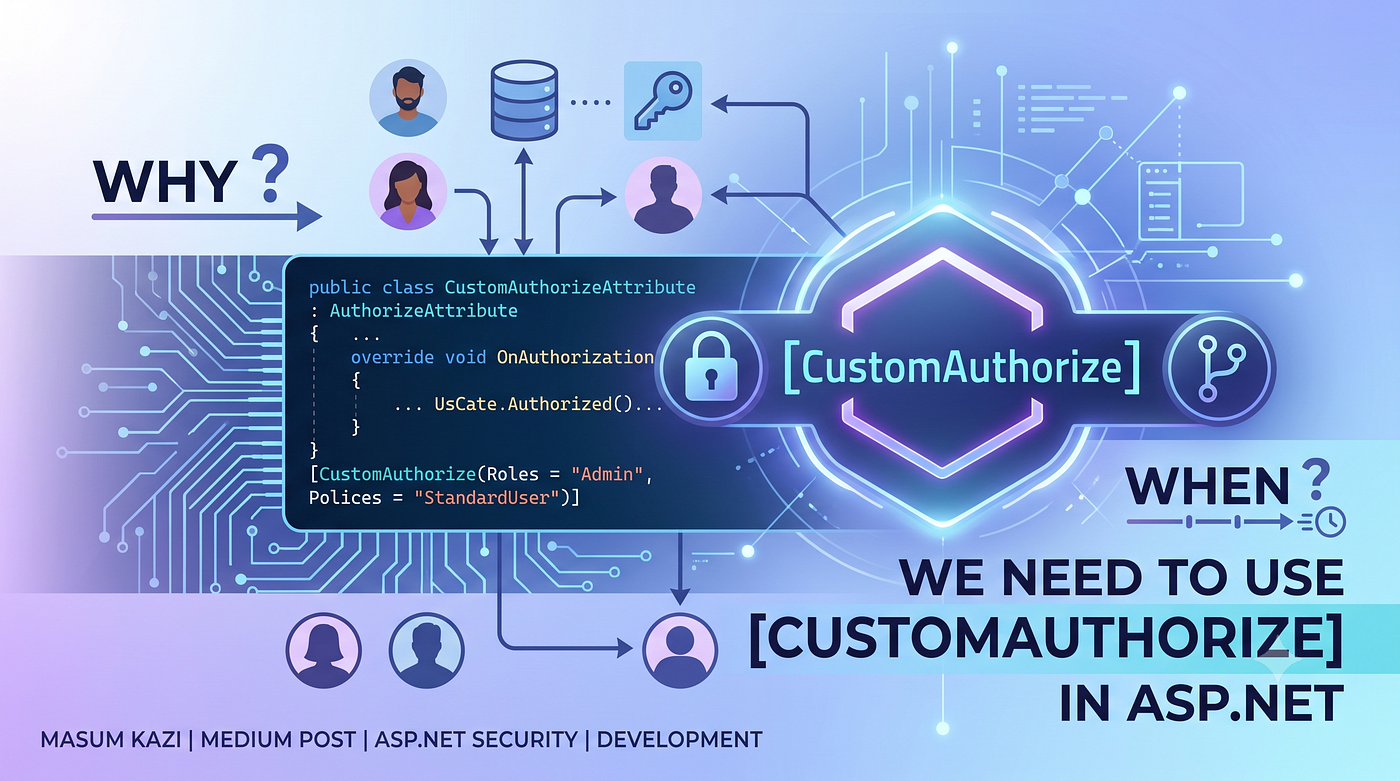
Authorization is one of the most critical aspects of web application security. Building a feature is important, but ensuring that only the right users can access it is even more important. In ASP.NET, the built-in [Authorize] attribute provides a straightforward way to protect controllers and actions. However, in many real-world enterprise applications, the default authorization mechanism is not enough. This is where [CustomAuthorize] becomes valuable.
What is [CustomAuthorize]?
[CustomAuthorize] is a custom authorization attribute that developers create by extending the default ASP.NET authorization behavior. It allows you to implement business-specific access rules that cannot be handled by the standard [Authorize] attribute.
For example:
[CustomAuthorize]
public IActionResult Dashboard()
{
    return View();
}
or with custom parameters:
[CustomAuthorize(Role = "Admin")]
public IActionResult ManageUsers()
{
    return View();
}
The implementation varies depending on your project requirements, but the purpose remains the same — providing customized authorization logic.
Why Do We Need [CustomAuthorize]?
1. Business Rules Are More Complex Than Simple Roles
The built-in authorization typically checks whether a user is authenticated or belongs to a specific role.
Example:
[Authorize(Roles = "Admin")]But many organizations have more advanced requirements, such as:
- Users can access only their own department’s data.
- Managers can edit records only during office hours.
- Employees can access reports only after approval.
- Dealers can access only their assigned retailers.
These rules cannot be expressed with the default [Authorize].
A custom authorization attribute makes these scenarios possible.
2. Database-Driven Permissions
Many enterprise systems store permissions inside a database instead of hardcoding roles.
Example:
UserPermissionJohnView InvoiceAliceEdit CustomerDavidDelete Product
Instead of checking only roles, your custom authorization can query the database:
if(UserHasPermission(userId, "EditCustomer"))
{
    // Allow access
}
This approach makes permission management dynamic and easier for administrators.
3. Fine-Grained Access Control
Imagine an ERP system.
The Finance module contains:
- View Salary
- Edit Salary
- Approve Salary
- Export Salary
Not every finance employee should have all permissions.
Instead of:
[Authorize(Roles = "Finance")]you could write:
[CustomAuthorize(Permission = "Salary.Edit")]This provides much more precise control.
4. Reusable Authorization Logic
Without a custom attribute, you may end up writing the same permission checks repeatedly:
if(CurrentUser.IsAdmin)
{
    ...
}
or
if(CurrentUser.DepartmentId != employee.DepartmentId)
{
    return Unauthorized();
}
Repeating this logic across dozens of controllers leads to:
- Duplicate code
- Difficult maintenance
- Higher risk of bugs
A custom authorization attribute centralizes the logic.
[CustomAuthorize]Now every controller benefits from the same security rules.
5. Cleaner Controllers
Instead of mixing security logic with business logic:
public IActionResult Delete(int id)
{
    if(!CurrentUser.CanDelete)
        return Unauthorized();
// delete logic
}you simply write:
[CustomAuthorize(Permission = "Delete")]
public IActionResult Delete(int id)
{
    // delete logic
}The controller focuses on business operations while authorization is handled separately.
6. Support for Multiple Conditions
Sometimes authorization depends on multiple factors.
For example:
- User is authenticated.
- User belongs to the Sales department.
- User account is active.
- User subscription is valid.
- User has “Edit Product” permission.
A custom authorization attribute can evaluate all these conditions before allowing access.
Real-World Example
Suppose you’re developing an ERP system.
There are four types of users:
- Admin
- Dealer
- Retailer
- Sales Representative
Business rules:
- Dealers can view only their retailers.
- Retailers cannot access dealer reports.
- Sales Representatives can update sales but cannot delete them.
- Admins have full access.
Instead of scattering these checks throughout your application, a custom authorization attribute can handle them consistently.
[CustomAuthorize(Module = "Sales", Action = "Update")]
public IActionResult UpdateSale()
{
    ...
}
Internally, it might:
- Read the logged-in user’s information.
- Retrieve permissions from the database.
- Verify module access.
- Validate action-level permission.
- Return 403 Forbidden if access is denied.
Benefits of Using [CustomAuthorize]
- Centralized authorization logic
- Cleaner and more maintainable code
- Reduced code duplication
- Supports dynamic, database-driven permissions
- Easier to extend as business requirements evolve
- Better separation of concerns
- More secure enterprise applications
When Should You Use [CustomAuthorize]?
Consider using a custom authorization attribute when:
- Your application has multiple user roles with different permissions.
- Permissions are stored in a database.
- Access depends on business rules beyond authentication.
- You need module-level or feature-level authorization.
- Your application follows Role-Based Access Control (RBAC) or Permission-Based Access Control (PBAC).
- You want consistent authorization across controllers and actions.
For small applications with simple authentication requirements, the built-in [Authorize] attribute is often sufficient. However, as your application grows and authorization becomes more sophisticated, implementing a custom authorization attribute provides the flexibility and maintainability needed for enterprise-grade solutions.
Conclusion
The built-in [Authorize] attribute is excellent for handling basic authentication and role-based authorization. However, modern enterprise applications often require more advanced access control based on permissions, business rules, departments, ownership, or dynamic data.
By implementing a custom [CustomAuthorize] attribute, you can centralize authorization logic, improve code quality, enhance security, and make your application easier to maintain. Whether you're building an ERP, CRM, HRMS, or any large-scale business application, a well-designed custom authorization solution is an investment that pays off as your system grows.
Security isn’t just about keeping unauthorized users out — it’s about ensuring that every authenticated user can access only what they’re truly allowed to access.
메타데이터
- post_id
- 92f42d427f0f
- slug
- why-and-when-we-need-to-use-customauthorize-in-asp-net-92f42d427f0f
- url
- https://medium.com/@masumkazi/why-and-when-we-need-to-use-customauthorize-in-asp-net-92f42d427f0f
- canonical_url
- https://medium.com/@masumkazi/why-and-when-we-need-to-use-customauthorize-in-asp-net-92f42d427f0f
- author_url
- https://medium.com/@masumkazi
- status
- ok
- fetched_at
- 2026-07-14 10:19:40