Frappe + React Setup Guide: How I Built a Modern Full-Stack Development Environment
A complete beginner-friendly guide to installing Frappe, starting Bench, connecting React, and building scalable applications.
Frappe + React Setup Guide: How I Built a Modern Full-Stack Development Environment
A complete beginner-friendly guide to installing Frappe, starting Bench, connecting React, and building scalable applications.
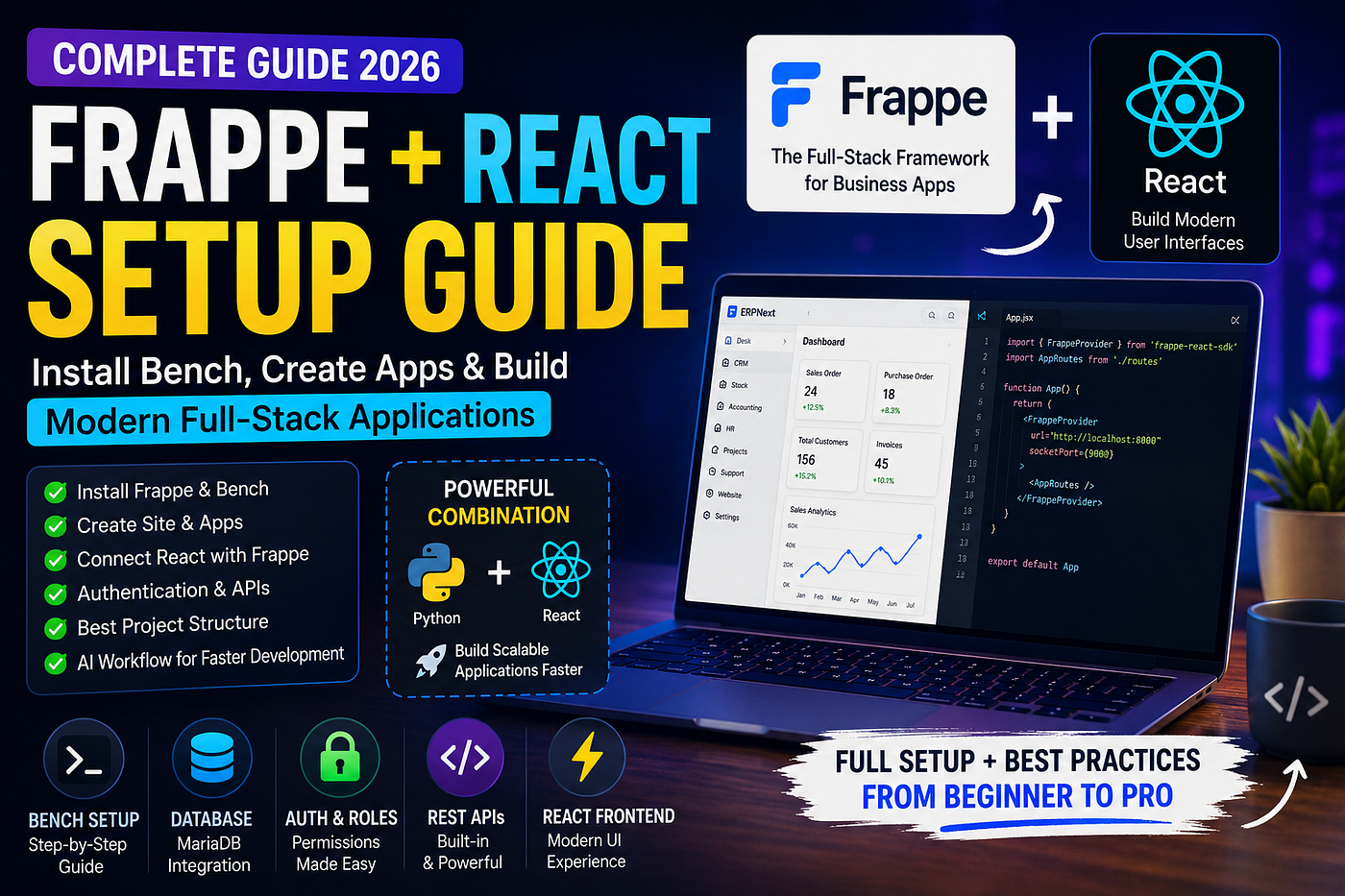
Frappe handles the backend. React delivers the frontend. Together, they create one of the most productive full-stack development stacks for building scalable business applications.
Why I Chose Frappe and React
When developers think about modern web development, React is usually one of the first technologies that comes to mind.
For backend development, however, many teams spend weeks configuring authentication, APIs, permissions, database models, user roles, and administrative dashboards.
That’s where Frappe changes the game.
Frappe provides:
- Built-in authentication
- User management
- Role-based permissions
- REST APIs
- Database management
- Admin interface
- Workflow management
React provides:
- Modern frontend development
- Reusable components
- Fast user interfaces
- Rich ecosystem
- Excellent developer experience
- Together, they create a powerful full-stack stack that allows developers to move significantly faster.
In this guide, I’ll show you exactly how to set up Frappe, start Bench, and connect it with React.
What Is Frappe?
Frappe is a full-stack Python framework used to build business applications.
It powers products like ERPNext and is designed around rapid application development.
Instead of building everything from scratch, developers get:
- Database management
- Authentication
- User roles
- Permissions
- REST APIs
- Background jobs
- File management
out of the box.
This allows you to focus on building features rather than infrastructure.
System Requirements
Before installing Frappe, make sure you have:
- Ubuntu 22.04 LTS
- Python 3.11+
- Node.js 20+
- Redis
- MariaDB
- Git
Ubuntu is the most recommended environment for Frappe development.
Installing Bench
Bench is the command-line tool used to manage Frappe applications.
Install it globally:
pip install frappe-benchVerify installation:
bench --versionCreating a New Bench
Create your first Bench environment:
bench init frappe-benchMove into the directory:
cd frappe-benchThis command downloads:
- Frappe Framework
- Required dependencies
- Bench configuration
Creating a New Site
Create a site:
bench new-site mysite.localYou’ll be asked for:
- MariaDB root password
- Administrator password
After creation, set it as default:
bench use mysite.localStarting Frappe
To run the development server:
bench startOpen:
http://localhost:8000Login using:
- Administrator
- Your password
Congratulations.
Your Frappe environment is now running.
Creating a Custom App
Generate a new application:
bench new-app react_platformInstall it:
bench --site mysite.local install-app react_platformNow your custom application is connected to the site.
Why React Instead of Frappe Desk UI?
Frappe’s Desk interface is excellent for internal tools.
However, modern products often require:
- Custom dashboards
- Public portals
- Customer-facing applications
- Advanced UI interactions
React gives complete control over the frontend experience.
That’s why many modern Frappe developers use:
Frappe → Backend
React → Frontend
Creating a React Project
Using Vite:
npm create vite@latest frontend -- --template reactMove into the project:
cd frontendInstall dependencies:
npm installStart development:
npm run devConnecting React to Frappe
The easiest way is using:
frappe-react-sdkInstall:
npm install frappe-react-sdkWrap your application:
<FrappeProvider url="http://localhost:8000">
  <App />
</FrappeProvider>
Now React can communicate directly with Frappe APIs.
Recommended Project Structure
src/
├── pages
├── components
├── layouts
├── hooks
├── services
├── store
├── routes
├── utils
└── assets
This structure scales much better as projects grow.
Best AI Workflow for Frappe + React
One of the biggest productivity boosts I’ve discovered is combining AI with development.
My workflow looks like this:
Step 1: Enable Plan Mode
Never start with code.
Ask AI to:
- Design architecture
- Create folder structure
- Define APIs
- Plan pages
Step 2: Design First
Use tools like:
- Stitch Design
- v0
- Lovable
Generate UI concepts before writing code.
Step 3: Build Boilerplate Yourself
Create:
- Project structure
- Routing
- Authentication setup
yourself.
This helps you understand the system.
Step 4: Use Claude for Implementation
Claude excels at:
- React components
- API integration
- Refactoring
- TypeScript support
- Error handling
Step 5: Review Everything
Never copy-paste blindly.
Understand every generated solution.
Common Bench Commands Every Developer Should Know
Start development:
bench startRun migrations:
bench migrateCreate app:
bench new-app app_nameInstall app:
bench --site site_name install-app app_nameOpen console:
bench consoleBuild assets:
bench buildClear cache:
bench clear-cacheWhy Frappe + React Is One of the Best Stacks in 2026
Many developers spend months building:
- Authentication
- Roles
- Permissions
- APIs
- Admin dashboards
Frappe already provides these features.
React provides an exceptional frontend experience.
The result is:
- Faster development
- Better scalability
- Lower maintenance costs
- Improved developer productivity
For startups, internal tools, ERP systems, portals, and business applications, this combination is incredibly powerful.
Final Thoughts
If you’re looking for a modern full-stack development stack, Frappe and React are an excellent combination.
Frappe handles the complex backend infrastructure.
React delivers a modern user experience.
Add AI-assisted workflows using Claude, Plan Mode, and modern design tools, and you can build production-ready applications significantly faster than traditional approaches.
The future isn’t about writing more code.
It’s about building smarter systems with the right tools.
메타데이터
- post_id
- ba5a9fe6b5c9
- slug
- frappe-react-setup-guide-how-i-built-a-modern-full-stack-development-environment-ba5a9fe6b5c9
- url
- https://medium.com/@shynkhn17/frappe-react-setup-guide-how-i-built-a-modern-full-stack-development-environment-ba5a9fe6b5c9
- canonical_url
- https://medium.com/@shynkhn17/frappe-react-setup-guide-how-i-built-a-modern-full-stack-development-environment-ba5a9fe6b5c9
- author_url
- https://medium.com/@shynkhn17
- status
- ok
- fetched_at
- 2026-07-09 13:32:43