Figma’s Check Designs Is the Design System Audit Tool We’ve Been Waiting For
Hard-coded values are the quiet killer of every design system. Figma just built a fix.
Figma’s Check Designs Is the Design System Audit Tool We’ve Been Waiting For
Hard-coded values are the quiet killer of every design system. Figma just built a fix.
You know the feeling. You open a file you haven’t touched in a few months, and something feels off. A slightly wrong colour. A spacing value someone typed manually. A component from a completely different library that snuck in when someone copied and pasted across projects.
It’s not a disaster. It’s just drift. And it happens to every design system, on every team, eventually.
Figma’s new Check Designs feature is a direct answer to that.
What It Does
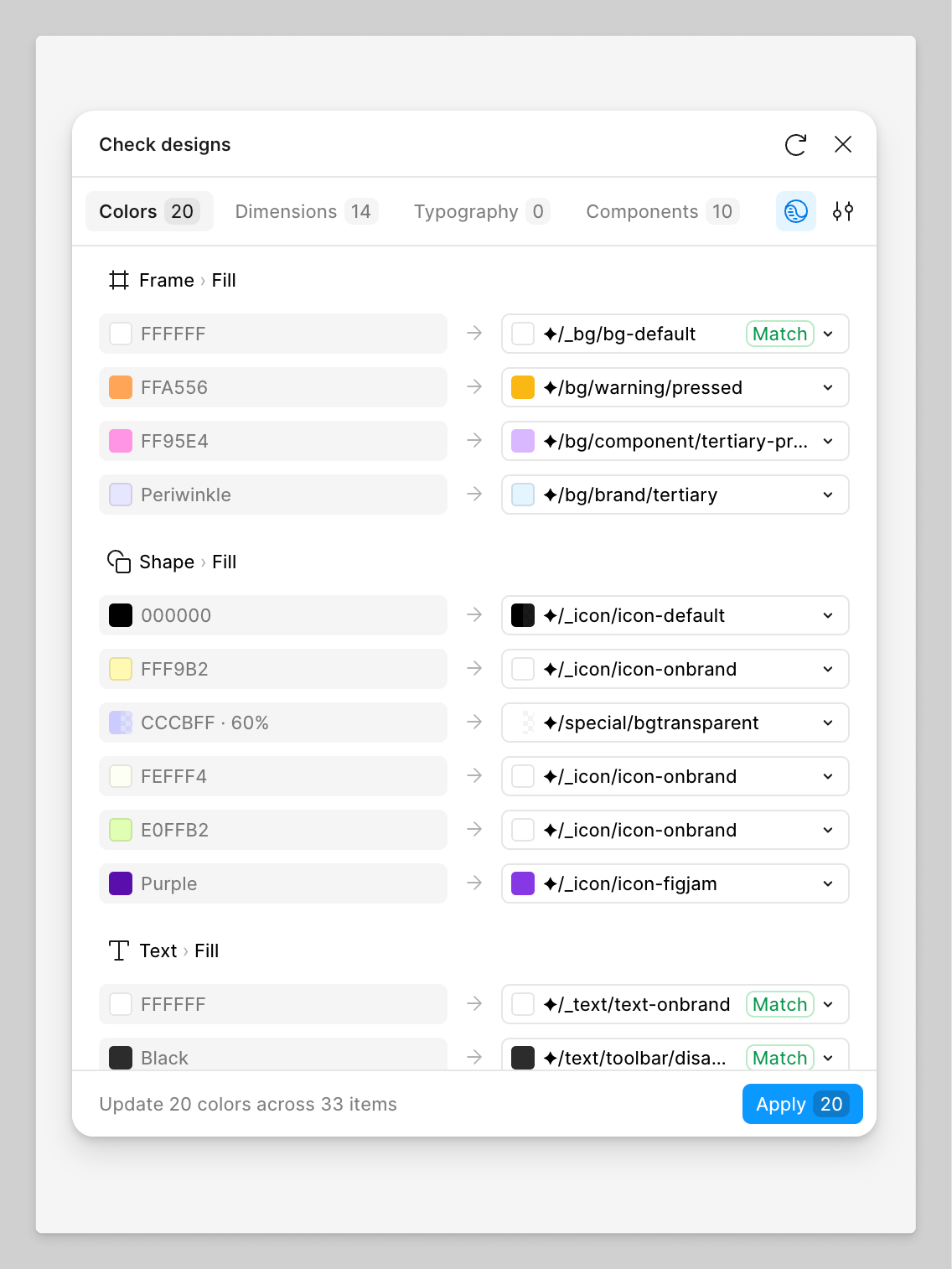
Select any layers, Check Designs, and it surfaces inconsistencies between your file and your design system — organised into four tabs:
Colours hard-coded hex values that should be variables. Dimensions manually typed spacing, padding, and corner radius. Typography font sizes and styles are not connected to your text styles. Components anything pulled from a library that isn’t connected to your file
For most of these, it suggests the correct replacement from your connected library. You preview the change on canvas, then apply it individually or all at once.
Why Hard-Coded Values Are a Bigger Problem Than They Look
A manually typed one #1A1A2E looks identical to a color/brand/primary token on the canvas. Same rendered output. But the moment you're doing a rebrand, handing off a white-label variant, or updating a client's theme, the hard-coded value stays frozen while everything else moves.
At scale, across multiple files and multiple designers, that drift compounds quietly until someone runs an audit and realises the design system nobody trusts anymore.
Check Designs makes that invisible problem visible before it becomes a handoff issue.
The Smart Part
It doesn’t use a generic AI model. It’s trained on your actual design system data and ranks suggestions based on similarity to your current value, your variable naming structure, and how your team actually uses the system. The more your team uses it, the better the suggestions get.
That’s the difference between a tool that’s genuinely useful and one that just creates more noise.
Honest Limitations
It’s not perfect yet. A few things worth knowing:
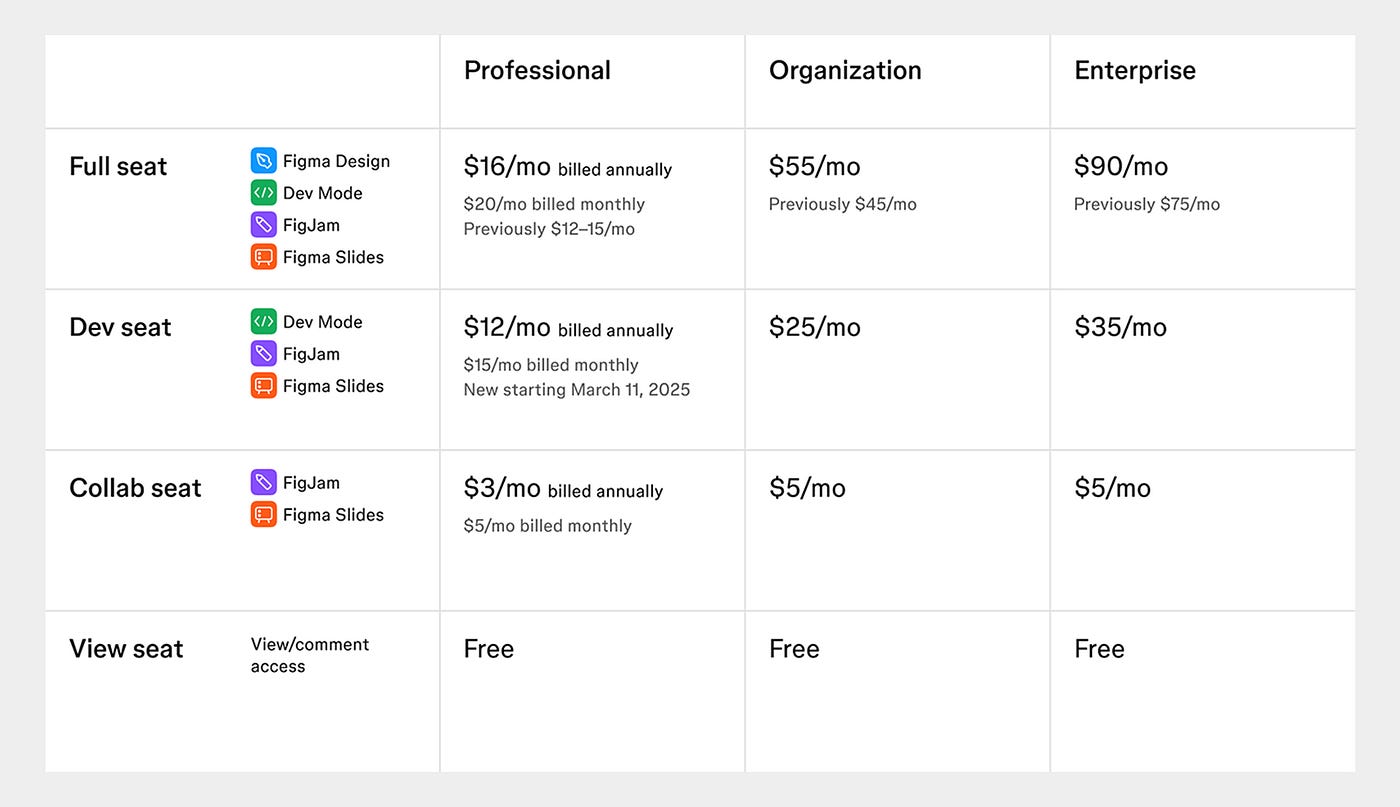
One page at a time only. 25K layer cap per run. Can’t swap colour styles, only bind hard-coded values to variables. Flags wrong-library components but won’t replace them automatically; that’s still a manual job. And it’s the Organisation and Enterprise plans only, which is the biggest gap.
If You Don’t Have Access Yet
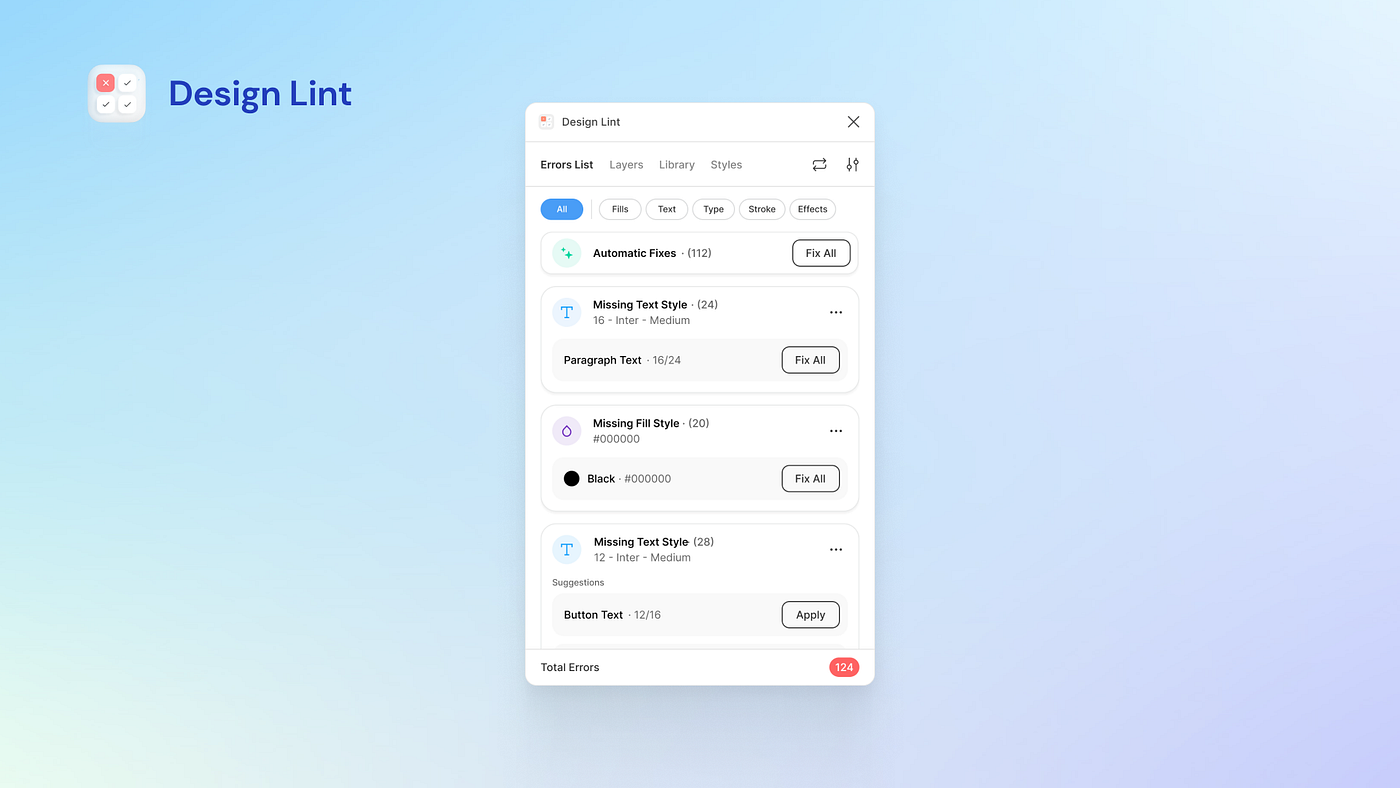
Design Lint is the best free alternative scans for hard-coded values and missing styles on any plan.
Tokens Studio won’t audit for you, but it prevents drift from happening in the first place if your system is properly scoped.
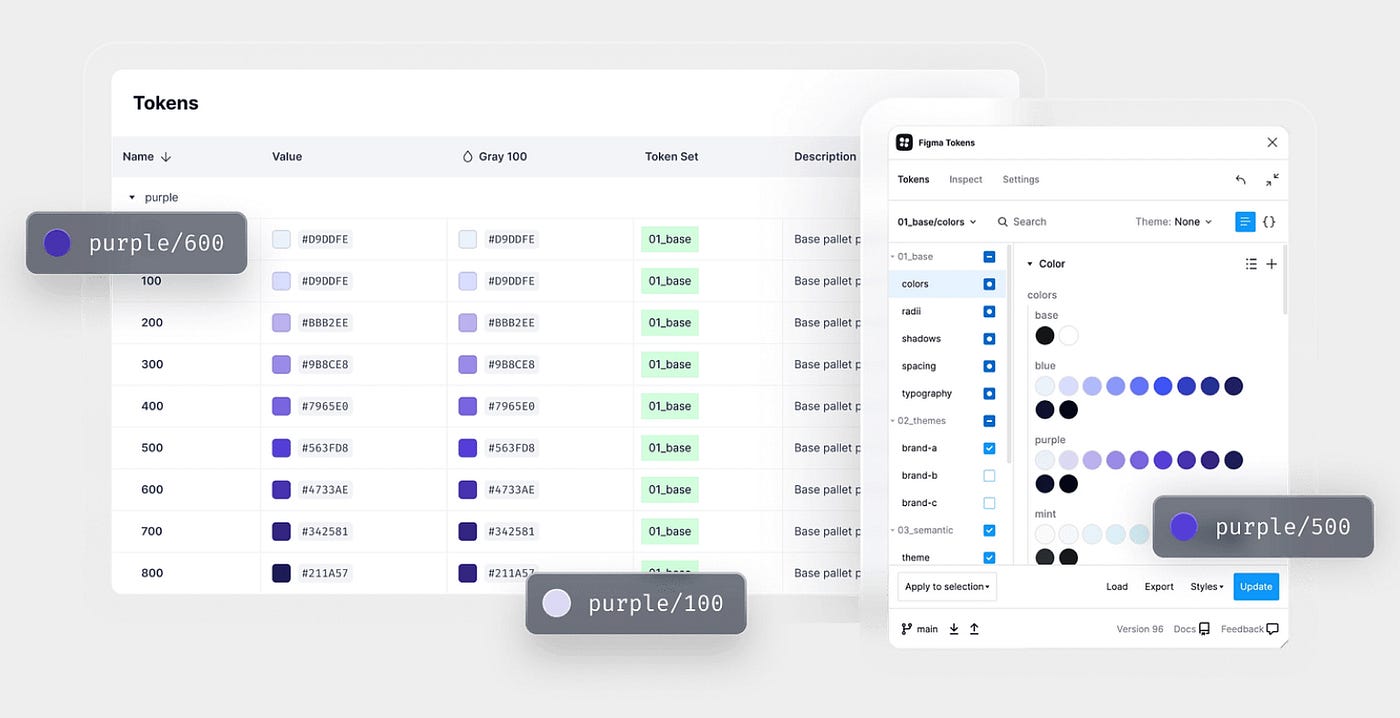
Honestly, though, the most underrated approach is still prevention: hide primitive tokens so they can’t be used accidentally, and run a colour audit before every dev handoff. Catching drift early beats cleaning it up later every time.
Check Designs is still in private beta, but it’s the kind of feature that changes how design system maintenance feels day-to-day. Less archaeology, more confidence.
Currently available on Figma Organisation and Enterprise plans. Worth requesting access if your team runs a scaled design system.
Tags: Figma, Design Systems, UX Design, Product Design, Design Tokens
메타데이터
- post_id
- e3ce2d49ea74
- slug
- figmas-check-designs-is-the-design-system-audit-tool-we-ve-been-waiting-for-e3ce2d49ea74
- url
- https://medium.com/@farahqadeer30/figmas-check-designs-is-the-design-system-audit-tool-we-ve-been-waiting-for-e3ce2d49ea74
- canonical_url
- https://medium.com/@farahqadeer30/figmas-check-designs-is-the-design-system-audit-tool-we-ve-been-waiting-for-e3ce2d49ea74
- author_url
- https://medium.com/@farahqadeer30
- status
- ok
- fetched_at
- 2026-06-09 15:37:30




