Why I’m Using cmux Now Instead of iTerm2 and Ghostty
I’ve been using iTerm2 for many years.
Why I’m Using cmux Now Instead of iTerm2 and Ghostty
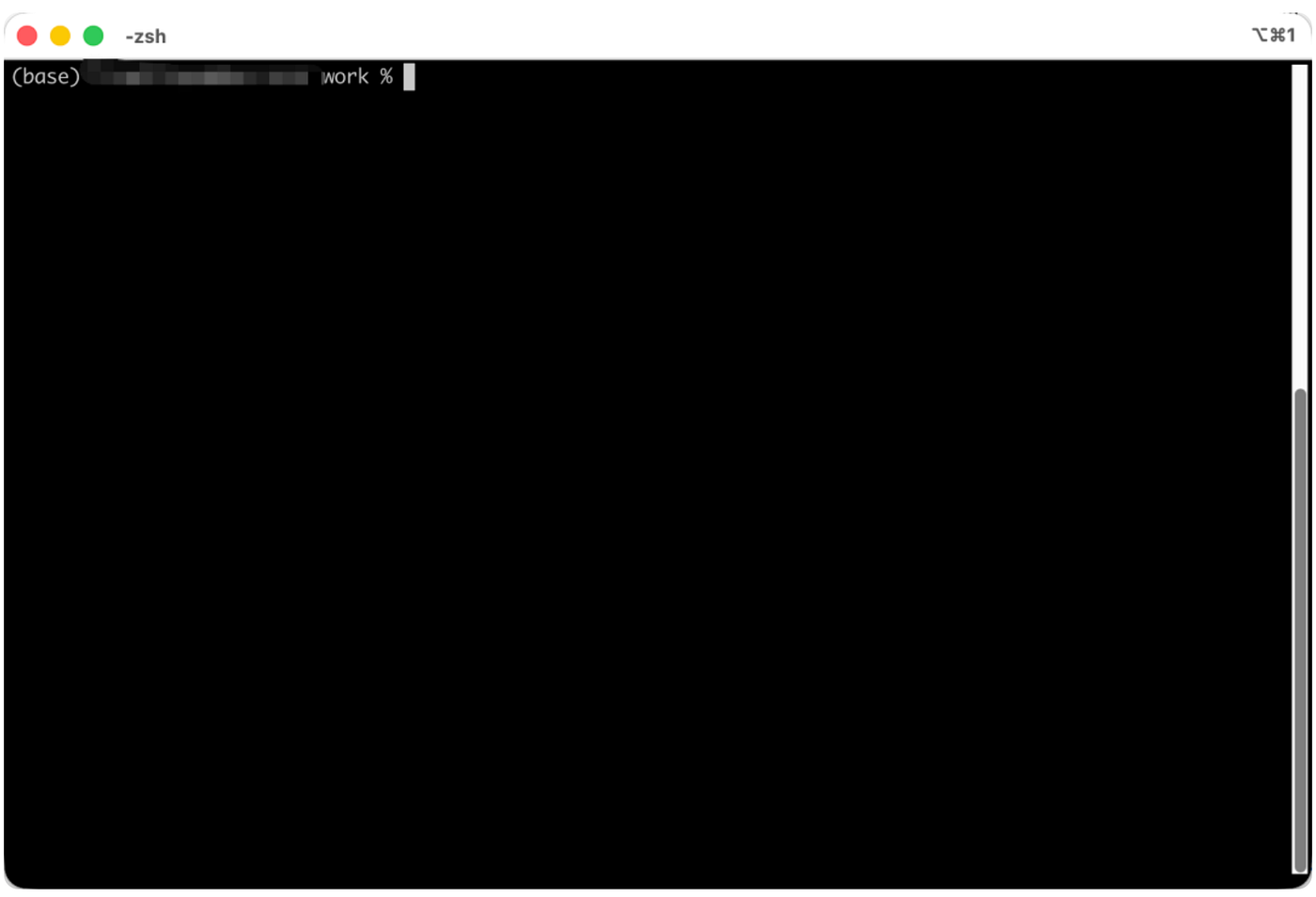
I’ve been using iTerm2 for many years.
It’s powerful and stable, with almost every terminal feature you can think of. For example: split panes, hotkey windows, triggers, history playback, search, automatic profile switching, etc. I used to love that “tune everything” feeling, like gradually adding drawers to my workbench.
But later I realized I wasn’t really using all those drawers.
The truly high-frequency things every day are just opening a few projects, running services, viewing logs, jumping into the editor, switching directories. iTerm2’s features are still there, but for me, it slowly turned into an overly full toolbox: everything is there, but I just want to start working quickly.
So I switched to Ghostty.
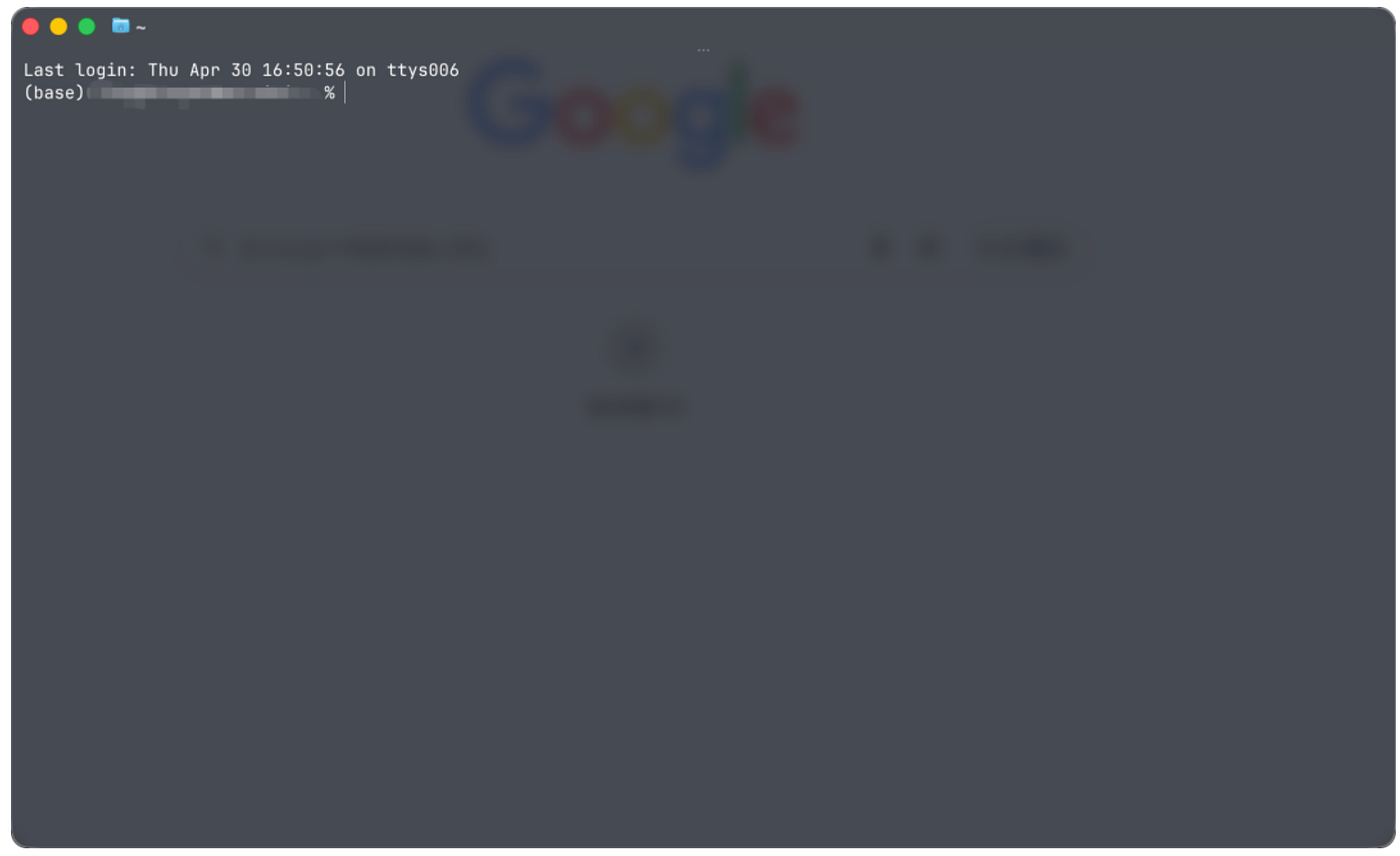
Ghostty has no strong presence when you start using it; it’s just simply fast and smooth, no need to worry about anything. Open and use, the font rendering looks comfortable, almost no “spend time serving me first” attitude. For someone like me who stares at the terminal all day, these are much more important than a bunch of options.
During that time, I basically used Ghostty as my main terminal. It really solved my biggest discomfort with iTerm2: I no longer want to maintain a complex configuration, nor be interrupted by the tool itself.
But the problem soon changed again.
Previously, using the terminal was mainly “I’m operating the machine.” Now, more often it’s “I’m managing several working AI Coding Agents at the same time.”
Running Codex in one project, Claude Code in another; modifying frontend on this side, running tests on that side; some Agents stuck confirming input, some tasks finished, some services occupying ports. When windows multiply, Ghostty is still great, but it solves “how well a single terminal works,” not “how to manage a multi-task scene.”
That’s why I started using cmux.
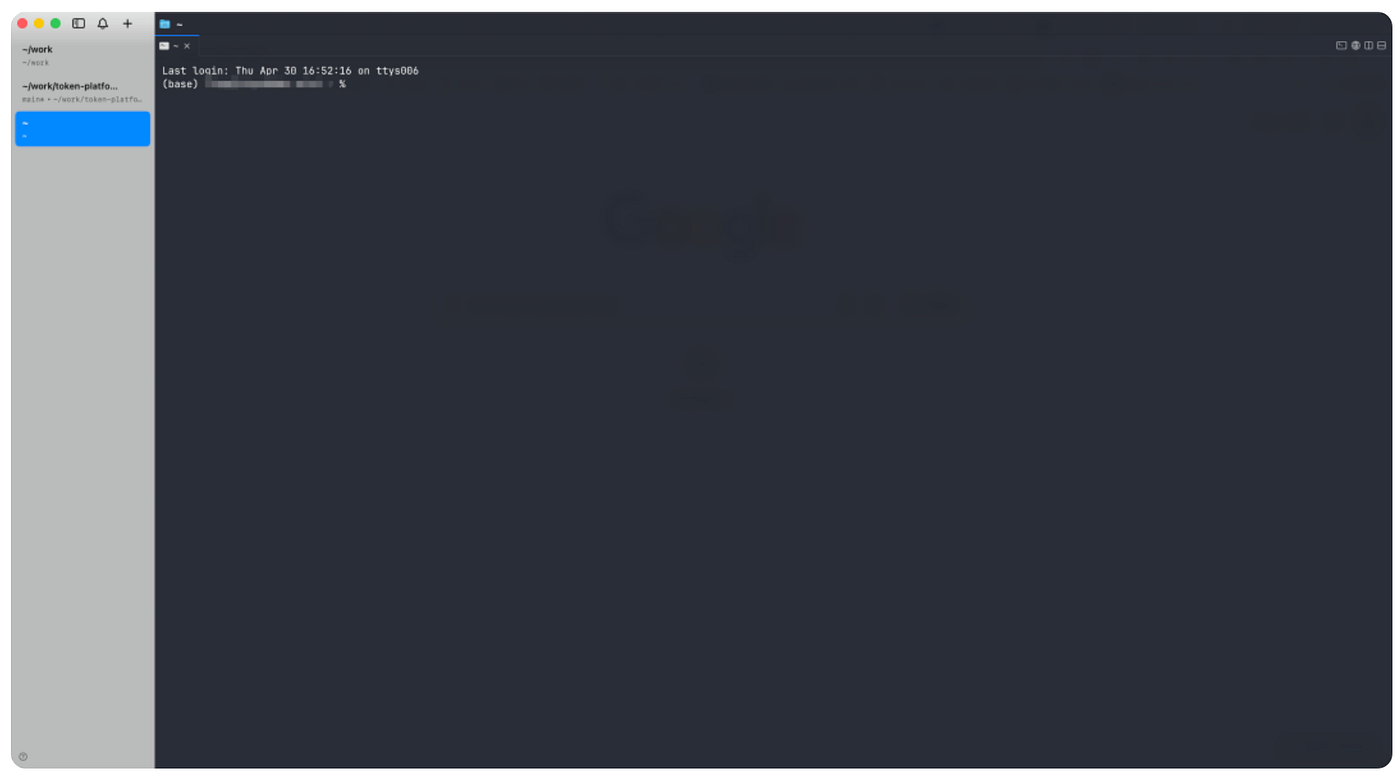
cmux isn’t a flashier terminal; it’s that it accepts the reality consistent with my actual situation — the terminal is no longer just a window for typing commands; it’s become a workbench for monitoring multiple Agents at once.
cmux is a native macOS terminal app built on Ghostty components, so the feel is almost the same, still smooth. The difference is it takes over multi-tasking for you. On the left, it directly lists all my current projects, which are running, which are stuck — a quick glance tells all; when an Agent needs my response, it pushes a reminder, no need to hunt across the screen; for split panes, I habit put linked terminals together, sometimes even drag the browser in, saving switching between a dozen windows.
These aren’t really complex features, but when using them, they save a lot of time switching windows back and forth, saving a lot of hassle.
Finally, I hope macOS users can try cmux.
메타데이터
- post_id
- f5363c3eb5d6
- slug
- why-im-using-cmux-now-instead-of-iterm2-and-ghostty-f5363c3eb5d6
- url
- https://medium.com/@piedpay/why-im-using-cmux-now-instead-of-iterm2-and-ghostty-f5363c3eb5d6
- canonical_url
- https://medium.com/@piedpay/why-im-using-cmux-now-instead-of-iterm2-and-ghostty-f5363c3eb5d6
- author_url
- https://medium.com/@piedpay
- status
- ok
- fetched_at
- 2026-06-15 20:49:13