Your AI Coding Agent Writes Janky GSAP Code. GreenSock Just Shipped the Fix.
GSAP went free a year ago. Your coding agent still thinks it costs money and still writes the animation patterns it learned in 2023…
Your AI Coding Agent Writes Janky GSAP Code. GreenSock Just Shipped the Fix.

GSAP went free a year ago. Your coding agent still thinks it costs money and still writes the animation patterns it learned in 2023. There’s now an official patch for that, and it points at a much bigger problem.
There’s a specific kind of wrong that AI coding agents are good at. Not the obvious kind, where the code throws an error and you fix it in ten seconds. The sneaky kind, where everything runs, nothing breaks, and the thing you shipped is degrading in ways you won’t catch until someone on an older phone tells you the page feels off.
Web animation is where this shows up most.
Ask Cursor or Claude Code or Copilot to slide a panel across the screen, and there’s a good chance it animates left or width. The motion works. It also makes the browser redo the layout and paint of the whole page on every frame. At 60 frames per second, the browser has about 16 milliseconds to finish its work before the next frame is due. Recalculating layout for a few hundred elements blows through that budget, and you get the stutter everyone calls jank.
Here’s the difference, in the code itself:
// What an agent often writes (animates a layout property)
gsap.to(".panel", { left: "400px", duration: 1 });
// What it should write (moves the element on the compositor)
gsap.to(".panel", { x: 400, duration: 1 });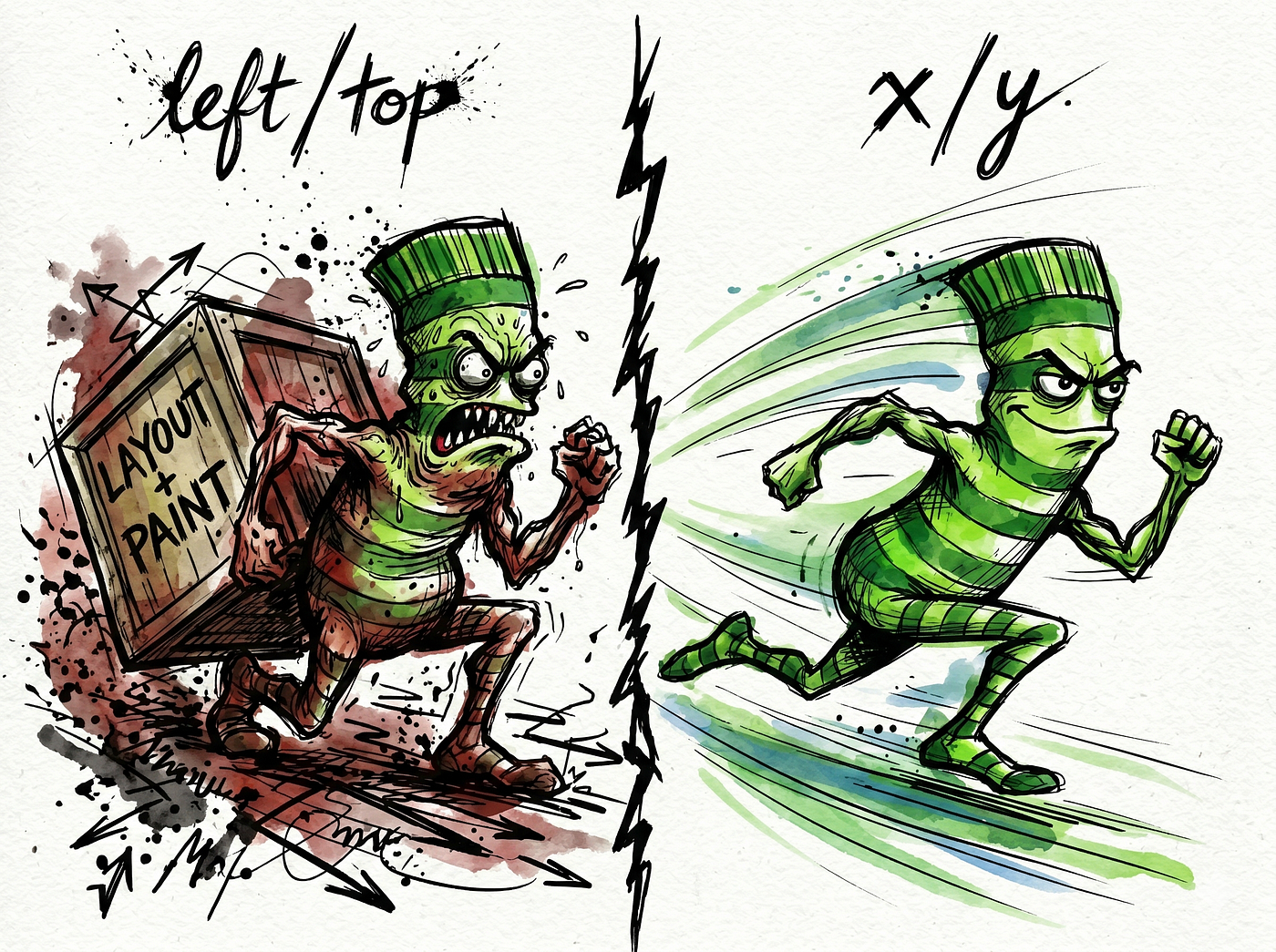
Same visible result. The first one drags the browser through layout and paint on every frame. The second moves the element with a transform, which browsers can usually handle on the compositor without recalculating layout every frame. One stutters on a mid-range phone; the other doesn’t.
The animation is just the visible part. Underneath, the same agent will write a React component that starts a tween and never cleans it up:
import { useGSAP } from "@gsap/react";// What an agent often writes: animation keeps running after unmount
useEffect(() => {
gsap.to(".box", { x: 200, duration: 1 });
}, []);// What it should write: useGSAP reverts everything on unmount
useGSAP(() => {
gsap.to(".box", { x: 200, duration: 1 });
});The first version leaves the tween running on a DOM node that no longer exists, which is how you get memory leaks and animations firing on elements nobody can see. The useGSAP hook tears all of that down when the component goes away. The agent doesn't know the hook exists, so it reaches for useEffect and forgets the cleanup.
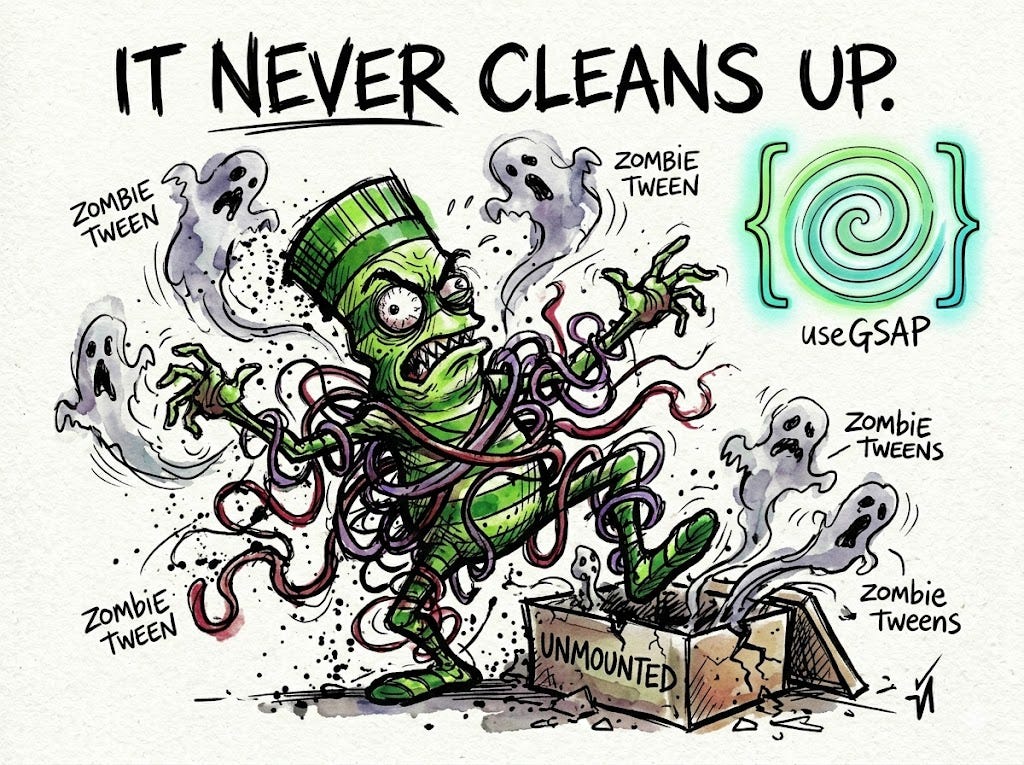
It’ll make the same class of mistake with scroll triggers, burying one inside a timeline in a way that breaks the moment the window resizes. And in the funniest failure of the bunch, it’ll tell you to buy a GSAP plugin that has been free since spring 2025.
That last one explains everything else.
GSAP, the library most of these answers point to, used to sell premium plugins through a subscription called Club GSAP. Then Webflow bought GreenSock in October 2024 and made the entire library, every plugin included, free a few months later. SplitText, MorphSVG, ScrollSmoother: all of it, free to use under GSAP’s standard license, no Club membership and no private registry. But the code your agent writes is only as current as the text it trained on, and most of that text still lives in 2023. So it walks you toward a paywall that got torn down, using patterns that were never that good to begin with.
What GreenSock actually did about it
Instead of writing another article begging models to do better, the GreenSock team shipped a repository called gsap-skills. It's a set of plain-English Markdown files, one per topic, that sit in your project or your agent's config folder and ride along inside the model's context while it writes code. There's nothing magic in them. Open one and you'll find rules in plain text, the same kind of thing you'd tell a junior dev on their first day. The files use the Agent Skills format and include setup paths for tools like Claude Code, Cursor, Codex, Windsurf, and Copilot, including IDE extensions and local agent runners, so this works whether you're in the cloud or boxed inside a secure enterprise setup.
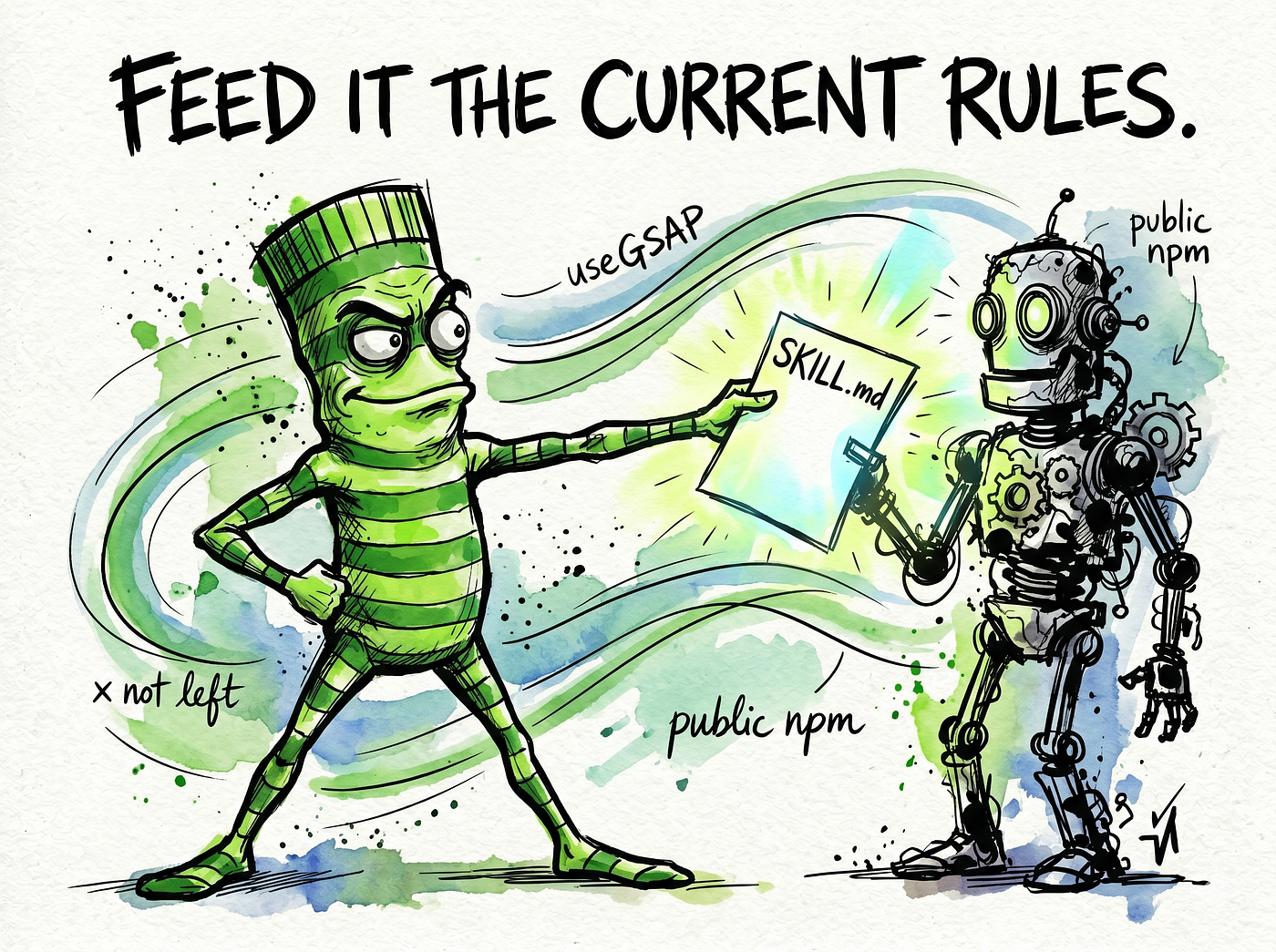
What’s inside isn’t marketing copy. It’s rules, each one aimed at a specific mistake:
- Animate
xandy, notleftandtop, so the work stays on the compositor instead of forcing a layout. - Use
autoAlphainstead ofopacityso hidden elements stop catching clicks. - Wrap React animations in the
useGSAPhook so they tear down when the component unmounts. - Call
ScrollTrigger.refresh()after you change the DOM. - Install from public npm. No key, no private registry, no
.npmrctoken dance.
Read that list again and you’re basically reading a catalog of the dumb things these agents were doing on their own.
Putting it to work
This takes about one command. In most agents:
npx skills add https://github.com/greensock/gsap-skillsThe installer figures out which tool you’re running and drops the files where they belong. In Claude Code you can also add it through the plugin marketplace with /plugin marketplace add greensock/gsap-skills. If you'd rather do it by hand, clone the repo and copy the skills/ folder into your agent's skills directory (~/.claude/skills/ or ~/.cursor/skills/, depending on your setup).
That’s the whole thing. Next time you ask for a scroll animation, the agent has the current rules in front of it instead of a half-remembered tutorial from three years ago.
Try it yourself
Don’t take my word for any of this. Ask your agent for a React scroll animation before you install anything, and keep what it gives you. Then install gsap-skills and ask for the same thing again.
The difference shouldn’t just be tidier syntax. The agent should stop quoting install steps for a paywall that no longer exists, stop reaching for left and width, and start wrapping its React code in a cleanup pattern that actually tears down. If the second answer looks the same as the first, the skill didn't load, and that's worth knowing too.
The prompt that actually uses it
Once the skill’s installed, don’t just say “make this animate” and hope. The skill gives the agent better defaults; your prompt still has to give it direction. Spell out the job:
Build a React component that animates a row of cards with GSAP. Use
useGSAPand clean up on unmount. Move things with transforms only, noleft,top,width, orheight. Add a ScrollTrigger if it helps, and keep it responsive withmatchMedia.
That reads like a lot to ask for. It is. But every clause in it maps to a mistake the agent would otherwise make, and with the skill loaded it’ll actually honor them instead of nodding and writing useEffect anyway. Skills set the floor. The prompt sets the target.
So what’s actually worth building with it?
Fixing janky code is the floor, not the ceiling. The reason GSAP going free matters is that the expensive plugins, the ones that used to sit behind Club GSAP, are the genuinely fun part. Here’s where I’d point a freshly un-paywalled agent.
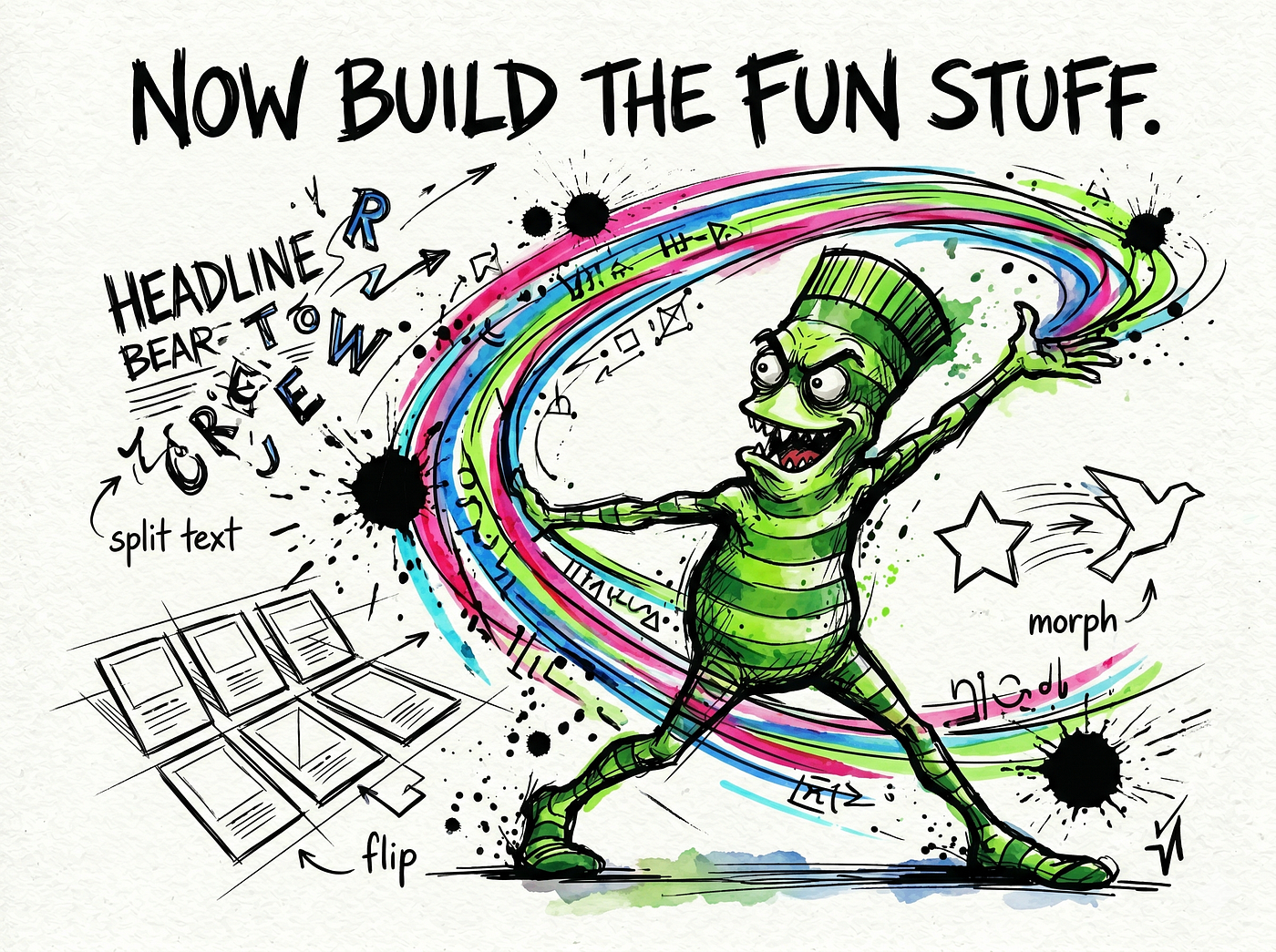
Scroll-driven storytelling with ScrollTrigger. This is the one you’ve already seen a hundred times without knowing its name: a section that pins to the screen while panels slide sideways as you scroll down, or a chart that draws itself as it enters the viewport. Product pages and annual-report microsites live on this. The trick most people botch is scrub, which ties the animation's progress directly to the scrollbar instead of just firing once. Get it right and the page feels like it's responding to your hand. Get it wrong and it lurches.
gsap.to(".panel", {
  xPercent: -300,
  ease: "none",
  scrollTrigger: {
    trigger: ".container",
    pin: true,
    scrub: 1, // ties motion to the scroll position
    end: "+=3000"
  }
});
Text that arrives one word at a time with SplitText. This is the crowd-pleaser. SplitText chops a headline into characters, words, or lines, and then you stagger them in. A title where each word rises and fades into place reads as expensive even when the rest of the site is plain. It used to cost money. It doesn’t now. This is the first thing I’d build to feel the difference.
Layout transitions with Flip, the one nobody talks about. Flip is the underrated plugin. You tell it “remember where everything is,” then you change the DOM however you want, then you say “now animate from the old positions to the new ones.” Click a card in a grid and watch it grow smoothly into a detail view. Filter a gallery and watch the surviving items glide into their new slots instead of snapping. Doing this by hand is miserable. Flip makes it close to free.
Shape morphing with MorphSVG. A hamburger menu icon that bends into an X. A play button that melts into a pause bar. One SVG path becoming another, smoothly, with no frame-by-frame hand-drawing. Fun, and easy to overdo. If every icon on your site is morphing, you’ve made a toy, not a product.
Drag-and-fling with Draggable and Inertia. Carousels, sliders, sortable boards, anything you grab and throw. The Inertia piece is what makes a flicked element coast to a stop and settle, the way a real object would, instead of stopping dead the instant you let go. That settle is the whole reason it feels good.
A warning, since I’d rather say it than not: ScrollSmoother is the one I’d use with restraint. To its credit, it rides the browser’s native scroll instead of faking it, so it sidesteps a lot of the accessibility grief that sank older smooth-scroll libraries. But the effect can still feel wrong on a page that’s mostly text, or when someone’s trying to move fast and the glide gets in their way. Put it on a portfolio or a launch page where motion is the point. Keep it off your docs, your articles, and anything with a checkout flow.
What I wouldn’t build with it
I wouldn’t animate the whole site.
The fastest way to make a page feel cheap is to make everything move. Pick one moment: a headline that assembles itself, a card grid that reflows when you filter it, a single scroll section that earns its pin. Then leave the rest still. The good GSAP work I’ve seen almost always has one thing that makes you go “oh, nice” and a lot of quiet around it.
This is also the line an agent can’t see. It’ll happily animate every element you point it at, because it has no taste and no sense of when a page has had enough. The skill teaches it which properties to use. It can’t teach it when to stop. That part’s still yours.
The part that isn’t about GSAP
GSAP isn’t really the lesson here. The fix is.
When people say AI writes bad code, they’re usually describing this exact situation: an agent running on frozen documentation, repeating advice that expired while nobody was watching. The model isn’t dumb. It’s out of date, and it has no way of knowing that. A skills file is just a way to hand it the current rules for the thing you actually use, whether that’s GSAP, your team’s internal API, or a framework that shipped a breaking change last month.
GreenSock is worth noticing because they wrote those files for you. Most libraries won’t. So the takeaway isn’t only “install gsap-skills,” though you should. It’s that you can write these files yourself, for any tool your agent keeps getting wrong, and stop blaming the model for not knowing something nobody ever told it.
메타데이터
- post_id
- fa443c8fc4e9
- slug
- your-ai-coding-agent-writes-janky-gsap-code-greensock-just-shipped-the-fix-fa443c8fc4e9
- url
- https://medium.com/@creativeaininja/your-ai-coding-agent-writes-janky-gsap-code-greensock-just-shipped-the-fix-fa443c8fc4e9
- canonical_url
- https://medium.com/@creativeaininja/your-ai-coding-agent-writes-janky-gsap-code-greensock-just-shipped-the-fix-fa443c8fc4e9
- author_url
- https://medium.com/@creativeaininja
- status
- ok
- fetched_at
- 2026-06-09 15:37:30