Why Username Option in WhatsApp Not Showing on Android or iPhone?
The WhatsApp username feature is one of the biggest privacy updates introduced in 2026. Instead of giving your mobile number to every new…
Why Username Option in WhatsApp Not Showing on Android or iPhone?
The WhatsApp username feature is one of the biggest privacy updates introduced in 2026. Instead of giving your mobile number to every new person, you can share a unique username. This helps keep your phone number private while still allowing people to contact you.
Many users have already received the update, but many others still cannot find the Username option inside WhatsApp. This has created questions such as:
- Why username option in WhatsApp not showing in Android?
- Worried about Username option in WhatsApp not showing on Android or iPhone in 2026?
so, Lets start, Learn why the feature is missing, how to get a WhatsApp username, how to reserve it, and simple fixes that work.
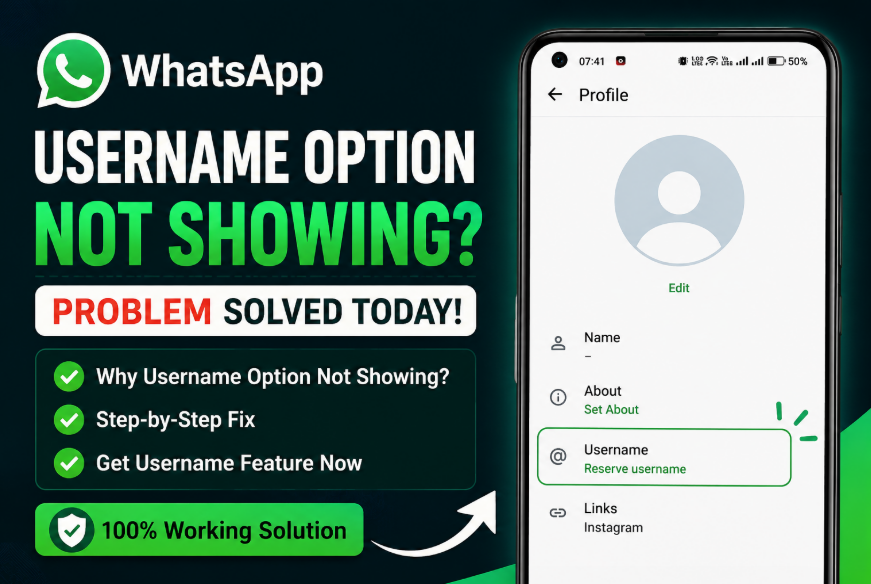
Why is the username option not showing in WhatsApp?
If the username option is not showing in WhatsApp, the feature has not reached your account yet. Meta is releasing WhatsApp usernames in stages across different countries and accounts. Make sure you are using the latest version of WhatsApp, then go to Settings → Account and check if the Username option is available. If it is missing, you will need to wait until WhatsApp enables it for your account.
The good news is that, in most cases, nothing is wrong with your phone. The feature is simply being released slowly to millions of users around the world.
Is the WhatsApp Username Feature Out in 2026?
Yes, WhatsApp has officially started rolling out usernames in mid 2026. However, the rollout is not happening for every account on the same day.
Meta is enabling the feature in stages to avoid server overload and to give users enough time to reserve their preferred usernames.
This means:
- Some Android users already have it.
- Some iPhone users already have it.
- Many accounts still do not have the feature.
- Business and personal accounts may receive it at different times.
If your friend has a username but you do not, this is completely normal.
Why Username Option in WhatsApp Not Showing?
There are several possible reasons.
1. Your Account Has Not Received the Feature Yet
This is the biggest reason.
Meta is enabling usernames gradually instead of giving the feature to all users at once.
Even if two people use the same phone model and same app version, one account may receive the update before the other.
If the Username menu is missing, your account is simply waiting for activation.
2. Your WhatsApp Version Is Old
Older versions of WhatsApp may not include support for usernames.
Open your app store and install every available update.
After updating, restart your phone and check again.
3. Server Update Is Still Pending
Many WhatsApp features work through server updates.
Even after installing the newest version, the feature may stay hidden until Meta activates it on its servers.
This is normal and cannot be forced manually.
4. Your Region Has Not Received the Rollout
The rollout is happening country by country.
Some countries receive the feature earlier than others.
If many users in your country are still missing the Username option, your region may still be waiting.
5. Temporary App Issue
Sometimes the app does not refresh properly after an update.
Closing WhatsApp completely and opening it again may refresh your account information.
Why Username Option in WhatsApp Not Showing in Android?
Android users are reporting this issue more often because there are many different phone brands and Android versions.
Common reasons include:
- Old WhatsApp version
- Delayed server rollout
- Phone has not refreshed after update
- Play Store update not installed
- Account has not been selected yet
If you use Android, first update WhatsApp, restart your phone, and check again.
If the option is still missing, you simply need to wait for Meta to enable it.
Why Username Option in WhatsApp Not Showing in iPhone?
The same rollout process also applies to iPhone users.
If you use an iPhone and cannot see the Username option, possible reasons include:
- Latest iOS update is not installed
- WhatsApp needs updating
- Your account has not received the rollout
- Apple’s App Store update has not reached your device yet
Most iPhone users receive the feature automatically once WhatsApp enables it.
How Do I Get a Username on WhatsApp?
Once the feature becomes available, setting your username only takes a few minutes.
Follow these steps.
Open WhatsApp.
Go to Settings.
Select Account.
If your account is eligible, you will see a new option called Username.
Tap on it.
Choose a unique username.
If the username is available, WhatsApp will allow you to save it immediately.
Some users may also receive the option to use the same username as their Instagram or Facebook account if it is available.
After saving your username, people can contact you without seeing your phone number in supported chats.
Where Can I See My Username in WhatsApp?
If your username has already been created, you can see it by following these steps.
Open WhatsApp.
Tap Settings.
Select Account.
Open Username.
Here you can:
- View your username
- Edit it
- Change it
- Remove it if needed
If this menu does not exist, your account has not received the feature yet.
Can I Hide My Username on WhatsApp?
Yes, The username system has been created mainly for privacy.
You decide if you want people to contact you using your username.
WhatsApp also gives users extra privacy controls.
Depending on your account, you may be able to control who can find you and who can start a conversation using your username.
Your phone number is also better protected when usernames are used.
What To Do If Username Is Still Missing?
If you still cannot find the Username option, follow these steps one by one.
Update WhatsApp
Visit the Google Play Store or Apple App Store.
Search for WhatsApp.
Install every available update.
Older app versions may have bugs that affect contacts and profile information.
Installing the newest version gives you the latest fixes and new features.
Always keep automatic updates enabled if possible. Open the app again after updating.
Restart WhatsApp
Close WhatsApp completely.
Remove it from recent apps.
Open it again after a few seconds.
This helps refresh the latest server information.
Restart Your Phone
A simple restart can solve many small software issues.
After your phone starts again, open WhatsApp and check your Account settings.
Wait for the Rollout
If everything is updated and the option is still missing, the only solution is to wait.
Meta is adding usernames in stages.
Many users receive the feature days or weeks after others.
Frequently Asked Questions
Why is my WhatsApp username not showing?
The username option is usually missing because your account has not received the rollout yet. Update WhatsApp to the latest version and check Settings → Account again.
How do I reserve my WhatsApp username?
Once the Username option appears in your Account settings, open it, enter your preferred username, and save it if it is available.
Where can I see my username in WhatsApp?
Go to Settings → Account → Username. If this option is missing, the feature has not been enabled for your account yet.
Username option in WhatsApp not showing on Android. What should I do?
Update WhatsApp, restart your phone, reopen the app, and wait for Meta to activate the feature for your account. There is no manual method to force the rollout.
Note: Never uninstall your whatsapp & re-installing it again to the check the new username feature option available or not. Without taking backup before uninstalling, might can loose your all data. So be cautious.
The missing Username option in WhatsApp is usually not a bug. In almost every case, the feature has simply not reached your account yet.
Meta is releasing usernames gradually across Android and iPhone devices during 2026.
Keep WhatsApp updated, restart the app from time to time, and check Settings → Account regularly. Once the rollout reaches your account, you can reserve your preferred username and use WhatsApp with more privacy without sharing your phone number.
메타데이터
- post_id
- 005b4dfc7d83
- slug
- why-username-option-in-whatsapp-not-showing-on-android-or-iphone-005b4dfc7d83
- url
- https://medium.com/@techsecret/why-username-option-in-whatsapp-not-showing-on-android-or-iphone-005b4dfc7d83
- canonical_url
- https://medium.com/@techsecret/why-username-option-in-whatsapp-not-showing-on-android-or-iphone-005b4dfc7d83
- author_url
- https://medium.com/@techsecret
- status
- ok
- fetched_at
- 2026-08-17 11:28:13