VidMate vs SnapTube: Which Type of User Is Each One Really For?
The better video downloader is not the one with the longest feature list. It is the one that fits your device, habits, storage, and comfort…
VidMate vs SnapTube: Which Type of User Is Each One Really For?
The better video downloader is not the one with the longest feature list. It is the one that fits your device, habits, storage, and comfort with Android apps.
A student wants to save a public educational video before taking a long bus journey. The internet connection on the route is unreliable, and streaming the same lesson repeatedly would consume more mobile data.
They search for an Android video downloader and find two familiar names: VidMate and SnapTube.
At first, the decision seems simple. Compare the features, choose the app with more options, and start downloading.
That approach misses the most important question.
What kind of user are you?
VidMate and SnapTube belong to the same broad category, but people do not all use video tools in the same way. One person wants a complete media environment. Another wants to paste a link, select a format, and leave.
The right choice depends less on which name is more popular and more on what you expect the tool to do.
Start With Your Real Purpose
Before comparing any two video downloaders, decide what problem you are trying to solve.
Are you saving your own Instagram Reel as a backup?
Do you want an educational video for offline viewing?
Are you extracting audio from content you own?
Do you regularly organize downloaded files inside one application?
Or do you only need to save an occasional public video with the creator’s permission?
These situations may look similar, but they lead to different priorities.
Someone who downloads media regularly may value an integrated browsing and playback experience. An occasional user may care more about a short, clear process with fewer screens and decisions.
That difference provides a useful starting point for comparing VidMate and SnapTube.
Who May Prefer VidMate?
VidMate may appeal more to someone who wants a broader media-focused experience rather than a tool used for one isolated download.
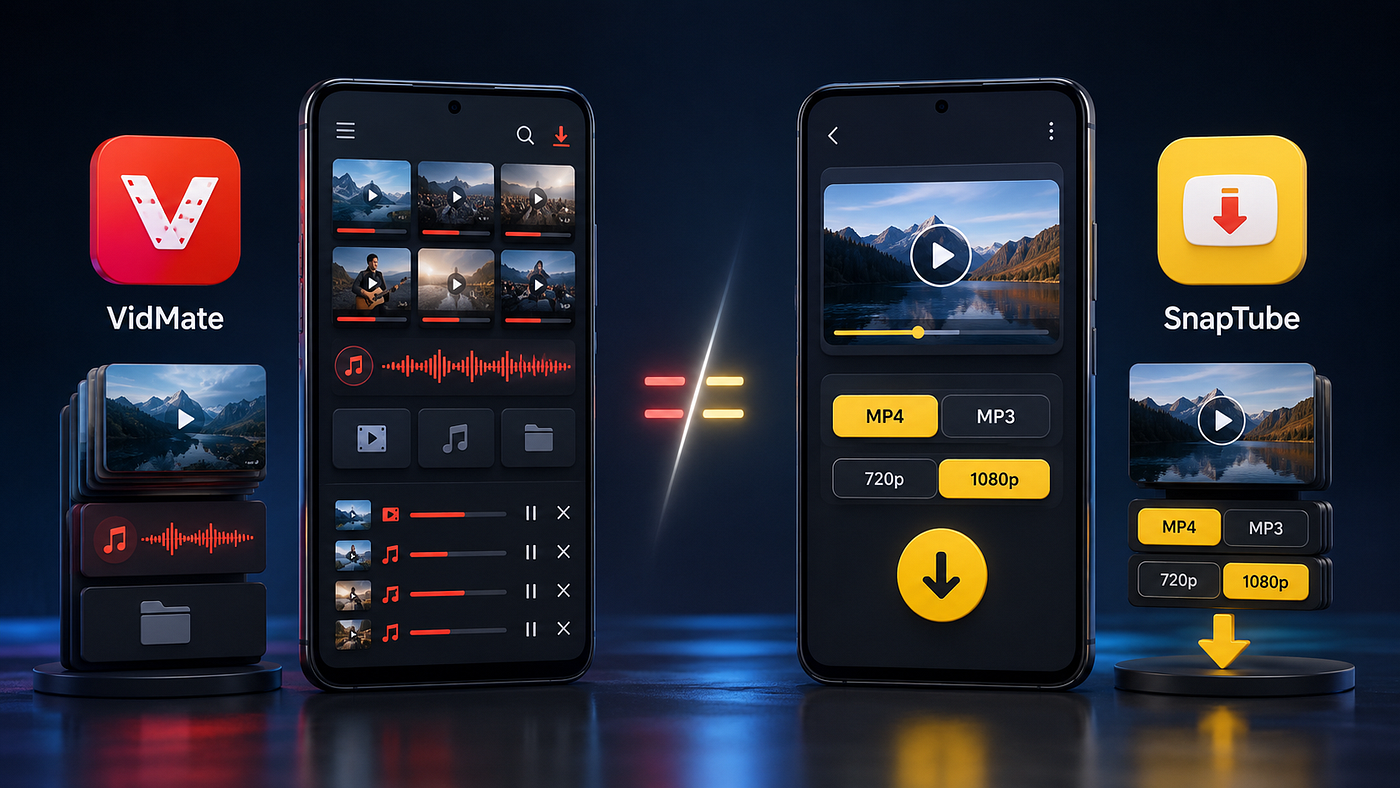
This type of user may enjoy exploring content, selecting between different formats, managing downloads, and playing saved media without constantly switching between applications.
Imagine a commuter who prepares a collection of permitted videos and audio before leaving home. They may want to search, manage several files, check download progress, and play everything offline from one place.
For that person, an all-in-one approach can feel convenient.
A student managing lectures may have similar priorities. Instead of downloading one file and forgetting about it, the student may want to build a small offline library for the week.
VidMate may therefore be more suitable for users who:
Want a media-oriented interface
Download content regularly rather than occasionally
Prefer browsing, downloading, and playback features in one environment
Like having several quality and format choices
Need to manage multiple saved files
Primarily use an Android phone for entertainment or learning
This does not mean every VidMate version will offer the same experience. Features, supported platforms, interfaces, and quality options can change. Availability also depends on the original media.
A downloader cannot create genuine 4K detail when the source was uploaded in a lower resolution.
Who May Prefer SnapTube?
SnapTube may appeal more to users who think about the task in a direct way: find a permitted video, choose the required format, save it, and move on.
Consider someone who only wants the audio from their own recorded interview. They do not need a large media library or a discovery-focused experience. They want to identify the correct file, choose a suitable audio or video format, and keep the result in an accessible folder.
A simple download-focused workflow may feel more natural for that person.
SnapTube may suit users who:
Prefer a direct downloading process
Usually know which video or media link they want
Frequently choose between video and audio formats
Do not want to spend much time exploring content inside the tool
Value a clean path from selection to download
Want to manage finished files using their phone’s normal gallery or file manager
Again, the exact experience can vary between versions. Users should verify what the version on their device actually supports instead of relying on an old review or screenshot.
The Comparison Is Not Just About Features
Feature lists make comparisons look easy.
One application may claim to support more websites. Another may present more resolution choices. One may emphasize speed, while another focuses on format selection.
These claims do not tell you how the application will behave on your phone.
A feature is only helpful when it works reliably, is easy to understand, and does not create an unnecessary risk.
For example, a beginner may see 360p, 720p, 1080p, 2K, and 4K in a download menu. Having more choices appears useful, but it can also make the process confusing.
Selecting 4K for every file can quickly consume storage and mobile data. For ordinary viewing on a phone, 1080p may provide a better balance. If the video mainly contains speech, 720p or an audio format may be enough.
The best application is not the one that displays the highest number. It is the one that helps you make an appropriate choice.
Your Phone May Decide for You
Device limitations are often more important than small differences between applications.
An older Android phone may have limited storage, less memory, and a slower processor. A large application with several built-in features may feel heavy on that device.
A newer phone with more storage may handle the same experience without difficulty.
This matters in countries such as Pakistan, India, and Bangladesh, where many people use affordable Android phones as their primary internet device. The phone may hold work documents, family photos, messaging applications, educational videos, and entertainment files at the same time.
The situation is also familiar to users in the US, UK, Canada, and Europe who keep an older phone or buy a budget device.
Before choosing either downloader, check:
Your available storage
Your Android version
The permissions requested by the application
How much battery it uses during downloads
Whether completed files are easy to locate
Whether it continues to work reliably on your connection
A tool with fewer features may be the better choice if it runs more smoothly on your phone.
The Installation Question Cannot Be Ignored
VidMate and SnapTube are commonly discussed as Android applications distributed outside the usual app-store experience. That introduces a separate decision: whether you are comfortable installing software from outside a preloaded store.
Android requires users to approve installations from unknown sources because outside applications may carry additional risks. Google advises users to confirm that they trust the source and keep Play Protect enabled so sideloaded applications can be checked for potentially harmful behaviour. Google’s Android safety guidance
This does not prove that every outside application is dangerous. It also does not prove that every file carrying a familiar app name is genuine.
Modified packages, outdated copies, fake download pages, and misleading buttons can all create problems.
Treat statements such as “completely safe” or “100% virus-free” as marketing claims unless they are supported by independent and current evidence.
Before installing any outside application, check whether:
The publisher can be identified
The source is the developer’s genuine distribution channel
The file appears modified or repackaged
The requested permissions match the application’s purpose
Android or Play Protect displays a warning
Updates have to be installed manually
The application asks you to disable security protections
A video downloader may reasonably need limited access to media or files. It should not need unrelated access to calls, contacts, messages, precise location, or accessibility controls simply to save a video.
If a permission does not make sense, stop and investigate it.
Do Not Choose Based on Download Speed Alone
Speed is one of the most common promises in downloader marketing.
Real download speed depends on more than the application. Your internet connection, the source platform, file size, server conditions, phone performance, and network restrictions can all affect it.
A traveller using weak hotel Wi-Fi may experience slow downloads in both applications. A user on a stable fibre connection may find both fast enough.
The same applies to interrupted downloads. Sometimes the problem is not the downloader. The source link may have expired, the post may have been deleted, the account may be private, or the platform may have changed how it delivers media.
A fair comparison should test the same permitted video, on the same phone, using the same connection.
Otherwise, the result says very little.
Think About File Management
Downloading a file is only half the job. You also need to find it later.
Some users prefer to manage downloads inside an application. Others want every video to appear immediately in the standard Gallery or Downloads folder.
Neither preference is wrong.
A creator saving backups of original Instagram Reels may want clearly named folders and easy access from an editing application.
A student saving lectures may prefer one organized collection inside the downloader.
Before choosing VidMate or SnapTube, check where each one saves files on your device. Download one permitted test video and locate it without using search.
If finding one file is already confusing, managing fifty will be worse.
Privacy and Copyright Still Apply
A public video is visible to everyone, but that does not mean everyone owns it.
Downloading content does not automatically give you permission to repost it, remove attribution, sell it, edit it, or claim it as your work.
The safest uses include:
Backing up your own original content
Saving a video when the creator has granted permission
Using an official download option provided by the platform
Keeping permitted educational material for personal offline viewing
Instagram does not provide the same download option for every type of media. A creator may also limit whether a public Reel can be downloaded through Instagram’s own features.
Neither VidMate nor SnapTube should be used to access private accounts or bypass privacy restrictions.
When uncertain, ask the creator before saving or reusing their work.
Which One Should You Choose?
Choose based on your behaviour, not the logo.
VidMate may be a better fit if you want a broader media environment and regularly manage several types of downloaded content.
SnapTube may feel more suitable if you prefer a focused path from a known video to a chosen format and saved file.
Neither choice removes the need to check the source, permissions, compatibility, storage use, and copyright rules.
If both applications feel too complex for an occasional task, you may not need either one. Instagram’s own available saving or download features, a browser-based tool for permitted public content, or a simple file-management workflow may be enough.
The honest answer is that there is no universal winner.
The Better App Is the One You Can Use Responsibly
People often compare applications as if one must defeat the other.
Real life is less dramatic.
A regular downloader with a newer Android phone may prefer an all-in-one media experience. A beginner with limited storage may prefer a simpler workflow. A creator may avoid third-party tools entirely and keep original project files backed up before publishing.
The best choice is the one that solves your actual problem without asking for unreasonable permissions, overwhelming your device, or encouraging you to misuse someone else’s work.
VidMate and SnapTube may appear to offer the same basic promise, but the better fit depends on the person holding the phone.
Short Summary
VidMate or SnapTube? Compare their workflows, device demands, safety concerns, file management, and ideal users before choosing a video downloader.
Medium Tags
VidMate
SnapTube
Video Downloading
Android Apps
Digital Safety
메타데이터
- post_id
- 021cea6b733f
- slug
- vidmate-vs-snaptube-which-type-of-user-is-each-one-really-for-021cea6b733f
- url
- https://medium.com/@ApkHubZone/vidmate-vs-snaptube-which-type-of-user-is-each-one-really-for-021cea6b733f
- canonical_url
- https://medium.com/@ApkHubZone/vidmate-vs-snaptube-which-type-of-user-is-each-one-really-for-021cea6b733f
- author_url
- https://medium.com/@ApkHubZone
- status
- ok
- fetched_at
- 2026-08-08 08:50:16