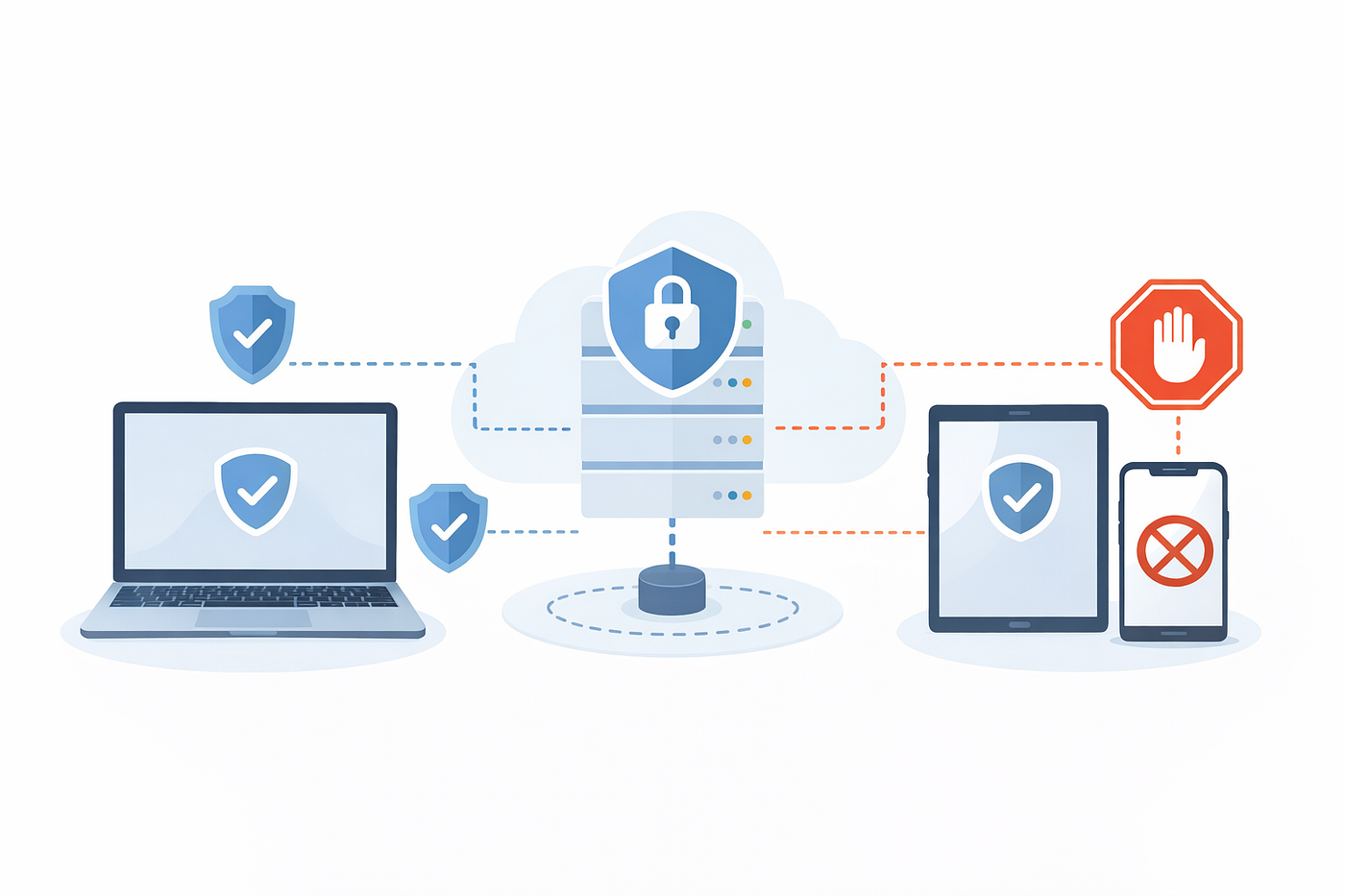
When Secure Data Meets Document Automation: A Real-World Case Study
The trade-offs teams face when automating PDF generation while handling sensitive information
When Secure Data Meets Document Automation: A Real-World Case Study
The trade-offs teams face when automating PDF generation while handling sensitive information

Building scalable document automation without compromising security.
The Problem: Automation in a Regulated World
Picture this: You’re building a backend service that generates thousands of PDFs daily — invoices with payment details, account statements with transaction histories, internal reports containing employee information. Your stakeholders want it fast, scalable, and automated. Your compliance team wants it secure, auditable, and locked down.
Welcome to the intersection where developer convenience meets regulatory reality.
Over the past year, I’ve worked on several projects involving automated document generation in regulated environments — financial services, healthcare systems, and internal enterprise platforms. IronPDF served as the PDF rendering engine in these .NET-based systems, not because it solved security by itself, but because it integrated cleanly into architectures designed around secure data handling.
This article explores the practical trade-offs teams face when building PDF generation systems that handle sensitive data, using real patterns I’ve encountered and the decisions that shaped our architectures.
Disclaimer: This is an engineering discussion based on real-world experience, not legal or compliance advice. Consult qualified legal counsel for guidance on regulatory requirements in your jurisdiction.
The Composite Scenario
Let me paint a picture of typical requirements:
The Business Need:
- Generate 10,000+ PDFs per day (invoices, statements, reports)
- Each document contains PII: names, addresses, account numbers
- Sub-2-second generation time per document
- Support multiple templates and formats
- Enable bulk generation for batch processes
The Regulatory Reality:
- Data protection regulations apply (GDPR, CCPA, or similar)
- Financial data must be encrypted at rest and in transit
- Access to sensitive documents requires audit trails
- Data retention policies must be enforced
The Technical Constraint:
- Limited infrastructure budget
- Small development team
- Tight delivery timelines
- Legacy system integration required
Sound familiar? This is the reality for many teams building document automation today.
The Architecture: Layers of Decision-Making
Let me walk you through the architectural decisions we faced and the trade-offs at each layer.
Layer 1: Data Access & Retrieval
The Trade-off:
Speed ←→ Security Granularity
Real-time fetch per PDF:
+ Maximum security, always current data
- Slower generation, database load
Cached data pool:
+ Faster, predictable performance
- Data sits in memory, compliance complexityPractical Pattern: Most teams end up with a hybrid approach:
- Critical PII (SSN, account numbers) → Always fetch fresh, never cache
- Semi-sensitive data (names, addresses) → Short-lived cache (5–15 min)
- Reference data → Standard caching
The key is knowing which data warrants which treatment and documenting these decisions for compliance reviews.
Layer 2: Template & Rendering Logic
The Trade-off:
Developer Convenience ←→ Security Boundaries
Tight coupling (data in template):
- Quick to build, easy to modify
- Risk: Templates access more than they should display
Strict separation (ViewModels):
- More upfront work, verbose code
- Benefit: Clear data flow, easier auditWhat Works in Practice:
Use data projection before rendering:
// Simplified for clarity - production code needs additional error handling
var invoice = await _invoiceRepository.GetById(id);

// Project to template-specific DTO
var templateData = new InvoiceTemplate {
    InvoiceNumber = invoice.Number,
    CustomerName = invoice.Customer.Name,
    MaskedAccountNumber = MaskAccountNumber(invoice.AccountNumber)
    // Only include what template actually needs
};

var pdf = _renderer.RenderRazorViewToPdf("InvoiceTemplate.cshtml", templateData);
This pattern gives you clear boundaries between data access and rendering, easier field-level security rules, and better audit trails.
Layer 3: Document Security & Storage
The Trade-off:
Performance ←→ Security Depth
Minimal security (plain PDFs):
- Fast generation and retrieval
- Risk: Direct exposure if storage compromised

Maximum security (encryption + access control):
- Cost: 3-5x slower, complex key management
Tiered Security Model:
We’ve found success with document classification:
Tier 1 - Highly Sensitive (SSN, financial accounts):
├─ PDF password protection
├─ Encrypted storage
├─ Access logs per view
└─ Automatic expiration (30-90 days)
Tier 2 - Moderately Sensitive (invoices):
├─ Encrypted storage
├─ Authenticated access only
└─ Standard retention
Tier 3 - Internal Reports (aggregated data):
├─ Standard storage
└─ Basic access control
IronPDF makes password protection straightforward:
// Simplified - production needs proper key management
var pdf = _renderer.RenderHtmlAsPdf(htmlContent);

if (documentTier == SecurityTier.HighlySensitive) {
    pdf.Password = GenerateSecurePassword();
    pdf.SecuritySettings.AllowUserAnnotations = false;
    pdf.SecuritySettings.AllowUserCopyPasteContent = false;
}

await SaveWithEncryption(pdf, storageKey);
The key insight: not all documents need the same security level. Classify your documents and apply proportionate controls.
Layer 4: Access Control & Delivery
The Trade-off:
User Convenience ←→ Audit Completeness
Permissive (direct links):
- Minimal logging
- Risk: Untracked sharing, compliance gaps

Strict (authenticated per-access):
- Complete audit trail
- Cost: Slower UX, more infrastructure
Balanced Approach:
Implement signed, time-limited URLs with access logging:
// Simplified for clarity - production requires proper token validation
public async Task<DocumentAccessToken> GenerateAccessToken(
    string documentId,
    string userId,
    TimeSpan validity)
{
    await _auditLog.LogAccessRequest(documentId, userId);

    var token = new DocumentAccessToken {
        DocumentId = documentId,
        UserId = userId,
        ExpiresAt = DateTime.UtcNow.Add(validity),
        Signature = ComputeHMAC(documentId, userId, validity)
    };

    return token;
}
This approach balances reasonable UX (users can download within a time window) with audit requirements and protection against unauthorized sharing.
Behind every automated document, there’s a security decision.
The Hidden Trade-offs
Beyond obvious technical decisions, subtler trade-offs often catch teams off guard:
Automation Speed vs Incident Response
Fast generation means fast mistakes. A data retrieval bug can expose thousands of documents before anyone notices.
The Practice: Build for recoverability from day one. Implement document versioning, batch rollback capabilities, and sampling validation in production. Embed tracking metadata in PDFs:
// Crucial for identifying affected documents during incidents
pdf.MetaData.Subject = $"Batch-{batchId}";
pdf.MetaData.Keywords = $"DataVersion:{dataVersion},Generated:{timestamp}";
Simplicity vs Long-term Risk Management
The “just save PDFs to blob storage” approach seems simple until three years later when compliance asks: “Where’s the data lineage? How do you enforce deletion requests?”
The Practice: Design metadata schema for future compliance needs:
- Generation timestamp and data sources
- User who requested generation
- Security classification
- Scheduled deletion date
- Related entity IDs (for deletion cascades)
Security Theater vs Real Risk
Adding security controls that look good on paper doesn’t prevent logic bugs that expose PII.
Focus security efforts where actual risks live:
- Automated testing for PII leakage in templates
- Code review for data access patterns
- Monitoring for anomalous generation volumes
- Developer security training
Make secure coding the path of least resistance, not an obstacle course.
Decision Framework
When facing trade-off decisions:
Step 1: Classify Document Risk
Risk = (Data Sensitivity) × (Access Scope) × (Retention Period)
High Risk (>7): Financial accounts, medical PHI, SSN
Medium Risk (4-7): Customer invoices, internal reports
Low Risk (<4): Public reports, marketing materials
Step 2: Map Trade-offs to Risk Level
High Risk: Accept slower generation, implement per-document access control
Low Risk: Optimize for speed, use simple authentication
Step 3: Document Decisions
Create a decision log:
Decision: Cache customer names for batch generation
Risk: Medium
Rationale: Names alone aren't highly sensitive, 15-min cache
          significantly improves performance
Mitigations: Cache encryption, automatic invalidation
Review: Q3 2026
This documentation proves invaluable during compliance reviews and team onboarding.

Automating document workflows while safeguarding sensitive data.
Lessons from the Trenches
1. Perfect Security is the Enemy of Good Security
Teams that try to implement every best practice end up with systems so complex nobody understands them, leading to developer workarounds that bypass security.
Better: Implement proportionate security based on actual risk, then iterate.
2. Compliance Debt Compounds Faster Than Technical Debt
That quick hack to meet a deadline? It doesn’t just slow development — it creates regulatory risk, potential fines, and legal liability.
Better: Treat security decisions as first-class architectural concerns from day one.
3. Observability is Security
You can’t secure what you can’t see. Monitor document generation volume anomalies, failed access attempts, unusual document sizes, generation time spikes, and access pattern anomalies.
4. Clear Mental Models Enable Secure Development
Developers make secure decisions when they understand what data is sensitive, where security boundaries exist, and how to implement controls correctly.
Better: Invest in training and documentation, not just tools and processes.
Implementation Checklist
Based on real project learnings:
Foundation (Week 1–2)
- [ ] Document classification and security requirements mapped
- [ ] Data access patterns and template strategy documented
- [ ] Storage encryption approach selected
Core Implementation (Week 3–6)
- [ ] PDF rendering with proper error handling
- [ ] Data projection layer (no direct entity access)
- [ ] Document metadata schema and basic access control
- [ ] Generation monitoring and logging
Security & Production (Week 7–10)
- [ ] Password protection and time-limited access tokens
- [ ] Audit logging and deletion workflows
- [ ] Security testing and performance validation
- [ ] Incident response procedures and monitoring dashboards
Conclusion: Embrace the Trade-offs
Building document automation for sensitive data is fundamentally about making smart trade-offs. There’s no perfect solution , only solutions that fit your specific context, risk profile, and constraints.
Teams that succeed:
- Acknowledge trade-offs explicitly rather than pretending they don’t exist
- Make decisions proportionate to actual risk
- Document their reasoning for future teams and compliance reviews
- Build for evolution, knowing requirements will change
- Focus on developer experience, secure systems require developer buy-in
PDF generation libraries like IronPDF provide the building blocks, but the architecture, the trade-offs, and the decisions are on us.
The goal isn’t perfection. It’s building systems that are good enough to trust, simple enough to maintain, and flexible enough to evolve as regulations, threats, and business needs change.
What’s your experience with these trade-offs? I’d particularly value hearing about approaches I haven’t covered or decisions that worked differently in your context.
Building secure document automation systems? I’m interested in hearing what trade-offs you’ve encountered.
메타데이터
- post_id
- 022ffde7956c
- slug
- when-secure-data-meets-document-automation-a-real-world-case-study-022ffde7956c
- url
- https://medium.com/the-constellar-digital-technology-blog/when-secure-data-meets-document-automation-a-real-world-case-study-022ffde7956c
- canonical_url
- https://medium.com/the-constellar-digital-technology-blog/when-secure-data-meets-document-automation-a-real-world-case-study-022ffde7956c
- author_url
- https://medium.com/@kielltampubolon
- status
- ok
- fetched_at
- 2026-06-24 16:30:55