Canva AI vs Adobe Firefly: Which Free Version Is Actually Worth It for Beginners?
I tested both free plans so you don’t have to waste your time finding out the hard way.
Canva AI vs Adobe Firefly: Which Free Version Is Actually Worth It for Beginners?
I tested both free plans so you don’t have to waste your time finding out the hard way.
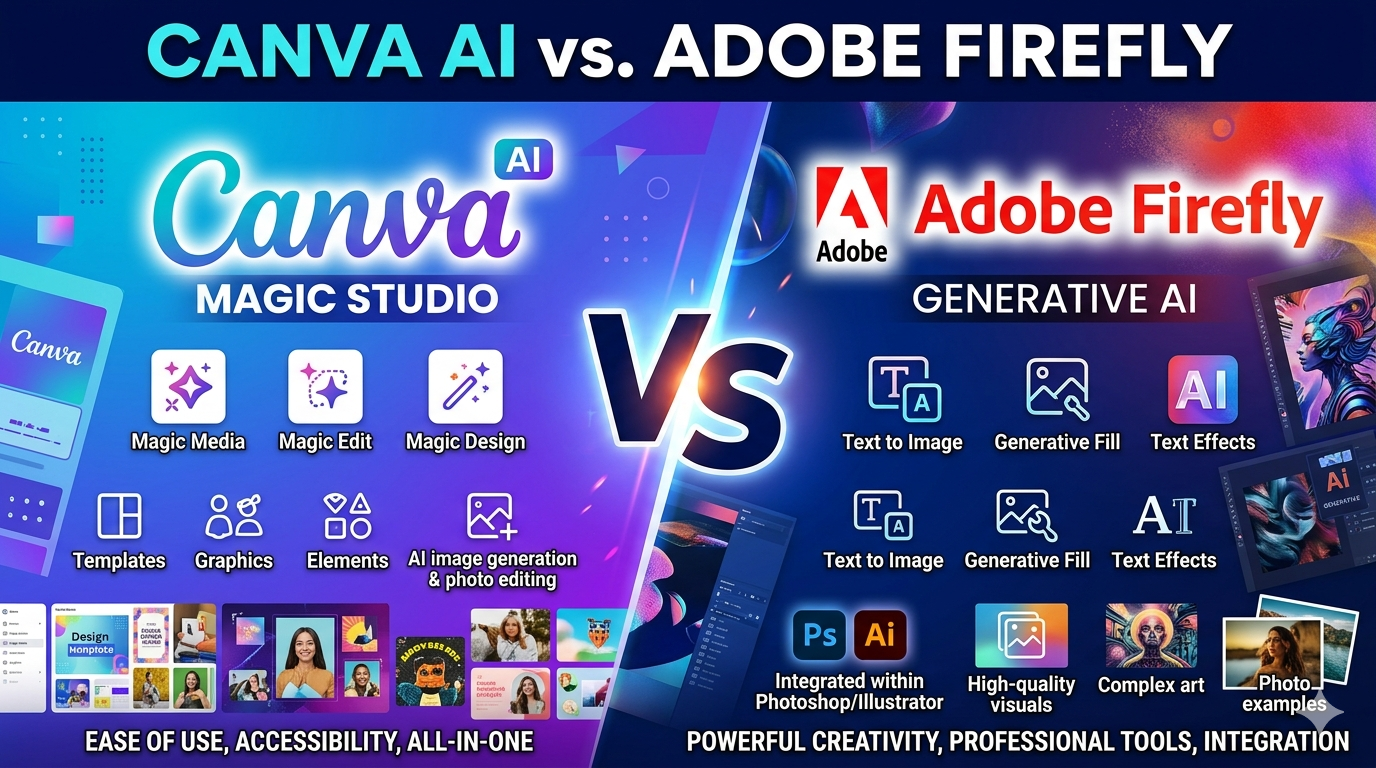
Canva AI vs Adobe Firefly
If you’ve been trying to figure out which AI design tool to start with, you’ve probably already Googled this comparison. And you’ve probably landed on articles written by people who are clearly using the paid versions — reviewing features you’ll never access on a free plan.
So I did something different.
I tested both Canva AI and Adobe Firefly using only their free plans, with zero paid upgrades, and with the mindset of a complete beginner. No design background. No prior experience with AI tools. Just two browser tabs and a simple goal — make something useful.
Here’s what I found.
First, Let’s Talk About What “Free” Actually Means
This is where most comparison posts get lazy.
Both tools say they’re free. Both technically are. But the experience of using the free version is completely different between the two.
Canva AI’s free plan gives you access to millions of templates, basic AI image generation, Magic Edit, Magic Erase, and Magic Write — all inside the same drag-and-drop editor you probably already know. Yes, there are monthly limits on AI features. But for a beginner doing light design work? You might not even hit those limits.
Adobe Firefly’s free plan gives you 25 generative credits per month.
That’s it.
25 credits. Roughly 25 standard images. And once they’re gone, you wait until next month. I’ve seen users in Adobe’s own community forums describe this limit as “unreasonable” — and after testing it myself, I completely understand why.
The Interface Gap Is Bigger Than You Think
Opening Canva for the first time feels like walking into a well-organized store. Everything is labeled. There are starter templates everywhere. The AI tools are built right into the same editor you use for everything else. You don’t need a tutorial to get started — you just start.
Opening Adobe Firefly for the first time feels more like walking into a professional studio where everyone assumes you already know what you’re doing.
The interface is cleaner than Photoshop, sure. But it’s still built around a text prompt box and a blank canvas. If you don’t know how to write a good AI prompt, you’ll spend your first few credits producing images that look nothing like what you imagined.
And remember — you only get 25 of those credits per month.
I Ran a 5-Minute Test (And the Results Were Surprising)
Here’s the part I wish every comparison article included.
I gave myself the same brief on both tools: “Create an Instagram post for a small bakery.” Same brief. Five minutes each. Free plans only.
On Canva: I searched “bakery Instagram post,” had 50 ready-made templates in front of me within seconds, picked one, swapped the text, adjusted the colors using Magic Edit, and had a finished, publish-ready design in under 4 minutes. It looked genuinely good. Small-business-ready good.
On Firefly: I typed a prompt, got a beautiful AI-generated image of a bakery, and then realized — I now had a pretty picture with no text, no layout, no logo space, and no way to turn it into a finished Instagram post without opening another tool entirely.
I’d also just used one of my 25 monthly credits.
That test revealed something important that most reviews miss: Canva AI is a complete design tool. Adobe Firefly is an image generation starting point. For a beginner, that difference is everything.
So Which One Should You Actually Use?
Here’s my honest take:
If you’re a complete beginner with no budget, start with Canva AI. It’s more practical, more complete, and the free plan is genuinely usable for real work — not just a watered-down demo.
If image quality is your top priority, or if you need commercially safe AI-generated visuals for ads and campaigns, Firefly earns its place — especially on a paid plan where the credit limit stops being a problem.
But at the free tier? It’s not a fair fight.
Want the Full Breakdown?
In the full post on Origon Labs, I cover:
- A complete free plan feature comparison table
- Image quality comparison — same prompt, both tools, real outputs
- Ease of use ratings across 5 criteria
- Pricing breakdown — what you’d pay to unlock the full experience
- Full pros and cons for both tools
- And my final verdict on which one wins for beginners in 2026
👉 Read the full post here: Canva AI vs Adobe Firefly: Which Free Version Is Better for Beginners? — Origon Labs
If you found this helpful, follow me here on Medium for more beginner-friendly breakdowns of AI tools, digital marketing strategies, and productivity tips. New posts every week.
메타데이터
- post_id
- 02495189f9db
- slug
- canva-ai-vs-adobe-firefly-which-free-version-is-actually-worth-it-for-beginners-02495189f9db
- url
- https://medium.com/@aniketbirajdar2703/canva-ai-vs-adobe-firefly-which-free-version-is-actually-worth-it-for-beginners-02495189f9db
- canonical_url
- https://medium.com/@aniketbirajdar2703/canva-ai-vs-adobe-firefly-which-free-version-is-actually-worth-it-for-beginners-02495189f9db
- author_url
- https://medium.com/@aniketbirajdar2703
- status
- ok
- fetched_at
- 2026-06-26 21:52:29




