Our Local AI Image Generator for iPhone Reached 1,000 Users in 3 Weeks
What we shipped, what users taught us and what comes next for PhoneDiffusion: offline Stable Diffusion and private, on-device AI image…
Our Local AI Image Generator for iPhone Reached 1,000 Users in 3 Weeks
What we shipped, what users taught us and what comes next for PhoneDiffusion: offline Stable Diffusion and private, on-device AI image generation on iPhone.

PhoneDiffusion hits 1,000 users in 3 weeks
Three weeks after launching PhoneDiffusion, 1,000 people have used it.
It started as an experiment: can an AI image generator run locally on an iPhone and still feel fast, simple and useful enough for normal creative work?
We knew the technology worked. The harder question was whether anyone actually wanted it.
One thousand users later, we have an answer.
People from around the world are downloading Stable Diffusion models to their Apple devices, generating images without a cloud render queue, editing photos and sketches with image-to-image and building private creative workflows that stay on their own hardware.
What began as a small local AI project is turning into a real community.
Why 1,000 Users Matters to Us
One thousand is not a giant number by consumer-app standards. For us, it matters because of what had to happen before someone could become an active PhoneDiffusion user.
They had to believe that running Stable Diffusion locally on an iPhone was worth trying. They had to download a model pack, wait for it to install and then generate an image on hardware that fits in their pocket.
That is a bigger commitment than opening a website and typing a prompt into another cloud AI tool.
The response tells us that people care about a different kind of AI image workflow:
- generation that happens on their own device
- prompts and images that do not need to be uploaded
- no account required to start creating
- no cloud queue between an idea and the result
- no per-image credit counter discouraging the next experiment
- real model and generation controls when they want them
If that sounds useful, you can download PhoneDiffusion on the App Store.
What We Have Shipped So Far
The first version was focused on one thing: making local text-to-image generation feel practical on iPhone.
Since then, PhoneDiffusion has grown into a broader local AI image studio.
It now includes:
- on-device Stable Diffusion generation for supported Apple devices
- curated SD 1.5 and SDXL model packs
- smarter model recommendations based on the device
- text-to-image and image-to-image generation
- the ability to start from a photo, sketch or previous output
- local image upscaling with cleaner detail recovery
- controls for steps, CFG, batch size and edit strength
- a private gallery for saved generations and metadata
- prompt copying, remixing and faster iteration
- layouts designed for iPhone, iPad and Mac
- more reliable local model downloads
We want PhoneDiffusion to make powerful local AI image generation approachable without hiding the controls that make Stable Diffusion interesting.

The Creative Loop Matters More Than One Benchmark
Before launch, we spent a lot of time thinking about generation speed.
That work mattered. A local image generator cannot feel useful if every attempt breaks your concentration. Some of our faster model configurations can generate an image in only a few seconds on newer devices.
But the first 1,000 users reinforced something more important: speed only matters when it improves the creative loop.
The useful workflow is not “generate one perfect image.”
It is:
- Start with an idea.
- Generate a first version.
- Copy or adjust the prompt.
- Try another model or style.
- Remix the output with image-to-image.
- Upscale the result when it is ready.
When that entire loop happens locally, the iPhone starts to feel less like a remote control for a cloud service and more like a sketchbook.

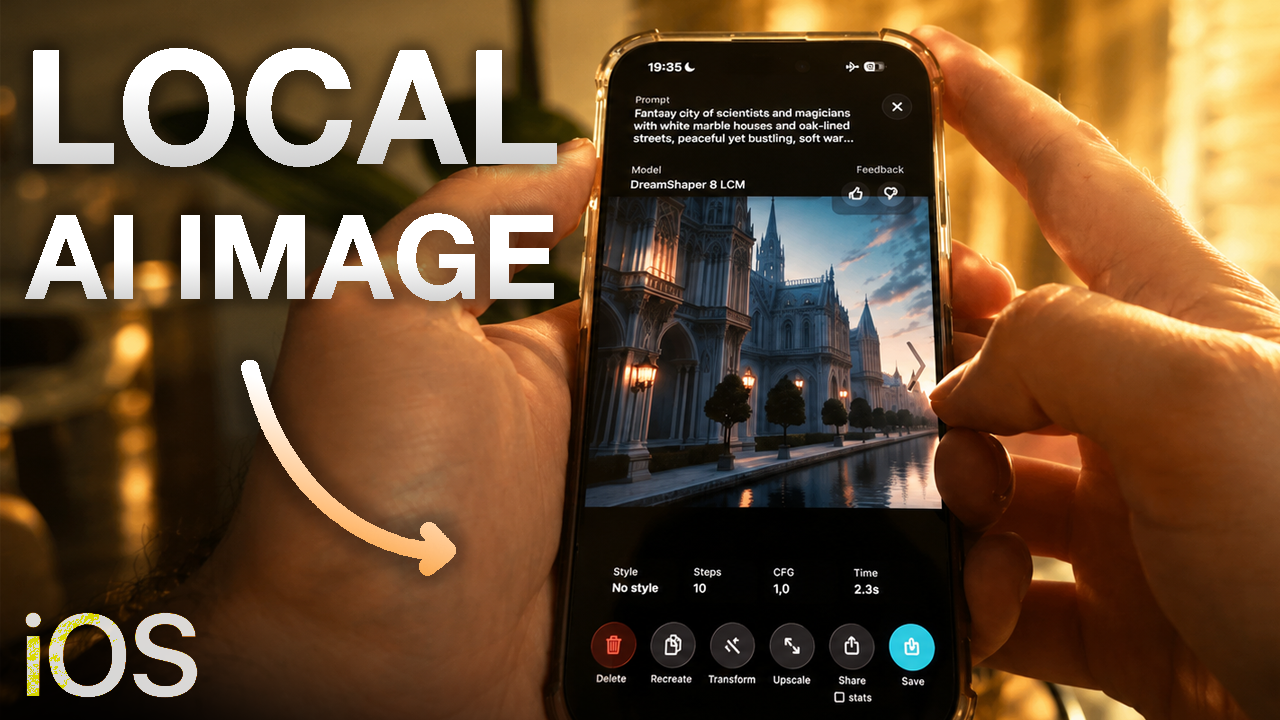
Local image to image feature inside PhoneDiffusion iOS app
What Users Have Taught Us
The feedback has been direct, which is exactly what we needed.
People are surprised by how fast local generation can be. They care that their prompts and source images can stay on their device. More advanced users want deeper control, while new users want the first model download and first generation to be obvious.
Those needs can pull a product in opposite directions.
If we expose every possible Stable Diffusion setting immediately, the app becomes intimidating. If we hide everything, it becomes another one-button image generator.
Our job is to find the useful middle:
- recommend a sensible model and settings for the device
- make the first generation simple
- keep advanced controls available
- explain why different models behave differently
- make downloads, storage and device limitations clear
- let people move from a prompt to an edited and upscaled result without leaving the app
Local AI also has physical constraints that cloud tools can hide. Storage matters. Device temperature matters. Available memory matters. A model that works well on the newest iPhone may be the wrong default for an older supported device.
We are learning that a good local AI app is not just a model placed behind a Generate button. It is a system that makes the right tradeoffs for the device in someone’s hand.
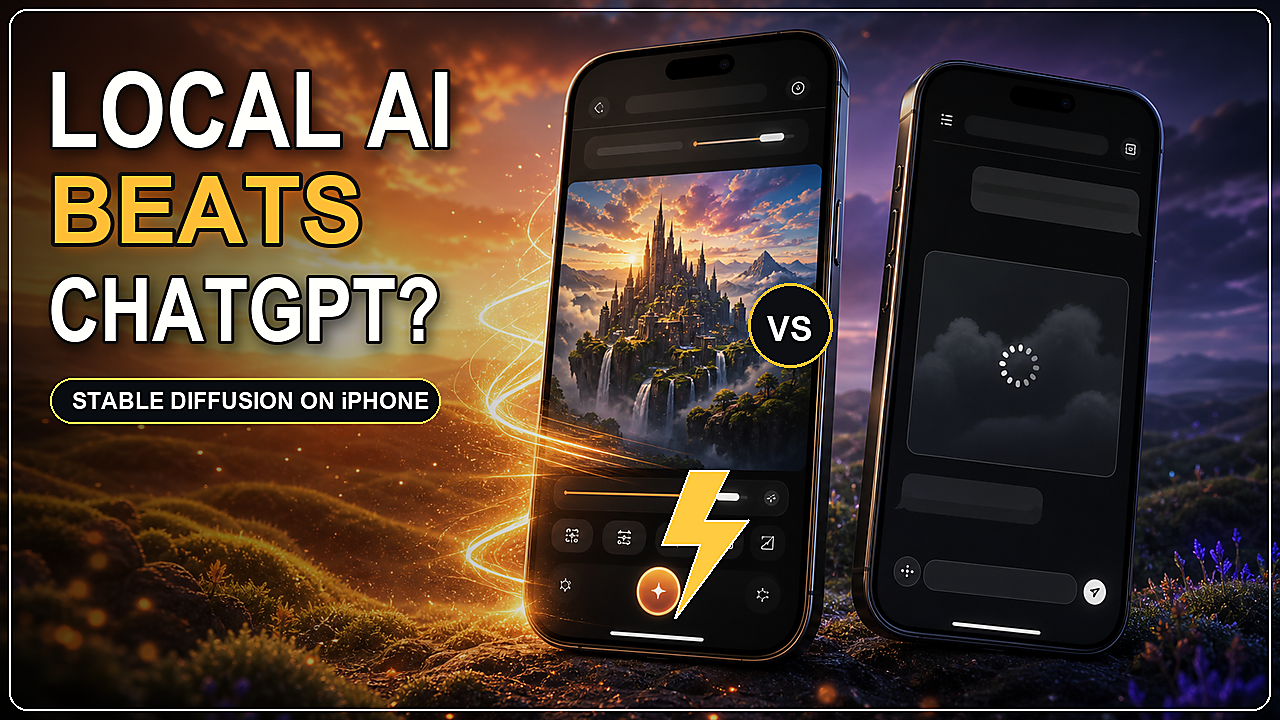
See PhoneDiffusion in Action
We made a complete walkthrough showing how to choose a model, generate an image, use image-to-image and test the app without an internet connection.
[embed]
Seeing an iPhone generate and edit images locally explains the product better than another paragraph can.
Built With the Community
The best part of reaching 1,000 users is not the number itself. It is seeing what people make and hearing where the app still gets in their way.
Every bug report, model request, App Store review, Reddit post and Discord message helps us decide what to improve next.
Some people use PhoneDiffusion for quick visual experiments. Others create anime art, product concepts, wallpapers, tattoo ideas, interiors or private references they do not want to upload to a third-party server.
Different use cases keep pointing back to the same idea: local AI becomes valuable when it gives people more freedom to experiment.
That is what we want to keep building.

PhoneDiffusion — Local AI Image Studio for iOS, iPadOS & macOS devices
What Comes Next
Our mission is to build the most powerful local AI image generator for iPhone, iPad and Mac without losing the simplicity that made the first version useful.
That means better model quality, more reliable local workflows, faster iteration and tools that help turn an initial generation into a finished image.
To everyone who downloaded PhoneDiffusion, shared an image, reported a problem or told someone else about the project: thank you.
We are excited to show you what comes next!
Download PhoneDiffusion on the App Store
메타데이터
- post_id
- 025b366e4dcc
- slug
- our-local-ai-image-generator-for-iphone-reached-1-000-users-in-3-weeks-025b366e4dcc
- url
- https://medium.com/@rokbozi/our-local-ai-image-generator-for-iphone-reached-1-000-users-in-3-weeks-025b366e4dcc
- canonical_url
- https://medium.com/@rokbozi/our-local-ai-image-generator-for-iphone-reached-1-000-users-in-3-weeks-025b366e4dcc
- author_url
- https://medium.com/@rokbozi
- status
- ok
- fetched_at
- 2026-07-09 21:48:21