Claudiometro: a tiny always-on dashboard to monitor and schedule CC limits
How I stopped guessing my usage windows and started planning them
Claudiometro: a tiny always-on dashboard to monitor and schedule CC limits
How I stopped guessing my usage windows and started planning them
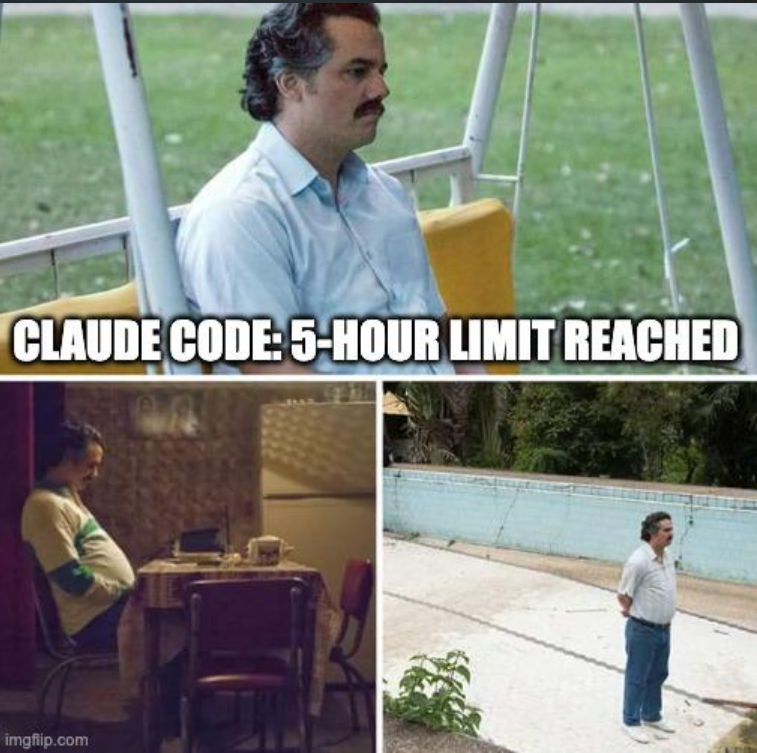
The pain of invisible limits
If you use Claude Code regularly (and you don’t have a max plan), you’ve probably hit its usage limits at the worst possible moment. You are in the middle of a working session, and suddenly you’re rate-limited because your 5‑hour is exhausted.

I found myself constantly opening and closing the console to answer simple questions:
- How much of my 5‑hour window is left?
- Am I safe for this week?
That back-and-forth was distracting and annoying.
From “check the console” to “just look up”
So I built claudiometro, a small self-hosted web dashboard that does just one thing really well: it shows my Claude Code usage limits at a glance. It pulls the same information that the official tools use and turns it into a simple panel with gauges for:
- the rolling 5‑hour usage window,
- the rolling weekly usage window and per-model buckets,
- any extra usage credits if you have them enabled.
In practice, this means I no longer wonder “How much usage am I burning?” and go hunting for the answer. I just take a quick look at the dashboard.
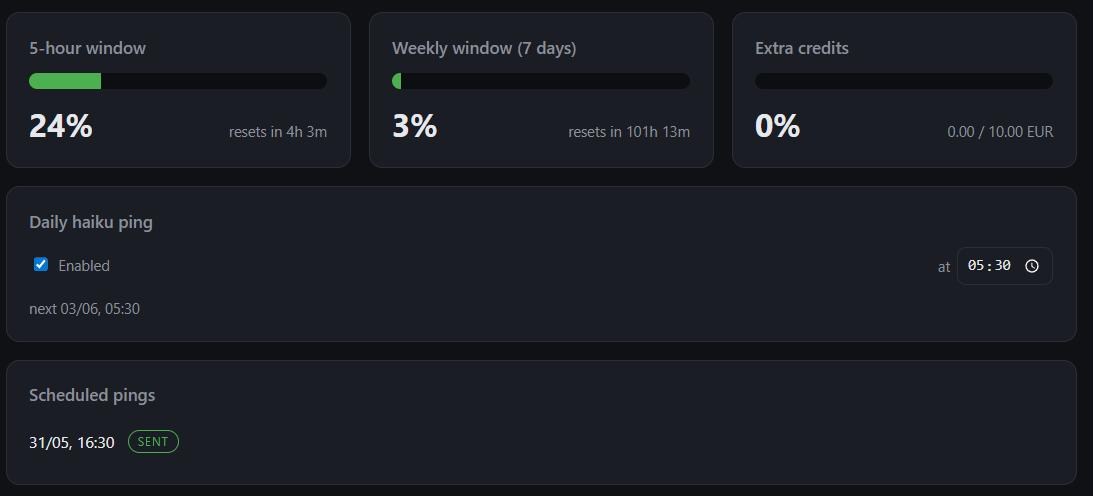
Claudiometro dashboard
Pre-warming the 5‑hour window
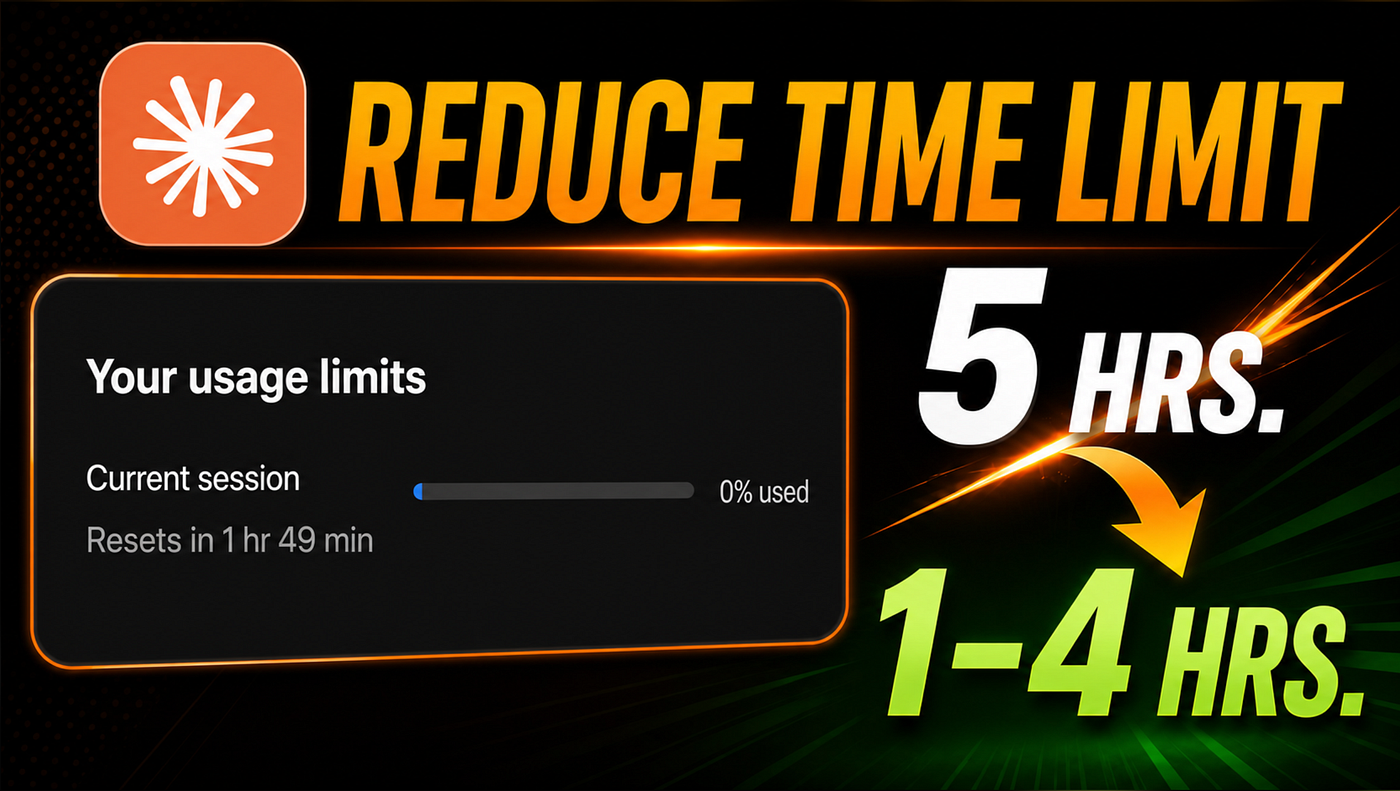
There’s a second, more subtle problem: the 5‑hour window starts when you actually begin using Claude. If I sit down at 9:00 and start a heavy session then, my 5‑hour budget runs from 9:00 to 14:00. Since I usually sleep at night, if I haven’t scheduled anything to run, all usage window in the previous hours is wasted.

Haiku ping to start the 5-hour window early
Claudiometro solves this with a tiny “Haiku ping”. Conceptually, it sends a minimal, cheap request to the Haiku model just to open or refresh the 5‑hour window. You can trigger it manually or schedule it (up to a few days) in advance. I’ll often schedule a ping for an hour or two before a planned work session so that, when I sit down, my 5‑hour budget is already open and basically I can get a new 5-hour windows refresh just after a couple of hours of work, exactly in the hottest moment.
This can also be scheduled to be sent at a fixed time everyday.
Always-on: from NAS to old Android phone
Another key requirement for me was that this dashboard should be always available, even when my main development machine is off. I ended up running claudiometro as a small container on my home NAS, so it’s quietly running 24/7 on my LAN.
My favorite part: I repurposed an old Android phone I wasn’t using. I plugged it in, opened the claudiometro page in the browser, and left it on my desk as a dedicated display. Now my Claude Code “fuel gauge” is literally always visible in the corner of my eye, updating itself in the background while I work.
What’s under the hood (without the gory details)
Underneath, claudiometro reuses the same OAuth credentials that Claude Code stores locally, but keeps them in a safe, persistent place on the server and exposes no tokens in the UI. It’s deliberately designed for local/LAN use, with a simple web interface, no database, and modest but careful security around the admin endpoint for updating credentials. The full technical deep dive covers how it talks to Anthropic, how scheduling is persisted, how the container is configured on a NAS, and how to keep everything running reliably.
Link to the repo: https://github.com/danipisca07/claudiometro
Want your own claudiometro?
If you’d like to have the same always-on dashboard on your desk or NAS, the technical Part 2 walks through the full setup, from cloning the repo to configuring your own environment and deploying it on your infrastructure. You’ll find that guide here: https://danipisca07.github.io/blog/claudiometro-deployment-guide.
Below is a ready-to-use prompt you can paste into Claude Code (or another coding agent) to have it set everything up for you. Just replace the placeholders with your own details and let the agent guide you step by step.
Copy, tweak, and run this prompt in your coding agent:
I want you to help me install and run the open-source project claudiometro, a self-hosted dashboard for Claude Code usage limits and scheduled Haiku pings. Before writing any code or commands, open and carefully read the technical guide: https://danipisca07.github.io/blog/claudiometro-deployment-guide. Then, step by step, do the following, always asking for my confirmation before each major phase:
Analyze the guide and summarize the main components we need (local development setup, configuration, and optional NAS deployment).
Ask me questions about my environment: operating system, whether I have a NAS or home server, what domain or local IP I want to use, and how I prefer to access the dashboard (browser on my main machine, old phone on my desk, etc.).
Clone the claudiometro repository or use the pre-built docker image, and set it up, including any necessary tooling and configuration files, based strictly on the instructions.
Guide me through securely providing my Claude Code credentials in the recommended way, without ever hardcoding or exposing tokens.
Set up the service so it runs continuously (for example via a container or service manager), and help me verify that the dashboard loads and shows my usage windows correctly.
If I confirm that I have a NAS or similar always-on device, help me adapt the configuration and deployment to that target, asking for all details you need (device type, networking, storage paths, etc.) and then generating the appropriate deployment files.
At every step, explain what you are doing in plain language, reference the relevant section of the guide, and wait for my approval before executing or suggesting any commands.
메타데이터
- post_id
- 02c90caa97dc
- slug
- claudiometro-a-tiny-always-on-dashboard-for-claude-code-limits-02c90caa97dc
- url
- https://medium.com/@danielepiscaglia/claudiometro-a-tiny-always-on-dashboard-for-claude-code-limits-02c90caa97dc
- canonical_url
- https://medium.com/@danielepiscaglia/claudiometro-a-tiny-always-on-dashboard-for-claude-code-limits-02c90caa97dc
- author_url
- https://medium.com/@danielepiscaglia
- status
- ok
- fetched_at
- 2026-06-29 22:44:20





