Fewer Developers, More Builders (Part 5): What AI Tools Actually Felt Like Along the Way
The previous parts of this series covered different angles of how our team works with AI — from the design side to the overall shift in how…
Fewer Developers, More Builders (Part 5): What AI Tools Actually Felt Like Along the Way
The previous parts of this series covered different angles of how our team works with AI — from the design side to the overall shift in how we build. My vantage point is a little different.
On this project I worked across the stack — frontend, backend, and sometimes even weighing in on how the UI should feel. No strict boundaries. If something needed to get done, it got done. My job title was developer. My actual job was yes. 😂
That kind of role sounds exciting, and honestly it was — but it also means you are the one who feels it first when something is off.
And that is where this part of the story begins.
Setting The Scene
We were tasked with building a Sales Web App for handling proposals related to a expo — specifically managing booth rentals, meeting rooms, and halls, along with the approval process that comes with it.
Before this app existed, the sales team was doing everything manually. Proposals were tracked in Excel, data was scattered across different files and folders, nothing was centralized, and approvals happened through… well, whatever worked at the time. Emails, messages, follow-ups. You know the drill.
The goal was simple on paper — digitize the flow, centralize the data, and make the approval process structured and trackable. But as anyone who’s ever built something like this knows, “simple on paper” rarely stays that way once you start building it.
When Simple Gets Complicated
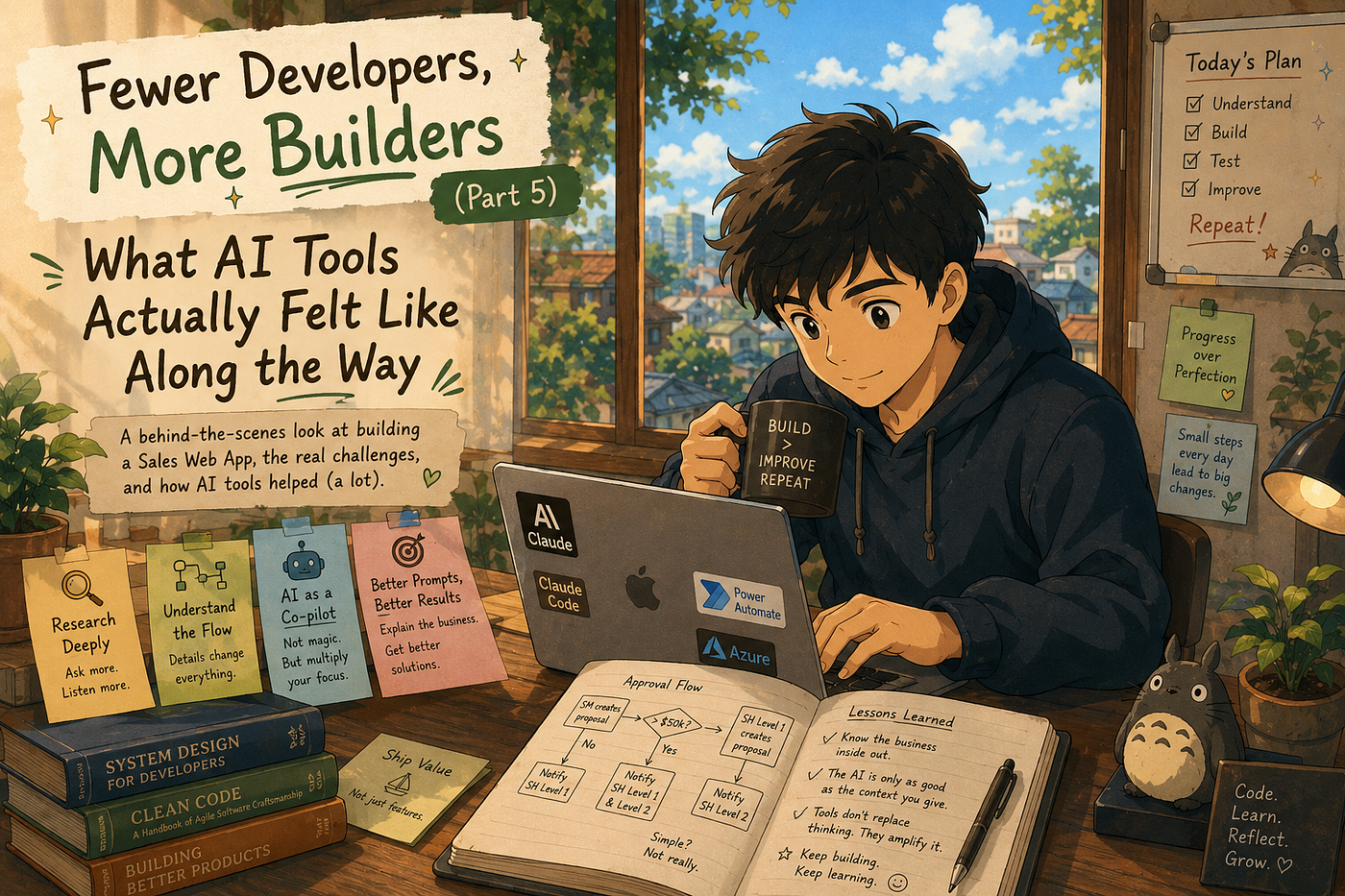
On paper, the approval flow looked straightforward. SM creates a proposal — if the amount is under $50k, notify SH Level 1. If it’s over $50k, notify both levels. SH Level 1 creates a proposal — notify SH Level 2. Simple, right?
Not quite.
The moment we started breaking it down, we realized the flow was far more dynamic than it appeared. Every rule had exceptions hiding underneath it. But instead of going deeper first — we built. We used AI to help us structure what we already knew, moved fast, and got something working enough to demo.
The first demo didn’t land the way we hoped. Instead of validation, we got a wave of comments and suggestions for improvements. Each feedback pointed to something we hadn’t thought through deeply enough — and most of it traced back to the same root problem. We hadn’t done enough research upfront. The master data, the operational edge cases, the real day to day needs of the users — we had skimmed the surface when we should have gone deeper.
And that was on me. I felt it. That quiet disappointment of knowing the gap wasn’t in the effort — it was in the approach.
So we went back. Another round of stakeholder meetings, more questions, more listening. This time going deeper — not just what the flow looks like, but what the business actually needs it to handle day to day.
That second round changed everything.
How The Tools Actually Fit In
After that second round of gathering, I started doing my own research — specifically looking into how to get more out of Claude on a real project. That’s when I discovered Claude Code.
The first thing I did was simple. I told it to explore the entire project, understand the flow, and tell me what it found. In about 30 to 40 seconds — boom 🤯, It came back with a breakdown of the codebase that was almost entirely accurate. I double checked it of course. But mostly? It got it right.
That changed how I worked.
Before Claude Code, building even a small MVP meant starting from scratch every time. For one piece alone — integrating Power Automate API and setting up Azure Function App — I had to research each part separately, learn how they worked, then spend more time debugging with Stackoverflow and hunting for solutions on GitHub. That process alone could eat days.
And in the middle of all this, new features kept getting added to the system. The scope wasn’t standing still. We had about a week to catch up from the demo feedback while also absorbing new requirements on top of it.
Claude Code helped me keep up. Not by doing the thinking for me — but by removing the parts that were slowing me down. The repetitive research, the context switching, the “where do I even start” moments. With that noise reduced, I could actually focus on what mattered — solving the real problems.
What It Actually Felt Like
There was one moment where I got stuck — the proposal status display during approval review was behaving unexpectedly, so I brought it to Claude using planning mode.
Honestly, planning mode was a game changer for this. It didn’t just spit out code — it actually helped me talk through what was happening in the current flow. And in maybe 30–40 seconds it gave me back a clean conditional structure. My first reaction? “Woahhh😮… okay.” But then I looked closer. It had missed something. In our flow, when an SM submits a proposal, the status updates to Pending Review. But when that same proposal reaches SH Level 2, the status displayed was Pending Review L2. Two different labels — but they both mean the exact same thing: someone needs to review this. Claude’s solution didn’t catch that inconsistency because I never explained that these two statuses were actually the same state, just appearing at different approval levels. It treated them as separate cases, when really they should have been handled as one.
That’s when it hit me. The AI didn’t understand the politics of our business flow. It understood exactly what I described — but I hadn’t described it fully, because I didn’t even realize I needed to. The gap wasn’t in the tool. It was in how I was thinking about the problem and how I was delivering it. After that, I started writing prompts like I was explaining the business to a new teammate — not just asking for the code I wanted. That shift changed everything. 😎
The Takeaway
Looking back, the biggest shift wasn’t in the code I wrote or the tools I used. It was in how I communicated, how I delivered my work, and how I checked everything along the way. That part became simpler — and because of that, I actually had space to keep learning and researching on the side. That’s the part that excited me the most.
Before this project, I would have described myself as a developer. Someone who writes code, solves technical problems, and moves on. But after going through this — the stakeholder meetings, the failed demo, the shifting requirements, the AI tools, the context switching — I think the word developer feels too narrow now.
A builder doesn’t wait for perfect requirements. A builder figures it out, fills the gaps, and keeps moving. That’s what this project asked of me. And honestly — that’s what I enjoyed most about it.
And if there’s one thing I’d say to any developer who is about to use AI tools for the first time on a real project — treat it like a teammate. Not a search engine, not a magic button. A junior developer on your team. Give it context, explain the business, correct it when it’s wrong. Because how you treat it directly impacts the result.
That lesson didn’t come from a tutorial. It came from shipping something real. 😄
메타데이터
- post_id
- 02df7541ad17
- slug
- fewer-developers-more-builders-part-5-what-ai-tools-actually-felt-like-along-the-way-02df7541ad17
- url
- https://medium.com/the-constellar-digital-technology-blog/fewer-developers-more-builders-part-5-what-ai-tools-actually-felt-like-along-the-way-02df7541ad17
- canonical_url
- https://medium.com/the-constellar-digital-technology-blog/fewer-developers-more-builders-part-5-what-ai-tools-actually-felt-like-along-the-way-02df7541ad17
- author_url
- https://medium.com/@billdelvin6
- status
- ok
- fetched_at
- 2026-06-16 19:09:56