Mac apps monthly subscription cost saving
Mac users often build their toolkit one paid app at a time and only realise later how quickly these costs add up. Instead of a single big…
Mac apps monthly subscription cost saving
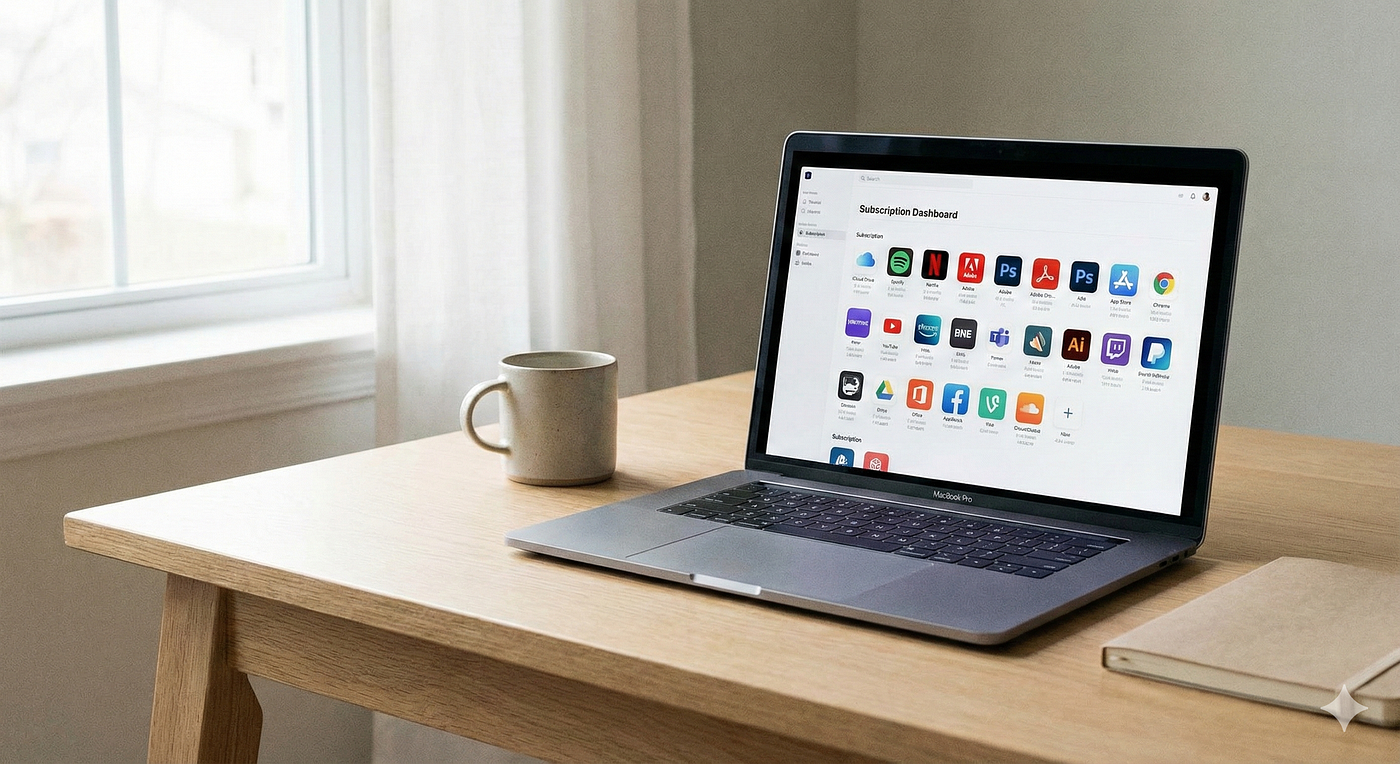
Mac users often build their toolkit one paid app at a time and only realise later how quickly these costs add up. Instead of a single big purchase, the money trickles out through licenses, subscriptions, and upgrades until the yearly total looks like a second hardware purchase. Setapp takes a different approach: a flat monthly subscription that unlocks a large catalog of premium Mac apps so you can use what you need without thinking about individual prices.
Why do individual Mac apps get so expensive
The usual way to build a Mac workflow is simple: you find a problem, search for an app, pay for it, and repeat. Over a few years, that pattern becomes surprisingly expensive. A developer might buy a Git client, database tool, code editor plugins, system cleaner, screenshot utility, and a password manager. A creator adds a video editor, audio tool, writing app, PDF editor, and image editor. Each of these tools can cost anywhere from 30 to 300 dollars.
The second problem appears when new versions arrive. Some apps move from one‑time purchase to recurring subscriptions, others charge for major upgrades, and a few stop updating entirely. You have to track renewal dates, decide if each upgrade is worth it, and keep an eye on your email for “version 4 is out” messages. This is not just about money; it is about mental overhead and time spent managing tools instead of doing work.
Trials create a third hidden cost. Most apps give you 7 to 14 days to test, which is rarely enough to see how they behave in real projects. You often discover missing features or limitations weeks later, when the refund window has closed. That is how buyer’s remorse builds up: you pay full price for a tool that almost fits but not quite, and there is no easy way back.
What Setapp changes
Setapp flips this model. Instead of paying for each app, you pay a single monthly fee (around the price of one mid‑range subscription) and get access to a large bundle of curated Mac apps. You install what you want, try as many options as you like, and uninstall what you do not need. Updates and new versions are included, so there is no separate question of “should I pay for version 5.”
This is powerful if you rely on several tools at the same time. When you can pick from more than 200 apps inside one subscription, the cost of adding “one more” tool becomes zero in your mind. That means you try more things, find better fits, and avoid the friction of “do I really want to spend another 50 dollars for this?” The value is not only the total price but the freedom to explore.
Setapp also reduces license administration. There are no serial keys to store, no separate dashboards for each vendor, and no mix of personal vs business licenses scattered across email accounts. You sign in once, manage one subscription, and let the client handle updates in the background.
Want to see the full app catalog? Check out Setapp’s complete library here (7-day free trial available).
Simple workflow for using Setapp
Here is a practical way to use Setapp in everyday work.
1. Install the Setapp client You download the Setapp app from the official website, install it like any normal Mac application, and sign in. The client becomes your central place for discovering, installing, and updating tools.
2. Build your “starter kit.” Search inside Setapp for the basics: a writing app, a note‑taking tool, a cleanup utility, a screenshot tool, a PDF editor, and whatever is essential for your work. Install them directly from the catalog. They appear in your Applications folder just like normal apps, but you do not deal with license codes.
3. Test alternatives side by side If you are not sure which task manager, markdown editor, or database client you like most, install two or three options. Use them in real work for a week instead of trying to decide from screenshots and feature lists. Because they are all part of the same subscription, there is no extra cost to testing.
4. Let updates run automatically Setapp keeps everything updated from one place. When a major new version of a tool is released, it arrives as a standard update with no purchase decision attached. You are always on the current version without thinking about upgrade pricing.
5. Adjust tools by season When your work changes, your toolkit can change with it. During tax season, you might install finance and invoicing tools. During a heavy content month, you might focus on writing, screenshot, and image‑editing apps. After the project ends, you can uninstall tools and reduce clutter while still having them available if you need them later.
A real example: freelance developer costs
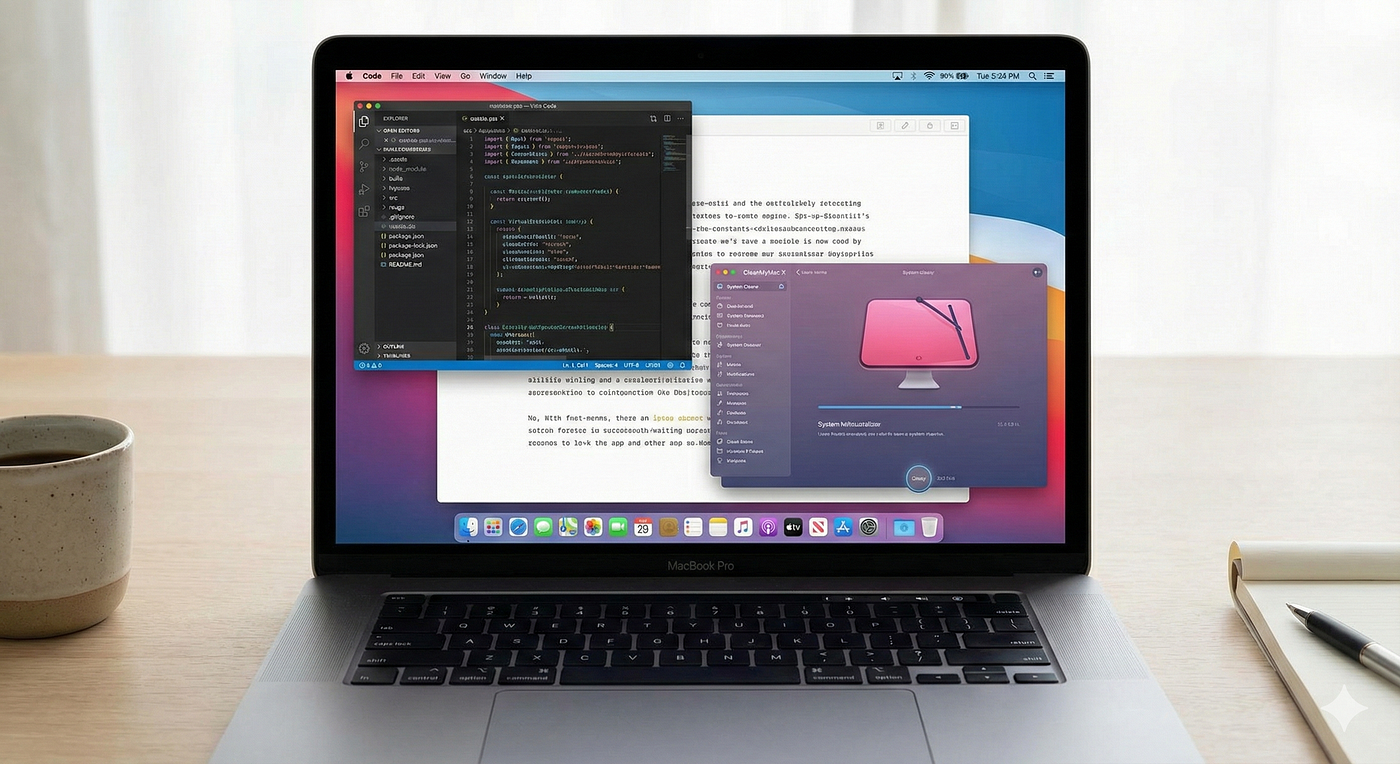
Imagine a freelance web developer running several client projects at once. Before Setapp, their toolkit might look like this:
- Git client for visual version control
- Database GUI for managing MySQL or PostgreSQL
- System cleaner to reclaim disk space and keep the Mac fast
- Writing app for documentation and proposals
- Screenshot and annotation tool for reporting bugs and sharing designs
- PDF editor for contracts and signed documents
If each of these tools costs 40 to 100 dollars and some have yearly renewals or paid upgrades, a realistic annual total can easily reach 500 to 800 dollars. Add the time spent reading release notes, comparing upgrade tiers, and deciding which tools to update this year, and the “cost” becomes even higher.
With Setapp, the same developer pays a predictable yearly amount that is closer to a single premium tool subscription. In return, they get access not only to the apps they already use, but to alternatives they might never have tested otherwise. When a project requires screen recording or a different markdown editor, installing that extra tool is a one‑click decision rather than a new line in the budget.
The biggest change is psychological. Instead of debating each purchase, the developer treats software like a flexible library. If a tool no longer fits, it can be removed without regret and replaced with something better. Over a full year, this often results in lower total spend and a higher‑quality workflow.
Key strengths of Setapp
Curated catalog Setapp does not try to include everything. The apps are selected and reviewed, so you are less likely to waste time on abandoned projects or tools with poor UX. This matters if you value a clean, reliable toolkit over endless choice.
Good value if you use several apps For people who use four or more paid Mac apps regularly, the monthly cost of Setapp often beats buying those tools separately, especially after counting upgrades. The more categories you draw from (writing, utilities, development, creativity, automation), the stronger the value.
Less friction for experiments Because every app in the catalog is “already paid for” via the subscription, you can try specialised tools without worrying about whether they justify a separate purchase. That freedom makes it more likely you will find the exact right tool for a job rather than settling for “good enough.”
Multi-device access One subscription works across all your Macs. If you have a work desktop and a personal laptop, both can access the full Setapp catalog without paying twice.
iOS app inclusion Many Setapp Mac apps also include their iOS counterparts at no extra charge, extending your workflow to iPhone and iPad seamlessly.
Honest downsides you should know
No solution is perfect. There are real limitations with Setapp.
- Some big names are missing. Tools like Adobe Creative Cloud or Microsoft Office are not part of the catalog, so you will still need separate subscriptions if you depend on them.
- If you only need one or two apps and plan to use them for many years, buying them outright may be cheaper in the very long run than a monthly subscription.
- If you cancel Setapp, you lose access to all apps at once. With a one‑time license, you usually keep using the version you bought even if it no longer receives updates.
These trade‑offs mean Setapp makes the most sense if you value variety, frequent updates, and a broad toolkit more than long‑term ownership of a single, specific application.
Comparison: individual purchases vs Setapp
Here is the core difference in simple terms.
- Annual cost: Ten paid apps with upgrades can easily reach 600–1200 dollars per year. A Setapp subscription costs around the price of one mid‑tier app subscription for the whole catalog.
- Upgrades: Individual apps may charge for major versions or move to subscriptions. In Setapp, upgrades are included.
- Trials: With single apps, you get short, isolated trials. With Setapp, you can use many apps during a single trial period and keep switching later as part of your subscription.
- Management: Individual purchases mean multiple vendors, invoices, and license keys. Setapp is one subscription and one account.
- Ownership: Per‑app purchases give long‑term access to that version. Setapp requires an active subscription to keep using the apps.
If you like the security of owning a few core tools forever, individual licenses still have value. If you want a flexible, constantly improving toolkit where you do not think about upgrades or individual prices, Setapp fits better.
When a subscription makes sense for you
Setapp is easiest to recommend when:
- You use your Mac for professional or creative work daily.
- You need tools from multiple categories, not just a single app.
- You enjoy trying new tools to refine your workflow.
- You want predictable, simple software expenses.
On the other hand, if your needs are very light and you are comfortable with Apple’s built‑in apps plus one or two third‑party tools, a subscription may be more than you need. The key is to compare the annual subscription price to what you are realistically spending on apps now and what you are likely to spend over the next few years.

Final thoughts
Mac software is no longer just about one‑time purchases and permanent licenses. For many people, the question is now: “Am I getting enough value each month from the tools I use?” Setapp answers that with a single, predictable subscription that covers a broad range of apps you can mix and match as your work evolves.
If your yearly app spending already looks high, or if you feel blocked from trying new tools because each one requires a new purchase decision, Setapp is worth testing in your real workflow. Use the trial period to rebuild your day‑to‑day toolkit inside the subscription and compare that experience with your current mix of individual licenses. That hands‑on comparison will tell you more than any feature list.
Ready to try it? Start your 7-day free trial of Setapp here — no credit card required for the trial period.
About affiliate links: I earn a small commission if you subscribe through the Setapp links in this article, at no additional cost to you. This helps support my writing while I continue providing honest, detailed guides. I only recommend tools I personally use and trust.
메타데이터
- post_id
- 03119c2c58f6
- slug
- mac-apps-monthly-subscription-cost-saving-03119c2c58f6
- url
- https://medium.com/@wogaw40550/mac-apps-monthly-subscription-cost-saving-03119c2c58f6
- canonical_url
- https://medium.com/@wogaw40550/mac-apps-monthly-subscription-cost-saving-03119c2c58f6
- author_url
- https://medium.com/@wogaw40550
- status
- ok
- fetched_at
- 2026-07-14 05:34:20






