Git vs GitHub Explained: What’s the Difference?
If you’re just starting your programming journey, you’ve probably heard the terms Git and GitHub used almost interchangeably. It’s easy to…
Git vs GitHub Explained: What’s the Difference?
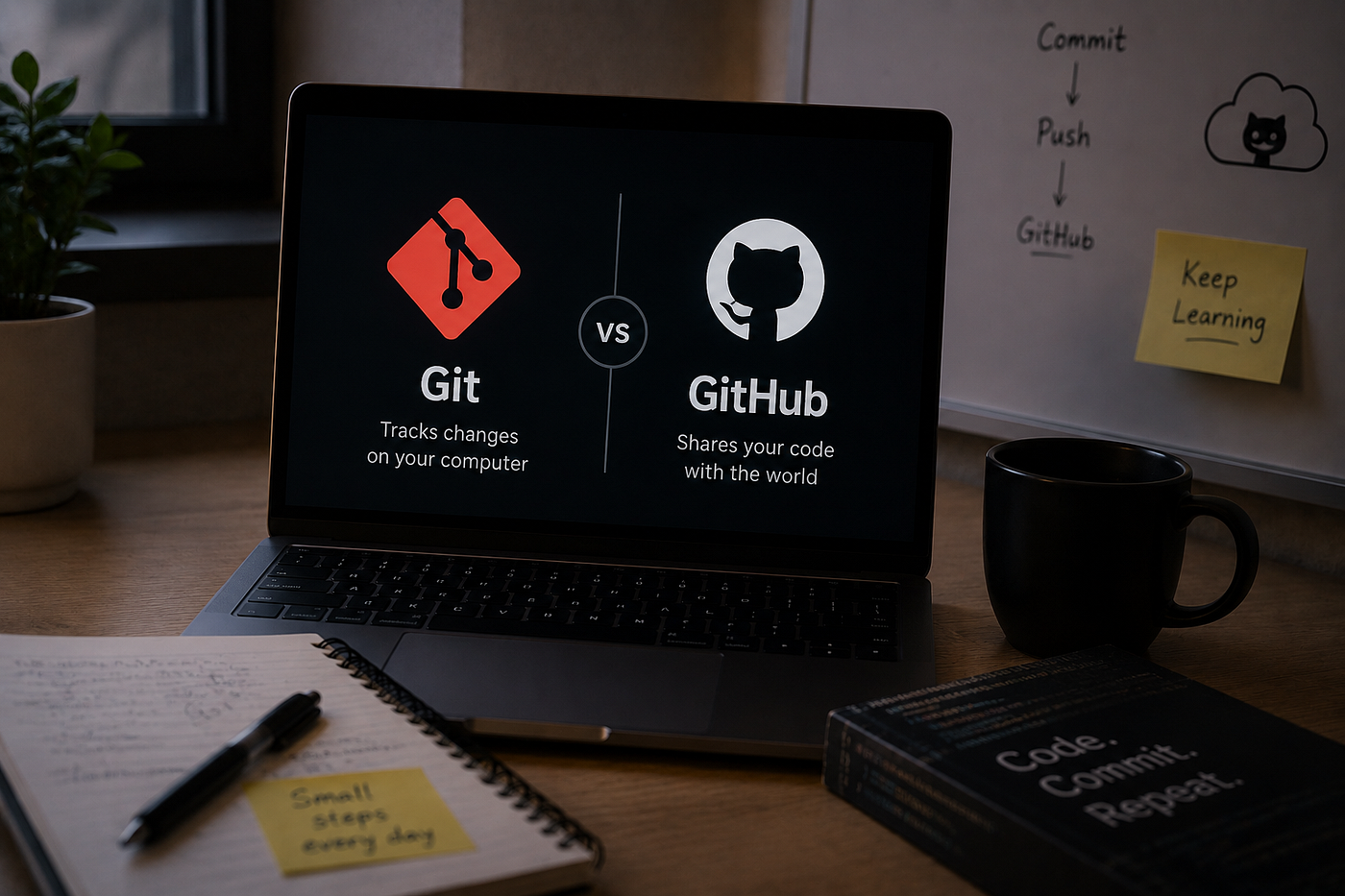
If you’re just starting your programming journey, you’ve probably heard the terms Git and GitHub used almost interchangeably. It’s easy to assume they’re the same thing — but they’re not.
Understanding the difference is one of the first steps toward becoming a confident developer. Whether you’re building personal projects, collaborating with others, or preparing for software engineering interviews, knowing how Git and GitHub work together is essential.
Let’s break it down in simple terms.
What Is Git?
Git is a version control system.
Think of it as a time machine for your code. Every time you make meaningful changes, Git allows you to save a snapshot of your project. If something breaks later, you can easily go back to a previous version.
With Git, you can:
- Track changes in your code
- Undo mistakes
- Experiment without fear
- Work on new features separately
- Merge completed work back into your project
The best part? Git works entirely on your computer. You don’t even need an internet connection.
What Is GitHub?
GitHub is a cloud-based platform that hosts Git repositories online.
While Git manages your code locally, GitHub helps you:
- Store repositories in the cloud
- Back up your projects
- Collaborate with other developer
- Review code through pull requests
- Showcase your work to recruiters and employers
In simple words:
Git is the tool. GitHub is the place where you share and manage projects online.
An Easy Analogy
Imagine you’re writing a book.
- Git is the “Track Changes” feature that records every edit you make.
- GitHub is like Google Drive, where you upload the book so others can access, review, and contribute to it.
They work together, but they serve different purposes.
Git vs GitHub
GitGitHubVersion control systemCloud hosting platformRuns on your computerRuns onlineTracks code historyStores repositoriesWorks offlineRequires internet for syncingCreated for version controlBuilt for collaboration
Why Developers Use Both
A typical workflow looks like this:
- Write code on your computer.
- Use Git to save changes.
- Push those changes to GitHub.
- Share the repository with teammates.
- Continue updating the project together.
Git handles version history, while GitHub makes collaboration seamless.
Common Git Commands Every Beginner Should Know
Here are a few commands you’ll use regularly:
git init– Create a new Git repository.git status– Check the current state of your project.git add .– Stage your changes.git commit -m "message"– Save a snapshot of your work.git push– Upload changes to GitHub.git pull– Download the latest updates from GitHub.git clone– Copy an existing repository to your computer.
You don’t need to memorize them all at once. As you build projects, they’ll become second nature.
Do You Need GitHub to Use Git?
No.
You can use Git without ever creating a GitHub account. Many developers use Git for personal projects stored only on their local machines.
However, if you want to:
- Build a portfolio
- Contribute to open-source projects
- Work with a team
- Apply for developer jobs
then GitHub becomes incredibly valuable.
Why Recruiters Care About GitHub
A strong GitHub profile can showcase more than just code.
It demonstrates:
- Consistency
- Real-world projects
- Collaboration experience
- Clean commit history
- Problem-solving skills
Many recruiters check GitHub profiles alongside resumes to better understand a candidate’s practical experience.
Final Thoughts
Git and GitHub aren’t competitors, they’re partners.
Git helps you manage your project’s history, while GitHub helps you share, collaborate, and showcase your work. Learning both early in your programming journey will make development smoother and prepare you for real-world software projects.
If you’re just getting started, don’t worry about mastering every command. Build small projects, use Git regularly, push your code to GitHub, and your confidence will grow with every commit.
메타데이터
- post_id
- 03d4ec921dde
- slug
- git-vs-github-explained-whats-the-difference-03d4ec921dde
- url
- https://medium.com/@biyanibot.2003/git-vs-github-explained-whats-the-difference-03d4ec921dde
- canonical_url
- https://medium.com/@biyanibot.2003/git-vs-github-explained-whats-the-difference-03d4ec921dde
- author_url
- https://medium.com/@biyanibot.2003
- status
- ok
- fetched_at
- 2026-07-09 23:18:01