Logging Spring Web Requests and Responses Like a Pro 🕵️♂️
If you are not a paid Medium member, please use this link to read the entire article for free.
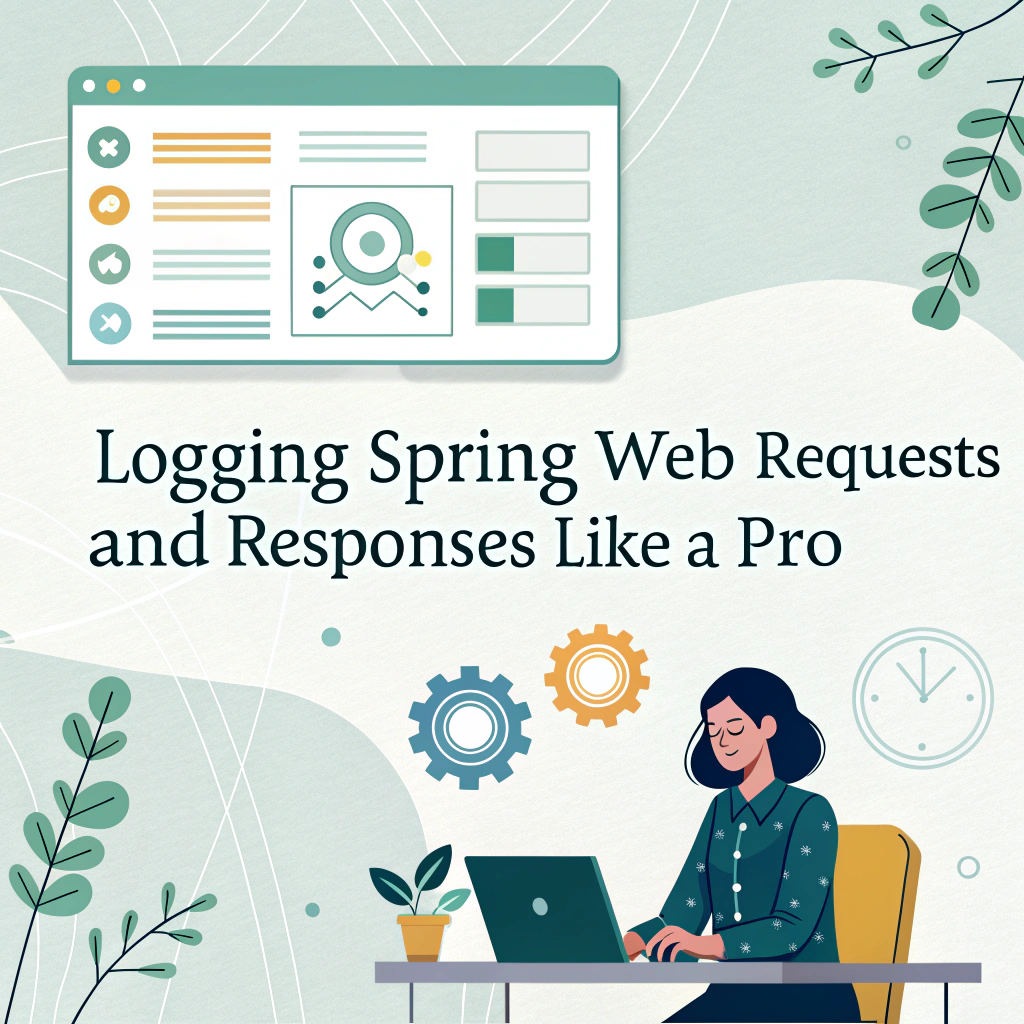
Logging Spring Web Requests and Responses Like a Pro 🕵️♂️
If you are not a paid Medium member, please use this link to read the entire article for free.
In Spring MVC applications, having a detailed log of web request and response data is invaluable for debugging and troubleshooting. While you could log this information within each @Controller, a much cleaner and more efficient approach is to use a Filter. Let's explore how to use Spring's OncePerRequestFilter to log request content, response bodies, and execution time.
The Challenge: Logging the Request Body 📜
A common task is to log the body of an incoming POST or PUT request. Your first instinct might be to read it directly from the HttpServletRequest's input stream.
// This causes a problem!
byte[] requestBody = StreamUtils.copyToByteArray(request.getInputStream());
log.info("Request Body = {}", new String(requestBody, StandardCharsets.UTF_8));
However, an InputStream can typically only be read once. After your logging filter reads the stream, it becomes empty. When the request proceeds to the actual controller, it fails because there's no data left to read.
Solution 1: The Custom Request Wrapper
To solve this, we can create a custom HttpServletRequestWrapper that caches the request body. This wrapper reads the stream once during its construction and stores the content in a byte[] array. Subsequent calls to getInputStream() will return a new stream created from this cached byte array, allowing the body to be read multiple times.
Here’s what the wrapper looks like:
public class CachedBodyHttpServletRequest extends HttpServletRequestWrapper {

    private final byte[] body;

    public CachedBodyHttpServletRequest(HttpServletRequest request) throws IOException {
        super(request);
        this.body = StreamUtils.copyToByteArray(request.getInputStream());
    }

    @Override
    public ServletInputStream getInputStream() {
        return new ServletInputStream() {
            private final ByteArrayInputStream byteArrayInputStream = new ByteArrayInputStream(body);

            @Override
            public int read() {
                return byteArrayInputStream.read();
            }

            @Override
            public boolean isFinished() {
                return byteArrayInputStream.available() == 0;
            }

            @Override
            public boolean isReady() {
                return true;
            }

            @Override
            public void setReadListener(ReadListener readListener) {
                // Not implemented
            }
        };
    }

    @Override
    public BufferedReader getReader() throws IOException {
        return new BufferedReader(new InputStreamReader(this.getInputStream(), this.getCharacterEncoding()));
    }
}
You would then use this wrapper at the beginning of your filter’s doFilter method.
Solution 2: Spring’s Built-in Filter (The Easy Way) ✅
Fortunately, Spring Boot provides an out-of-the-box solution: **CommonsRequestLoggingFilter**. This filter does all the heavy lifting for you. All you need to do is configure it as a bean.
import org.springframework.context.annotation.Bean;
import org.springframework.context.annotation.Configuration;
import org.springframework.web.filter.CommonsRequestLoggingFilter;

@Configuration
public class LoggingConfig {

    @Bean
    public CommonsRequestLoggingFilter loggingFilter() {
        CommonsRequestLoggingFilter filter = new CommonsRequestLoggingFilter();
        filter.setIncludeHeaders(true);
        filter.setIncludeClientInfo(true);
        filter.setIncludePayload(true); // This enables logging the request body
        filter.setIncludeQueryString(true);
        filter.setAfterMessagePrefix("REQUEST DATA: ");
        return filter;
    }
}
Note: This filter logs at the DEBUG level. To see its output, you must enable debug logging for it in your application.yml:
logging:
  level:
    org.springframework.web.filter.CommonsRequestLoggingFilter: DEBUG
With this configuration, Spring will automatically log detailed request information for you.
The Response: Logging What You Send Back 📤
Logging the response body presents the same “non-repeatable stream” problem. The solution is conceptually similar: wrap the response object to cache the body before it’s written to the client.
Spring provides the **ContentCachingResponseWrapper** for this exact purpose.
Here’s how to use it inside your custom filter:
// 1. Wrap the response at the start of the filter
ContentCachingResponseWrapper responseWrapper = new ContentCachingResponseWrapper(httpServletResponse);

// 2. Let the filter chain proceed (controllers will write to the wrapper)
filterChain.doFilter(requestWrapper, responseWrapper);

// 3. After the request is handled, you can read the response body
byte[] responseBody = responseWrapper.getContentAsByteArray();
log.info("Response Status: {}", responseWrapper.getStatus());
log.info("Response Body: {}", new String(responseBody, responseWrapper.getCharacterEncoding()));

// 4. IMPORTANT: Copy the cached body back to the original response stream
responseWrapper.copyBodyToResponse();
🚨 Don’t forget copyBodyToResponse()! This final step is crucial. Without it, the cached body is never sent to the client, and they will receive an empty response.
Putting It All Together: A Complete LoggingFilter 🎬
Here’s a complete example of a custom filter that logs the request, response, and total processing time.
import jakarta.servlet.FilterChain;
import jakarta.servlet.ServletException;
import jakarta.servlet.http.HttpServletRequest;
import jakarta.servlet.http.HttpServletResponse;
import lombok.extern.slf4j.Slf4j;
import org.springframework.stereotype.Component;
import org.springframework.web.filter.OncePerRequestFilter;
import org.springframework.web.util.ContentCachingResponseWrapper;

import java.io.IOException;
@Component
@Slf4j
public class RequestResponseLoggingFilter extends OncePerRequestFilter {
    @Override
    protected void doFilterInternal(HttpServletRequest request, HttpServletResponse response, FilterChain filterChain)
            throws ServletException, IOException {
        // Use our custom wrapper to cache the request body
        CachedBodyHttpServletRequest requestWrapper = new CachedBodyHttpServletRequest(request);
        // Use Spring's wrapper to cache the response body
        ContentCachingResponseWrapper responseWrapper = new ContentCachingResponseWrapper(response);
        long startTime = System.currentTimeMillis();
        // Let the chain process the request
        filterChain.doFilter(requestWrapper, responseWrapper);
        long timeTaken = System.currentTimeMillis() - startTime;
        String requestBody = new String(requestWrapper.getInputStream().readAllBytes(), request.getCharacterEncoding());
        String responseBody = new String(responseWrapper.getContentAsByteArray(), response.getCharacterEncoding());
        log.info("""
            REQUEST-RESPONSE LOG
            --------------------------------------------------
            Request URI: {} {}
            Request Body: {}
            Response Status: {}
            Response Body: {}
            Time Taken: {} ms
            --------------------------------------------------
            """,
            request.getMethod(), request.getRequestURI(),
            requestBody, response.getStatus(),
            responseBody, timeTaken
        );
        // Finally, copy the cached response body to the client
        responseWrapper.copyBodyToResponse();
    }
}
Conclusion
By using a combination of custom wrappers like CachedBodyHttpServletRequest and Spring's built-in ContentCachingResponseWrapper, you can create a powerful logging filter. This centralizes your logging logic, keeps your controllers clean, and provides essential visibility into your application's I/O.
While we built a custom request wrapper here, you might also encounter Spring’s ContentCachingRequestWrapper. Be aware that it has some limitations, particularly with certain Content-Type headers, as has been noted in the Spring Framework issue tracker. For most common use cases, however, the techniques described here will serve you well.
Thank you for your patience in reading this article!
If you found this article helpful, please give it a clap 👏, and share it with friends in need and follow for more Spring Boot insights.
Your support is my biggest motivation to continue to output technical insights!
메타데이터
- post_id
- 04b684c19a50
- slug
- logging-spring-web-requests-and-responses-like-a-pro-️-️-04b684c19a50
- url
- https://medium.com/@umeshcapg/logging-spring-web-requests-and-responses-like-a-pro-%EF%B8%8F-%EF%B8%8F-04b684c19a50
- canonical_url
- https://medium.com/@umeshcapg/logging-spring-web-requests-and-responses-like-a-pro-%EF%B8%8F-%EF%B8%8F-04b684c19a50
- author_url
- https://medium.com/@umeshcapg
- status
- ok
- fetched_at
- 2026-06-26 06:47:43