I Tried BMad Method with Codex in VS Code. Here is the Windows Setup Guide
AI coding tools move fast. You prompt. You get code. You fix issues. Then things drift. Structure fades. Decisions get messy.
I Tried BMad Method with Codex in VS Code. Here is the Windows Setup Guide
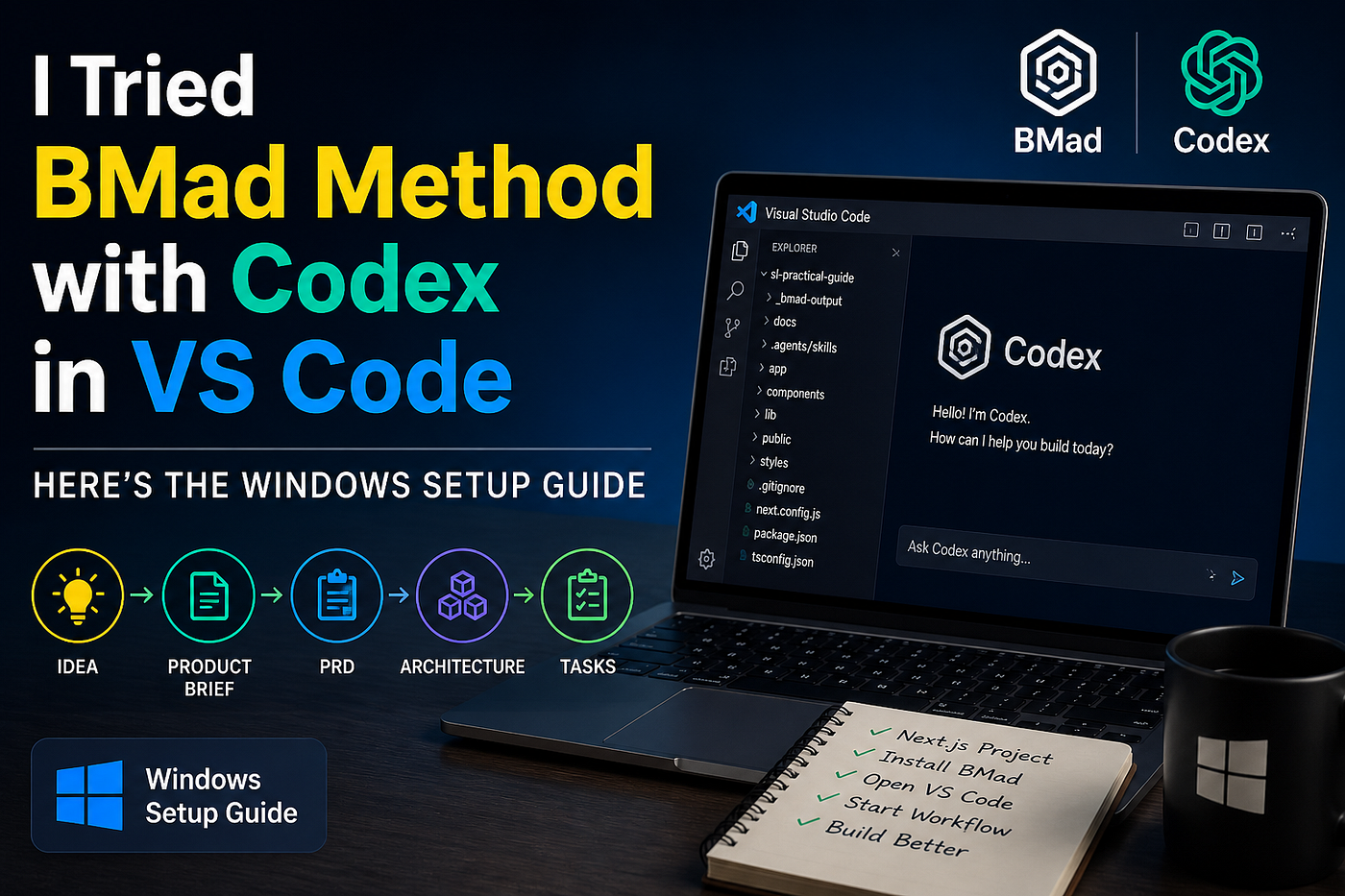
AI coding tools move fast. You prompt. You get code. You fix issues. Then things drift. Structure fades. Decisions get messy.
I hit this problem.
I tested the BMad Method with Codex inside VS Code. This guide shows what I did on Windows. You can follow the same steps.
Why BMad plus Codex
Most AI coding follows this loop.
- Prompt
- Output
- Fix
- Repeat
This loop works for small tasks. It fails for larger builds.
BMad adds structure. You follow a fixed flow.
- Idea to Product Brief
- Product Brief to PRD
- PRD to Architecture
- Architecture to Tasks
- Tasks to Code
Codex handles execution. BMad handles planning.
Step 1. Create a project
Start with a clean Next.js project.
Run:
mkdir sl-practical-guide cd sl-practical-guide
git init npx create-next-app@latest .

Pick default options.
- Next.js 16
- TypeScript
- Tailwind CSS
Start the app.
npm run dev
You now have a clean frontend app.
Step 2. Install BMad
Run inside the project folder.
npx bmad-method install

Select these modules.
- BMad Method
- BMad Core
- BMad Builder
- Codex integration

The setup takes a few minutes.
Step 3. Check the new structure
After install, you will see new folders.
_bmad-output/ docs/ .agents/skills/
Each folder has a purpose.
- _bmad-output holds generated documents
- docs holds project knowledge
- .agents/skills defines AI actions
Your project now supports structured AI workflows.
Step 4. Open VS Code
Run:
code .
Open the Codex extension.

Make sure the chat connects to your project.
You will work inside the chat from this point.
Step 5. Start the first workflow
Begin with the product brief.
Type this in Codex chat.
bmad-product-brief

You will answer questions.
- What are you building
- Who uses it
- What problem do you solve
Example I used.
A practical guide for tourists and expats in Sri Lanka. Focus on SIM cards, taxi pricing, scams, visa steps, coworking spaces.
Keep answers clear. Avoid marketing language. Focus on real use cases.
Step 6. Continue the flow
Run the next steps in order.
bmad-create-prd bmad-architecture bmad-task-breakdown
Each step builds on the previous output.
You move from idea to execution without guessing.
Step 7. Check generated output
Open the _bmad-output folder.
You will find:
- Product Brief
- PRD
- Architecture docs
- Task breakdown
These files form a complete plan.
You write less. You review more.
Mistakes to avoid
Skipping planning
- You lose structure
- You return to prompt guessing
Expecting instant output
- BMad follows steps
- You must complete each step
What changed in my workflow
Before:
- Prompt
- Patch code
- Repeat
Now:
- Define problem
- Write brief
- Generate PRD
- Design system
- Break into tasks
- Implement
You spend more time thinking early. You save time during coding.
This setup fits well for:
- SaaS ideas
- Side projects
- Structured builds
You get a clear path from idea to code.
References
메타데이터
- post_id
- 04bd8e32ffe6
- slug
- i-tried-bmad-method-with-codex-in-vs-code-here-is-the-windows-setup-guide-04bd8e32ffe6
- url
- https://medium.com/@buddhimau/i-tried-bmad-method-with-codex-in-vs-code-here-is-the-windows-setup-guide-04bd8e32ffe6
- canonical_url
- https://medium.com/@buddhimau/i-tried-bmad-method-with-codex-in-vs-code-here-is-the-windows-setup-guide-04bd8e32ffe6
- author_url
- https://medium.com/@buddhimau
- status
- ok
- fetched_at
- 2026-06-09 15:37:30




