How Odoo AI Automation Changes Your Workflows
Learn how Odoo AI automation connects modules, reduces manual work, and improves decisions with real workflow examples.
What Happens When You Use Odoo AI Automation? (Real Workflow Examples)
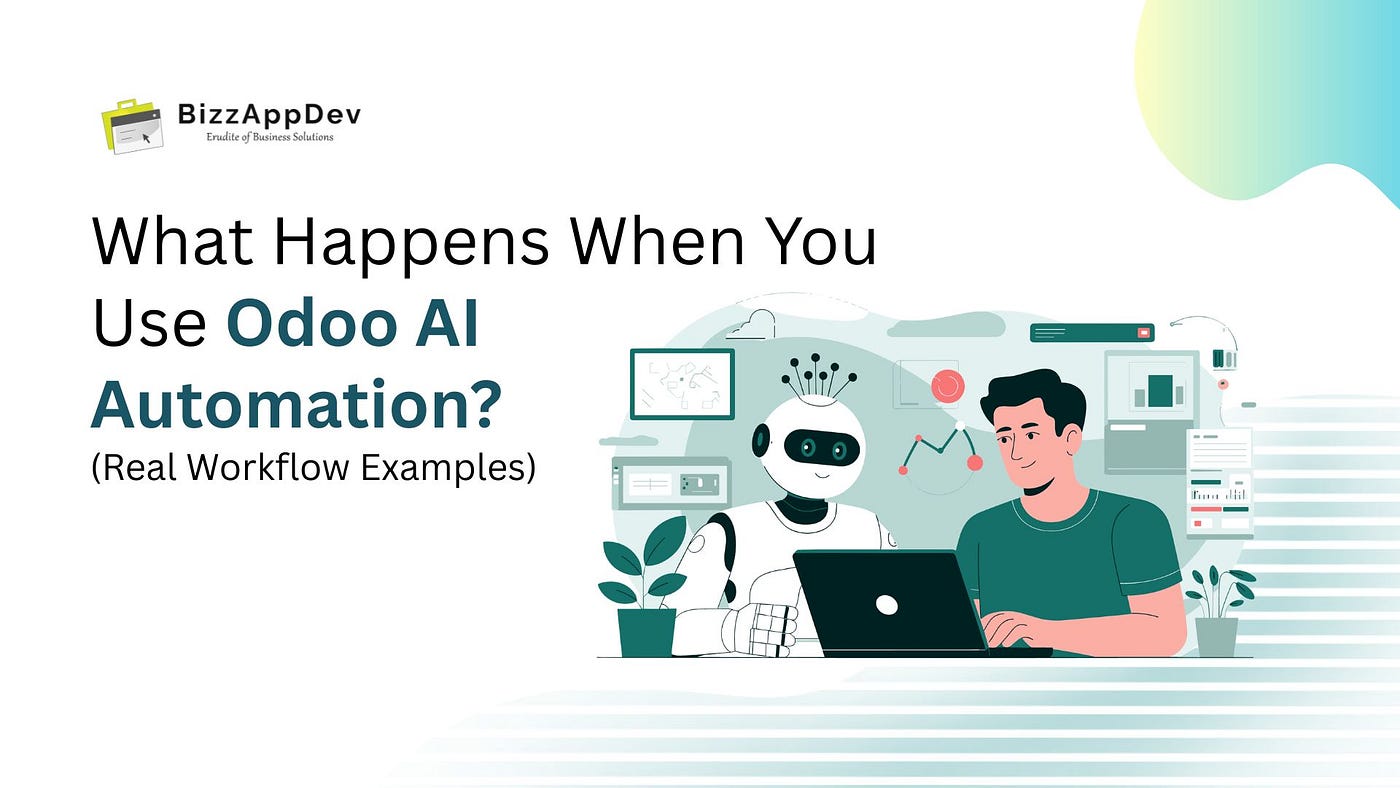
Odoo AI automation uses AI to connect modules, understand business context, and execute workflows automatically without manual coordination.
Most businesses don’t struggle with Odoo itself. They struggle with what happens between modules.
CRM tracks leads. Accounting manages invoices. Support handles tickets.
But coordination across them still depends on people.
That’s where most ERP inefficiencies come from, and why automation alone often fails.
So, what really happens when you introduce Odoo AI automation into this setup?
Not another feature. Not just automation rules. But a system that understands workflows and executes them intelligently using AI and LLM integration.
The difference isn’t incremental, it fundamentally changes how your business operates.
What Is Odoo AI Automation?
Odoo AI automation is the use of AI and LLMs to understand business context, connect modules, and execute workflows automatically without manual intervention.
It transforms traditional ERP systems into AI-powered ERP environments where workflows are connected, adaptive, and decision-driven.
Quick Summary
- Connects CRM, accounting, and operations
- Removes manual coordination
- Executes workflows based on context, not rules
- Improves speed, accuracy, and decisions
In simple terms: your ERP starts working like an operator, not just a system.
What Happens When AI Is Added to Odoo Workflows?
With Odoo AI automation, your system moves from processing data to understanding it.
Instead of relying on teams to coordinate actions, AI:
- Reads incoming data (emails, tickets, leads)
- Pulls context from CRM and operations
- Decides what needs to happen next
- Executes actions across modules
The result:
- Faster workflows
- Fewer manual steps
- Better real-time decisions
This is where intelligent workflows in Odoo replace fragmented processes.
Why Do Odoo Workflows Still Feel Manual?
Most businesses already use automation in Odoo.
But teams still:
- Switch between modules
- Copy and paste data
- Depend on follow-ups
- Miss critical context
Why?
Because traditional automation follows rules, it doesn’t understand situations.
Example:
“If ticket is created → assign agent”
But it doesn’t:
- Check customer history
- Understand urgency
- Prioritize based on deal value
👉 This is where most automation systems fail.
So even with automation, people still connect the dots.
That gap is exactly what Odoo AI automation removes.
Odoo Automation vs Odoo AI Automation: What’s the Difference?
Traditional Odoo automation works on predefined rules. It executes tasks exactly as configured.
For example, it assigns agents or triggers notifications but stops there.
It cannot evaluate context, adjust priorities, or make decisions.
That means your team still interprets situations and coordinates workflows manually.
Odoo AI automation works differently.
It understands what’s happening across your system and responds accordingly.
It can:
- Evaluate customer history before acting
- Prioritize tasks based on urgency or deal value
- Adjust workflows dynamically
- Execute actions across modules
👉 Traditional automation executes tasks. 👉 Odoo AI automation makes decisions and executes them.
What Changes with Odoo AI Automation?
Workflows shift from task execution to decision execution.
Before AI:
- Ticket arrives
- Agent checks CRM
- Reviews history
- Decides priority
- Writes response
After AI:
- Ticket arrives
- AI understands the request
- Pulls CRM data instantly
- Evaluates customer and deal context
- Drafts response
- Assigns priority
- Logs activity
One continuous flow. No switching between systems.
How Does Odoo AI Automation Work?
Odoo AI automation interprets data, connects modules, and executes actions based on business context.
It:
- Understands natural language inputs
- Connects data across systems
- Makes context-aware decisions
- Executes workflows automatically
Think of it as a system that already knows:
- Where your data lives
- How your processes work
- What needs to happen next
This is the foundation of modern business process automation in ERP systems.
Real Examples of Odoo AI Automation
Support Ticket Automation
- Reads incoming tickets
- Matches with CRM
- Checks history
- Drafts contextual replies
- Escalates high-value cases
No manual lookup needed
Lead Qualification (CRM Automation)
- Analyzes incoming leads
- Scores based on behavior
- Assigns priority
- Suggests next actions
This is where Odoo CRM automation becomes faster and more accurate
Accounting and Invoice Insights
- Reviews invoices
- Detects anomalies
- Suggests follow-ups
- Automates reminders
Financial workflows become proactive
How Does AI Connect Odoo Modules?
Without AI: CRM → manual check → accounting → support
With Odoo AI automation: AI → understands → executes across modules
No manual handoffs. No delays between systems.
Can Odoo AI Automation Handle End-to-End Workflows?
Yes.
Odoo AI automation enables full workflow execution by combining understanding, decision-making, and execution.
It can:
- Understand workflows
- Make decisions
- Execute tasks
- Improve over time
This is not just automation, it’s intelligent process execution.
What Are the Limitations of Odoo AI Automation?
To set clear expectations:
- Requires structured and high-quality data
- Depends on clearly defined workflows
- Needs proper system integration and setup
- Relies on historical data to make accurate decisions
AI improves execution, but only when your foundation is strong.
When Should You Implement Odoo AI Automation?
You should consider it when:
- Teams spend time coordinating between modules
- Manual decision-making slows workflows
- Support or lead volume is increasing
- Processes rely heavily on human intervention
These are strong signals that rule-based automation is no longer enough.
What to Look for in an Odoo AI Automation Solution
Not all implementations deliver the same results.
Look for:
- Customization aligned with your workflows
- Deep integration across modules
- Context-aware decision capabilities
Solutions like Odoo AI integration services ensure your automation is tailored, scalable, and aligned with real operations.
What Businesses Achieve with Odoo AI Automation
In most real-world implementations, businesses typically see:
- Faster response times
- Better lead conversion
- Reduced manual workload
- Improved coordination across teams
- More consistent, data-driven decisions
Many reduce manual workflow effort by 30–50% after adopting AI-driven automation.
Why Odoo AI Automation Is the Future of ERP
ERP systems are evolving beyond data management.
They are becoming systems that:
- Understand information
- Support decisions
- Execute workflows intelligently
With Odoo AI automation, businesses move from:
- Manual coordination → Intelligent execution
- Static workflows → Adaptive workflows
What to Consider Before Implementation
Start with clarity:
- Identify workflow gaps
- Focus on decision-heavy processes
- Prioritize outcomes: speed, accuracy, efficiency
For businesses scaling operations, solutions like custom Odoo workflow automation solutions help align AI with real business needs.
How to Get Started
- Map your workflows
- Identify friction points
Focus on high-impact areas:
- Support automation
- Lead qualification
- Cross-module workflows
A workflow-first approach consistently delivers better results than tool-first implementations.
Key Takeaways
- Odoo issues come from workflow gaps, not the system
- Rule-based automation has clear limitations
- Odoo AI automation connects systems intelligently
- Decision-driven workflows replace manual coordination
- AI enables real operational efficiency
Quick Recap
- AI removes manual coordination
- Connects modules across your ERP
- Executes workflows intelligently
Conclusion: What Happens When AI Runs Odoo Workflows?
You stop managing disconnected systems. And start running a connected business.
With Odoo AI automation, workflows evolve from:
- Manual coordination
- Disconnected modules
- Delayed execution
To:
- Seamless workflows
- Real-time decisions
- Intelligent automation
This isn’t about adding AI to Odoo. It’s about making your system work the way your business operates.
If you’re planning to implement Odoo AI automation, choosing the right approach matters as much as the technology. BizzAppDev helps businesses build AI-driven workflows that are aligned with real operations, not just automation rules.
메타데이터
- post_id
- 05807290d56c
- slug
- how-odoo-ai-automation-changes-your-workflows-05807290d56c
- url
- https://medium.com/@bizzappdev/how-odoo-ai-automation-changes-your-workflows-05807290d56c
- canonical_url
- https://medium.com/@bizzappdev/how-odoo-ai-automation-changes-your-workflows-05807290d56c
- author_url
- https://medium.com/@bizzappdev
- status
- ok
- fetched_at
- 2026-06-24 18:57:25