How to Set Up a VPN on Linux. Guide 2026
Linux gives you control.
How to Set Up a VPN on Linux. Guide 2026
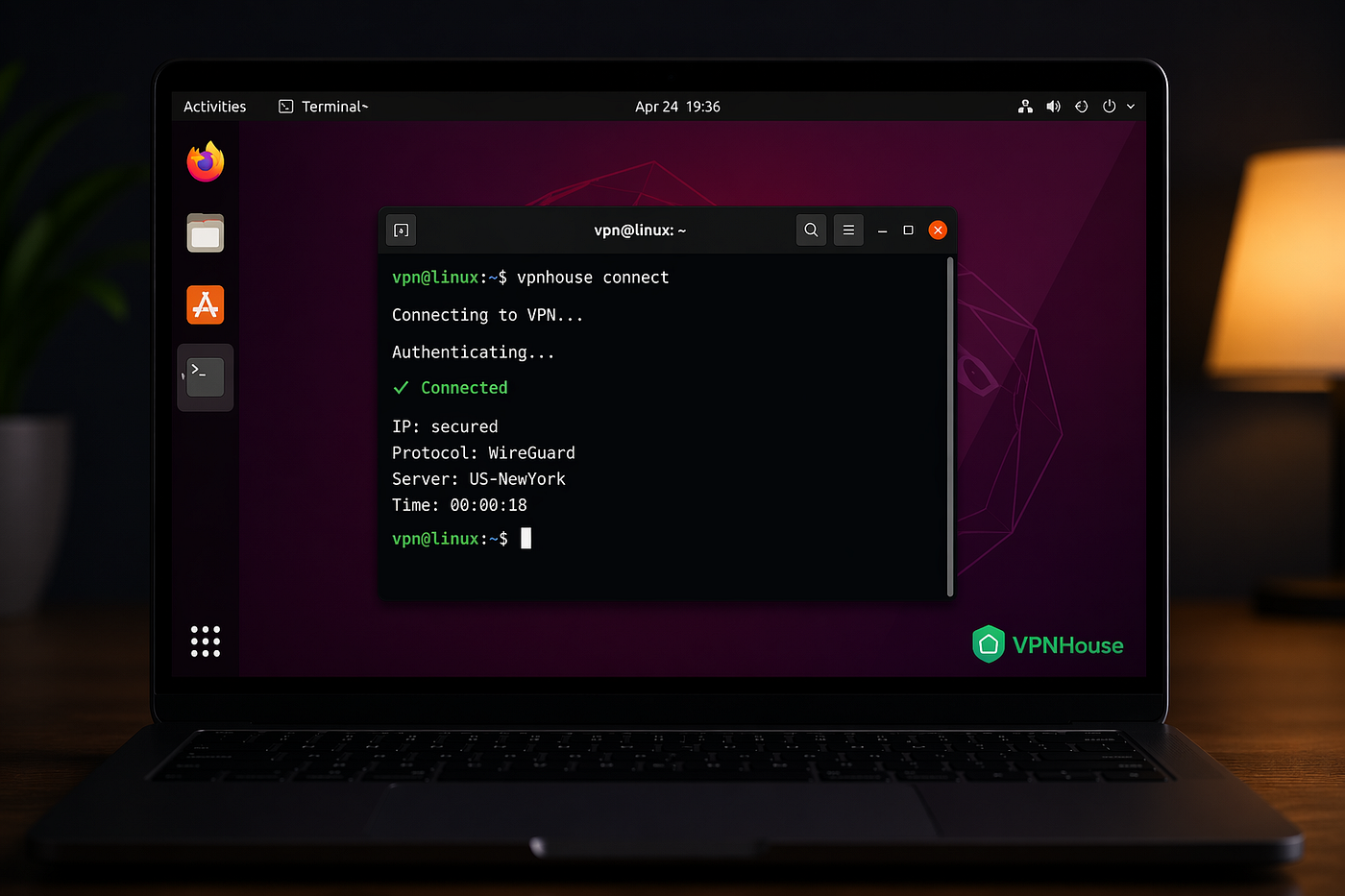
Linux gives you control.
But when it comes to VPNs, things can get messy. Different distros, different network managers, CLI vs GUI setups. And suddenly, something that should take 1 minute turns into a 30-minute configuration.
In this guide, we’ll break down how to set up a VPN on Linux in a simple and practical way without unnecessary complexity.
Why You Might Need a VPN on Linux
Even though Linux is considered more secure than other operating systems, it doesn’t solve everything.
A VPN on Linux can help you:
- protect your traffic on public Wi-Fi
- stabilize your connection
- avoid network-related issues
- keep your browsing private
Whether you’re using Ubuntu, Arch, or Fedora the setup principles are similar.
Option 1: Using a VPN App (Easiest Way)
The simplest way to use a VPN on Linux is through a dedicated app. This avoids manual configuration and works out of the box.
Why this is easier:
- no need to configure protocols manually
- automatic server selection
- quick connect in one click
- fewer connection issues
For example, if you want a simple setup, you can try a service like **VPNHouse** and compare how it performs on your system.
Option 2: Setting Up VPN via Network Manager
Most Linux distributions support VPN connections directly through Network Manager.
On Ubuntu:
- Open Settings → Network
- Click VPN → Add VPN
- Choose protocol (OpenVPN, WireGuard, etc.)
- Enter configuration details
- Connect
This method works well, but requires correct configuration files.
Option 3: CLI Setup (Advanced Users)
If you prefer full control, you can configure VPN via terminal. Example using OpenVPN:
sudo apt update
sudo apt install openvpn
sudo openvpn --config your-config.ovpn
This approach gives flexibility, but requires config files, manual management, troubleshooting knowledge.
Common Problems with VPN on Linux
Setting up a Linux VPN isn’t always smooth. Here are the most common issues:
-
VPN connects but no internet. Often caused by DNS or routing problems
-
Connection drops. Some protocols are unstable on certain networks
-
Slow speeds. Can be caused by server distance or overload
-
Compatibility issues. Not all VPN providers fully support Linux
CLI vs GUI VPN on Linux
One of the biggest questions: should you use CLI or GUI?
CLI: more control, lightweight, but harder to configure and more time-consuming.
GUI / App: easy setup, fast connection, better for everyday use, but less control.
Free VPN for Linux: What to Expect
Many users search for a free VPN for Linux. But there are trade-offs:
- limited servers
- slower speeds
- unstable connections
- fewer Linux-friendly tools
Free VPNs can work for testing but may not be reliable for daily use.
What Actually Works on Linux
After testing different setups, here’s what tends to work best:
- simple connection flow
- minimal manual setup
- stable servers
- compatibility with different networks
This is why many users prefer VPN solutions that don’t require deep configuration.
If you’re comparing options, it’s worth testing a few — including services like **VPNHouse** — to see which performs best on your specific setup.
Setting up a VPN on Linux doesn’t have to be complicated. You can use a simple app for quick setup, configure via Network Manager or go full CLI for control. The right choice depends on how much time you want to spend configuring things. But in most cases, the best VPN for Linux isn’t the most complex one — it’s the one that just works.
메타데이터
- post_id
- 0c6d2c52d8e6
- slug
- how-to-set-up-a-vpn-on-linux-guide-2026-0c6d2c52d8e6
- url
- https://medium.com/@adsvpnhouse/how-to-set-up-a-vpn-on-linux-guide-2026-0c6d2c52d8e6
- canonical_url
- https://medium.com/@adsvpnhouse/how-to-set-up-a-vpn-on-linux-guide-2026-0c6d2c52d8e6
- author_url
- https://medium.com/@adsvpnhouse
- status
- ok
- fetched_at
- 2026-06-23 06:34:20


