Why your Friends Get Facebook Requests You Didn’t Send
Uncover the reasons behind why your Facebook friends are receiving friend requests you didn’t send and what you can do about it.
Why your Friends Get Facebook Requests You Didn’t Send
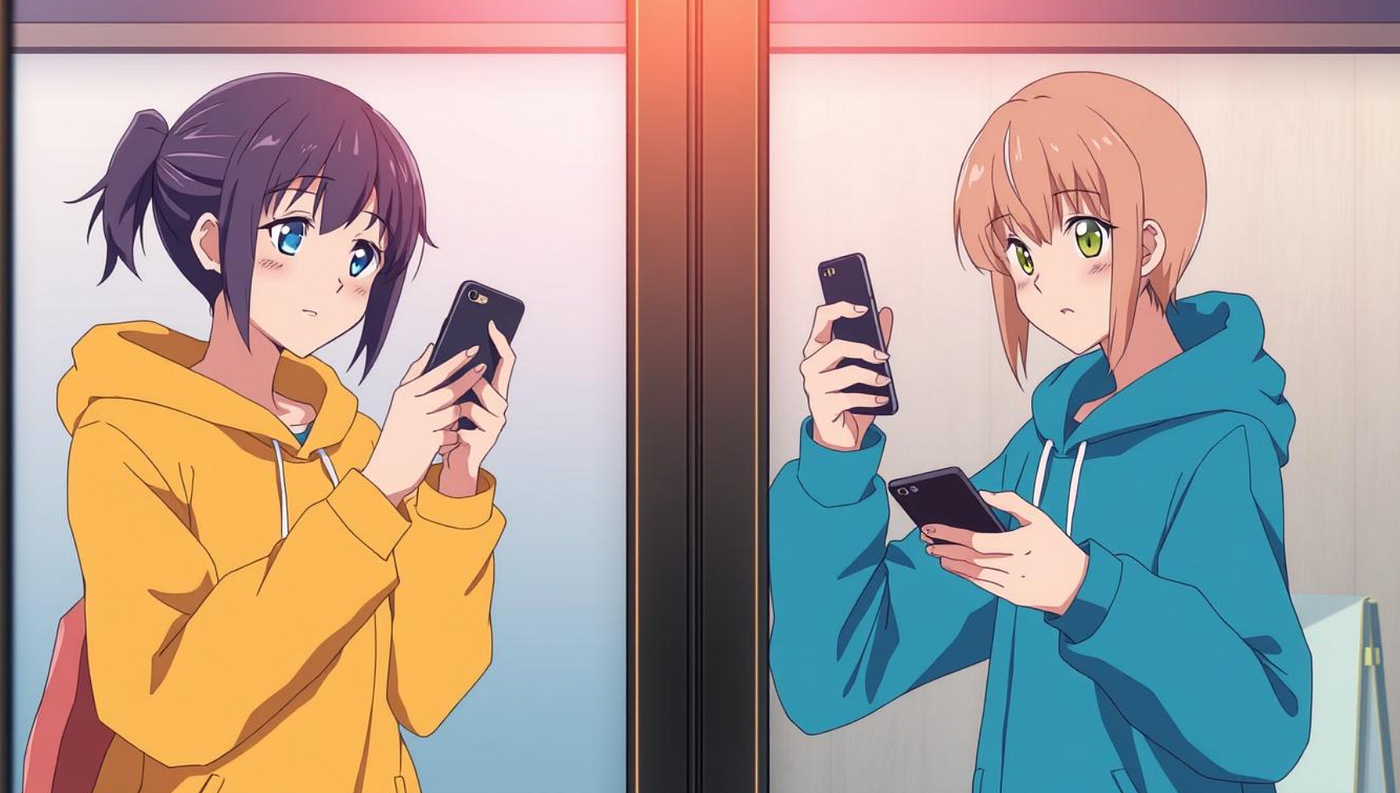
Have you ever gotten messages from friends saying they got a Facebook friend request from an account that looks just like yours? This weird issue isn’t from hackers, but from Facebook cloning. When you see impersonation accountsusing your name and photos, it means someone made a fake profile to trick your friends.
These cloners send out friend request scams to your friends, making it seem like you’re contacting them from a real account. But these aren’t real invites, since Facebook doesn’t let you friend someone you already know. Many people fall for these tricks, leading to a big problem of account cloning that Facebook users need to watch out for.
To deal with this, it’s key to keep your social media secure by reporting fake accounts, using strong passwords, and turning on two-factor authentication. Staying updated on scams and sharing less personal info can really cut down on cloning or hacking risks. By doing these things, you can protect your account and your friends from scams and abuse.
Understanding the Problem: Not a Hack
When you hear your friends got Facebook friend requests you didn’t send, it’s easy to worry about your account’s security. But, the truth is usually simpler and involves cloned Facebook profiles, not hacking. It’s key to know this for better security and peace of mind.
Misconceptions About Facebook Account Hacking
Many think these incidents are from hacking. But hacking means someone gets into your Facebook account without your okay, which is rare. The main mistake is thinking getting friend requests you didn’t send means your account is hacked. Actually, Facebook’s rules stop you from sending many friend requests to people already in your circle. So, it’s usually about cloned Facebook profiles, not security breaches.
Distinguishing Between Hacking and Cloning
Hacking means someone gets into your account, sees your info, and might do bad things. Cloning is when scammers make a fake profile that looks like yours, using stolen photos and info to trick others. This shows why it’s important to know the difference between hacking and cloning. Both are serious, but fighting them needs different strategies. Knowing this helps you protect your online life better.
What is Facebook Account Cloning?
Facebook account cloning is a trick scammers use to make a fake profile with your info. This can lead to identity theft on Facebook. Knowing how it works and spotting the signs helps protect your info.
How Cloning Works
Scammers start by collecting your public Facebook info like your name, photo, and bio. They then make a fake account that looks like yours. They send friend requests to your friends, trying to build a fake network for fraud.
Signs Your Account Has Been Cloned
If your friends warn you about friend requests from a fake account, it might be cloned. Seeing strange activity or messages from you that you didn’t send is another clue.
Common Techniques Used by Cloners
Cloners copy your photos, details, and friends list to make a fake account. Showing your friends list to everyone makes it easy for scammers to clone your account. They use these fakes for malware, phishing, or scamming your contacts. Keep your privacy settings tight and only accept friend requests from people you know to protect your info.
Why are my Facebook friends getting friend requests I didn’t send
It can be confusing and worrying when friends talk about unexpected friend requests from your account. This often happens because of cloned social media profiles. These are becoming more common on Facebook.
Hackers make fake Facebook accounts using your name, photos, and other info from your profile. These fake accounts then send friend requests to your friends, making it seem like you sent them. This trick is part of an impersonation tactic.
This doesn’t mean your Facebook account is hacked. Instead, someone is using your public info. It’s key to keep your Facebook private to avoid such issues. If friends get fake friend requests, they should report the fake account right away to stop scams.
To keep your Facebook safe, use strong passwords and turn on two-factor authentication. Also, don’t share your friends list or other private info. Being careful and informed helps protect you and your friends from these fake activities.
Impersonation Tactics on Facebook
Impersonators on Facebook use many tricks to make fake accounts and trick users. They gather info from real profiles to make fake ones that look real. Knowing these tricks helps protect you and your friends online.
Extracting Public Information
Hackers often start by taking public info to make fake profiles. They look at “About” pages, photos, and posts to get enough info. By stealing images and data, they make fake accounts that look real.
It’s important to share less personal info to avoid being impersonated.
Creating Fake Profiles
With stolen photos and info, impersonators make fake profiles. These profiles often have few friends or many, and mostly friends of the opposite gender. They post videos and photos with catchy titles but little personal content.
Knowing these signs helps you spot and report fake accounts.
Targeting Your Friends with Friend Requests
After making a convincing fake profile, impersonators send friend requests to your friends. Since you can’t re-friend friends, getting a duplicate friend request might mean someone’s impersonating someone. Always check friend requests carefully and talk to the real account owner to be sure.
This way, you can stop scams before they go further.
Potential Motivations for Cloning Accounts
Since 2017, there has been a big increase in Facebook account cloning. This has raised big concerns about online scams and privacy breaches. Cloning means scammers copy real user profiles. They do this for many bad reasons, like to commit financial fraud and other harmful acts.
Scamming and Financial Fraud
One big reason for cloning accounts is to commit financial fraud. Scammers pretend to be the real user, making friends think they’re sending real messages. They trick friends into giving money or sharing personal financial info. They use scams like the 419 fraud and ‘Londoning’ scams, which play on the trust between friends.
Phishing and Information Gathering
Another reason is phishing. Cloned accounts are used to get personal info from people who add them as friends. This info can lead to big privacy problems. By acting like a trusted friend, scammers can ask for important info, like passwords and financial details, putting victims at risk.
Other Malicious Intentions
Cloned accounts are also used for other bad things. They can spread malware, causing big problems. They can spread false info, making people doubt each other and causing trouble in social groups. These fake accounts can also be used to steal donations or payments, putting individuals and groups at risk.
How to Safeguard Your Account
Keeping your Facebook account safe is key for good cybersecurity. There are steps you can take to keep your online life secure.
Strengthening Your Password
Using strong passwords is a basic way to protect your account. Mix letters, numbers, and special characters to make it harder for others to guess. Don’t pick easy-to-guess info like birthdays or common words. Change your password often to stay safe.
Enabling Two-Factor Authentication
Adding two-factor authentication (2FA) makes your account even safer. You’ll need a password and a code sent to your phone. This stops most unauthorized access. It’s easy to set up and a smart move.
Regularly Updating Security Settings
It’s important to check and update your account’s security settings often. Facebook has tools like Security Checkup and Privacy Checkup. They help you log out of devices you’re not using, check who’s online with you, and manage your privacy.
Also, don’t give out your login info on unknown sites. Always check Facebook’s emails for any strange activity.
Steps to Take if Your Account is Cloned
Discovering your Facebook account has been cloned can be scary. But, you can quickly fix the issue and protect your identity. Here’s what you need to do:
Reporting the Fake Account
Your first step is to report the cloned Facebook account to Facebook. Use the feature for reporting impersonation cases. Facebook works hard to stop cloned profiles and will remove the fake one.
Informing Your Friends
After reporting the fake account, tell your friends about it. Warn them not to accept friend requests or talk to the impersonator. Tell them it’s urgent and how to report the profile if needed.
Monitoring for Future Cloning Attempts
After dealing with the current issue, set up a plan to watch for future cloning. Check your friend requests often and look out for anything suspicious. Make sure your account alerts you for unknown logins. Also, check your security settings often to keep your info safe.
How to Identify Fake Friend Requests
Getting a friend request from someone you don’t know can be a sign of a scam. It’s important to know how to spot fake profiles and avoid online scams. This helps keep your personal info safe on Facebook.
Recognizing Suspicious Profiles
A big warning sign of a fake profile is a lack of content. Scammers often use blurry or low-quality images for their pictures. Their accounts may have few posts, comments, or interactions. Also, a new profile or a friend list full of people of the opposite gender is a big red flag.
Verifying Common Connections
Before adding someone as a friend, check if you have mutual friends. Real Facebook users usually have friends in common. If you don’t see any mutual friends, be extra careful. Talking to these mutual friends can help confirm if the person is real.
Spotting Malicious Linkers
Profiles that share a lot of links can be risky, as these links might lead to malware or phishing sites. A friend request with many shared posts or links is a big warning sign. Being aware of these signs helps you avoid online scams and keep your data safe.
Knowing how to spot fake profiles and watch out for warning signs can lower your risk of falling into online scams. Always be careful before accepting friend requests from people you don’t know. This keeps your personal info and online safety secure.
Conclusion
It’s key to know how to fight Facebook cloning and stay safe online. Understanding the difference between hacking and cloning helps you protect your social media. Knowing how cloners work and why they do it helps you spot and stop unauthorized friend requests.
With over 3.05 billion users, Facebook is a big target for hackers. The algorithm suggests friends based on your connections and interests. So, be careful with who you add as friends. Use strong passwords, turn on two-factor authentication, and check your activity logs to keep your account safe.
Being informed and active helps you handle your Facebook better and keep your info safe. Control who can send you friend requests and watch out for cloning attempts. These steps let you feel more secure online. Always be careful and use the right security tools to enjoy a safe online life.
메타데이터
- post_id
- 0c9be15f4df5
- slug
- why-your-friends-get-facebook-requests-you-didnt-send-0c9be15f4df5
- url
- https://medium.com/@LucAnder/why-your-friends-get-facebook-requests-you-didnt-send-0c9be15f4df5
- canonical_url
- https://medium.com/@LucAnder/why-your-friends-get-facebook-requests-you-didnt-send-0c9be15f4df5
- author_url
- https://medium.com/@LucAnder
- status
- ok
- fetched_at
- 2026-07-22 21:40:45

