Step-by-Step Guide to Prompting AI for Ghibli-Inspired Creations
Studio Ghibli’s art is known for its whimsical worlds, hand-painted charm, and emotional storytelling. Replicating that magic through AI…
Step-by-Step Guide to Prompting AI for Ghibli-Inspired Creations
Studio Ghibli’s art is known for its whimsical worlds, hand-painted charm, and emotional storytelling. Replicating that magic through AI may sound like a tall order — but with the right prompts and tools, you can generate artwork that echoes the spirit of Miyazaki’s masterpieces. Whether you’re using Midjourney, DALL·E, or any other AI image generator, here’s a simple guide to get started.
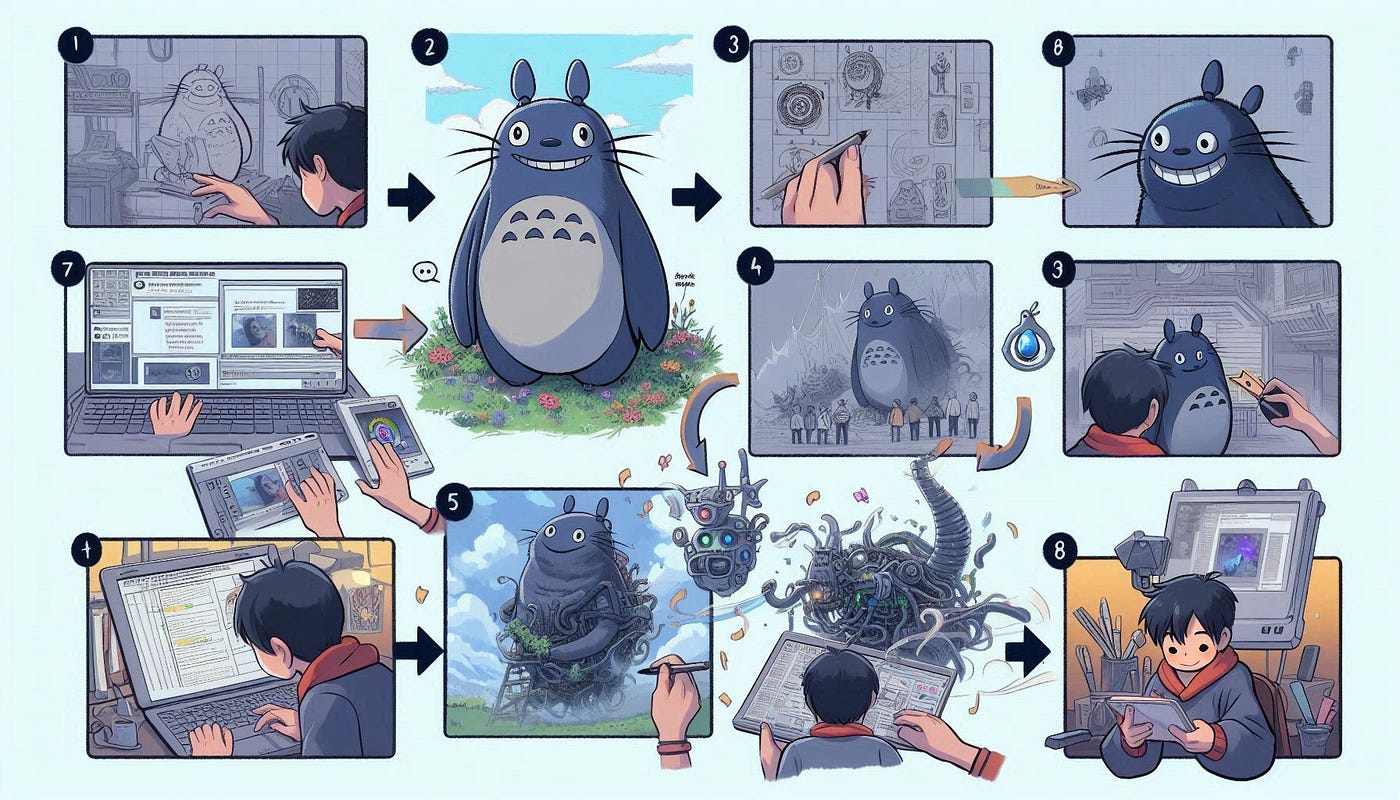
1. Understand Ghibli’s Visual Language
Before writing a prompt, study Ghibli’s signature features — lush landscapes, dreamy lighting, expressive characters, and hand-drawn textures. Films like My Neighbor Totoro, Spirited Away, and Howl’s Moving Castle offer a strong foundation.
2. Choose the Right AI Tool
Pick an AI generator that supports detailed and stylized outputs. Some popular platforms include:
- Midjourney (for painterly, atmospheric results)
- DALL·E 3 (for text-to-image with good composition)
- Dream by Wombo (for quick stylization)
With the right combination of prompts, tools, and visual references, Ghibli-inspired artwork using AI becomes a smooth and rewarding process. As you continue experimenting, you’ll refine your style and produce even more enchanting visuals. To take your creations further, explore more AI tools to generate Ghibli-style art and expand your creative toolkit.
3. Write a Rich, Descriptive Prompt
Here’s a format you can follow: “A magical forest with floating lanterns at dusk, hand-drawn style, Studio Ghibli aesthetic, warm colors, soft lighting, cinematic composition”
Tips:
- Use adjectives like whimsical, nostalgic, dreamy, painterly.
- Mention Studio Ghibli or Ghibli aesthetic.
- Add scene-specific keywords: forest, cottage, flying creatures, mystical landscapes.
4. Refine with Negative Prompts
To avoid unwanted artifacts or AI quirks, include a negative prompt such as: “no text, no distortion, avoid photorealism, no watermarks”
5. Adjust Parameters
If your AI tool allows, do fine-tune settings like:
- Style strength
- Aspect ratio (Ghibli often uses 16:9 or cinematic ratios)
- Seed values (to control randomness)
6. Iterate and Remix
Ghibli art has a personal, imperfect charm. Don’t expect perfection in one go. Try small tweaks to your prompts, change characters or backgrounds, and explore variations.
7. Add Final Touches
Once generated, use tools like Photoshop or Procreate to refine textures, colors, or blend elements for a more handcrafted look.
Final Verdict
Prompting AI for Ghibli-inspired creations is a creative journey that blends technical input with artistic vision. By mastering the structure of effective prompts and exploring the right tools, you can generate stunning visuals that resonate with the charm and wonder of Ghibli-style storytelling. Whether you’re a fan or a creator, this guide gives you everything you need to bring your own Ghibli-inspired worlds to life.
메타데이터
- post_id
- 0cb491e5d712
- slug
- step-by-step-guide-to-prompting-ai-for-ghibli-inspired-creations-0cb491e5d712
- url
- https://medium.com/@salvina/step-by-step-guide-to-prompting-ai-for-ghibli-inspired-creations-0cb491e5d712
- canonical_url
- https://medium.com/@salvina/step-by-step-guide-to-prompting-ai-for-ghibli-inspired-creations-0cb491e5d712
- author_url
- https://medium.com/@salvina
- status
- ok
- fetched_at
- 2026-07-10 22:12:50




