The Flutter Confetti Package That Actually Does Everything
Meet flutter_confetti_plus — an all-in-one Flutter package featuring overlay confetti, controller-based animations, emoji particles, widget…
The Flutter Confetti Package That Actually Does Everything
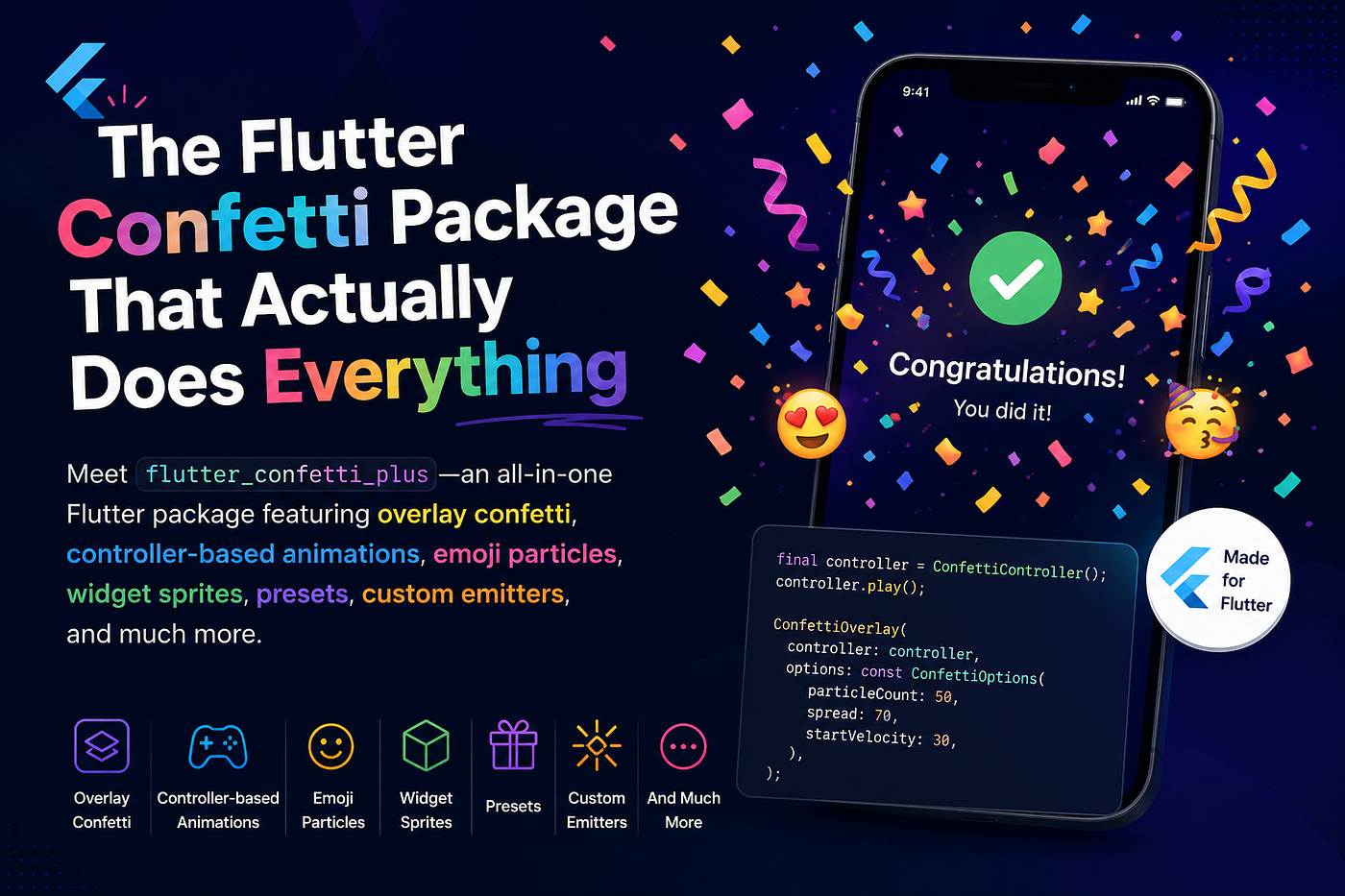
Meet flutter_confetti_plus — an all-in-one Flutter package featuring overlay confetti, controller-based animations, emoji particles, widget sprites, presets, custom emitters, and much more.
Every app has moments worth celebrating. A user just completed their first purchase. They hit a new level. They finally submitted that form after three tries. These moments deserve more than a plain snack bar or a static icon — they deserve confetti.
That’s exactly what [flutter_confetti_plus](https://pub.dev/packages/flutter_confetti_plus) is for.
Published fresh on pub.dev (version 0.0.3, June 2026), this package hands you a fully-featured confetti system for Flutter without making you build a single particle from scratch. It works on Android, iOS, web, Windows, macOS, and Linux.
The Simplest Way to Use It
You add one line to your pubspec.yaml:
dependencies:
  flutter_confetti_plus: ^0.0.3
And then you can trigger a celebration with one line of Dart:
Confetti.show(context);That’s it. It creates an overlay, runs the animation, and cleans up after itself. No controller to manage, no state to track. Just confetti.
If you want to tweak how it looks, you can — the number of particles, colors, gravity, blast force, where it originates from — all configurable inline. But the defaults are already pleasant enough to ship.
What Makes It More Than “Just Confetti”
A lot of Flutter confetti packages stop at colored rectangles falling from the top of the screen. [flutter_confetti_plus](https://pub.dev/packages/flutter_confetti_plus) goes further in a few ways that genuinely matter.
Emoji Particles
Instead of shapes, you can pass in any emoji and it’ll use those as particles:
Confetti.show(
  context,
  emojis: const ['🎉', '🔥', '🚀', '💰'],
);
This is great for themed moments — think 🏆 for achievements, 💸 for purchase confirmations, or ⭐ for ratings.
Widget Sprites
This is the really fun one. You can turn actual Flutter widgets into confetti particles:
Confetti.show(
  context,
  widgetSprites: const [
    Chip(label: Text('XP')),
    Icon(Icons.star, color: Colors.amber),
  ],
);
So if your app has branded tokens, badges, or reward icons, you can rain those down instead of generic shapes. It captures each widget as an image before launching — keep them small and self-contained for best results.
Cannon Blasts from Both Sides
The ConfettiPlus.launch API lets you fire multiple directional cannons at once:
ConfettiPlus.launch(
  context,
  cannons: [
    Cannon.left(),
    Cannon.right(),
  ],
);
This produces that classic celebration look where streams of confetti shoot in from both lower corners. You can also add a delay between cannons, tune the spread, and customize colors per-cannon.
Built-in Celebration Presets
The package ships with ready-made helpers for the most common product moments:
ConfettiPlus.success(context);   // Purchase confirmed, form submitted
ConfettiPlus.failure(context);   // Something went wrong, but softened
ConfettiPlus.levelUp(context);   // User hit a milestone
ConfettiPlus.purchase(context);  // Green and gold, money vibes
Each one is already tuned to feel appropriate for its context. You can still pass rootOverlay: true if you want the confetti to appear above dialogs or nested navigators.
Timeline Sequences
Want to chain effects one after another — a burst, then fireworks, then rain? There’s an API for that:
await ConfettiPlus.sequence([
  ConfettiStep.burst(),
  ConfettiStep.fireworks(),
  ConfettiStep.rain(),
]);
Each step plays, finishes, and then the next begins. Great for onboarding flows or dramatic level-up moments.
Motion Modes
Beyond direction, you can pick a whole movement style:
await ConfettiPlus.launchMode(context, ConfettiMode.fireworks);
await ConfettiPlus.launchMode(context, ConfettiMode.fountain);
await ConfettiPlus.launchMode(context, ConfettiMode.rain);
await ConfettiPlus.launchMode(context, ConfettiMode.explosion);
Fireworks feels like a burst radiating outward. Fountain arcs up and falls down. Rain is a continuous downpour. Explosion is an instant outward bang.
When You Need More Control
Sometimes you want the confetti to live inside your widget tree — like sitting behind a “Claim Reward” button — rather than in an overlay. For that, ConfettiWidget and ConfettiController give you full lifecycle control:
_controller = ConfettiController(duration: const Duration(seconds: 3));// Later...
_controller.play();
_controller.stop();
_controller.stop(clearAllParticles: true); // Snap-cuts, no lingering particlesThe widget wraps your existing UI and fires particles from the same spot. You decide when it starts and stops.
Custom Shapes
If the built-in square and circle particles don’t fit your brand, you can provide your own shape by drawing a Flutter Path. The package walks you through a star example in the docs, but hearts, triangles, logos, or anything you can express as a path all work fine.
Performance Considerations
The package includes a pauseEmissionOnLowFrameRate option that temporarily halts new particles when the frame rate drops — a thoughtful guard for older devices. The docs are also honest about best practices: start with modest particle counts, keep widget sprites small, and avoid stacking multiple high-rate continuous emitters at the same time.
How It Compares to Other Flutter Confetti Packages
Before picking any package, it’s worth knowing what else is out there. Here’s an honest look at the main alternatives and where flutter_confetti_plus pulls ahead.
**confetti — The Old Reliable**
The confetti package is the most popular and battle-tested option on pub.dev. It's been around since 2020, has thousands of downloads, and works well. If you just need particles falling from a single point with directional control, it does the job.
But it has a fundamental limitation: everything is built around ConfettiWidget and a controller. There's no overlay shortcut. No presets. No multi-cannon API. No emoji support. No widget sprites. To get confetti showing on a success screen, you need to declare a controller in initState, dispose it in dispose, wrap your widget in a Stack, align the ConfettiWidget properly, and call play() at the right moment. That's five or six steps to do something that flutter_confetti_plus does in one.
It’s also worth noting that confetti only has one particle type system — it works with colors and custom Path shapes, full stop. No emoji, no widget rendering, no named motion modes.
Choose confetti if: you're already using it, it meets your needs, and you don't want to switch dependencies.
Choose [flutter_confetti_plus](https://pub.dev/packages/flutter_confetti_plus) if: you want a faster path to a polished celebration, more particle types, or multiple simultaneous emitters.
**flutter_confetti — Canvas-Confetti Port**
flutter_confetti (note: no "plus") is a direct Flutter port of the popular JavaScript canvas-confetti library. It brings a clean Confetti.launch(context, options: ...) API that feels familiar to web developers, and it supports emoji particles too — though emoji requires you to manually download and register a NotoColorEmoji font in your pubspec.yaml before it works.
It’s a decent package, but it’s narrower in scope. There’s no concept of timelines, no built-in celebration presets, no multi-cannon blasts, and no widget sprite system. The API essentially gives you one configurable burst at a time.
Choose flutter_confetti if: you're coming from a web background, love the canvas-confetti mental model, and your needs are straightforward.
Choose [flutter_confetti_plus](https://pub.dev/packages/flutter_confetti_plus) if: you need named presets out of the box (success, purchase, levelUp), branded widget particles, or sequenced multi-step animations without wiring it all yourself.
**easy_conffeti — Feature-Rich but Verbose**
easy_conffeti is an ambitious package with a wide feature list: multiple animation styles (fountain, explosion, fireworks, rain, tornado), color themes, custom particle shapes via inheritance, and even message overlays. On paper it looks comparable to flutter_confetti_plus.
The difference is in the ergonomics. easy_conffeti leans heavily on class inheritance for customization — you extend ParticleShapeRenderer, override a render method, and wire it in. That's flexible, but it means more boilerplate for common tasks. flutter_confetti_plus gives you the same outcomes — custom paths, multiple emitters, motion modes — through simpler function-based APIs and ready-made presets that you don't have to build.
Also, easy_conffeti doesn't have widget sprite support. If you want to rain down your app's actual Icon, Chip, or reward badge as a particle, that feature simply isn't there.
Choose easy_conffeti if: you want fine-grained inheritance-based control over particle rendering.
Choose [flutter_confetti_plus](https://pub.dev/packages/flutter_confetti_plus) if: you want widget sprites, faster time-to-celebration, and high-level APIs that don't require subclassing anything.
The Summary in Plain Terms
Here’s the quick mental model:
confetti→ solid, proven, but boilerplate-heavy and limited to shapesflutter_confetti→ clean launch API, good for simple bursts, emoji needs extra font setupeasy_conffeti→ wide feature set, inheritance-driven, no widget spritesflutter_confetti_plus→ all-in-one: one-liner overlays, emoji, widget sprites, multi-cannon, presets, timelines, motion modes, and full controller support when you need it
The real argument for flutter_confetti_plus isn't that the others are bad — it's that you shouldn't have to choose between "easy but limited" and "powerful but complex." This package tries to give you both at the same time.
When Should You Actually Use This Package?
Good question. Not every tap needs a celebration. Here are the moments where confetti genuinely earns its place:
Use it for: first purchase confirmations, level-up or milestone moments, onboarding completion, streaks hitting a new record, referral link copied, account creation success, quiz or challenge completion.
Skip it for: routine form submissions, error states (even failure mode should be used sparingly — don't confetti-blast your users when something breaks), background tasks finishing silently.
The ConfettiPlus.failure preset exists for edge cases like "game over" in a game context, not for a failed API call. Use judgment.
The Bottom Line
[flutter_confetti_plus](https://pub.dev/packages/flutter_confetti_plus) is one of those packages that's thought through the whole experience. The one-liner Confetti.show(context) is genuinely useful for quick wins, but the API scales up gracefully when you need branded emoji particles, multi-cannon blasts, or sequenced animations for a polished moment in your product.
If your app has any kind of reward, achievement, or success state, this is worth dropping in.
메타데이터
- post_id
- 0d94c2da140e
- slug
- the-flutter-confetti-package-that-actually-does-everything-0d94c2da140e
- url
- https://medium.com/@shirsh94/the-flutter-confetti-package-that-actually-does-everything-0d94c2da140e
- canonical_url
- https://medium.com/@shirsh94/the-flutter-confetti-package-that-actually-does-everything-0d94c2da140e
- author_url
- https://medium.com/@shirsh94
- status
- ok
- fetched_at
- 2026-08-04 17:21:23





