PotPlayer vs VLC in 2026: Which Media Player Wins and Why
Choosing the right media player can transform your viewing experience on Windows or Mac. In 2026, two classic contenders remain relevant…
PotPlayer vs VLC in 2026: Which Media Player Wins and Why

Choosing the right media player can transform your viewing experience on Windows or Mac. In 2026, two classic contenders remain relevant: PotPlayer and VLC Media Player. I’ve used both for years — PotPlayer when editing videos on my Windows desktop, and VLC when travelling with my MacBook. This hands‑on comparison will help you decide which one fits your needs best, and when you might want to consider alternatives like QuickTime or Elmedia Player on macOS.
What Are PotPlayer and VLC?
PotPlayer: A Windows Powerhouse
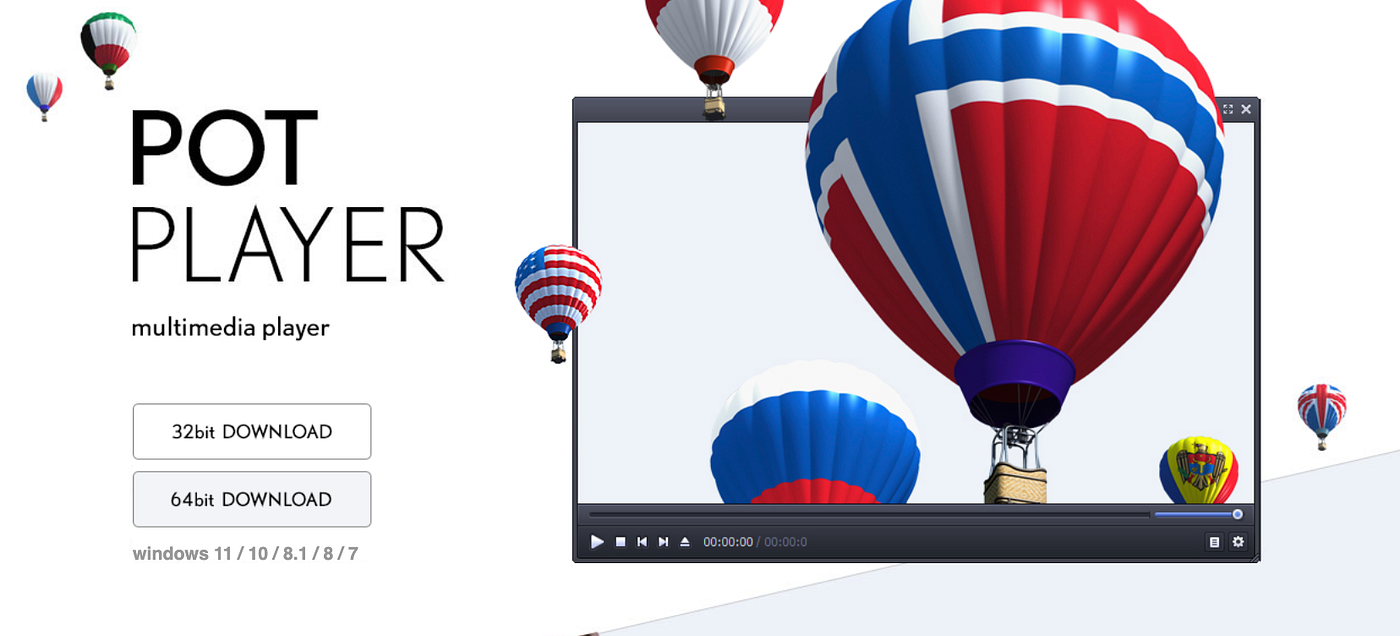
PotPlayer is a feature‑rich media player for Windows. It supports almost every video and audio codec out of the box and provides advanced playback controls, customizable filters, and hardware acceleration that remains competitive in 2026. It’s ideal for power users who want fine‑tuned performance.
VLC: Cross‑Platform Reliability
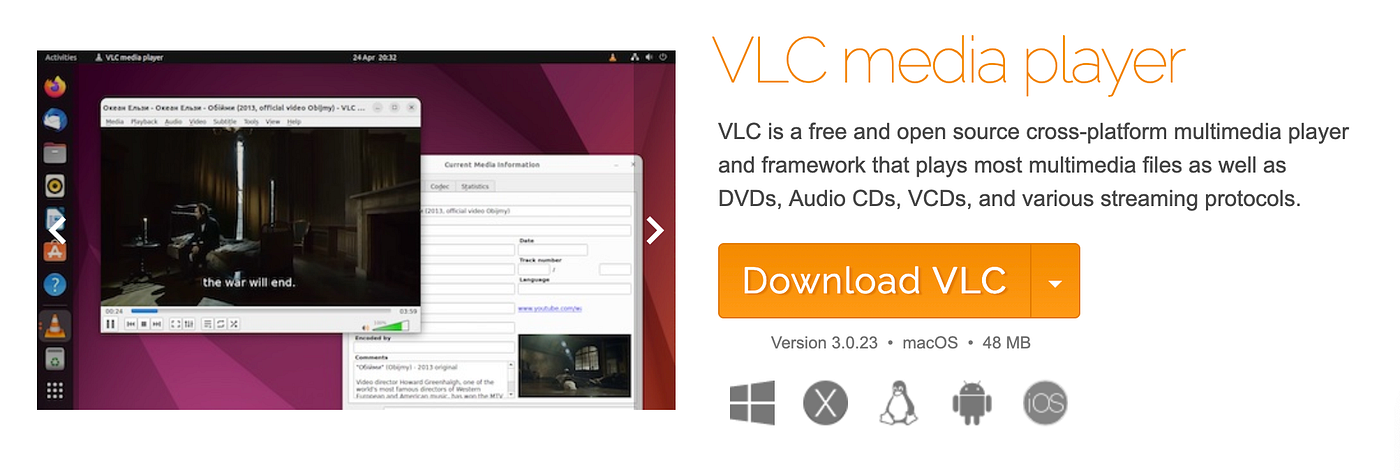
VLC Media Player, developed by VideoLAN, runs on Windows, macOS, Linux, Android, and iOS. It’s free, open‑source, and extremely stable. Its cross‑platform nature makes it a go‑to choice if you work across devices. I installed VLC on my Mac after playback issues in QuickTime and haven’t looked back.
Performance and Usability Comparison
Playback Quality and Speed
In my experience, both PotPlayer and VLC handle 4K and 8K content well. However:
- PotPlayer excels with large playlists and high‑bitrate files on Windows, using hardware decoding to reduce CPU usage.
- VLC is more consistent across devices and formats. It rarely fails to play a file that QuickTime refuses.
Tip for performance: Make sure hardware acceleration is enabled in settings in either app for smoother playback of HEVC or AV1 files.
User Interface and Controls
PotPlayer’s interface is customizable, but that can be overwhelming for new users. VLC balances simplicity with power.
PotPlayer interface strengths
- Skinnable UI
- Advanced timeline and audio visualizations
VLC interface strengths
- Simple layout
- Easy access to subtitles and audio tracks
If you prefer minimalism, VLC wins. If you like deep control, PotPlayer delivers more options once you spend time configuring it.
Feature Breakdown: PotPlayer vs VLC
Codec Support
Both players support most codecs, but PotPlayer’s internal codec handling often means fewer external installs.
Supported formats include:
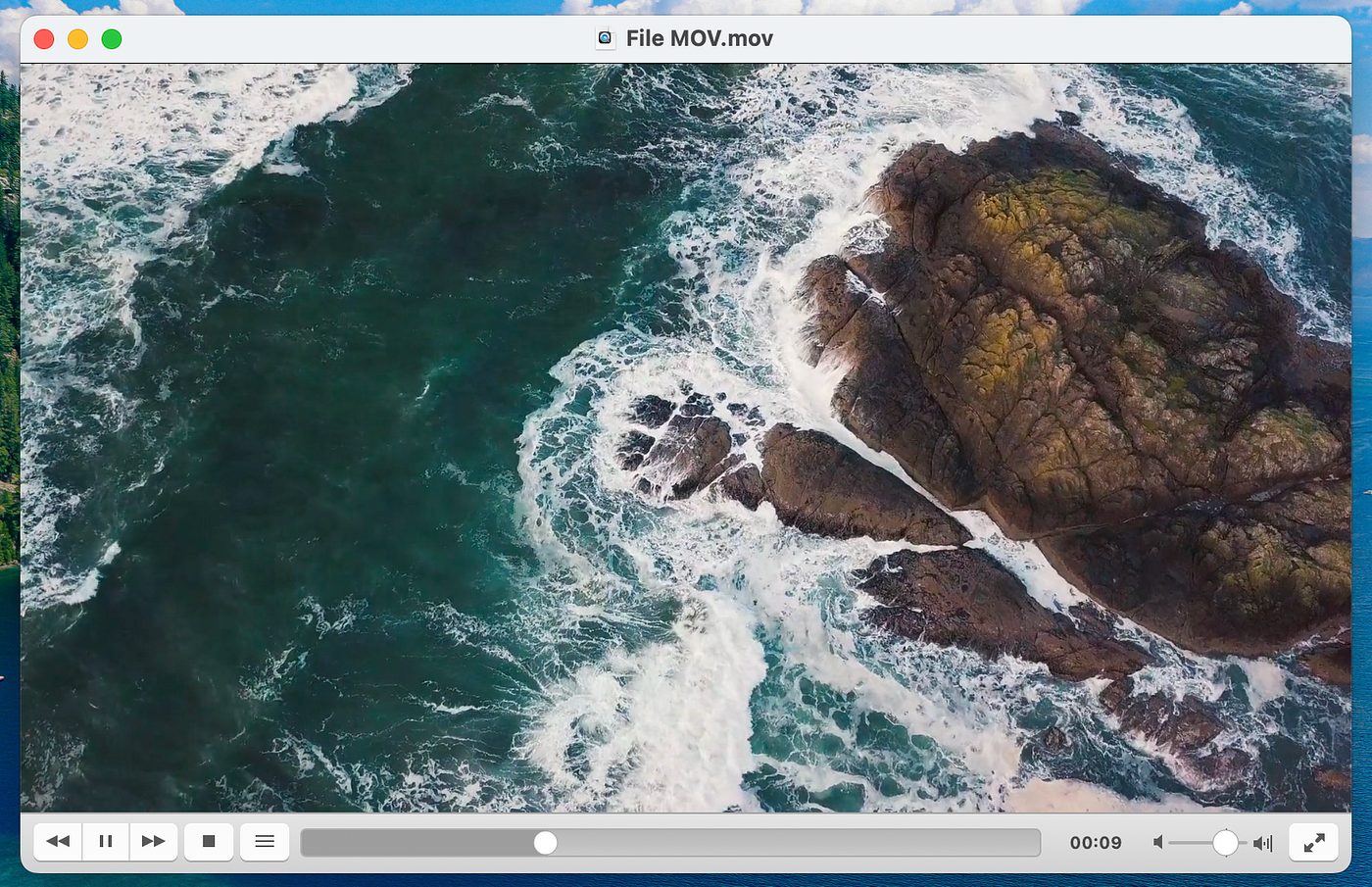
- MP4, MKV, AVI, MOV
- FLAC, AAC, MP3
- HEVC / H.265 and AV1
Streaming and Network Support
VLC has a slight edge here with built‑in streaming and casting features:
- Stream video from URLs
- Cast to Chromecast and Smart TVs
- Network stream recording
PotPlayer has streaming abilities, but these are more technical to set up.
Subtitles and Audio Features
Both handle subtitles well, but I’ve found VLC’s subtitle synchronization and online subtitle search far more accessible. PotPlayer’s subtitle position and font controls are more detailed, catering to advanced users.
When You Should Use QuickTime or Elmedia (Mac Users)
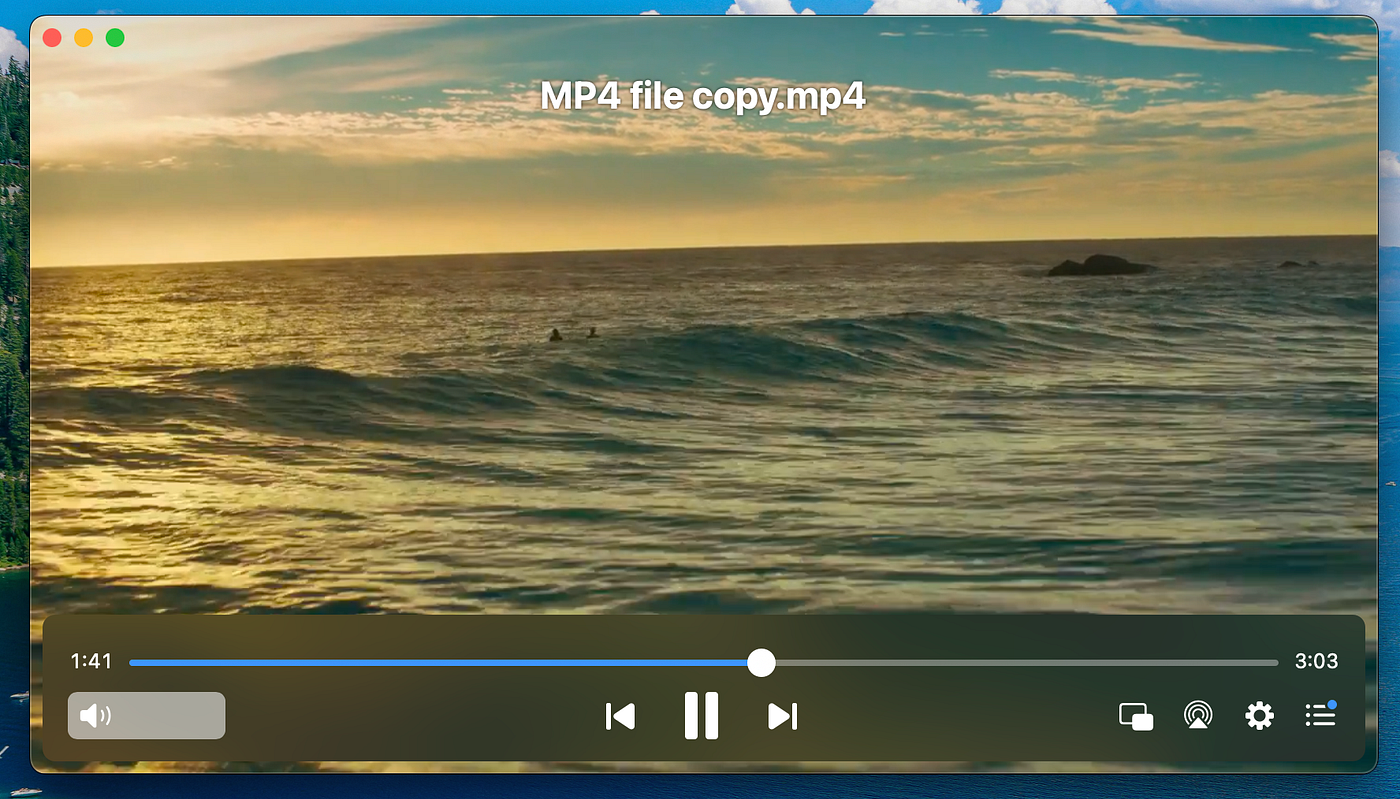
If you’re on macOS, your built‑in QuickTime Player is excellent for basic playback and offers seamless integration with Apple devices. However, QuickTime lacks format versatility.
**Elmedia Player** is a strong Mac alternative that fills some of those gaps:
- Supports streaming to **AirPlay**, DLNA, Chromecast
- Offers paid features like playlist sync and pro‑level audio controls
For everyday videos, QuickTime is solid. For obscure formats or streaming needs, Elmedia or VLC remains preferable.
How to Choose Based on Your Needs
Here’s a simple decision guide:
Choose PotPlayer if:
- You use Windows exclusively
- You like detailed control over playback
- You need advanced filter and codec settings
Choose VLC if:
- You switch between devices
- You want reliable support and updates
- Streaming and network playback are priorities
Choose QuickTime or Elmedia if you are on macOS:
- QuickTime for simplicity
- Elmedia for enhanced streaming features
FAQs About PotPlayer vs VLC
Q: Is PotPlayer free? Yes, PotPlayer is free to download and use on Windows.
Q: Does VLC have a Mac version? Yes, VLC runs on macOS and is one of the most recommended media players for Apple devices. See the official download page at videolan.org.
Q: Why might VLC not play a file that PotPlayer can? In rare cases, PotPlayer’s internal codecs and filters succeed where VLC’s defaults do not, especially with certain legacy or bespoke formats.
Q: Can I cast video from PotPlayer to my TV? PotPlayer can stream to devices, but VLC generally offers smoother casting to devices like Chromecast or Smart TVs.
Q: Which is better for 4K playback? Both handle 4K well with hardware acceleration enabled. For heavy 4K use on Windows, PotPlayer can be more efficient in resource management.
Final Thoughts and Call to Action
In 2026, VLC stands out for cross‑platform compatibility and straightforward operation, while PotPlayer remains the choice for Windows users who want power and configurability. Mac users should consider Elmedia Player alongside VLC for enhanced streaming features beyond what QuickTime offers.
For more on media software and playback tools, explore internal guides like Link to internal “Best Video Players for Windows” or “Top Mac Media Apps”. If you haven’t already, download VLC from VideoLAN and try PotPlayer on Windows to see which workflow suits you best.
메타데이터
- post_id
- 0e0f0bd2d365
- slug
- potplayer-vs-vlc-in-2026-which-media-player-wins-and-why-0e0f0bd2d365
- url
- https://medium.com/@scarlettyung85/potplayer-vs-vlc-in-2026-which-media-player-wins-and-why-0e0f0bd2d365
- canonical_url
- https://medium.com/@scarlettyung85/potplayer-vs-vlc-in-2026-which-media-player-wins-and-why-0e0f0bd2d365
- author_url
- https://medium.com/@scarlettyung85
- status
- ok
- fetched_at
- 2026-06-14 11:28:49