How Page Speed Impacts Your Google Rankings
In today’s fast-paced digital world, every second counts. Did you know a 1-second delay in page load can cost you conversions and rankings…
How Page Speed Impacts Your Google Rankings
How Page Speed Impacts Your Google Rankings
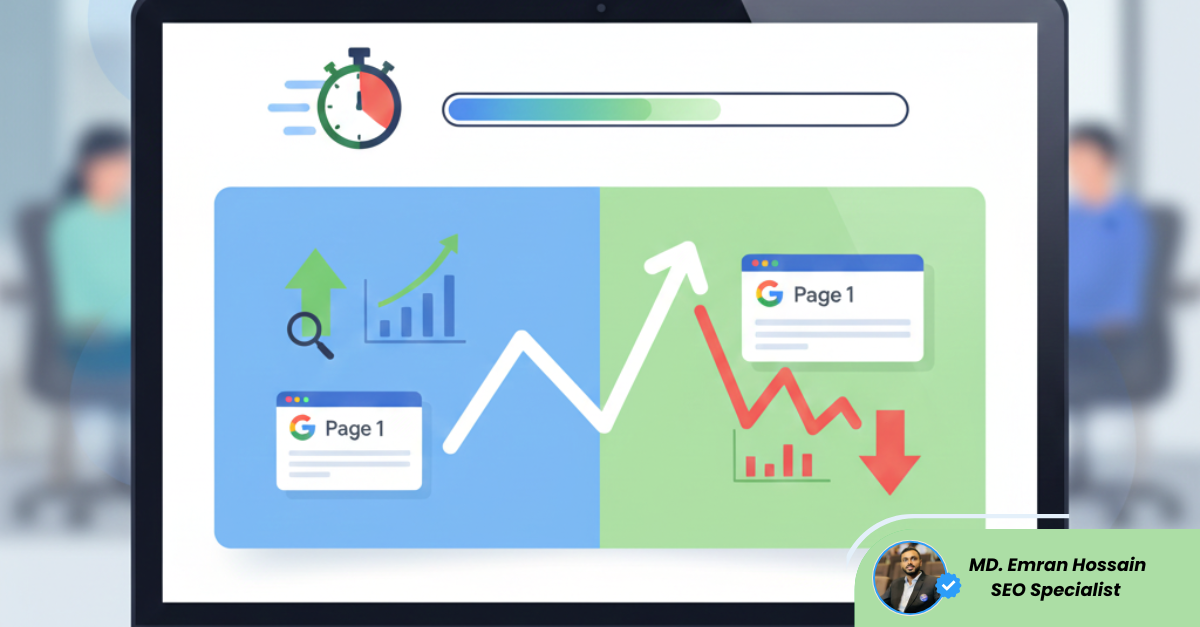
In today’s fast-paced digital world, every second counts. Did you know a 1-second delay in page load can cost you conversions and rankings? Slow-loading websites frustrate users, increase bounce rates, and signal to search engines that your site may not deliver a great experience. That’s why page speed is no longer just a technical concern — it’s a critical **SEO factor**.
Why Page Speed Matters for SEO
Google has made it clear: user experience is a ranking signal. Core Web Vitals — Largest Contentful Paint (LCP), First Input Delay (FID), and Cumulative Layout Shift (CLS) — measure how quickly pages load, respond, and remain stable during loading.
A fast-loading site helps search engines understand that your website delivers value efficiently. Conversely, slow sites can see lower rankings, even if the content is top-notch.
Impact on User Experience and Conversions
Page speed directly affects your audience:
- Reduced bounce rates: Users are more likely to stay on a fast site.
- Higher engagement: Quick-loading pages encourage longer visits, increasing dwell time — a signal Google notices.
- Better conversions: Faster pages lead to smoother transactions and improved lead generation.
Technical Factors That Affect Page Speed
Several backend and frontend elements influence speed:
- Images: Large, uncompressed images can drastically slow down pages.
- Caching: Leveraging browser and server caching speeds up repeat visits.
- Code efficiency: Minifying CSS, JavaScript, and HTML reduces load times.
- Server response: A slow server or hosting environment can bottleneck performance.
- Mobile optimization: Mobile-friendly sites with responsive designs are faster and favored by Google.
Tools to Measure Page Speed
Use these tools to identify issues:
- Google PageSpeed Insights — Offers mobile and desktop performance scores with improvement suggestions.
- GTmetrix — Provides detailed load time reports and waterfall charts.
- Lighthouse (Chrome DevTools) — Evaluates performance, accessibility, and best practices.
💡 Focus on metrics like LCP, FID, and CLS first — they directly impact rankings.
Practical Tips to Boost Page Speed
Here’s a quick checklist to implement today:
- Compress and properly size images.
- Enable browser caching.
- Use a Content Delivery Network (CDN).
- Minify CSS, JavaScript, and HTML.
- Prioritize above-the-fold content for faster rendering.
- Optimize server response times.
Even small improvements can dramatically enhance user experience and SEO performance.
Page speed is no longer optional — it’s a key ranking factor and a user experience booster. Audit your website today, fix critical issues, and watch engagement and rankings improve. Faster pages don’t just satisfy Google — they delight your users.
메타데이터
- post_id
- 0ef2de984d8f
- slug
- how-page-speed-impacts-your-google-rankings-0ef2de984d8f
- url
- https://medium.com/@seo_expert_in_bangladesh/how-page-speed-impacts-your-google-rankings-0ef2de984d8f
- canonical_url
- https://medium.com/@seo_expert_in_bangladesh/how-page-speed-impacts-your-google-rankings-0ef2de984d8f
- author_url
- https://medium.com/@seo_expert_in_bangladesh
- status
- ok
- fetched_at
- 2026-07-29 21:02:00