The Night I Retyped an Entire PDF (And Swore I’d Never Do It Again)
It was almost midnight when I realized the mistake I had made. I had a scanned PDF, an old contract my client had sent over, and I needed…
The Night I Retyped an Entire PDF (And Swore I’d Never Do It Again)
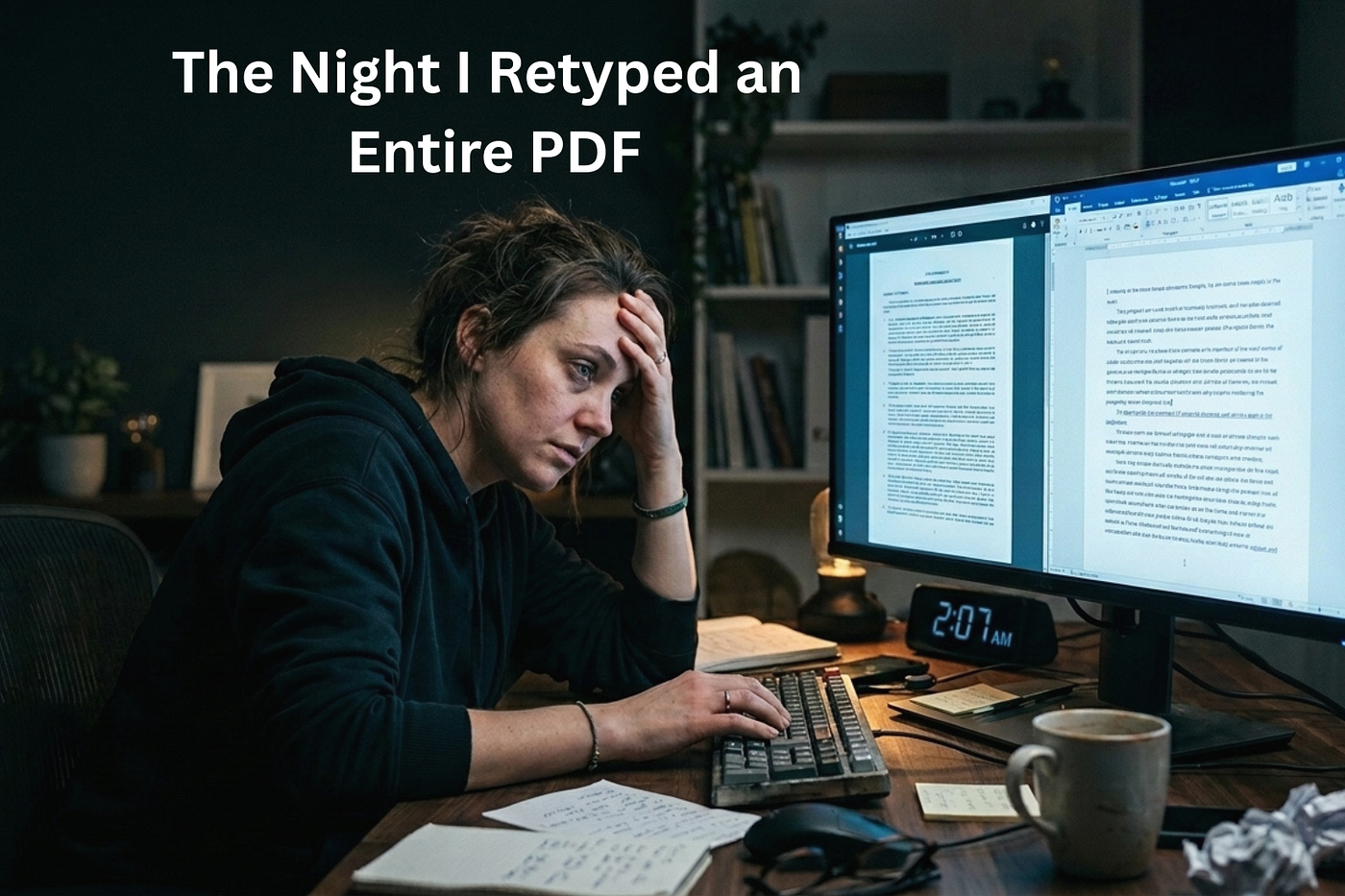
It was almost midnight when I realized the mistake I had made. I had a scanned PDF, an old contract my client had sent over, and I needed to make a handful of edits before the morning. Nothing complicated. Change a few clauses, update a date, fix a typo in someone’s name. The kind of task that should take ten minutes.
Except the PDF was locked. Not password protected, just stubborn in the way PDFs often are. No text I could select, no cursor I could drop anywhere. Just a flat, uneditable image of text pretending to be a document.
So I did what a lot of people do at that moment. I opened a blank Word file, put the PDF on one side of my screen, and started typing everything out by hand.
Word for word. Line for line. Every clause, every heading, every signature block.
An hour in, my eyes were tired and my back hurt. Two hours in, I had made three separate typos that took another twenty minutes to catch and fix. By the time I finished, it was past two in the morning, and I still had to format the thing so it actually looked like the original.
I remember sitting there thinking, there has to be a better way to do this. Somebody, somewhere, must have solved this exact problem already.
They had. I just hadn’t looked.
The Problem Nobody Talks About
Here’s the thing about PDFs. They were built to be the final word. A format that looks the same no matter what device opens it, locked in place so nothing shifts or breaks. That’s exactly why businesses love them for contracts, reports, invoices, and official documents.
But that same strength becomes a nightmare the moment you need to change something. A PDF doesn’t want to be edited. It wants to sit there, static and unbothered, while you either accept it as is or start from zero.
Most people don’t know this until they’re in the middle of it, the same way I didn’t know it until I was three hours deep into retyping a legal document at midnight.
And the frustrating part is, this isn’t a rare situation. Students deal with it when a professor posts lecture notes as a locked PDF. Freelancers deal with it when a client sends a scanned invoice template. Small business owners deal with it constantly: old forms, old policies, old records, all sitting in a format that refuses to be touched.
So what do most people do? They either retype the whole thing manually, as I did, or they give up and leave the document exactly as it is, mistakes and all.
Neither option is good.
The Moment Everything Changed
A few weeks after that midnight retyping session, a colleague asked me why I hadn’t just converted the PDF into a Word file first.
I remember pausing. Converted it? I didn’t even know that was something you could reliably do. In my head, PDF to Word conversion was one of those things that technically existed but never actually worked, the kind of feature that scrambles your formatting into an unreadable mess or demands you install some clunky software just to try it.
So I looked into it properly this time. Turns out I was wrong, and I was operating on outdated assumptions.
Modern PDF to Word conversion tools have gotten remarkably good. Upload a PDF, and within seconds you get back a fully editable Word document with the formatting, spacing, and structure preserved. No retyping. No reformatting from scratch. No losing an entire evening to a task that should have taken minutes.
I tried it on a similar contract not long after, one just as locked and stubborn as the one that had cost me my sleep weeks earlier. The whole process took less time than it had taken me to make a cup of coffee. I sat there almost annoyed at myself, thinking about all those hours I had spent retyping documents by hand when a solution had existed the whole time.
What I’d Tell My Past Self
If I could go back to that midnight version of me, hunched over my laptop retyping a contract line by line, I’d tell him to stop. Close the blank Word document. There’s a faster way, and it doesn’t involve losing your evening or your patience.
That’s really the lesson in all of this. So many of us default to the hard way simply because we don’t know the easy way exists. We assume a locked PDF means a locked door, when really it just means we haven’t found the right key yet.
These days, when a PDF lands in my inbox that needs editing, I don’t panic, and I don’t start typing from scratch. I convert it, make my changes, and move on with my day. It sounds like a small shift, but it’s saved me hours I didn’t know I was wasting.
If you’ve ever found yourself retyping a PDF at midnight the way I did, just know you don’t have to. There’s a faster way, and it’s sitting right there waiting for you to use it.
Need to convert a PDF to an editable Word document? Use PDF Conveter to convert your static PDF into a Word document.
메타데이터
- post_id
- 0f0bb87e6a74
- slug
- the-night-i-retyped-an-entire-pdf-and-swore-id-never-do-it-again-0f0bb87e6a74
- url
- https://medium.com/@simonbriggs27/the-night-i-retyped-an-entire-pdf-and-swore-id-never-do-it-again-0f0bb87e6a74
- canonical_url
- https://medium.com/@simonbriggs27/the-night-i-retyped-an-entire-pdf-and-swore-id-never-do-it-again-0f0bb87e6a74
- author_url
- https://medium.com/@simonbriggs27
- status
- ok
- fetched_at
- 2026-08-03 06:17:27