Fortifying Kubernetes Runtime Security with Falco: A Practical Guide to Threat Detection in ..
Falco is a CNCF Graduated project and has become the de facto runtime threat detection engine for cloud-native environments.
Fortifying Kubernetes Runtime Security with Falco: A Practical Guide to Threat Detection in Production
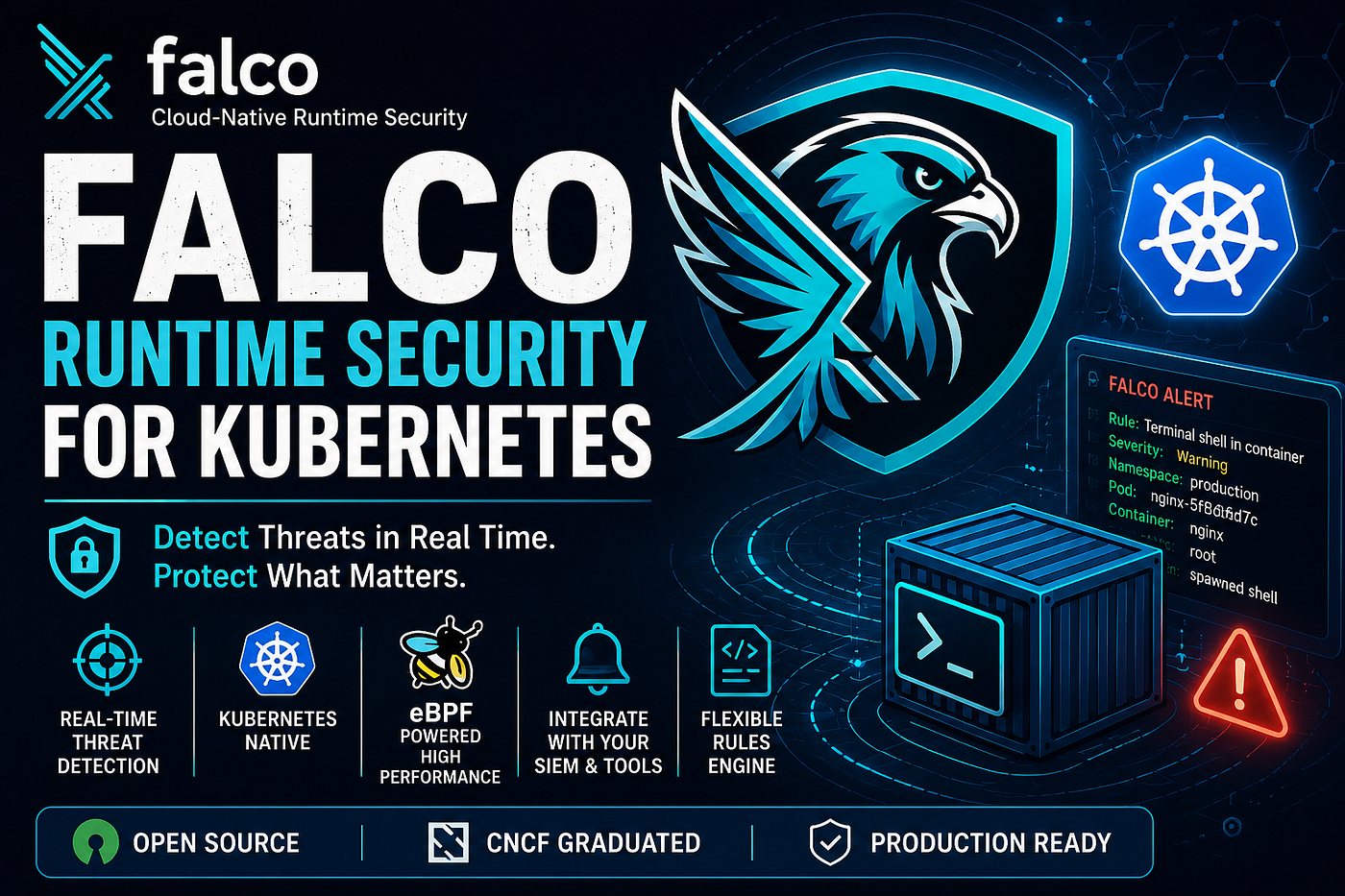
Introduction
Most Kubernetes security discussions focus on prevention — RBAC, Network Policies, Pod Security Standards, image scanning, admission controllers, and supply-chain security.
While these controls are critical, they all share one limitation:
They protect the cluster before workloads run.
But what happens when a container is compromised after deployment?
What if an attacker successfully gains shell access to a pod, downloads malicious binaries, escalates privileges, or begins data exfiltration?
This is where runtime security becomes essential.
Falco is one of the most widely adopted open-source runtime security solutions for Kubernetes. It continuously monitors system calls, container activity, and Kubernetes events to detect suspicious behavior in real time. Falco is a CNCF Graduated project and has become the de facto runtime threat detection engine for cloud-native environments.
In this article, we’ll explore:
- What Falco is
- How it works internally
- Installing Falco on Kubernetes
- Validating detections
- Customizing rules
- Setting up Falcosidekick
- Sending alerts to Slack
- Advantages and limitations
- Production recommendations
Why Runtime Security Matters
Traditional Kubernetes security controls help prevent attacks.
Examples include:
- RBAC restrictions
- Image vulnerability scanning
- Admission controllers
- Network policies
- Secret management
However, if an attacker successfully compromises a running workload, these controls may no longer be sufficient.
Consider the following scenarios:
- A compromised application spawns a shell inside a container.
- An attacker downloads malware using
curlorwget. - A crypto-mining process starts running.
- Sensitive files are accessed unexpectedly.
- Privilege escalation is attempted.
These activities occur at runtime.
Falco is designed specifically to identify such behaviors as they happen and generate immediate alerts.
What is Falco?
Falco is an open-source cloud-native runtime security platform that monitors workloads running on:
- Linux hosts
- Containers
- Kubernetes clusters
- Cloud-native environments
It observes system activity by collecting kernel-level events and evaluates them against a set of security rules. When suspicious behavior is detected, Falco generates alerts in real time.
Some common detections include:
- Terminal shell inside containers
- Privilege escalation attempts
- Unexpected process execution
- File access anomalies
- Sensitive directory modifications
- Container breakout attempts
- Cryptomining activity
- Kubernetes audit anomalies
How Falco Works
At a high level, Falco operates as follows:
+---------------------+
| Linux Kernel Events |
+----------+----------+
           |
           v
+---------------------+
| Falco Driver        |
| (eBPF / Kernel Mod) |
+----------+----------+
           |
           v
+---------------------+
| Falco Engine        |
| Rule Evaluation     |
+----------+----------+
           |
           v
+---------------------+
| Alerts & Outputs    |
+----------+----------+
           |
           v
+---------------------+
| Falcosidekick       |
+----------+----------+
           |
           +--> Slack
           +--> Teams
           +--> SIEM
           +--> Loki
Step 1: Capture System Events
Falco observes kernel system calls such as:
execve()
open()
connect()
chmod()
setuid()
These system calls provide visibility into what processes are doing on the node.
Step 2: Enrich with Kubernetes Context
Falco enriches events with metadata including:
- Namespace
- Pod name
- Container image
- Deployment name
- Node information
This makes alerts much easier to understand and investigate.
Step 3: Evaluate Rules
Each event is evaluated against Falco’s rules engine.
Example:
- rule: Terminal shell in container
  desc: Detect shell spawned inside container
  condition: >
    spawned_process and
    container and
    shell_procs
  output: >
    Shell spawned in container
Step 4: Generate Alerts
Alerts can be forwarded to:
- Standard output
- Syslog
- Slack
- Microsoft Teams
- Elasticsearch
- Splunk
- SIEM platforms
- Falcosidekick
Falco Drivers
Falco requires a mechanism to observe kernel activity.
Modern versions support:
1. Modern eBPF (Recommended)
Advantages:
- No kernel module installation
- Better portability
- Lower operational overhead
- Preferred for modern Kubernetes clusters
Falco documentation recommends the Modern eBPF driver whenever supported by the kernel.
2. Kernel Module
Traditional approach.
Advantages:
- Broad compatibility
- Mature implementation
Disadvantages:
- Requires kernel module loading
- More operational complexity
Installing Falco on Kubernetes
The recommended deployment method is Helm.
Add Helm Repository
helm repo add falcosecurity https://falcosecurity.github.io/charts
helm repo update
Create Namespace
kubectl create namespace falcoInstall Falco
For modern Kubernetes environments:
helm install falco falcosecurity/falco \
  --namespace falco \
  --set driver.kind=modern_ebpf
Modern eBPF is generally the preferred option for recent Linux kernels.
Verify Installation
Check pods:
kubectl get pods -n falcoExpected output:
NAME      READY   STATUS
falco     1/1     Running
Check DaemonSet:
kubectl get ds -n falcoFalco typically runs as a DaemonSet to ensure every node is monitored.
Validating Falco Detections
After installation, it’s important to verify that Falco is actively detecting runtime events.
Test 1: Spawn a Shell
Create a temporary pod:
kubectl run test-pod \
  --image=alpine \
  -it -- sh
Open another terminal:
kubectl logs -n falco daemonset/falcoExpected alert:
Terminal shell in containerThis is one of the most common validation checks.
Test 2: Access Sensitive Files
Inside the container:
cat /etc/shadowFalco may generate alerts depending on the active ruleset.
Test 3: Download External Files
wget https://example.com/test.shor
curl https://example.com/test.shSeveral default Falco rules monitor suspicious network and process activity.
Understanding Falco Alerts
Example alert:
{
  "priority": "Warning",
  "rule": "Terminal shell in container",
  "container": "nginx",
  "namespace": "production",
  "pod": "nginx-5f8d6d7c"
}
Important fields:

Custom Rules
One of Falco’s strongest features is its rule engine.
Example:
- rule: Unexpected Curl Execution
  desc: Detect curl usage in containers
  condition: >
    spawned_process and
    proc.name = curl
  output: >
    Curl executed inside container
  priority: WARNING
Use cases:
- Database access monitoring
- Sensitive file monitoring
- Production namespace restrictions
- Custom compliance requirements
- Organization-specific threat detection
Integrating Falcosidekick
While Falco generates alerts, Falcosidekick helps distribute them to external systems.
Supported destinations include:
- Slack
- Microsoft Teams
- Discord
- Elasticsearch
- Loki
- Prometheus
- PagerDuty
- Splunk
- Datadog
- Webhooks
A common production architecture is:
Falco
  |
  v
Falcosidekick
  |
  +--> Slack
  +--> Elasticsearch
  +--> Loki
  +--> SIEM
This allows security teams to receive actionable notifications immediately.
Installing Falcosidekick
The easiest way to deploy Falcosidekick is through Helm.
Add Helm Repository
helm repo add falcosecurity https://falcosecurity.github.io/charts
helm repo update
Install Falcosidekick
helm install falcosidekick falcosecurity/falcosidekick \
  --namespace falco
Verify deployment:
kubectl get pods -n falcoExpected output:
NAME                             READY   STATUS
falco                            1/1     Running
falcosidekick-xxxxxx             1/1     Running
Connecting Falco to Falcosidekick
Falco must be configured to forward alerts to Falcosidekick.
Upgrade the Falco installation:
helm upgrade falco falcosecurity/falco \
  --namespace falco \
  --set falcosidekick.enabled=true
Alternatively:
helm install falco falcosecurity/falco \
  --namespace falco \
  --set falcosidekick.enabled=true
Verify:
kubectl logs -n falco deployment/falcosidekickYou should start seeing incoming Falco events.
Sending Falco Alerts to Slack
One of the most common integrations is Slack.
Step 1: Create a Slack Incoming Webhook
In Slack:
- Go to Apps
- Search for Incoming Webhooks
- Create a webhook
- Select a channel
- Copy the generated webhook URL
Example:
https://hooks.slack.com/services/T00000000/B00000000/XXXXXXXXXXXXXXXXStep 2: Create a Kubernetes Secret
Store the webhook securely:
kubectl create secret generic falcosidekick-slack-url \
  --from-literal=SLACK_WEBHOOKURL='https://hooks.slack.com/services/XXXX/XXXX/XXXX' \
  -n falco
Step 3: Configure Falcosidekick
Create a values file:
config:
  slack:
    webhookurl: "https://hooks.slack.com/services/XXXX/XXXX/XXXX"
    minimumpriority: warning
Install or upgrade:
helm upgrade --install falcosidekick \
  falcosecurity/falcosidekick \
  -n falco \
  -f values.yaml
Step 4: Verify Slack Alerts
Trigger a Falco rule:
kubectl run test-pod \
  --image=alpine \
  -it -- sh
Expected Slack notification:
🚨 Falco AlertRule: Terminal shell in container
Priority: Warning
Namespace: default
Pod: test-pod
Container: test-podShell spawned inside containerYour security team will now receive real-time runtime security alerts directly in Slack.
Example Slack Alert Workflow
Attacker Opens Shell
          |
          v
      Falco
          |
          v
   Falcosidekick
          |
          v
       Slack
          |
          v
 Security Team
This workflow significantly reduces detection and response time.
Advantages of Falco
Real-Time Threat Detection
Detects suspicious activity as it occurs rather than after an incident.
Kubernetes Native
Built specifically for cloud-native environments and understands Kubernetes context.
Open Source
No licensing cost and fully extensible.
CNCF Graduated Project
Widely adopted and backed by a strong open-source community.
Flexible Alerting
Integrates easily with existing monitoring and SIEM platforms.
Custom Rule Engine
Organizations can build detections tailored to their environment.
eBPF Support
Modern eBPF integration reduces dependency on kernel modules and simplifies deployment.
Limitations of Falco
Like any security tool, Falco is not a silver bullet.
Alert Tuning Required
Default rules may generate noise in some environments.
Detection, Not Prevention
Falco identifies threats but does not block them.
Learning Curve
Writing effective custom rules requires familiarity with Falco syntax and runtime behaviors.
Runtime Focus Only
Falco complements:
- Image scanning
- Admission control
- Network security
- Compliance scanning
It does not replace them.
Production Best Practices
For production clusters:
Enable Modern eBPF
Use modern eBPF whenever possible.
Start with Default Rules
Observe alerts before creating custom policies.
Deploy Falcosidekick
Avoid relying solely on pod logs for alerts.
Integrate with Slack or SIEM
Ensure alerts reach the right teams immediately.
Reduce False Positives
Tune noisy rules based on actual workloads.
Monitor Critical Namespaces
Focus initially on:
- kube-system
- production
- database namespaces
Establish Incident Response
Ensure alerts trigger actionable workflows.
Conclusion
Security does not end once a container is deployed.
While RBAC, admission controllers, image scanning, and network policies help prevent attacks, organizations also need visibility into what happens after workloads start running.
Falco fills this gap by providing real-time runtime threat detection for Kubernetes, containers, and Linux hosts. By monitoring system calls, enriching events with Kubernetes metadata, and evaluating them against security rules, Falco enables teams to detect suspicious activity before it escalates into a major incident.
When combined with Falcosidekick and Slack integrations, Falco becomes even more powerful by delivering actionable alerts directly to security and platform teams in real time.
For any production Kubernetes platform, Falco should be considered a core component of a defense-in-depth security strategy alongside image scanning, policy enforcement, and observability tooling.
Runtime security is often the last line of defense — and Falco is one of the best open-source tools available to implement it.
메타데이터
- post_id
- 0f38ef37d56b
- slug
- fortifying-kubernetes-runtime-security-with-falco-a-practical-guide-to-threat-detection-in-0f38ef37d56b
- url
- https://medium.com/@aravindjeevanandham/fortifying-kubernetes-runtime-security-with-falco-a-practical-guide-to-threat-detection-in-0f38ef37d56b
- canonical_url
- https://medium.com/@aravindjeevanandham/fortifying-kubernetes-runtime-security-with-falco-a-practical-guide-to-threat-detection-in-0f38ef37d56b
- author_url
- https://medium.com/@aravindjeevanandham
- status
- ok
- fetched_at
- 2026-06-23 17:05:31


