Lessons Learned After Building 10+ Mendix Widgets
After building more than 10 pluggable widgets in Mendix — from simple UI components to complex enterprise-ready features — I’ve realized…
Lessons Learned After Building 10+ Mendix Widgets
After building more than 10 pluggable widgets in Mendix — from simple UI components to complex enterprise-ready features — I’ve realized that widget development is not just about React or TypeScript. The real difference between a “working widget” and a “production-ready widget” lies in how well you design for Mendix Studio Pro experience, configurability, and maintainability.
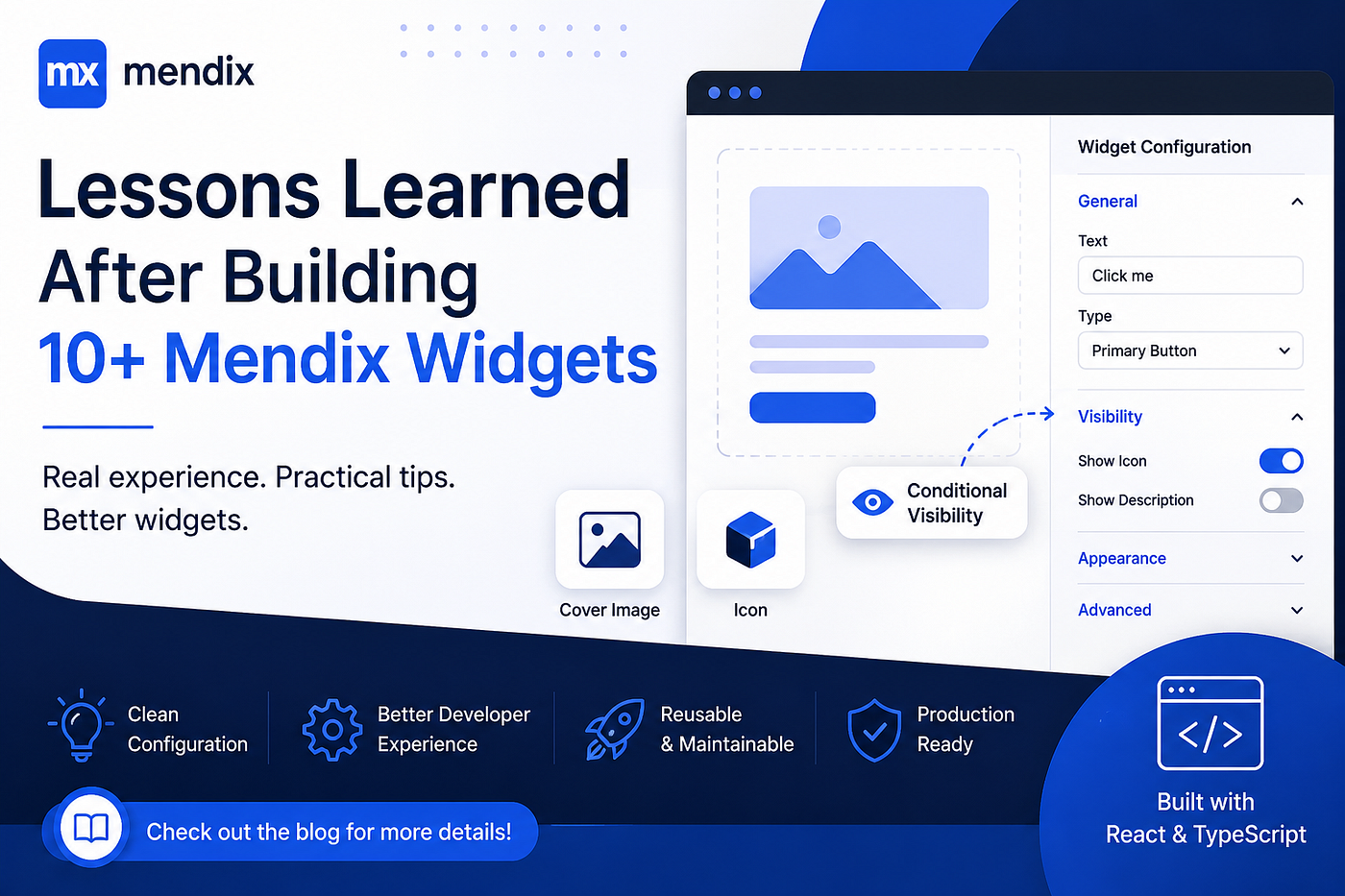
Here are some practical lessons I’ve learned along the way.
1. Conditional Visibility: The Most Underrated Feature
One of the biggest mistakes early widget developers make is relying only on React-level conditional rendering.
In Mendix, conditional visibility should be driven by the editor configuration, not internal component logic.
Why it matters
- Improves performance (Mendix doesn’t render unnecessary props)
- Keeps business logic in the model layer instead of UI layer
- Makes the widget behave like a native Mendix component
Best practice approach
Instead of:
if (props.showButton) {
  return <button>Click me</button>;
}
Prefer controlling it via Mendix Studio Pro:
- Add a Boolean property in
editorConfig - Use Mendix visibility expressions (like context-based or attribute-based)
- Pass only final computed flags into the widget
Pro insight
When visibility is handled in Studio Pro:
- Business users can control UI without developer involvement
- Your widget becomes reusable across domains
- You avoid unnecessary re-renders in React
2. Editor Configuration is Everything
A well-designed widget is 50% code and 50% editor configuration.
The editorConfig.ts file is where most developers underestimate the power.
What I learned
A good editor config should:
- Group properties logically (Data, Behavior, Appearance)
- Use proper default values
- Hide irrelevant properties dynamically
- Prevent invalid configurations upfront
Example idea
Instead of exposing everything:
- ❌ Show all properties always
- ✅ Show properties based on conditions
For example:
- If
type = button, showonClickAction - If
type = input, show validation options
This reduces confusion in Studio Pro and prevents misconfiguration.
3. Widget Cover Image & Icon Matter More Than You Think
When publishing widgets in the Mendix Marketplace, most developers focus only on functionality. But first impressions matter heavily.
Cover image tips
A good cover image should:
- Clearly show widget usage inside a page
- Highlight real UI (not abstract diagrams)
- Use consistent branding colors
- Avoid clutter
Bad example: plain logo on white background Good example: widget shown inside a real Mendix page layout
Icon tips
Your widget icon should:
- Be simple and recognizable at small size
- Avoid too many details
- Match Mendix UI style (flat, minimal)
Why it matters
- Improves marketplace downloads
- Builds trust instantly
- Makes your widget look “enterprise-ready”
4. Design for Reusability, Not Just One Project
Early on, I used to build widgets tightly coupled to a single use case.
Now I follow this rule: If a widget cannot be reused in 3 different apps, it’s not finished yet.
Key improvements:
- Make all labels configurable
- Avoid hardcoded logic
- Expose styling options
- Support dynamic data sources
5. Performance Comes from Design, Not Optimization Later
Most performance issues in widgets come from design mistakes:
- Uncontrolled re-renders
- Heavy logic inside render()
- Not memoizing expensive computations
Pro tip
Use:
useMemofor computed valuesuseCallbackfor event handlers- Minimal props passing from Mendix runtime
But the real win is: Avoid unnecessary complexity in the first place.
6. Always Think Like a Mendix Modeler, Not Just a Developer
This is the biggest mindset shift.
A Mendix widget is not just a React component — it’s a low-code building block.
So ask:
- Can a non-developer configure this?
- Can this be reused without code changes?
- Does this behave like a native Mendix component?
Final Thoughts
Building Mendix widgets is not just about writing React code. The real skill is in bridging low-code flexibility with high-code control.
The best widgets are:
- Easy to configure in Studio Pro
- Flexible for different use cases
- Visually clean and consistent
- Performance-conscious by design
Once you start thinking in terms of modelers instead of developers, your widget quality improves dramatically.
메타데이터
- post_id
- 103e1ed28bde
- slug
- lessons-learned-after-building-10-mendix-widgets-103e1ed28bde
- url
- https://medium.com/@techbykrishna/lessons-learned-after-building-10-mendix-widgets-103e1ed28bde
- canonical_url
- https://medium.com/@techbykrishna/lessons-learned-after-building-10-mendix-widgets-103e1ed28bde
- author_url
- https://medium.com/@techbykrishna
- status
- ok
- fetched_at
- 2026-07-11 18:45:18