What is the Replicate & How to use it? (get the api key, proper model name, etc)
What is Replicate?
What is the Replicate & How to use it? (get the api key, proper model name, etc)
What is Replicate?
Replicate.ai is a platform that simplifies the process of deploying, running, and fine-tuning machine learning models in the cloud. It provides a variety of pre-trained models created by different developers and researchers, which can be used to solve tasks like image generation, natural language processing, or even specialized AI tasks. It is especially helpful for developers and engineers who want to integrate powerful machine learning models into their applications without having to manage complex infrastructures or retrain models from scratch.
Finding and Exploring Models on Replicate
To get started with Replicate, the first step is to explore the available models. After visiting the main dashboard, you will find a variety of models featured on the homepage. Each featured model provides an overview of its functionality, such as image generation, text transformation, or AI-based art creation.

You can choose any model you want to use above.
- Explore Section: This is where the platform showcases the most popular or featured models. You can browse through different models and see basic statistics like the number of runs the model has, which indicates its popularity.

- Model Information: Clicking on a specific model gives you more in-depth information. This includes: — A description of what the model does. — Key details about the architecture or dataset used in the model. — Statistics on how often it has been used.
You will also find details on how to fine-tune the model, input and output formats, and example use cases.
Obtaining the Model Name for Your Application
Once you’ve identified a model that suits your needs, you will need to gather its unique identifier to use it within your application. This can be found by following these steps:
- Click on the model to view detailed information.
- On the model page, the unique identifier, including the model name and its version (e.g.,
aleksa-codes/flux-ghibsky-illustration), will be prominently displayed. You will need this information to reference the model when making API calls or running it within your app.

For example, as seen in the image, the model “flux-ghibsky-illustration” by user aleksa-codes allows for the generation of vibrant, Ghibli-inspired landscapes. This is the model name that needs to be referenced in your code when making requests.
Using Your API Key
To make calls to Replicate’s API, you must first authenticate yourself using an API key. Here’s how to obtain and use your API key:
- Create an Account: If you haven’t done so already, sign up for an account at Replicate. Once logged in, navigate to your account settings.
- Get Your API Key: — Click on your profile picture or username in the top right corner of the page.

— From the dropdown menu, select API Tokens. — In the API Tokens section, you will be able to generate a new token by clicking on the Create token button. Once generated, your API token will be displayed. — Copy this token to use in your code. Make sure to store it securely, as this key will be used to authenticate your API requests.

- Using the API Key in Code: With the API key in hand, you can now integrate the model into your app. Below is an example of how to use the API key along with a selected model in Python:
import replicate

# Insert your API key here
api_token = "your_api_key_here"
# Set the model you want to use
model_name = "aleksa-codes/flux-ghibsky-illustration"
# Define the input for the model
input_data = {
 "prompt": "GHIBSKY style, a cat on a windowsill gazing out at a starry night sky and distant city",
 "aspect_ratio": "9:16",
 "output_format": "jpg",
 "output_quality": 100,
}
# Call the replicate API with your API key
output = replicate.run(
 model_name,
 input=input_data,
 token=api_token # use your API token
)
# Print the output which is a link to the generated image
print(output)
This simple script demonstrates how to use the Replicate API in a Python script by specifying a model and passing input data to generate an image. The output will typically be a URL that links to the generated content, which you can use within your application or download.
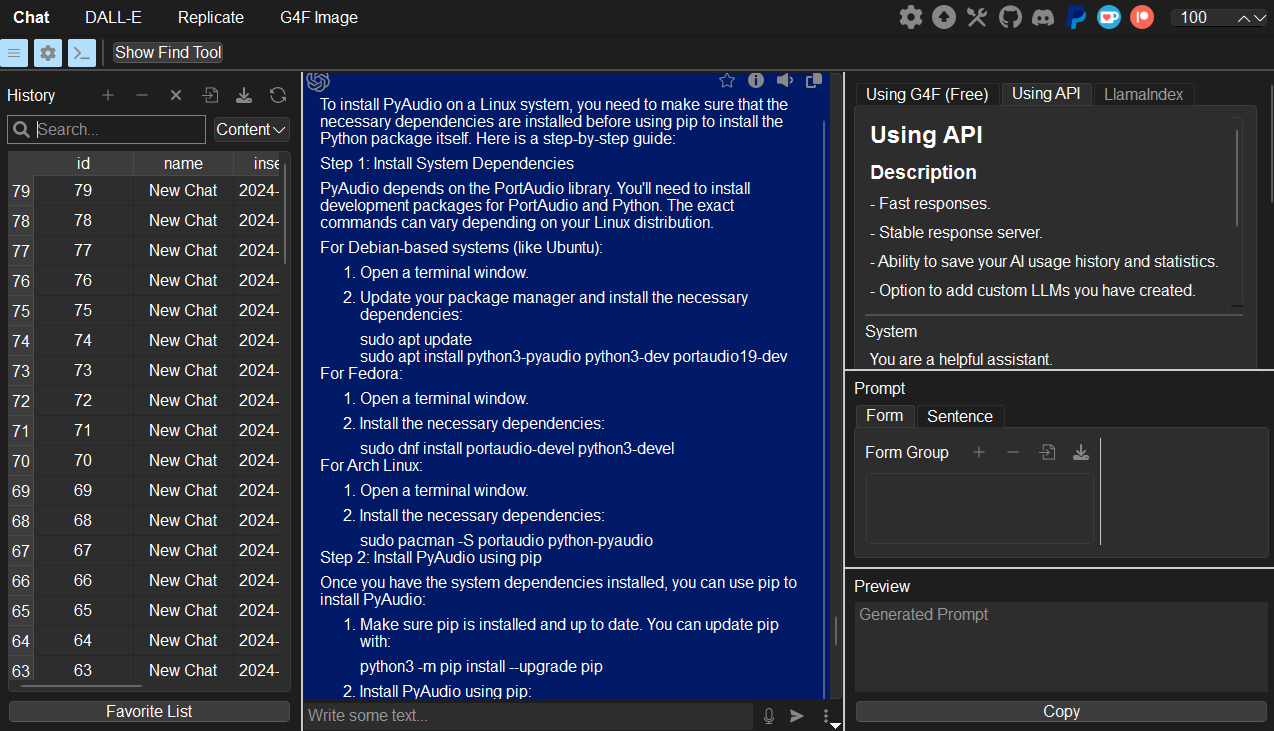
If you want to use it directly from the GUI without writing and implementing Python code (if you want to just get a bunch of images), you can also use an application. Of course, it must be an application that supports Replicate. Applications like VividNode(pyqt-openai) offer this support. With the feature of automatically generating endless images, you can conveniently create a large number of images to suit your needs.

With pyqt-openai, you can test it out without writing a code.
Conclusion
Replicate provides a seamless interface for developers to integrate state-of-the-art machine learning models into their projects. By following the steps outlined above, you can easily find and explore models, gather model identifiers for your app, and securely use your API token to interact with the platform. Whether you are building image generators or other AI-based applications, Replicate offers an accessible way to leverage powerful machine learning tools without the complexity of managing the underlying infrastructure.
Some model might require additional parameter such as “control_image”.
You can see the error message in the console “detail: — input: …” by running it without required parameters.
메타데이터
- post_id
- 10a2cb983ceb
- slug
- what-is-the-replicate-how-to-use-it-get-the-api-key-proper-model-name-etc-10a2cb983ceb
- url
- https://medium.com/@yjg30737/what-is-the-replicate-how-to-use-it-get-the-api-key-proper-model-name-etc-10a2cb983ceb
- canonical_url
- https://medium.com/@yjg30737/what-is-the-replicate-how-to-use-it-get-the-api-key-proper-model-name-etc-10a2cb983ceb
- author_url
- https://medium.com/@yjg30737
- status
- ok
- fetched_at
- 2026-07-23 01:32:44