Why WinRAR Doesn’t Compress Images Well (And What Actually Works)
If you’ve ever tried compressing a JPG or PNG with WinRAR, you’ve probably noticed that the file size barely changes. I had the same…
Why WinRAR Doesn’t Compress Images Well (And What Actually Works)
If you’ve ever tried compressing a JPG or PNG with WinRAR, you’ve probably noticed that the file size barely changes. I had the same experience and wondered why.
The simple answer is that WinRAR isn’t designed to optimize image files.
Why WinRAR Doesn’t Reduce Image Size
WinRAR works by finding repeated patterns in files and compressing them. This is very effective for documents, spreadsheets, and folders.
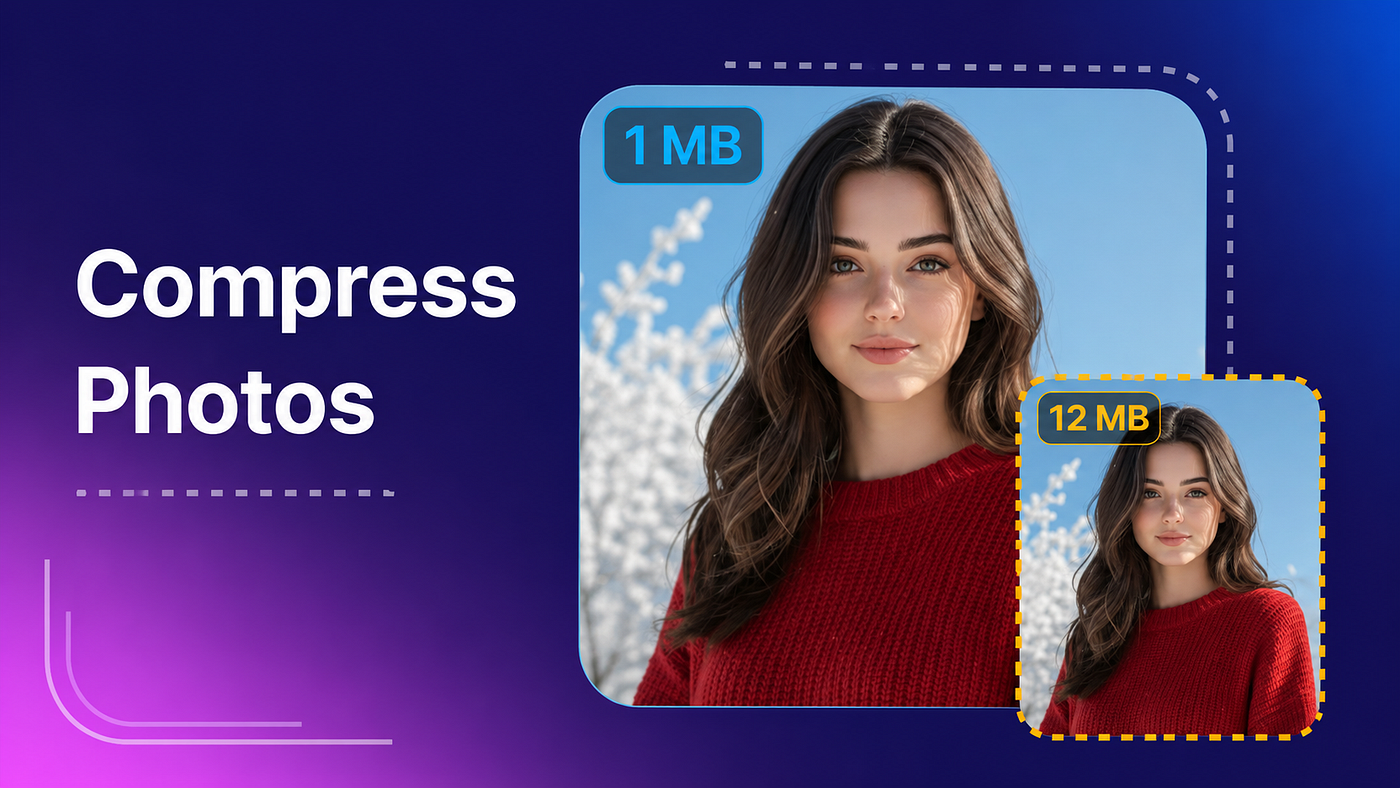
However, image formats like JPEG are already compressed using specialized algorithms. Since there’s very little redundant data left, WinRAR often reduces the file size by only 1–5%, if at all.
If your goal is to make photos small enough for email, websites, or cloud storage, you’ll need a dedicated image compressor.
Better Ways to Compress Images
Here are the methods that actually make a noticeable difference.
1. Lower the JPEG Quality
Reducing image quality to around 80–90% usually cuts the file size dramatically while keeping the image looking almost identical.
For most photos, the difference is nearly impossible to notice.
2. Resize Large Images
Modern smartphones capture photos that are much larger than most people need.
For example:
- Original: 4000 × 3000 pixels
- Email or website: 1920 × 1080 pixels is often more than enough.
Resizing alone can reduce file size significantly.
3. Use an Image Compression App
Instead of relying on archive software, use an app that’s specifically built for image optimization.
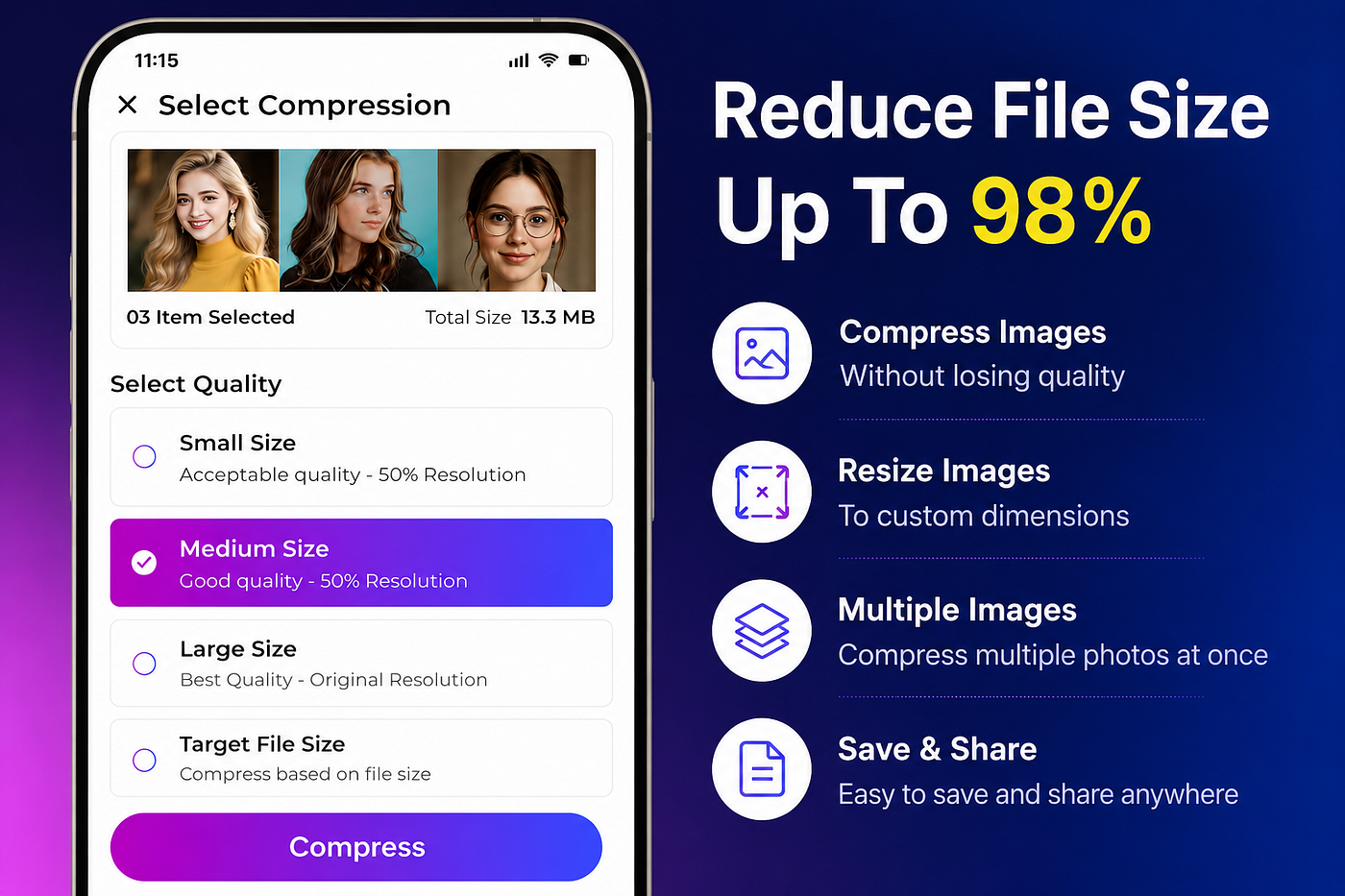
I’ve been using Image Compressor & Resizer on Android because it makes the whole process simple.
It lets you:
Compress images without noticeable quality loss Resize photos to custom dimensions Compress multiple images at once Set a target file size when needed Quickly prepare photos for email, websites, or social media
If you’d like to check it out, it’s available on Google Play:
👉 https://envobyte.app/compressimage
My Recommendation
If you’re compressing images regularly, skip WinRAR entirely for this task.
A dedicated image compression tool will give you much better results, often reducing file sizes by 50–90% while keeping photos clear and sharp.
That’s the approach I use whenever I need to upload images online or send them as email attachments. It saves storage space, speeds up uploads, and avoids the blurry results that come from over-compressing images.
메타데이터
- post_id
- 1155b4d9d2fd
- slug
- why-winrar-doesnt-compress-images-well-and-what-actually-works-1155b4d9d2fd
- url
- https://medium.com/@medini231287/why-winrar-doesnt-compress-images-well-and-what-actually-works-1155b4d9d2fd
- canonical_url
- https://medium.com/@medini231287/why-winrar-doesnt-compress-images-well-and-what-actually-works-1155b4d9d2fd
- author_url
- https://medium.com/@medini231287
- status
- ok
- fetched_at
- 2026-07-20 05:44:29