How to Check Asaan Karobar Card Application Status — Full Guide
Are you waiting to know the status of your Asaan Karobar Card application? Don’t worry! Here’s a simple guide to help you track your…
How to Check Asaan Karobar Card Application Status — Full Guide
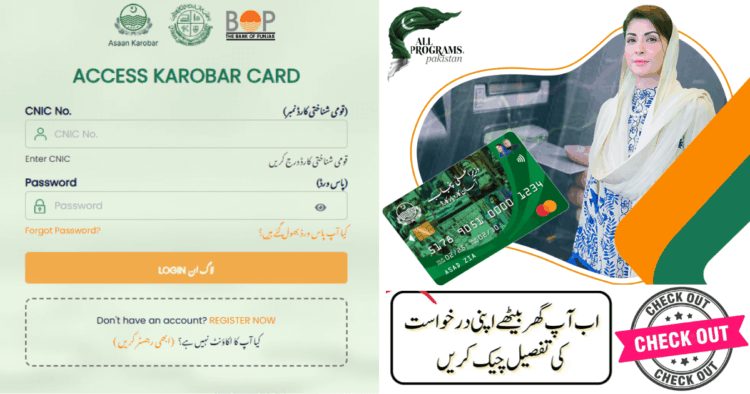
Are you waiting to know the status of your Asaan Karobar Card application? Don’t worry! Here’s a simple guide to help you track your application and fix common issues that might delay the process.
How to Check the Asaan Karobar Card Application Status
To check your Asaan Karobar Card application status, follow these steps:
- Visit the Official Portal: Go to the official Asaan Karobar Card website.
- Enter Your PSID: On the website, you’ll be asked to enter your PSID (Personal Service Identifier), which was provided to you when you submitted your application.
- Check Your Status: After entering the PSID, you’ll see the current status of your application. It could either be “In Progress,” “Approved,” or “Rejected.”
Common Asaan Karobar Card Application Errors & Easy Fixes
- Excise Verification:
- What It Means: Dues pending or vehicle info mismatch.
- What You Should Do: Clear any pending dues. Call the helpline at 1786 to update records.
- NADRA Verification:
- What It Means: CNIC name/DOB mismatch or expired.
- What You Should Do: Double-check your information. Renew your CNIC if expired. Call 1786 for help.
- PMD Verification:
- What It Means: SIM not linked to CNIC or defaulter flag.
- What You Should Do: Update your SIM under your CNIC or clear any dues.
- BOP Verification:
- What It Means: Bank-related mismatch.
- What You Should Do: Wait 2–3 days or contact the Bank of Punjab helpline at 111–267–200.
Tip: Most errors can be resolved within a few days. Just update your information and reach out to the official helpline for assistance.
How to Know If Your Application Was Rejected
If you see a message like this on your dashboard:
- “PSID: null”
- “Status: null”
It’s a sign that your application might have been rejected or is still pending. To clarify the situation:
Call the Helpline: Reach out to the official helpline at 1786 to understand why your application was rejected.
- Reapply: If you find that there was an issue with your application, such as incorrect information, you might be able to correct it and reapply.
You might also like: KPK Roshan Mustaqbil Card 2025 — Complete Application Guide
Conclusion:
Don’t worry if you encounter any issues with your Asaan Karobar Card application. With a few simple steps, you can resolve common errors and track your application status. For more details, visit Allprograms.com.pk and check out our comprehensive guide. If you find this article helpful, don’t forget to give us a thumbs up on Google and share it with others to help them navigate their Asaan Karobar Card applications too!
메타데이터
- post_id
- 143a97c79871
- slug
- how-to-check-asaan-karobar-card-application-status-full-guide-143a97c79871
- url
- https://medium.com/@allprogramspakistan/how-to-check-asaan-karobar-card-application-status-full-guide-143a97c79871
- canonical_url
- https://medium.com/@allprogramspakistan/how-to-check-asaan-karobar-card-application-status-full-guide-143a97c79871
- author_url
- https://medium.com/@allprogramspakistan
- status
- ok
- fetched_at
- 2026-07-25 15:44:25