Part 1: Building a Redis Clone in Rust
A storage engine using Arc<Mutex<HashMap>>, a typed command parser, custom errors, and tests before a single TCP connection.
Part 1: Building a Redis Clone in Rust
What We Are Building
Fourteen articles in, you know Rust fundamentals, ownership, traits, error handling, concurrency, async, smart pointers, lifetimes, macros, modules, and testing. The question now is: what is a project worthy of all of that?
Not a TODO app. Not a CRUD API. Those you can build in Python in twenty minutes and the Rust version teaches you nothing about why Rust exists.
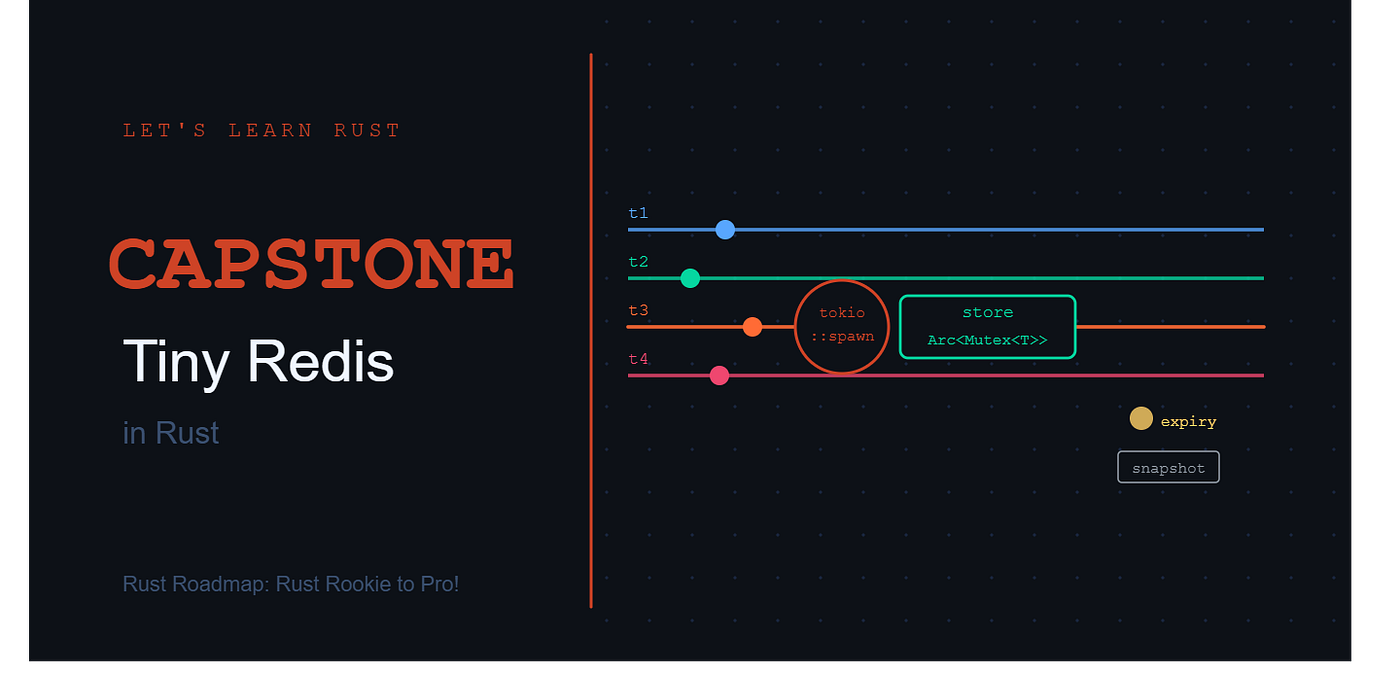
We are building a key-value store with a TCP interface. A tiny Redis.
Redis is one of the most battle-tested pieces of software in the world. It is a TCP server that accepts commands like SET, GET, DEL, and EXPIRE from multiple clients simultaneously, keeps data in memory, optionally expires keys after a timeout, and can persist data to disk. The production Redis is written in C and is extraordinarily fast. Ours will be written in Rust and will be correct, safe, and concurrent by construction.
By the end of all three parts you will have a running server that:
- Accepts TCP connections from multiple clients at the same time
- Supports SET, GET, DEL, EXISTS, EXPIRE, TTL, DBSIZE, and PING
- Expires keys in the background automatically
- Saves a snapshot to disk every 30 seconds and loads it on startup
- Ships with a small CLI client you can type commands into
Every single thing we have covered in this series gets used. This is the point.
Project Structure
tiny-redis/
├── Cargo.toml
├── src/
│   ├── main.rs          ← TCP server entry point
│   ├── lib.rs           ← re-exports for testing
│   ├── storage.rs       ← the in-memory store
│   ├── command.rs       ← command parsing and execution
│   ├── error.rs         ← custom error types
│   ├── expiry.rs        ← background expiry cleanup
│   └── persistence.rs   ← snapshot save and load
└── src/bin/
    └── client.rs        ← the CLI client
Create the project:
cargo new tiny-redis
cd tiny-redis
mkdir src/bin
The Cargo.toml:
[package]
name = "tiny-redis"
version = "0.1.0"
edition = "2021"

[[bin]]
name = "server"
path = "src/main.rs"
[[bin]]
name = "client"
path = "src/bin/client.rs"
[dependencies]
tokio = { version = "1", features = ["full"] }
serde = { version = "1", features = ["derive"] }
serde_json = "1"
thiserror = "1"
We have four dependencies. tokio for async and TCP. serde and serde_json for serializing the snapshot to disk. thiserror for clean custom error types. That is it.
Architecture

Error Handling First
This is the lesson from the Task Manager. Do not start writing logic until you know what can go wrong. In article 006 I talked about how skipping error handling upfront costs you debugging time later. I am applying that here.
Create src/error.rs:
use thiserror::Error;
#[derive(Error, Debug)]
pub enum RedisError {
    #[error("unknown command: '{0}'")]
    UnknownCommand(String),
    #[error("wrong number of arguments for '{0}'")]
    WrongArgCount(String),
    #[error("invalid argument: {0}")]
    InvalidArgument(String),
    #[error("empty command")]
    EmptyCommand,
    #[error("IO error: {0}")]
    Io(#[from] std::io::Error),
    #[error("serialization error: {0}")]
    Serialization(#[from] serde_json::Error),
}
thiserror generates the Display and Error implementations automatically from the #[error("...")] attributes. The #[from] on the last two variants means RedisError implements From<std::io::Error> and From<serde_json::Error>, so the ? operator converts those errors automatically.
In Java you would extend Exception. In Python you would subclass Exception. In Rust, thiserror gives you structured, typed errors with zero boilerplate. We saw the manual version of this in article 006. The derive macro version is what you actually use in production.
This is the heart of the server. Everything else is built around it.
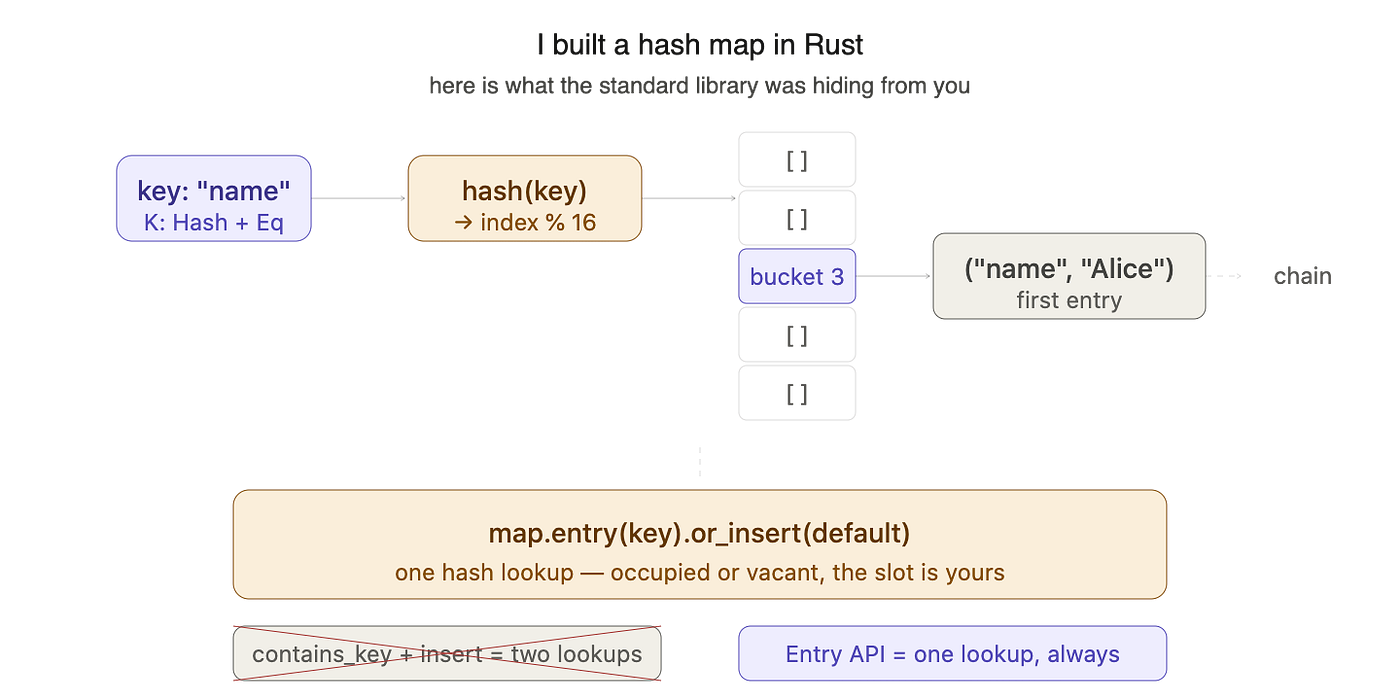
In Redis, every value is a string. Every key is a string. Values can have an optional expiry time. Our storage engine needs to capture all of this.
Create src/storage.rs:
use std::collections::HashMap;
use std::sync::{Arc, Mutex};
use std::time::{Duration, Instant};
#[derive(Debug, Clone)]
pub struct Entry {
    pub value: String,
    pub expires_at: Option<Instant>,
}
impl Entry {
    pub fn new(value: String) -> Self {
        Entry {
            value,
            expires_at: None,
        }
    }
    pub fn with_expiry(value: String, ttl: Duration) -> Self {
        Entry {
            value,
            expires_at: Some(Instant::now() + ttl),
        }
    }
    pub fn is_expired(&self) -> bool {
        self.expires_at
            .map_or(false, |exp| Instant::now() > exp)
    }
}
pub type Store = Arc<Mutex<HashMap<String, Entry>>>;
pub fn new_store() -> Store {
    Arc::new(Mutex::new(HashMap::new()))
}
Let us talk through the design decisions here because each one is deliberate.
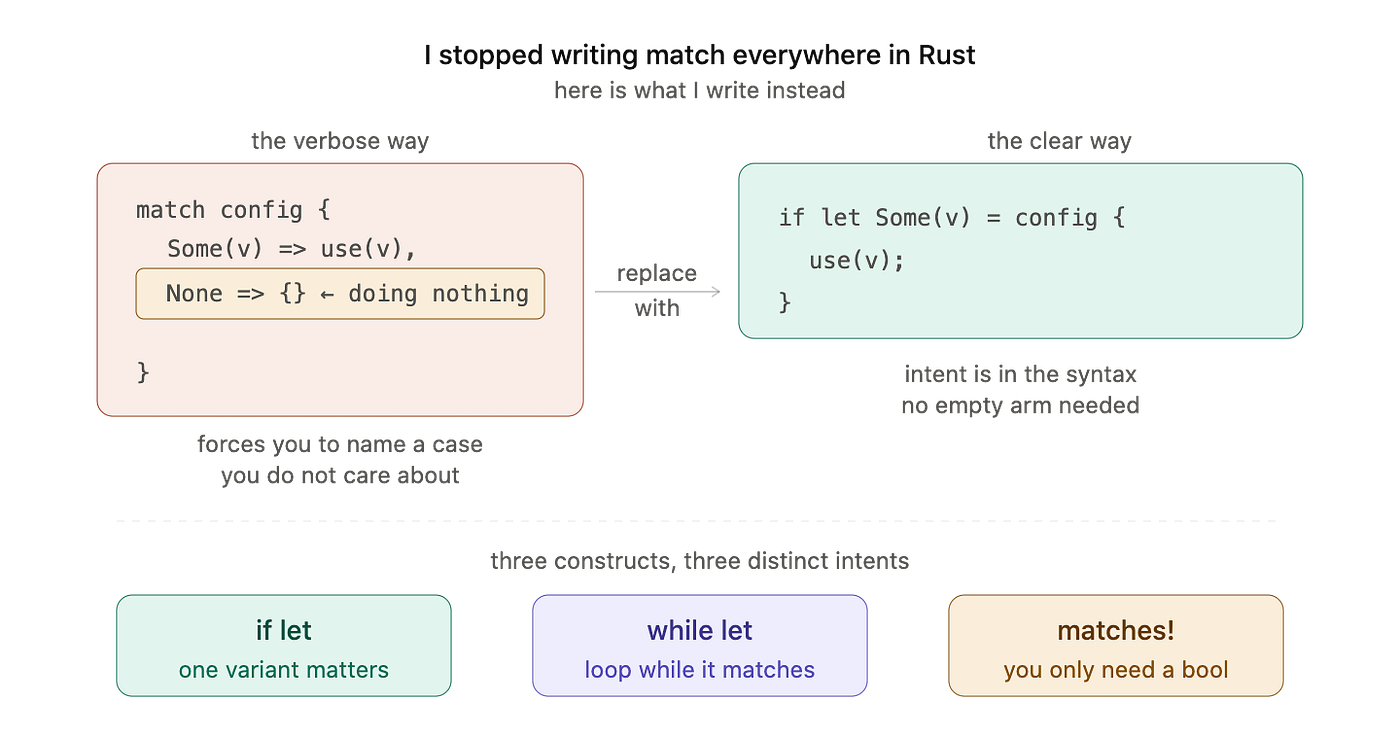
Entry holds a String for the value and an Option<Instant> for the expiry time. Option is the right type because most keys will never have an expiry. Using a sentinel value like -1 would be the C approach. Using Option is the Rust approach.
is_expired uses map_or. If expires_at is None, the key never expires so we return false. If it is Some, we compare the expiry instant to now. One line, no if/else chains.
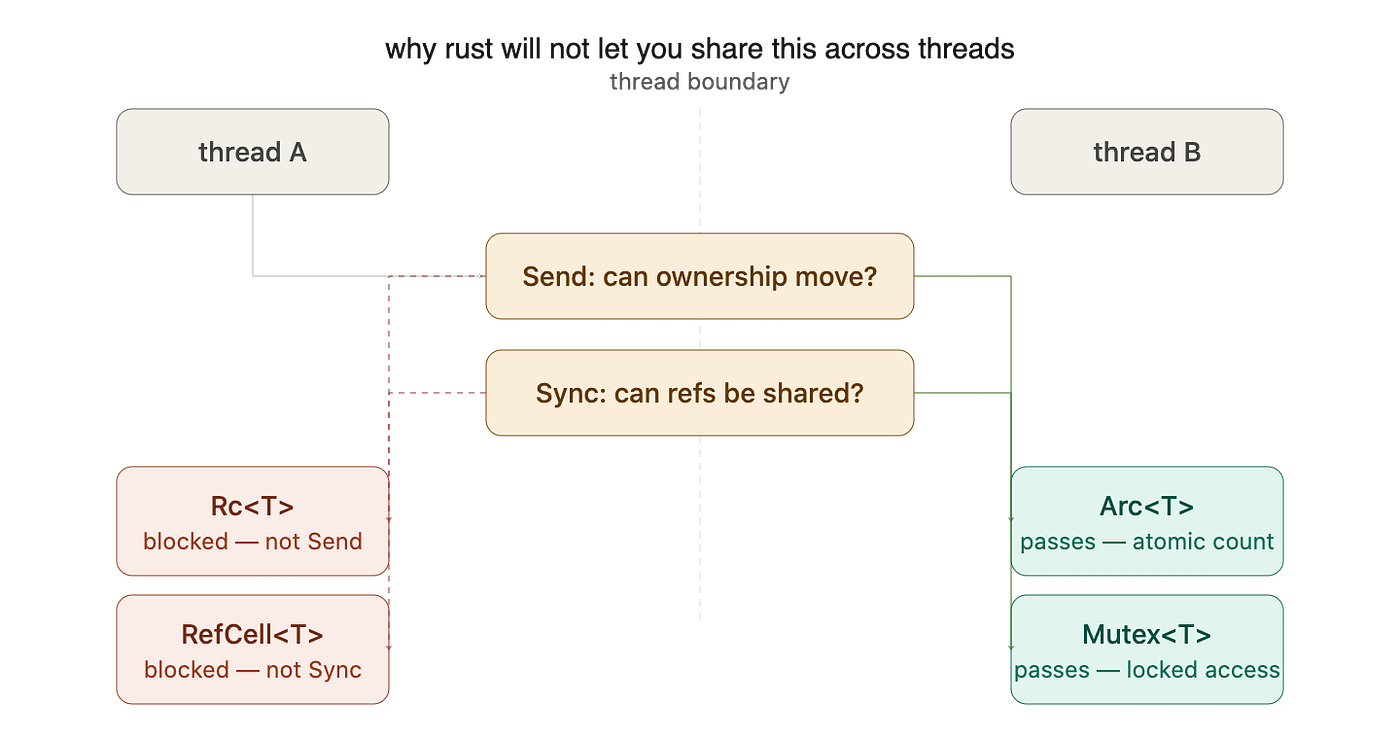
Store is a type alias for Arc<Mutex<HashMap<String, Entry>>>. Every article on concurrency in C++ or Java tells you to be careful with shared mutable state. Here we are being explicit about every guarantee: Arc for shared ownership across threads, Mutex for exclusive access when mutating. When you look at this type signature you know exactly what the data-sharing contract is.
new_store() is a constructor function. In Java this would be a factory method. It gives us a clean way to create the store from anywhere in the codebase without repeating the type.
The Command Parser
This is where things get interesting. The server receives text commands over TCP. We need to turn that text into typed commands the rest of the system can act on.
Rust’s enum system is perfect for this. Each command variant carries exactly the data it needs, nothing more.
Create src/command.rs:
use crate::error::RedisError;
use std::time::Duration;

#[derive(Debug, PartialEq)]
pub enum Command {
    Ping,
    Set { key: String, value: String, ttl: Option<Duration> },
    Get { key: String },
    Del { key: String },
    Exists { key: String },
    Expire { key: String, seconds: u64 },
    Ttl { key: String },
    DbSize,
    Quit,
}
impl Command {
    pub fn parse(input: &str) -> Result<Command, RedisError> {
        let parts: Vec<&str> = input.trim().split_whitespace().collect();
        if parts.is_empty() {
            return Err(RedisError::EmptyCommand);
        }
        match parts[0].to_uppercase().as_str() {
            "PING" => Ok(Command::Ping),
            "DBSIZE" => Ok(Command::DbSize),
            "QUIT" => Ok(Command::Quit),
            "GET" if parts.len() == 2 => Ok(Command::Get {
                key: parts[1].to_string(),
            }),
            "DEL" if parts.len() == 2 => Ok(Command::Del {
                key: parts[1].to_string(),
            }),
            "EXISTS" if parts.len() == 2 => Ok(Command::Exists {
                key: parts[1].to_string(),
            }),
            "TTL" if parts.len() == 2 => Ok(Command::Ttl {
                key: parts[1].to_string(),
            }),
            "SET" if parts.len() == 3 => Ok(Command::Set {
                key: parts[1].to_string(),
                value: parts[2].to_string(),
                ttl: None,
            }),
            "SET" if parts.len() == 5 && parts[3].to_uppercase() == "EX" => {
                let secs = parts[4]
                    .parse::<u64>()
                    .map_err(|_| RedisError::InvalidArgument(
                        "EX requires a positive integer".into()
                    ))?;
                Ok(Command::Set {
                    key: parts[1].to_string(),
                    value: parts[2].to_string(),
                    ttl: Some(Duration::from_secs(secs)),
                })
            }
            "EXPIRE" if parts.len() == 3 => {
                let secs = parts[2]
                    .parse::<u64>()
                    .map_err(|_| RedisError::InvalidArgument(
                        "EXPIRE requires a positive integer".into()
                    ))?;
                Ok(Command::Expire {
                    key: parts[1].to_string(),
                    seconds: secs,
                })
            }
            cmd => Err(RedisError::UnknownCommand(cmd.to_string())),
        }
    }
}
The parsing logic uses match with guards. The guard if parts.len() == 2 after the pattern means the arm only matches when the condition is also true. If you send GET with no key, no arm matches and the catch-all returns UnknownCommand. This is cleaner than nesting if/else inside match arms.
split_whitespace handles multiple spaces and tabs between arguments automatically. No manual trimming needed.
One thing to note: values in our protocol cannot contain spaces. SET name "John Doe" would not work. This is a deliberate simplification for the capstone. Real Redis uses a binary-safe protocol called RESP that handles arbitrary bytes in values. Adding quoted string support would make the parser more complex without teaching new Rust concepts, so we keep it simple and mention it as a known limitation.
The lib.rs
This makes everything accessible for testing:
// src/lib.rs
pub mod command;
pub mod error;
pub mod expiry;
pub mod persistence;
pub mod storage;
Testing the Parser
Before moving on to the TCP server, let us write tests for the command parser. This is exactly what article 014 was about.
Add a test module to src/command.rs:
#[cfg(test)]
mod tests {
    use super::*;
#[test]
    fn parse_ping() {
        assert_eq!(Command::parse("PING").unwrap(), Command::Ping);
        assert_eq!(Command::parse("ping").unwrap(), Command::Ping);
        assert_eq!(Command::parse("  PING  ").unwrap(), Command::Ping);
    }
    #[test]
    fn parse_set() {
        let cmd = Command::parse("SET mykey myvalue").unwrap();
        assert_eq!(cmd, Command::Set {
            key: "mykey".to_string(),
            value: "myvalue".to_string(),
            ttl: None,
        });
    }
    #[test]
    fn parse_set_with_expiry() {
        let cmd = Command::parse("SET session abc123 EX 3600").unwrap();
        assert_eq!(cmd, Command::Set {
            key: "session".to_string(),
            value: "abc123".to_string(),
            ttl: Some(Duration::from_secs(3600)),
        });
    }
    #[test]
    fn parse_get() {
        let cmd = Command::parse("GET mykey").unwrap();
        assert_eq!(cmd, Command::Get { key: "mykey".to_string() });
    }
    #[test]
    fn parse_expire() {
        let cmd = Command::parse("EXPIRE mykey 60").unwrap();
        assert_eq!(cmd, Command::Expire { key: "mykey".to_string(), seconds: 60 });
    }
    #[test]
    fn empty_command_returns_error() {
        assert!(Command::parse("").is_err());
        assert!(Command::parse("   ").is_err());
    }
    #[test]
    fn unknown_command_returns_error() {
        assert!(Command::parse("HGET key field").is_err());
    }
    #[test]
    fn wrong_arg_count_returns_error() {
        assert!(Command::parse("GET").is_err());
        assert!(Command::parse("SET key").is_err());
        assert!(Command::parse("SET key value EX notanumber").is_err());
    }
}
Run cargo test and all of these should pass. If they do not pass before you write the server, you know the foundation is broken. This is the value of testing before wiring everything together.
What We Have So Far
At this point we have:
- A clean project structure with proper module separation
- A custom error type using
thiserrorwith automatic From conversions - A storage engine using
Arc<Mutex<HashMap>>ready for concurrent access - A typed command enum with a parser using match guards
- Tests covering the happy path and all the error cases
The storage engine does not run yet. The TCP server does not exist yet. But the data layer and the protocol layer are solid, tested, and ready to build on.
This is the right order. In the Task Manager we built the core data structures first and the CLI second. Same approach here. Build from the inside out.
In Part 2 we wire up the Tokio TCP server, handle concurrent connections, execute commands against the store, and run the key expiry background task.
**Part 2:** How to Build a Concurrent TCP Server in Rust With Tokio
[embed]Redis Part 2: How to Build a Concurrent TCP Server in Rust With Tokio Where We Left Offmedium.com
Part 3: How to Add Persistence to a Redis Clone in Rust
Happy coding and safe assembling!
Full GitHub Repo here
Follow this series and join us in mastering Rust from scratch!
메타데이터
- post_id
- 17eeeac746ee
- slug
- lets-learn-rust-capstone-building-tiny-redis-part-1-17eeeac746ee
- url
- https://medium.com/zero-to-rust-go-from-beginner-to-rust-expert/lets-learn-rust-capstone-building-tiny-redis-part-1-17eeeac746ee
- canonical_url
- https://medium.com/zero-to-rust-go-from-beginner-to-rust-expert/lets-learn-rust-capstone-building-tiny-redis-part-1-17eeeac746ee
- author_url
- https://medium.com/@zeeshankhan0094
- status
- ok
- fetched_at
- 2026-06-16 19:09:56