Designing a Singleton-Based BleManager for iBeacon Scanning in HarmonyOS NEXT
Designing a Singleton-Based BleManager for iBeacon Scanning in HarmonyOS NEXT
How to Build a High Performance BLE & iBeacon Manager Using the Singleton Pattern in HarmonyOS NEXT
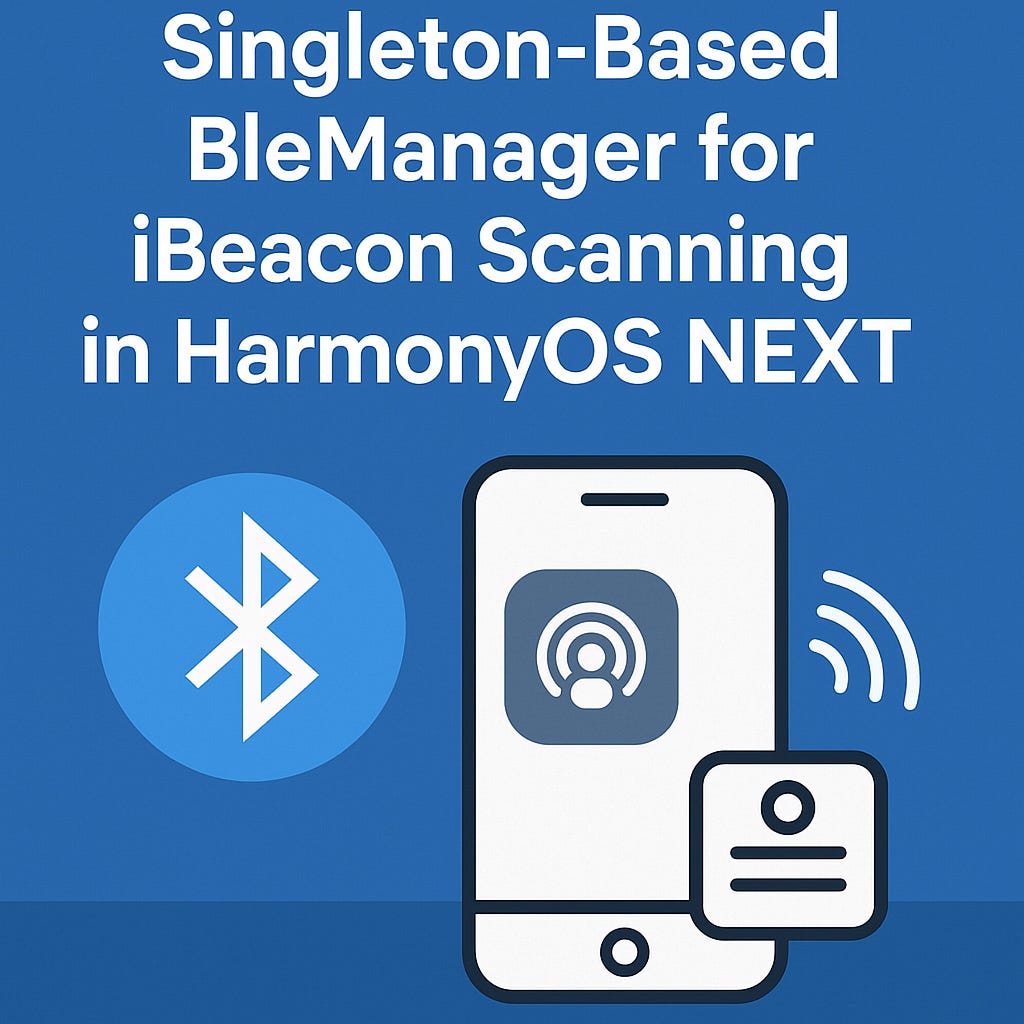
AI-Generated Image
Designing a Singleton-Based BleManager for iBeacon Scanning in HarmonyOS NEXT
Bluetooth Low Energy (BLE) has become the backbone of proximity-based applications ranging from indoor navigation to retail analytics and location-aware automation. HarmonyOS NEXT provides a powerful BLE stack through ConnectivityKit, but building a scalable, reusable BLE architecture still requires deliberate design.
In this article, we will build a Singleton-based BleManager capable of:
- Scanning BLE beacons
- Parsing iBeacon protocol frames
- Estimating distance via RSSI + TxPower
- Running fully UI-independent
- Exposing clean callbacks to any part of the app
This structure is ideal for apps needing background scanning, centralized data pipelines, or architectural cleanliness.
What Problem Does This Architecture Solve?
Most BLE implementations suffer from the same issues:
- Duplicated scanning logic across pages
- Tight coupling between UI and scanning code
- Repeated BLE initialization overhead
- Hard-to-maintain parsing logic
A Singleton BleManager eliminates these problems by offering:
- One shared instance across the entire app
- Centralized scanning + parsing
- Minimal UI dependency
- Consistent and clean event callbacks
Understanding the Basics: BLE, iBeacon, and HarmonyOS


Before diving into code, let’s clarify the key concepts.
BLE Beacons
A BLE beacon broadcasts structured data including:
- UUID
- Major
- Minor
- TxPower
- RSSI (signal strength)
iBeacon Format
Apple’s iBeacon protocol uses a specific byte layout within the advertisement frame, identified by:
- Manufacturer ID:
0x004C - Prefix bytes:
0xFF,0x4C,0x00,0x02/0x15
HarmonyOS BLE Scanning
HarmonyOS NEXT handles BLE through @kit.ConnectivityKit, supporting:
- Manufacturer-filtered scans
- Async event streams (
ble.on('BLEDeviceFind')) - Low-power scanning modes
- Clean access to raw advertisement bytes
Distance Estimation
RSSI + TxPower → Approximate distance using a standard propagation formula.
Designing the Singleton-Based BleManager
1. Create an iBeacon Data Interface
export interface IBeaconData {
  uuid: string;
  major: number;
  minor: number;
  txPower: number;
  rssi: number;
}
Provides a strongly-typed structure for all parsed iBeacon payloads.
2. Build the Singleton Structure
export class BleManager {
  private static instance: BleManager;
  private beaconCallback?: (data: IBeaconData) => void;

  private constructor() {}

  public static getInstance(): BleManager {
    if (!BleManager.instance) {
      BleManager.instance = new BleManager();
    }
    return BleManager.instance;
  }
}
This ensures only one instance exists, no matter where it’s called from.
3. Starting the BLE Scan
public async startScan(): Promise<void> {
  const state = await bluetooth.getState();
  if (state !== bluetooth.BluetoothState.STATE_ON) {
    hilog.error(0, 'BLE', 'Bluetooth is not enabled.');
    return;
  }

  ble.on('BLEDeviceFind', (results: Array<ble.ScanResult>) => {
    results.forEach(result => {
      const beacon = this.parseIBeaconData(result.data, result.rssi);
      if (beacon && this.beaconCallback) {
        this.beaconCallback(beacon);
      }
    });
  });

  await ble.startBLEScan([{ manufactureId: 0x004C }], {
    interval: 0,
    dutyMode: ble.ScanDuty.SCAN_MODE_LOW_POWER,
    matchMode: ble.MatchMode.MATCH_MODE_AGGRESSIVE,
  });
}
Highlights:
- Validates Bluetooth state
- Registers a real-time scan listener
- Filters Apple iBeacon packets
- Routes parsed beacons to callback consumers
4. Parsing iBeacon Frames
private parseIBeaconData(buffer: ArrayBuffer, rssi: number): IBeaconData | null {
  const data = new Uint8Array(buffer);
  if (data.length < 30) return null;

  const isIBeacon =
    data[4] === 0xFF &&
    data[5] === 0x4C &&
    data[6] === 0x00 &&
    data[8] === 0x15;

  if (!isIBeacon) return null;

  const uuid = [...Array(16).keys()]
    .map(i => data[9 + i].toString(16).padStart(2, '0'))
    .join('')
    .replace(/^(.{8})(.{4})(.{4})(.{4})(.{12})$/, '$1-$2-$3-$4-$5');

  const major = (data[25] << 8) | data[26];
  const minor = (data[27] << 8) | data[28];
  const txPower = data[29] << 24 >> 24;

  return { uuid, major, minor, txPower, rssi };
}
5. Distance Estimation
measureDistance(rssi: number, txPower: number): number {
  return Math.pow(10, (txPower - rssi) / (10 * 3));
}
This provides an approximate distance in meters.
Note: Real-world environments introduce noise. Apply averaging or Kalman filters for stability.
6. Registering a Beacon Callback
public setOnBeaconFoundCallback(cb: (data: IBeaconData) => void) {
  this.beaconCallback = cb;
}
This method allows any page, service, or ViewModel to react to beacon events — without coupling to BLE logic.
Full Code Example
import { ble, bluetooth } from '@kit.ConnectivityKit';
import { hilog } from '@kit.PerformanceAnalysisKit';
import { BusinessError } from '@kit.BasicServicesKit';
import { LogManager } from '../logger/LogManager';

export interface IBeaconData {
  uuid: string;
  major: number;
  minor: number;
  txPower: number;
  rssi: number;
}

export class BleManager {
  private static instance: BleManager;
  private beaconCallback: ((beacon: IBeaconData) => void) | null = null;

  private constructor() {}

  public static async getInstance(): Promise<BleManager> {
    if (!BleManager.instance) {
      BleManager.instance = new BleManager();
      await BleManager.instance.init();
    }
    return BleManager.instance;
  }

  private async init(): Promise<void> {
  }

  public async enableBluetooth(): Promise<void> {
    try {
      await bluetooth.enableBluetooth();
    } catch (e) {
      hilog.error(0, 'BLE', `Bluetooth enable error: ${JSON.stringify(e)}`);
    }
  }
  public async disableBluetooth(): Promise<void> {
    try {
      await bluetooth.disableBluetooth();
    } catch (e) {
      hilog.error(0, 'BLE', `Bluetooth disable error: ${JSON.stringify(e)}`);
    }
  }

  public async startScan(): Promise<void> {
    const state = await bluetooth.getState();
    if (state !== bluetooth.BluetoothState.STATE_ON) {
      hilog.error(0, 'BLE', 'Bluetooth is not enabled.');
      return;
    }

    ble.on('BLEDeviceFind', (results: Array<ble.ScanResult>) => {
      results.forEach((result) => {
        const beacon = this.parseIBeaconData(result.data,result.rssi);
        if (beacon && this.beaconCallback) {
          this.beaconCallback(beacon);
        }
      });
    });

    const scanOptions: ble.ScanOptions = {
      interval: 0,
      dutyMode: ble.ScanDuty.SCAN_MODE_LOW_POWER,
      matchMode: ble.MatchMode.MATCH_MODE_AGGRESSIVE,
    };

    try {
      await ble.startBLEScan([{ manufactureId: 0x004C }], scanOptions);
      hilog.info(0, 'BLE', 'Scan started successfully.');
    } catch (err) {
      const code = (err as BusinessError).code;
      hilog.error(0, 'BLE', `Scan failed: ${code} - ${JSON.stringify(err)}`);
    }
  }

  public async stopScan(): Promise<void> {
    try {
      await ble.stopBLEScan();
      hilog.info(0, 'BLE', 'Scan stopped.');
    } catch (err) {
      hilog.error(0, 'BLE', `Stop scan error: ${(err as BusinessError).code}`);
    }
  }

  public setOnBeaconFoundCallback(callback: (beacon: IBeaconData) => void): void {
    this.beaconCallback = callback;
  }

  private parseIBeaconData(buffer: ArrayBuffer, rssi: number): IBeaconData | null {
    const data = new Uint8Array(buffer);

    if (data.length < 30) return null;

    const isIBeacon =
      data[0] === 0x02 && data[1] === 0x01 &&
        data[4] === 0xFF && data[5] === 0x4C && data[6] === 0x00 &&
        data[7] === 0x02 && data[8] === 0x15;

    if (!isIBeacon) return null;

    const uuidParts: string[] = [];
    for (let i = 9; i < 25; i++) {
      uuidParts.push(data[i].toString(16).padStart(2, '0'));
    }

    const uuid = [
      uuidParts.slice(0, 4).join(''),
      uuidParts.slice(4, 6).join(''),
      uuidParts.slice(6, 8).join(''),
      uuidParts.slice(8, 10).join(''),
      uuidParts.slice(10, 16).join('')
    ].join('-');

    const major = (data[25] << 8) | data[26];
    const minor = (data[27] << 8) | data[28];
    const txPower = data[29] << 24 >> 24;

    return { uuid, major, minor, txPower,rssi };
  }

  measureDistance(rssi: number,txPower: number) : number{
    const distance = Math.pow(10, (txPower - rssi) / (10 * 3));
    return distance
  }

}

export default BleManager;
Testing & Real-World Observations
Testing was performed using:
- HarmonyOS NEXT dev devices
- Commercial iBeacon hardware broadcasting standard frames
Results
- Scanning starts only when Bluetooth is ON
- Invalid BLE frames are safely ignored
- Correct UUID / Major / Minor values were parsed
- Singleton instance remained consistent across pages
- All operations ran asynchronously — UI remained smooth
Limitations & Considerations
parseIBeaconData()currently supports only iBeacon (not Eddystone or AltBeacon)- RSSI values fluctuate; apply smoothing for production apps
- UI layer must handle its own state updates
- Always stop scanning on exit to prevent battery drain
- Ensure permissions and feature capabilities are granted
Conclusion
Building a Singleton-based BleManager provides a clean, scalable foundation for any HarmonyOS NEXT application requiring Bluetooth beacon scanning.
You gain:
- A fully reusable BLE pipeline
- Accurate iBeacon parsing
- Distance estimation utilities
- UI-independent architecture
- Cleaner code and easy maintainability
This structure can power apps like indoor navigation, proximity marketing, asset tracking, and geofencing — all with HarmonyOS NEXT’s modern BLE stack.
References
[embed]HUAWEI Developer Forum | HUAWEI Developer Edit descriptionforums.developer.huawei.com
메타데이터
- post_id
- 19db8595bd4a
- slug
- designing-a-singleton-based-blemanager-for-ibeacon-scanning-in-harmonyos-next-19db8595bd4a
- url
- https://medium.com/huawei-developers/designing-a-singleton-based-blemanager-for-ibeacon-scanning-in-harmonyos-next-19db8595bd4a
- canonical_url
- https://medium.com/huawei-developers/designing-a-singleton-based-blemanager-for-ibeacon-scanning-in-harmonyos-next-19db8595bd4a
- author_url
- https://medium.com/@ankaraarifemre
- status
- ok
- fetched_at
- 2026-07-17 12:52:26