Encapsulation in Python Explained Simply: Public, Private, and Protected
Encapsulation in Python Explained Simply: Public, Private, and Protected
Introduction
Coming from a mechanical engineering background, understanding programming concepts was not easy for me in the beginning. Many tutorials felt too complex, and I often struggled to connect the dots.
That’s why I decided to write this article — not as an advanced or highly technical piece, but as a beginner-friendly explanation of how public, private, and protected variables work in Python.
If you’re just starting out or coming from a non-computer science background like me, I hope this article makes things simpler and helps you understand the concept from a practical and easy-to-follow point of view.
What is Encapsulation?
Encapsulation is one of the key principles of Object-Oriented Programming (OOP). It means bundling data and behavior together while controlling how that data can be accessed or modified.
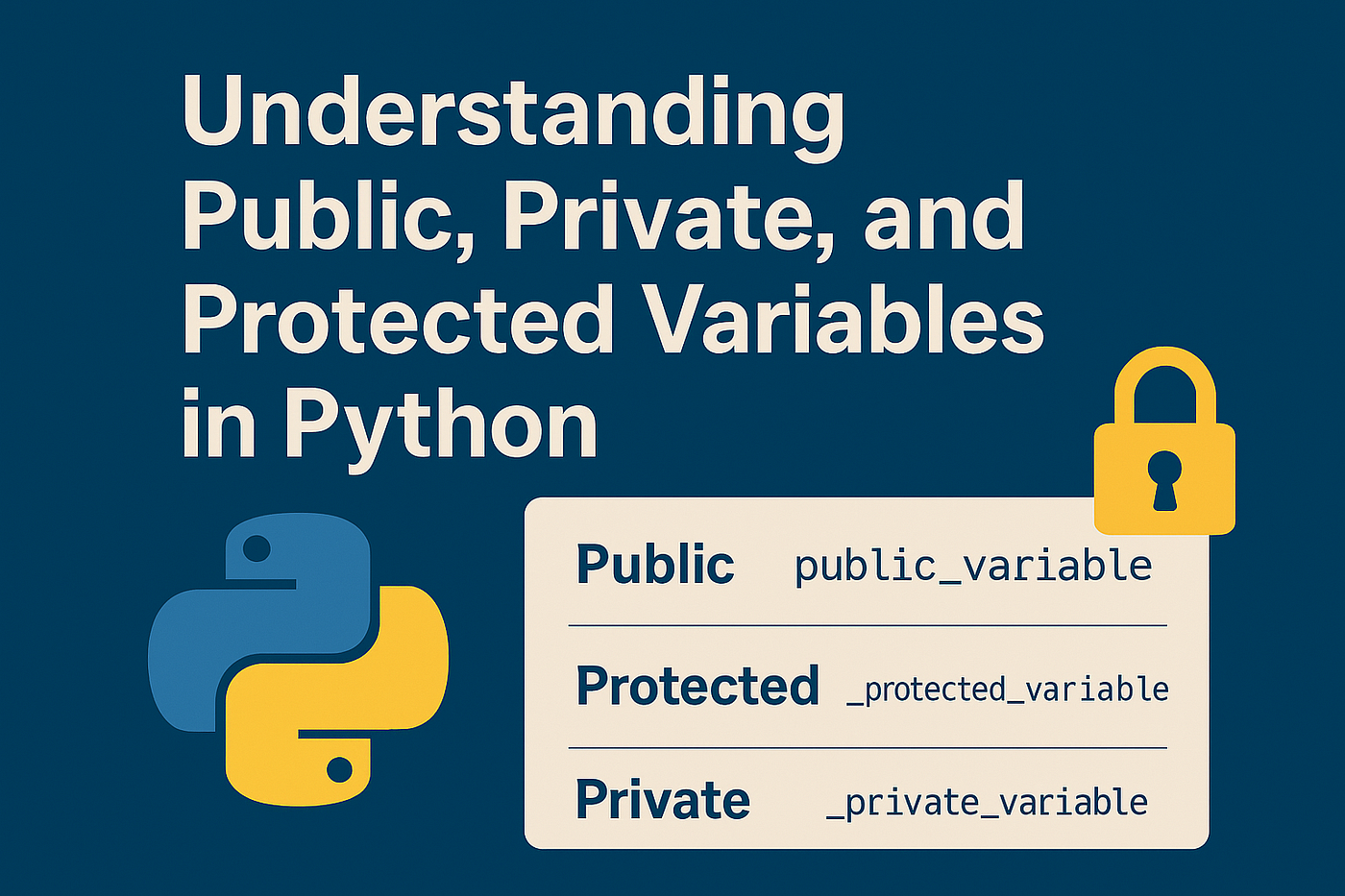
Public, Private, and Protected Variables in Python
Let’s start with a simple Person class:
class Person:
    def __init__(self, name, age, gender):
        self.__name = name      # Private variable
        self.age = age          # Public variable
        self._gender = gender   # Protected variable
Here’s what each variable means:
- Public (
self.age) Public members can be accessed from anywhere — inside or outside the class. - Protected (
self._gender) A single underscore (_) is a convention that signals the variable is for internal use. It can still be accessed, but developers are expected not to misuse it. - Private (
self.__name) Double underscores (__) trigger name mangling, which makes it harder to access the variable directly. This prevents accidental modification or override in subclasses.
Accessing Members
person1= Person("John", 15, "Male")

print(person1.age)       # Public: Works fine
print(person1._gender)   # Protected: Works, but not recommended
print(person1.__name)    # Private: Raises AttributeError
Trying to access __name directly will fail. But Python internally renames it to _Person__name, so you can still access it:
Protected Members in Inheritance
Let’s create a derived class Employee that extends Person:
class Student(Person):
    def __init__(self, name, age, gender, student_id):
        super().__init__(name, age, gender)
        self.student_id = student_id

    def show_details(self):
        print(f"stdudent ID: {self.student_id}")
        print(f"Age: {self.age}")          # Public
        print(f"Gender: {self._gender}")   # Protected
        # print(self.__name)               # Private, not accessible
Example usage:
student1= Student("Abhi", 16, "Female", "002")
student1.show_details()

Output:
student ID: 002
Age: 16
Gender: Female
Best Practices
- Public variables → use them when attributes are meant to be freely accessed.
- Protected variables (
_var) → use them when attributes are for subclasses or internal use, but don’t need strict restrictions. - Private variables (
__var) → use them when you want to prevent accidental access or override.
Conclusion
Encapsulation is a core OOP concept. Instead of strict rules, it relies on naming (public, _protected, __private) to signal how attributes should be used.
If you’re new to coding or coming from a non-CS background like me, don’t worry about getting everything perfect right away. Start by following these naming conventions, and your code will naturally become cleaner and easier to maintain.
메타데이터
- post_id
- 1cd8145cd346
- slug
- encapsulation-in-python-explained-simply-public-private-and-protected-1cd8145cd346
- url
- https://medium.com/@resilradhakrishnan/encapsulation-in-python-explained-simply-public-private-and-protected-1cd8145cd346
- canonical_url
- https://medium.com/@resilradhakrishnan/encapsulation-in-python-explained-simply-public-private-and-protected-1cd8145cd346
- author_url
- https://medium.com/@resilradhakrishnan
- status
- ok
- fetched_at
- 2026-07-15 08:48:20




