Building Google Dino Game with Pygame
How I engineered a fully functional endless runner using OOP, game loop architecture, procedural spawning, and real-time physics in Python.
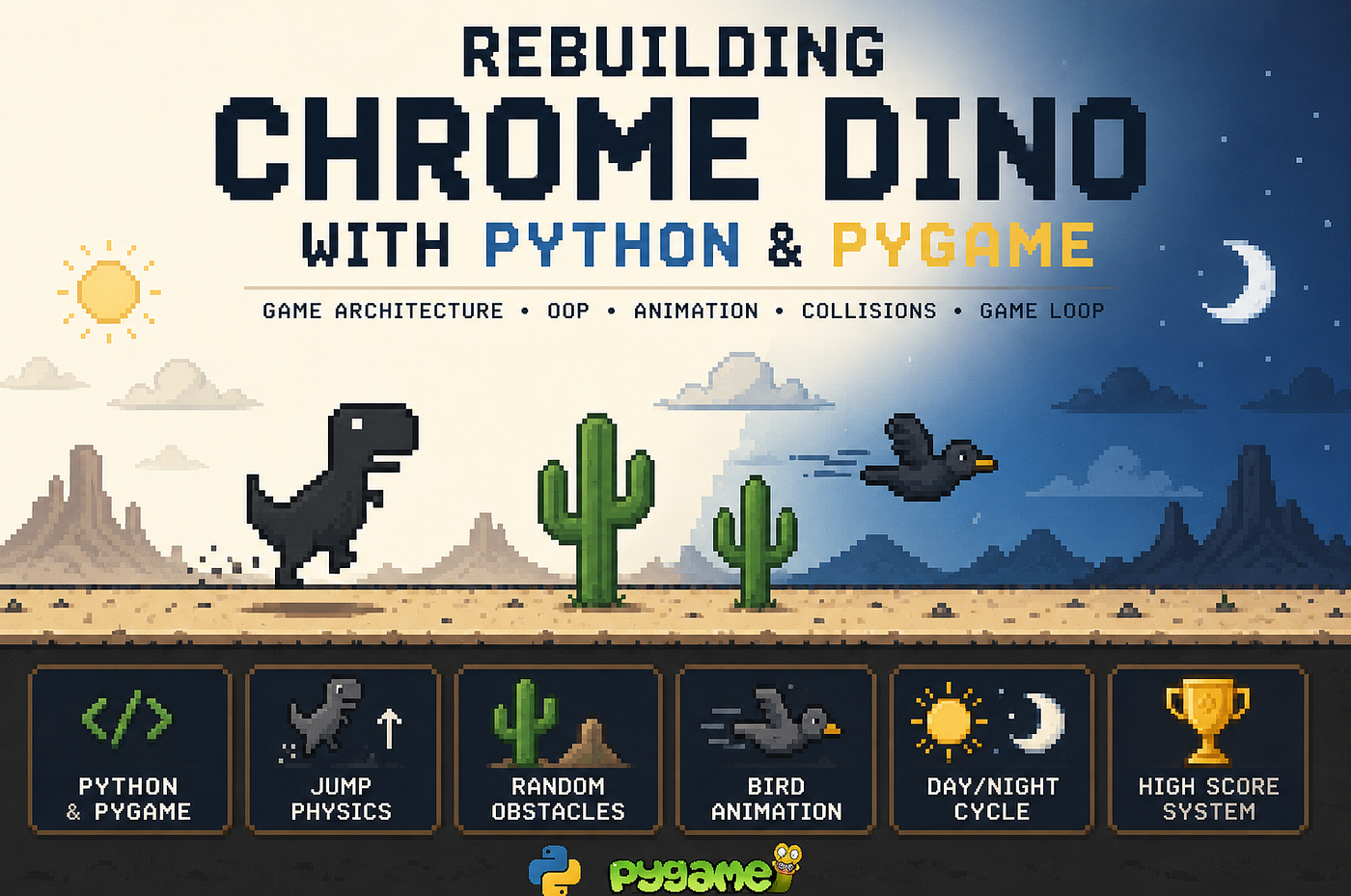
Building Google Dino Game with Pygame
How I engineered a fully functional endless runner using OOP, game loop architecture, procedural spawning, and real-time physics in Python.
Introduction
Most people see the Chrome Dino game as a simple offline mini-game.But when you rebuild it from scratch, it becomes a surprisingly rich systems problem:
- Real-time game loop synchronization
- Entity lifecycle management
- Procedural obstacle generation
- Frame-based animation systems
- Collision detection at runtime scale
- State transitions (play → game over → reset)
This project is a reconstruction of that system using Python + Pygame, focusing less on “making a game” and more on designing a game engine architecture.
1. Game Loop as the Core Execution Model
At the heart of every real-time game lies a deterministic loop:
EVENTS → UPDATE → RENDERThis is not just structure — it is the execution contract of the entire system.
Responsibilities:
- EVENTS → Input abstraction layer (keyboard, quit, restart)
- UPDATE → Simulation layer (physics, AI, spawning, scoring)
- RENDER → Presentation layer (drawing state to screen)
The separation of these concerns is what makes the system scalable.
2. Entity-Centric Design (OOP Architecture)
Instead of procedural logic, the game is built around entities:
- Player (Dino)
- Obstacles (Cactus, Bird)
- World (Ground, Background)
Each entity encapsulates:
- State
- Behavior
- Rendering logic
This creates a lightweight ECS-like structure (Entity Component System inspired).
3. Player System: Physics-Driven Character Controller
The Player class is not just a sprite — it is a physics simulation unit.
Core State Variables:
self.x, self.y
self.velocity_y
self.gravity
self.jump_force
Jump Physics Model
Jumping is implemented as a velocity-based system, not positional teleportation.
velocity_y = jump_force
velocity_y += gravity
y += velocity_y
Interpretation:
- Jump initializes negative velocity (upward force)
- Gravity continuously modifies velocity
- Position integrates velocity over time
This creates a parabolic motion curve, not a linear jump.
Ground Constraint System
if y >= ground_y:py
    y = ground_y
    velocity_y = 0
This enforces a hard boundary condition:
- Prevents infinite fall
- Resets physics state cleanly
Animation Pipeline
Player animation is frame-driven:
frame_index → toggles between sprites
animation_timer → controls switching frequency
This decouples:
- Physics update rate
- Visual update rate
A key principle in real-time rendering systems.
4. Procedural Obstacle Generation
Obstacles are not pre-defined — they are runtime-generated events.
Spawn Logic:
if cactus_timer >= spawn_delay:
    spawn(Cactus)
    spawn_delay = random_range()
Key Design Decision:
Instead of fixed intervals, spawn timing is:
stochastic (randomized within bounds)
This prevents pattern exploitation and increases replayability.
5. Bird System: Multi-Dimensional Threat Model
Birds introduce complexity beyond ground obstacles:
Differences from Cactus:
- Variable Y-axis positioning
- Higher movement speed
- Animated wing cycle
Vertical Randomization
y = random.choice([220, 250, 270])This introduces a multi-lane aerial system, forcing dynamic player decision-making.
Animation System
frame = (frame + 1) % len(frames)This creates a cyclic animation state machine.
6. Dynamic Environment System (Day/Night Cycle)
Instead of static visuals, the environment transitions dynamically.
State Model:
background_value→ current statetarget_background→ desired state
Transition:
background_value += (target - current) * fade_speedResult:
A smooth interpolation system similar to:
linear interpolation (LERP)
This avoids abrupt visual transitions and improves UX consistency.
7. Collision Detection System
Collision is handled via bounding boxes:
rect.colliderect(other.rect)Why Rect-based?
Because:
- Low computational cost (O(1))
- Sufficient accuracy for simple geometry
- Ideal for real-time systems
Collision Pipeline:
- Iterate obstacles
- Check intersection
- Trigger game state transition
8. Persistent Scoring System
The game implements a local persistence layer:
highscore.txtLogic:
- Compare runtime score
- If greater → overwrite file
- Persist across sessions
This introduces a primitive form of:
state persistence layer
9. System Design Overview
The architecture can be summarized as:
Game Loop
 ├── Input Layer
 ├── Simulation Layer
 │     ├── Player Physics
 │     ├── Enemy Spawning
 │     ├── Collision System
 │     └── World State
 └── Render Layer
This mirrors real-time engine architecture at a simplified scale.
Key Engineering Insights
This project demonstrates:
- Separation of concerns in real-time systems
- Deterministic game loop design
- Physics simulation via velocity integration
- Procedural content generation
- Lightweight entity modeling
- State-driven rendering pipeline
Source Code
GitHub Repository:
https://github.com/GhazalMDI/pygame-dino
Final Thoughts
Rebuilding something as simple as Dino reveals a deeper truth:
Even the simplest games are real-time simulation systems disguised as entertainment.
What looks like a “small project” is actually a complete miniature engine architecture.
메타데이터
- post_id
- 1d2e6d9dab2d
- slug
- building-google-dino-game-with-pygame-1d2e6d9dab2d
- url
- https://medium.com/@ghazal.mohammadi.developer/building-google-dino-game-with-pygame-1d2e6d9dab2d
- canonical_url
- https://medium.com/@ghazal.mohammadi.developer/building-google-dino-game-with-pygame-1d2e6d9dab2d
- author_url
- https://medium.com/@ghazal.mohammadi.developer
- status
- ok
- fetched_at
- 2026-07-13 06:23:13