I Spent Three Days Locked Out of Hotel Wi-Fi Before I Figured Out What My VPN Was Actually Doing
The maddening, fixable truth about captive portals - and why the VPN industry quietly makes this worse than it needs to be.
I Spent Three Days Locked Out of Hotel Wi-Fi Before I Figured Out What My VPN Was Actually Doing
The maddening, fixable truth about captive portals - and why the VPN industry quietly makes this worse than it needs to be.
The first time it happened, I blamed the hotel. The second time, I blamed my laptop. Third time - sitting in a Marriott business center at 11 pm trying to join a client call, watching my VPN logo spin and the browser stubbornly refuse to load anything - I finally sat with the uncomfortable thought that maybe I didn’t understand my own security tools as well as I’d assumed.
Here’s the part that stung: the fix, once I found it, took about forty seconds.
The Connectivity Loop Nobody Warns You About
Let me describe something you’ve probably experienced without knowing the name for it.
You land at the hotel. Connect to the Wi-Fi. Your VPN auto-activates - good, that’s what it’s supposed to do. Except now you have no internet. The hotel login page never appears. You disconnect and reconnect. Still nothing. You try your phone as a hotspot to look up the fix, which feels deeply ironic.
What’s happening is a timing war between two systems that don’t know the other exists.
Hotel networks use a captive portal - that login screen asking for your room number or a code before it lets your device talk to the internet. The way it works: the hotel’s gateway intercepts all your traffic and redirects it to a local authentication page. Until you’ve cleared that checkpoint, nothing reaches the wider internet.
VPN software sees an unsecured network and immediately moves to create an encrypted tunnel - an entirely separate path that routes your traffic through a remote server before it goes anywhere. The encrypted tunnel bypasses the hotel’s redirection mechanism. The portal can’t reach you to present the login page. And the VPN can’t complete its handshake because the hotel’s gateway is blocking outbound traffic until you authenticate.
Neither system completes. Both are just waiting. That’s the loop.
Cybersecurity people have a name for it. I prefer “the thing that ruined my evening in Frankfurt.”
The Part That Should Embarrass the Industry
I’ve been testing VPNs for a while now, and the captive portal problem is one of those issues that never quite makes it into the marketing materials. You’ll see a lot of “military-grade encryption,” “zero-log policy,” and “blazing fast speeds.” You won’t see “gracefully handles hotel login screens.”
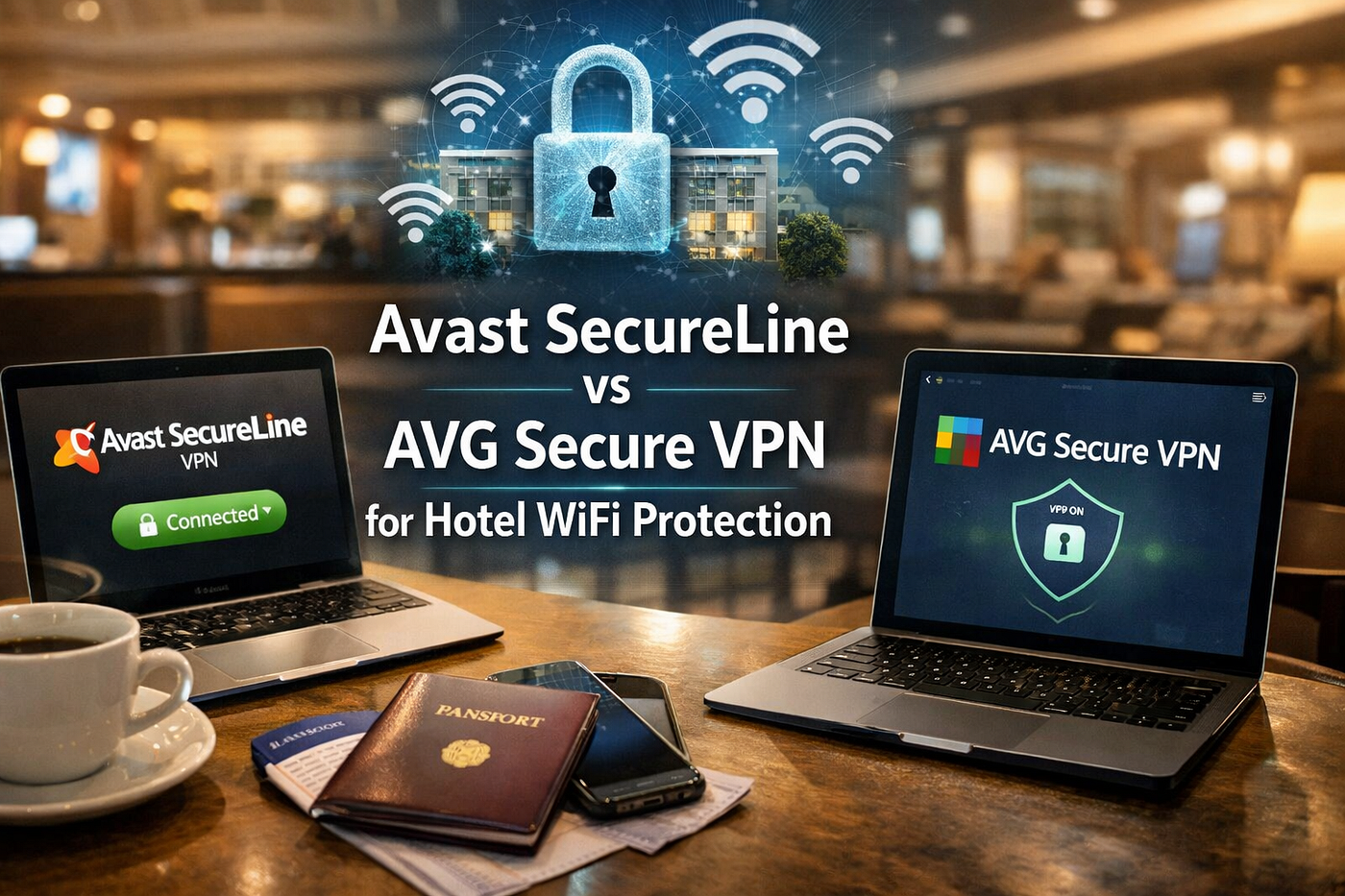
Which is why I want to walk through what Avast SecureLine VPN and AVG Secure VPN actually do here, because they’re genuinely different - and also genuinely the same in ways that make the comparison strange.
First, the sameness. Both products run on identical infrastructure. Gen Digital - which formed after the 2022 merger of Avast and NortonLifeLock, itself the parent company of AVG since 2016 - operates a shared server pool across roughly 700 servers in 34 to 37 countries. When you connect through either app, you’re likely hitting the same physical infrastructure. The encryption protocols are identical: AES-256, WireGuard, IKEv2/IPSec, and a proprietary Mimic protocol designed for restrictive networks.
So when I say one is better than the other for hotel Wi-Fi, I am not talking about which one is actually protecting you better. I’m talking entirely about client software behavior. The wrapper, not the substance.
And that wrapper, it turns out, matters enormously.
Avast’s “Ask First” Approach
Avast SecureLine has a feature called Smart VPN. In its default configuration, it can be set to automatically protect you on untrusted networks - but buried in the settings is an option to change the behavior on new networks to “Ask.” When this is set, arriving at a new network triggers a notification rather than an automatic connection.
That notification window is everything. It’s the gap you need.
You dismiss the prompt. Your VPN stays dormant. You open a browser, get redirected to the hotel login page, put in your room number, and suddenly you have internet access. Then you go back and tell your VPN to connect, and it does, cleanly, without the portal in the way.
You can also configure Smart VPN to activate only for specific websites - banking portals, work apps, whatever you consider sensitive. For a hotel stay where you need to bounce between the hotel’s entertainment system and your work applications, that granularity is actually useful.
None of this is complicated. But it does require you to know the option exists, which means it requires you to read a settings menu that most people never open.
AVG’s Binary Problem
AVG Secure VPN takes a simpler view of the world. Networks are either trusted or untrusted. If untrusted, the VPN connects automatically. There’s no “Ask” mode, no website-specific rules, no nuanced trigger logic.
For most use cases, this is fine - even preferable for users who just want protection without thinking about it. But hotel captive portals are exactly the scenario where “don’t make me think about it” becomes “why can’t I get on the internet.”
The workaround for AVG users is functional but inelegant: go into settings before every hotel stay and disable auto-connect, authenticate with the portal, then manually enable the VPN. It works. It’s just more steps, more friction, and more cognitive load at the moment you’re already juggling luggage and check-in and a meeting notification from someone who doesn’t understand time zones.
Three Fixes, Ranked by How Much Thinking They Require
The universal fix (works with any VPN, no settings required)
Disconnect everything. Turn off your VPN completely. Connect to hotel Wi-Fi. Open a browser and go to neverssl.com - a site that exists specifically to trigger captive portal redirects by never using HTTPS. The hotel login page appears. You authenticate. You now have internet. Then you enable your VPN.
I had this bookmarked for about eight months before I started using it reflexively. Now it’s muscle memory before any hotel connection.
The Avast Smart VPN fix
Settings → Smart VPN → set new network behavior to “Ask.” Do this once. Every hotel thereafter, you get a notification, you dismiss it, you log in, you confirm VPN activation. Three extra seconds per hotel stay. Worth it.
The protocol switch (for when everything else fails)
If you’ve authenticated successfully but your VPN still won’t connect, the hotel may be running Deep Packet Inspection - software that identifies and blocks VPN-shaped traffic. In your VPN settings, switch from WireGuard or OpenVPN UDP to OpenVPN TCP on port 443. Port 443 is the port that all HTTPS traffic uses, so hotel firewalls almost never block it. The VPN traffic disguises itself as regular web browsing and often slips through.
Both Avast and AVG support protocol selection. It’s usually in Settings → Protocol or something similar. You might have to scroll to find it.
A Confession About My Own Assumptions
I went into this comparison expecting a clear winner on some objective measure - server speeds, logging policies, maybe geographic coverage. What I found instead was a lesson in how much the UX layer of a security product matters in real-world conditions.
The encryption is the same. The servers are the same. The thing that changes how your evening goes in that hotel lobby is a notification setting.
There’s something both frustrating and clarifying about that. Frustrating because the industry could make this easier - a simple onboarding step that says “by the way, here’s how to handle hotel Wi-Fi” would solve this for most users. Clarifying because it means the fix is already in your app. You don’t need to switch products or upgrade your plan. You need to open settings.
Which, in my experience, is either reassuring or quietly devastating, depending on how many hotel lobbies you’ve suffered through first.
Originally published on TechEd Publishers blog. For more articles like this, visit https://techedpublishers.com/.
메타데이터
- post_id
- 20dcd44bb03d
- slug
- i-spent-three-days-locked-out-of-hotel-wi-fi-before-i-figured-out-what-my-vpn-was-actually-doing-20dcd44bb03d
- url
- https://medium.com/@ed_22350/i-spent-three-days-locked-out-of-hotel-wi-fi-before-i-figured-out-what-my-vpn-was-actually-doing-20dcd44bb03d
- canonical_url
- https://medium.com/@ed_22350/i-spent-three-days-locked-out-of-hotel-wi-fi-before-i-figured-out-what-my-vpn-was-actually-doing-20dcd44bb03d
- author_url
- https://medium.com/@ed_22350
- status
- ok
- fetched_at
- 2026-06-22 05:41:33