Integrating Product Telemetry with Help Centre Articles: A Practical Guide for Modern Support Teams
Why Product Telemetry Belongs in Your Help Centre
Integrating Product Telemetry with Help Centre Articles: A Practical Guide for Modern Support Teams
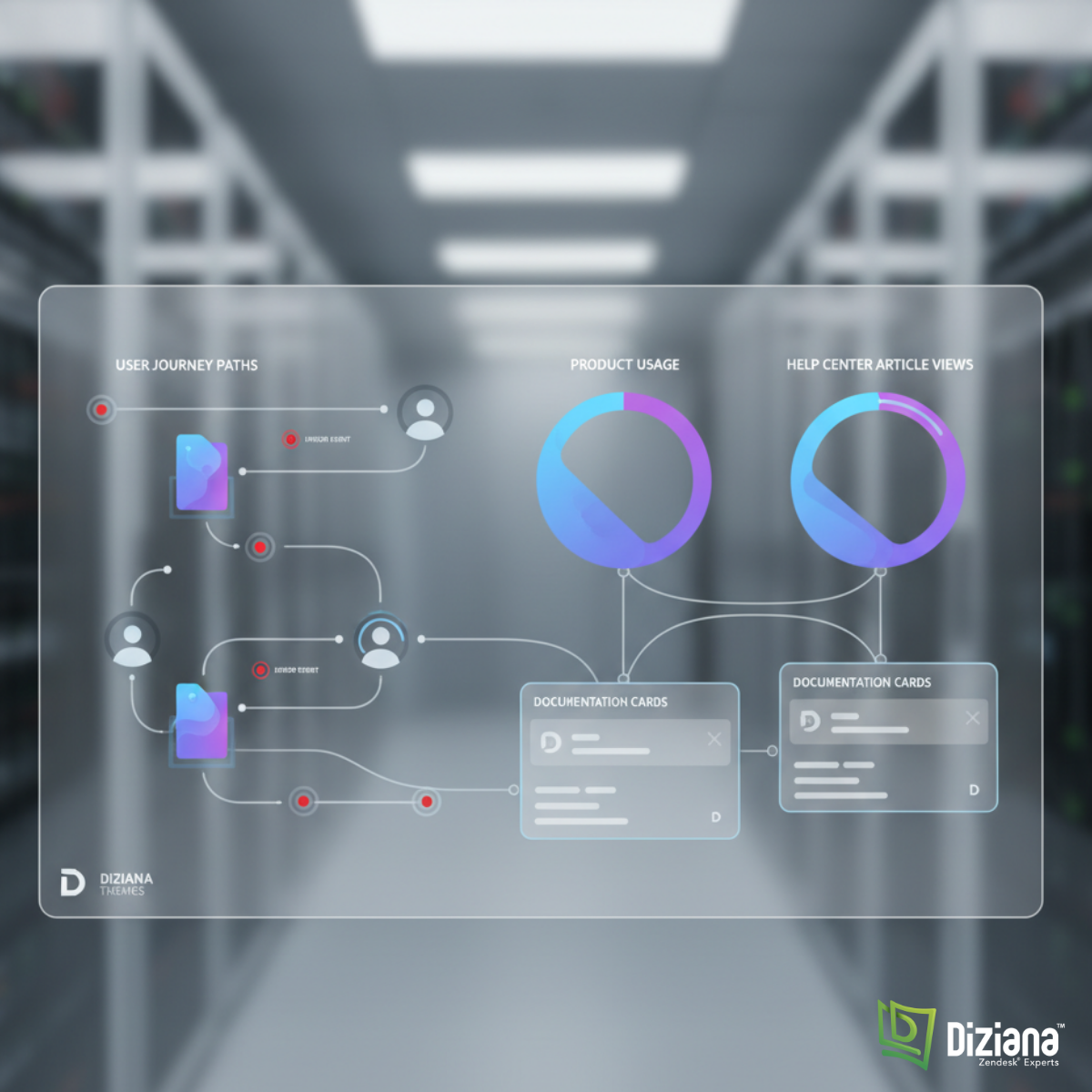
Telemetry insights visualized inside a Diziana-style dashboard powering smarter help center content.
Why Product Telemetry Belongs in Your Help Centre
Most help centers react to problems after users face them. But what if your help center could predict what users might search for? What if articles could update based on real usage patterns, common drop-off points, or in-app errors?
That’s where product telemetry comes in.
For companies using Diziana to build scalable Zendesk help centers, integrating telemetry is the next natural step. It helps teams understand what users struggle with and shows which help articles actually solve those problems.
In this guide, we’ll explore how telemetry and documentation work together, why it matters, and how support teams can build smarter help experiences without adding complexity.
What Is Product Telemetry and Why Does It Matter?
Product telemetry tells you how customers use your product — clicks, errors, navigation paths, completion rates, and more. It uncovers three important insights:
- Where users get stuck
- Which features generate the most support tickets
- Which help articles are helping (or failing)
When you connect these insights to your help center, your documentation becomes dynamic instead of static.
How Telemetry Improves Help Center Content
Telemetry reveals:
- What users tried before looking for help
- Where they abandoned a task
- Which features cause the most confusion
- What errors trigger support tickets
- Whether users who read an article fix the problem or open a ticket anyway
Most teams write help articles based on assumptions. Telemetry replaces assumptions with real-world evidence.
Why Diziana Users Benefit the Most
Diziana specialises in creating customizable, fast, structured Zendesk themes. Because these themes are built with clean code and modular components, they naturally support data enrichment, tagging, and external integrations.
This makes it easy for companies to:
- Track article engagement
- Add contextual suggestions
- Embed dynamic UI elements
- Connect analytics tools
- Map product events to documentation needs
Telemetry makes Diziana-powered help centers smarter without changing the theme structure.
How to Integrate Product Telemetry with Help Centre Articles
Below is a simple, clear breakdown of how teams typically connect product data with documentation workflows.
1. Track the Right Product Events
Not every click matters. Focus on events that tie directly to user friction.
Common Events to Track:
- Feature start → Feature completion
- Error pop-ups
- Abandoned flows
- Repeated clicks on the same element
- Time spent on high-friction forms
- Failed onboarding steps
- Settings that users frequently toggle off/on
These events help you understand where documentation is needed most.
2. Map Events to Help Centre Topics
Once you know where users struggle, connect those pain points to articles.
Example Mapping Table
Product EventTelemetry InsightHelp Center ActionUpload fails (error 502)Frequent user confusionAdd “How to fix upload issues” articleUsers abandon onboarding step 3UI confusionAdd screenshots and step-by-step guideHigh toggle rate on privacy settingsFeature unclearAdd an explanation article
Teams using Diziana’s article templates can update content quickly with consistent formatting.
3. Build Real-Time Article Recommendations
Telemetry tells you what the user saw, tried, and failed before coming to the help centre.
Based on this, you can show:
- Contextual articles
- Task-specific tips
- Feature walkthroughs
- Direct links to known solutions
Example:
If a user encounters error E146 in your dashboard → show help article titled “How to Fix Error E146 During File Sync.”
This reduces ticket volume and improves time to resolution.
4. Update Articles Based on Real Data
Telemetry makes content improvement continuous instead of occasional.
Use telemetry to update:
- Titles that users aren’t clicking
- Articles with low solve rates
- Step-by-step guides producing high bounce rates
- Screenshots that no longer match the UI
- FAQ sections that are missing key questions
Teams using Diziana themes often automate these updates through tags or scheduled audits.
5. Close the Loop with Ticket Data
If users still submit tickets after reading articles, telemetry reveals it instantly.
You’ll learn:
- Which articles fail to solve problems
- Whether language is unclear
- Whether instructions are outdated
- Whether users prefer video, screenshots, or text
This creates a feedback loop between product → help center → support.
Real-World Example: How a SaaS Company Improved Support with Telemetry
Here’s a simple but powerful scenario:
A SaaS startup used Diziana to redesign its Zendesk Guide. They also tracked product events in their dashboard analytics.
Telemetry revealed:
- 38% of users opened the “Export Data” feature
- 22% abandoned it before completing
- Error “Missing CSV header” triggered 11% of tickets
- The existing help article had a 62% bounce rate
Actions based on telemetry:
- Added step-by-step instructions
- Added validation error explanations
- Added screenshots of the CSV format
- Added a FAQ section
Result: Ticket volume on export issues dropped by 41% in 60 days.
This is the power of mixing telemetry with good documentation.
Best Practices for Telemetry-Integrated Help Centres
- Keep articles short and scannable
- Use simple, real language — avoid jargon
- Update screenshots every quarter
- Tag articles by feature for easy mapping
- Show relevant articles inside your product UI
- Use Diziana’s customizable components to place “Related Articles” widgets
- Build an internal content review schedule
Conclusion: Start Small, Learn Fast, Improve Continuously
Integrating product telemetry with help centre articles doesn’t require huge systems or complex AI. It starts with one simple shift — using real data to understand where users struggle.
If your help centre runs on **Diziana**, you already have the structure you need. Add telemetry, update content regularly, and your support ecosystem becomes smarter with every user interaction.
If you found this useful, share your thoughts in the comments or follow for more insights on help centre optimisation and customer experience.
FAQ: Integrating Telemetry with Help Centres
What is product telemetry?
It’s data collected from user interactions inside your product, such as clicks, errors, or drop-offs.
Why is telemetry important for help centers?
It shows where users actually struggle, so support teams can create better content.
Can Diziana themes support telemetry-based content?
Yes. Diziana’s modular design makes it easy to integrate analytics, tagging, and contextual recommendations.
Does telemetry replace customer feedback?
No. It complements it. Telemetry shows what users do. Feedback shows how they feel.
How often should teams update help content using telemetry?
Monthly is ideal, but even quarterly reviews improve accuracy.
메타데이터
- post_id
- 22f47e931031
- slug
- integrating-product-telemetry-with-help-centre-articles-a-practical-guide-for-modern-support-teams-22f47e931031
- url
- https://medium.com/@Allenwriter/integrating-product-telemetry-with-help-centre-articles-a-practical-guide-for-modern-support-teams-22f47e931031
- canonical_url
- https://medium.com/@Allenwriter/integrating-product-telemetry-with-help-centre-articles-a-practical-guide-for-modern-support-teams-22f47e931031
- author_url
- https://medium.com/@Allenwriter
- status
- ok
- fetched_at
- 2026-07-19 01:25:31