How to Set Up Express Checkout in WooCommerce [Complete Guide]
Online shoppers expect a fast and hassle-free checkout experience. If your WooCommerce store requires customers to go through multiple…
How to Set Up Express Checkout in WooCommerce [Complete Guide]
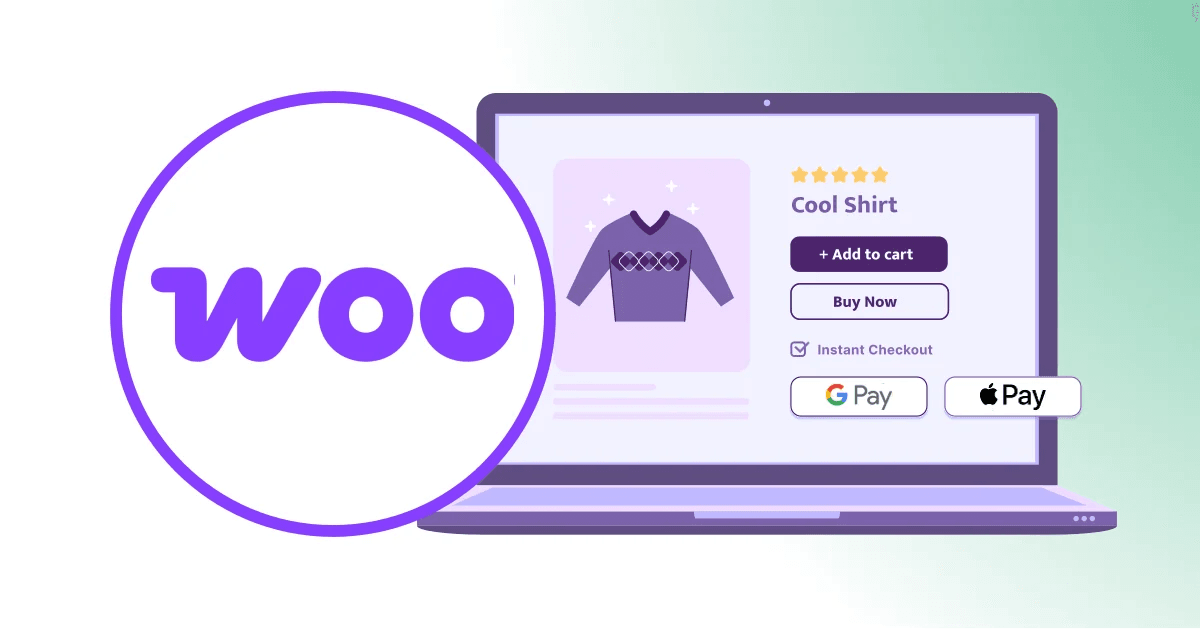
Online shoppers expect a fast and hassle-free checkout experience. If your WooCommerce store requires customers to go through multiple checkout steps, you could be losing potential sales. That’s where Express Checkout comes in. By offering popular payment methods such as Apple Pay, Google Pay, Afterpay, and Cash App, you can allow customers to complete purchases in just a few clicks.
This guide walks through the process of setting up Express Checkout in WooCommerce, including the tools and payment gateways you’ll need to get started. Whether you’re looking to improve mobile conversions, reduce cart abandonment, or provide a more convenient shopping experience, Express Checkout can make a significant difference.
What You’ll Learn
- How to set up Express Checkout in WooCommerce using trusted payment solutions.
- The requirements for enabling Apple Pay and Google Pay on your online store.
- How Afterpay allows customers to split purchases into installments while helping merchants increase sales.
- The steps for integrating Cash App Pay as an additional payment option.
- How the Square Payments Gateway supports fast and secure checkout experiences.
- An overview of WC Shop Sync’s pricing and how it helps synchronize products, inventory, and orders between WooCommerce and Square.
- Best practices for testing and optimizing your checkout flow after setup.
- Common issues store owners encounter and how to troubleshoot them.
Why Express Checkout Matters
A lengthy checkout process is one of the most common reasons shoppers abandon their carts. Express Checkout removes unnecessary friction by allowing customers to use payment methods they already trust and have configured on their devices. This not only speeds up the buying process but also improves customer satisfaction and can lead to higher conversion rates.
For mobile shoppers in particular, payment options like Apple Pay, Google Pay, and Cash App provide a seamless purchasing experience without requiring users to enter billing and shipping information manually. As a result, store owners can create a smoother path to purchase and reduce the chances of losing customers before the sale is completed.
Additional Resources
- WooCommerce Payments Documentation: https://woocommerce.com/document/payments/
Conclusion
Setting up Express Checkout in WooCommerce is one of the simplest ways to improve the customer experience and increase the number of completed purchases. By offering convenient payment options such as Apple Pay, Google Pay, Afterpay, and Cash App through solutions like the Square Payments Gateway, you can make checkout faster, more secure, and more user-friendly.
As online shopping continues to evolve, customers increasingly expect quick and flexible payment experiences. Implementing Express Checkout today can help your WooCommerce store stay competitive, reduce cart abandonment, and create a smoother journey from product page to completed order.
메타데이터
- post_id
- 2401c294f2de
- slug
- how-to-set-up-express-checkout-in-woocommerce-complete-guide-2401c294f2de
- url
- https://medium.com/@hamzahanif377/how-to-set-up-express-checkout-in-woocommerce-complete-guide-2401c294f2de
- canonical_url
- https://medium.com/@hamzahanif377/how-to-set-up-express-checkout-in-woocommerce-complete-guide-2401c294f2de
- author_url
- https://medium.com/@hamzahanif377
- status
- ok
- fetched_at
- 2026-06-24 11:06:28