Boosting Visual Quality: How to Enhance Details in Leonardo.AI Designs
Creating visually stunning and highly detailed designs is a must for professional creators. Leonardo.AI offers a suite of tools that can…
Boosting Visual Quality: How to Enhance Details in Leonardo.AI Designs
Creating visually stunning and highly detailed designs is a must for professional creators. Leonardo.AI offers a suite of tools that can enhance design details, making your artwork stand out. In this guide, we’ll explore advanced techniques for refining your AI-generated designs, including prompt optimization, layering, and more. You’ll also learn practical examples and prompts to achieve polished, high-quality results.
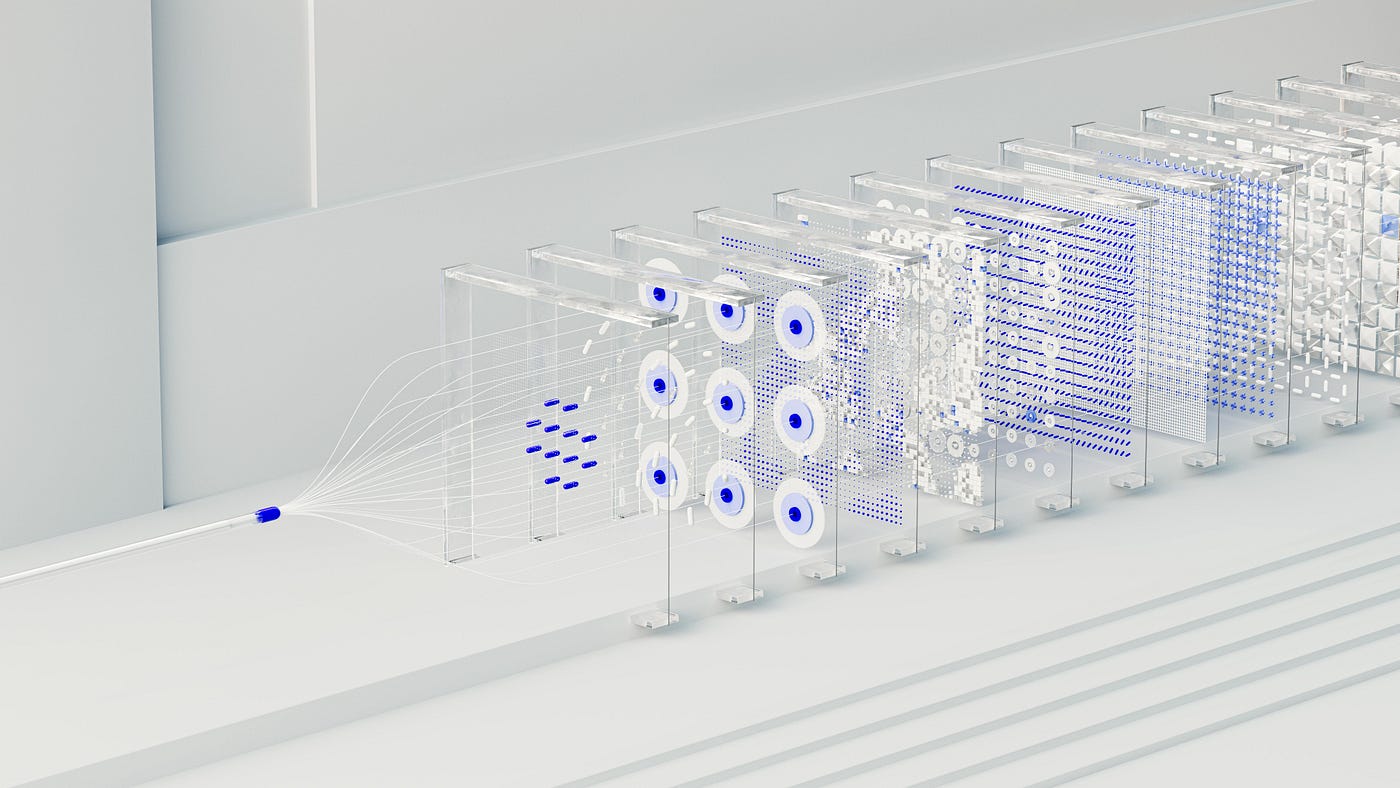
Photo by Haithem Ferdi on Unsplash
1. Use Specific Prompts for Fine Details
Leonardo.AI responds well to clear, descriptive prompts. The more specific you are, the better the output. When aiming for enhanced details, include adjectives and instructions about textures, lighting, and focus.
Example Prompt for Textured Detail: “Generate a 4K resolution fantasy castle surrounded by a lush forest, with intricate stone textures, detailed stained-glass windows, and dynamic sunlight filtering through the trees.”
Why It Works: This prompt specifies multiple levels of detail — textures, lighting, and elements — ensuring the output looks polished and realistic.
2. Leverage Layering and Composition Techniques
Layering multiple elements in your design can add depth and complexity. Leonardo.AI allows users to include specific layers, ensuring each component contributes to the overall visual quality.
Example Prompt for Layered Composition: “Design a high-resolution sci-fi cityscape with neon lights in the foreground, skyscrapers with intricate glass detailing in the midground, and a starry galaxy in the background.”
Why It Works: This approach uses depth (foreground, midground, background) to create a more engaging and dynamic visual.
3. Enhance Lighting and Shadows for Realism
Lighting and shadow play a crucial role in visual appeal. Use prompts that define the direction and type of light (e.g., soft, dynamic, or harsh) to add depth and realism to your designs.
Example Prompt for Lighting Effects: “Create a high-detail image of a marble sculpture under soft, diffused lighting with realistic shadows cast on a polished wooden floor.”
Why It Works: Specifying the lighting type and shadow details makes the design more realistic and visually cohesive.
4. Refine Outputs with Color and Texture Adjustments
High-quality visuals often have balanced colors and intricate textures. Leonardo.AI can enhance these aspects when you direct it to focus on gradients, tones, or material finishes.
Example Prompt for Texture Refinement: “Generate a close-up of a luxury leather handbag with visible grain textures, rich brown tones, and golden metallic accents under soft studio lighting.”
Why It Works: Adding instructions about textures and finishes ensures your design looks polished and professional.
5. Iterate and Experiment for Optimal Results
Don’t hesitate to generate multiple versions of your design to find the most detailed and visually appealing output. Leonardo.AI’s iterative approach allows you to tweak prompts until you achieve perfection.
Example Iterative Prompt: “Version 1: Create a surreal landscape with glowing bioluminescent plants. Version 2: Enhance the bioluminescence to highlight textures and add soft mist in the background.”
Why It Works: Iterative refinement ensures each element is perfectly detailed, creating a cohesive and striking visual.
Pro Tips for Enhancing Details with Leonardo.AI
- Start with High Resolution: Always set the resolution to 4K or higher for better detailing.
- Use Adjectives Wisely: Include descriptive words like “intricate,” “ornate,” or “textured” to guide the AI.
- Focus on Lighting: Incorporate specific lighting effects to add realism and depth.
- Experiment with Multiple Prompts: Test different versions to refine the final output.
- Post-Edit for Perfection: Use editing tools like Photoshop to fine-tune your design further if necessary.
Enhancing visual details with Leonardo.AI is all about mastering prompts and experimenting with composition. By following these techniques and using the provided examples, you can elevate your AI-generated designs to professional-quality visuals. Whether you’re creating for social media, branding, or artistic projects, these methods will ensure your work stands out.
Start experimenting today and unlock the true potential of Leonardo.AI for highly detailed and polished designs!
메타데이터
- post_id
- 24db32fa0d4b
- slug
- boosting-visual-quality-how-to-enhance-details-in-leonardo-ai-designs-24db32fa0d4b
- url
- https://medium.com/@faturochman.ilham/boosting-visual-quality-how-to-enhance-details-in-leonardo-ai-designs-24db32fa0d4b
- canonical_url
- https://medium.com/@faturochman.ilham/boosting-visual-quality-how-to-enhance-details-in-leonardo-ai-designs-24db32fa0d4b
- author_url
- https://medium.com/@faturochman.ilham
- status
- ok
- fetched_at
- 2026-06-09 15:37:30