macOS 27 Preview: These New Features Coming to the Mac This Fall.
So WWDC 2026 is just around the corner, and while everyone’s been talking nonstop about iOS 27, there’s actually a lot going on with macOS…
macOS 27 Preview: These New Features Coming to the Mac This Fall.
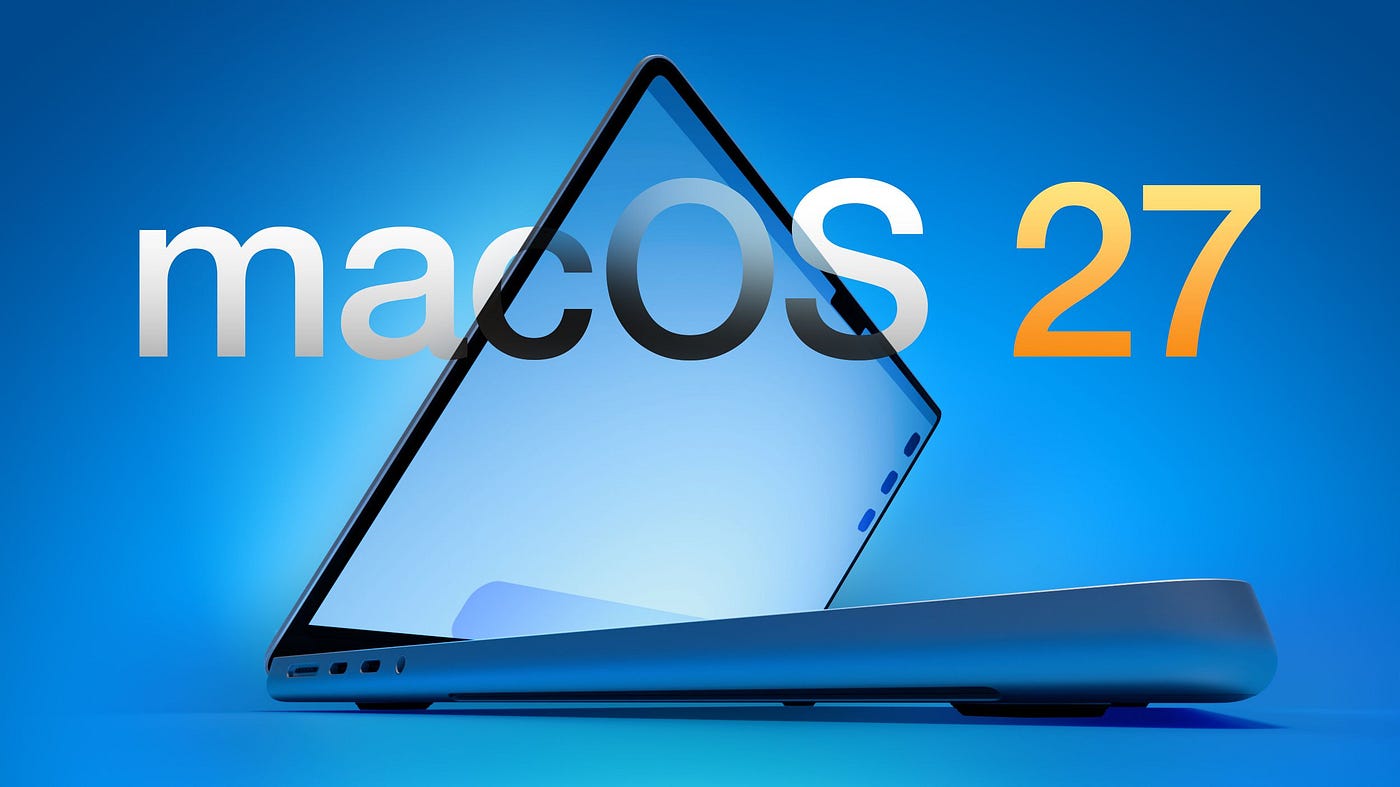
So WWDC 2026 is just around the corner, and while everyone’s been talking nonstop about iOS 27, there’s actually a lot going on with macOS 27 too. We don’t know everything yet Apple’s pretty good at keeping secrets but there’s enough out there to get excited (or worried, depending on how you feel about Liquid Glass).
Let me break it all down for you.
Liquid Glass Isn’t Going Away
Look, if you’re one of those people who opened their Mac after the macOS Tahoe update and went “what on earth is this?” I feel you. The whole Liquid Glass thing with all its transparency and weird shadows… it’s a lot.
Bad news: Apple isn’t ditching it. Good news: they’re apparently working on a “slight redesign.” The rumor is that Apple knows the transparency and shadow effects don’t really translate as well on a Mac screen as they do on an iPhone. So some fixes are coming. Don’t expect it to go back to how it looked before, but small improvements? Probably yes.
Siri Is Finally Getting Good on Mac
Okay so we’ve all heard “Siri is getting smarter” like a hundred times. But this time it actually sounds different. A new Siri interface is planned for macOS 27, and there’s even talk of a standalone Siri app for the Mac.
On the iPhone side, Siri is going to live in the Dynamic Island with a sleek dark interface. Will Apple do something similar with the Mac’s notch? Honestly, who knows — but it’s possible.
The main thing is that Siri on Mac should finally feel like a proper tool, not just something you accidentally trigger when you’re trying to hit F5.
A Bunch of AI Features Are Coming Too
Most of these are being talked about in the context of iOS 27, but a lot of them should land on Mac as well. Here’s a quick rundown:
Photos — Two new tricks called Extend and Reframe. Extend basically fills in the area around a photo (like if you want more background). Reframe lets you change the angle or perspective after you’ve already taken the shot. There’s also a natural language editing tool, though that one might not be ready at launch.
Image Playground — Apple’s testing models that make more realistic-looking images. The app itself might get some interface updates too.
Wallpapers — You’ll be able to generate custom wallpapers using Image Playground. Kind of fun, honestly.
Shortcuts — This is a big one. You’ll be able to just tell Siri what you want a shortcut to do, and it’ll build it for you. No more staring at the Shortcuts app wondering what “Get Dictionary Value” even means.
Writing Tools — Grammar check is coming, on top of the existing spell check. Plus expanded rewriting and text generation tools. Good news for anyone who writes a lot.
Safari — Safari will automatically sort your open tabs into groups. If you’re the kind of person who has 47 tabs open at once, this might actually save your sanity.
Apple Is Doing a “Snow Leopard” Style Update
Remember back in the day when Apple released Snow Leopard and it was basically just “we fixed a ton of stuff and made everything faster”? Apple’s reportedly doing something similar with iOS 27 and macOS 27.
Bloomberg’s Mark Gurman — who’s usually pretty spot on with Apple stuff said Apple is working on a Snow Leopard-style update focused on quality and performance. So even if some of the flashy features don’t blow your mind, the system itself should just… work better. And honestly? Sometimes that’s what you actually need.
Touchscreen Mac Hints?
There’s a touchscreen MacBook Pro in the works an OLED one though it’s probably not arriving until late 2026 or even 2027. That said, Apple might quietly slip some touchscreen-related code into macOS 27. You probably won’t notice it in day-to-day use, but the people who like to dig through Apple’s software looking for clues will probably find something interesting.
Intel Mac Users, This Is Goodbye
If you’re still on an Intel Mac… I’m sorry to be the one to tell you this. macOS 27 will not run on Intel chips. macOS Tahoe (that’s macOS 26) is the last version you’ll be able to use. Apple stopped selling Intel Macs in 2023, so this has been coming for a while, but still it stings if you’re affected.
Oh, and Rosetta 2 the little tool that lets older Intel-only apps run on Apple silicon Macs is also getting phased out. It’ll still work in macOS 27, but it’s gone in macOS 28. So if you’re using any app that still hasn’t been updated for Apple silicon, it’s gonna need an update by fall 2027 or it just won’t work anymore.
What Will It Be Called?
Apple names every macOS version after a California landmark, and they haven’t leaked this one yet. Two names are floating around:
macOS Big Bear — Apple shared a “Project Big Bear” hashmoji file on X, so this seems like a real possibility.
macOS Emerald — Emerald Bay is a little bay off Lake Tahoe. If Apple is leaning into the Snow Leopard comparison (Snow Leopard followed Leopard, Emerald follows Tahoe), this name would actually make a lot of sense.
Personally? I kind of like the Emerald idea. It sounds nice and fits the theme.
When Can You Get It?
Here’s the rough timeline:
- Developers can get a beta right after the WWDC keynote on June 8
- Public beta should land sometime in July
- Full release will be in the fall, as usual
So if you want to test it early and don’t mind a few bugs, the public beta is your friend. Otherwise, just wait for the fall update like most people do.
That’s pretty much everything we know about macOS 27 so far. There will definitely be surprises at WWDC Apple always has something up their sleeve. But between the Siri upgrades, the AI features, the performance focus, and the end of Intel support, this is shaping up to be one of the more significant macOS updates in a while.
메타데이터
- post_id
- 261a758d8f16
- slug
- macos-27-preview-these-new-features-coming-to-the-mac-this-fall-261a758d8f16
- url
- https://medium.com/apple-insides/macos-27-preview-these-new-features-coming-to-the-mac-this-fall-261a758d8f16
- canonical_url
- https://medium.com/apple-insides/macos-27-preview-these-new-features-coming-to-the-mac-this-fall-261a758d8f16
- author_url
- https://medium.com/@mathanamohans2003
- status
- ok
- fetched_at
- 2026-06-12 07:40:50